Overview
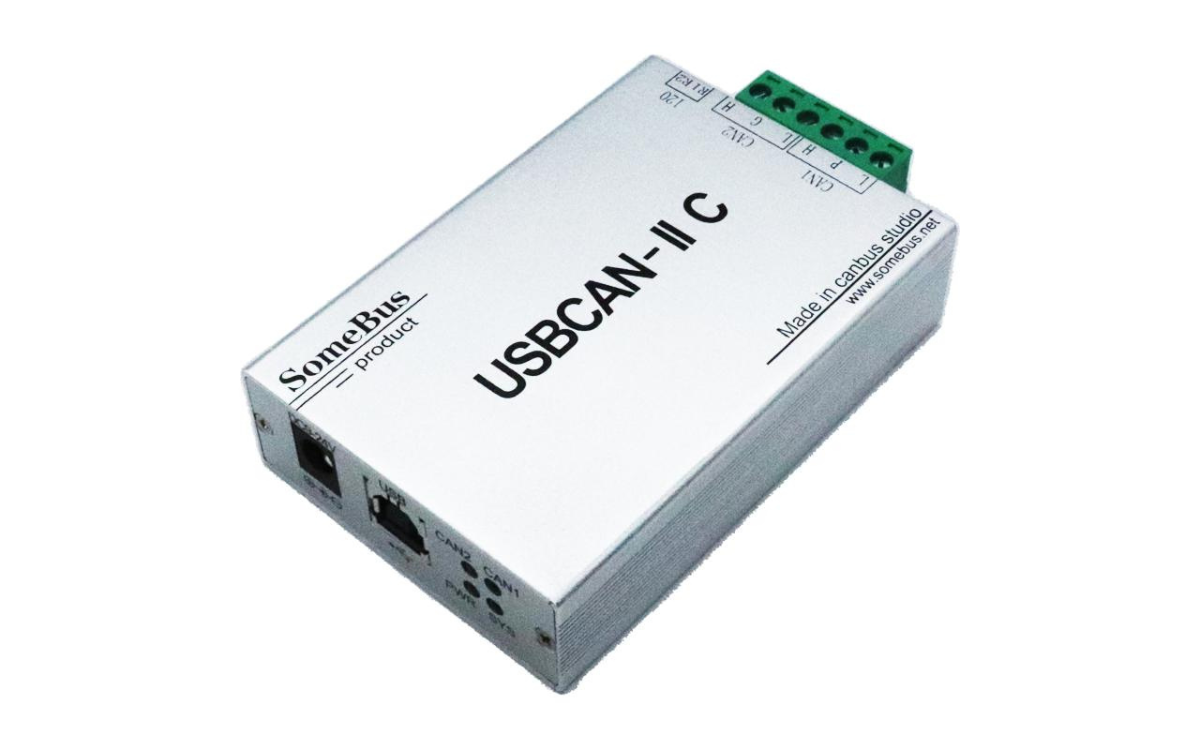
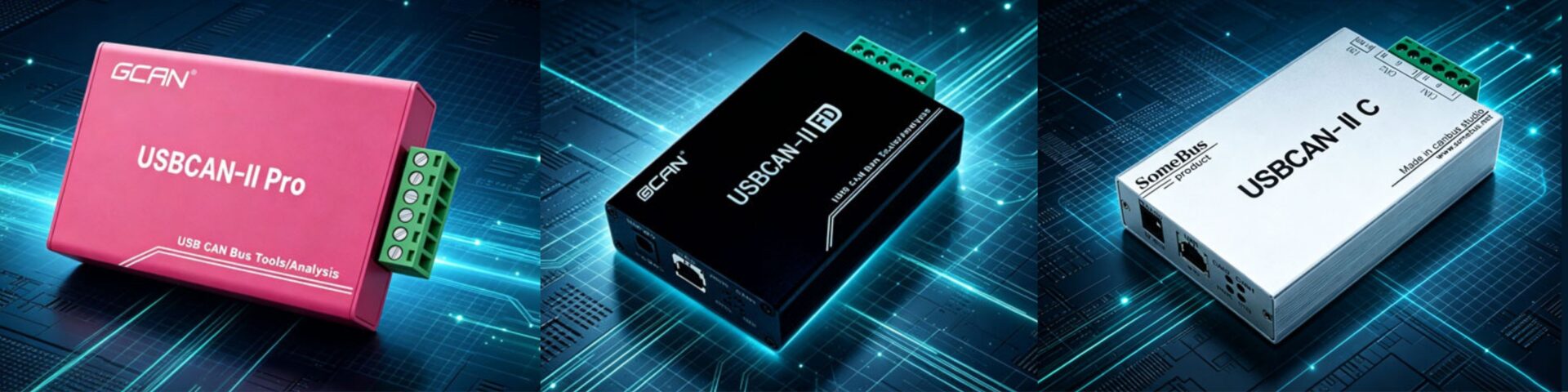
- The USBCAN-II FD is a high-performance dual-channel USB-to-CAN interface that enables a PC to connect directly to CAN and CAN FD networks for communication testing, monitoring, and data acquisition.
- Supporting both CAN 2.0A/B and CAN FD protocols, it provides two independent CAN channels, with CAN FD data rates of up to 5 Mbps. Its compact design and electrical isolation make it suitable for automotive electronics development, industrial control, and CAN FD network testing.
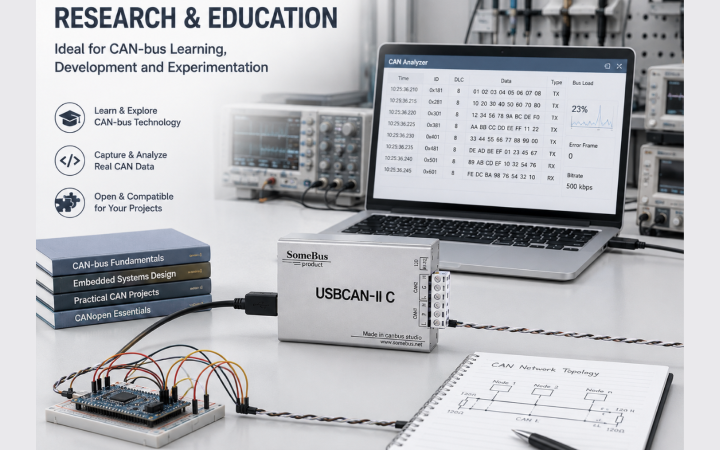
- The device works with ECANTools software for message transmission, reception, monitoring, and data logging. SDK and API libraries are also provided for secondary development and integration into custom applications.
Dual-Channel USB CAN FD Analyzer
Engineered for industrial bus diagnostics and monitoring
Independent 2-channel high-speed data acquisition
2500V DC isolation
Supports CAN FD up to 5 Mbps with 1 µs timestamp
Free open ECanFDVci SDK with multi-language APIs
01. Dual CAN Channels
Two independent CAN/CAN FD channels for connecting and testing separate bus networks.
02. CAN FD up to 5 Mbps
Supports CAN FD data rates up to 5 Mbps for high-speed communication testing.
03. CAN 2.0 & CAN FD Compatibility
Supports CAN 2.0A, CAN 2.0B and CAN FD frame formats.
04. 1 μs Timestamping
Provides up to 1 μs timestamp accuracy for CAN message timing analysis.
05. High-Speed Data Reception
Supports a maximum receive rate of 14,000 frames per second (fps).
06. CAN Bus Monitoring & Data Logging
Supports CAN/CAN FD message transmission, real-time monitoring, filtering, cyclic sending and data logging with ECANTools.
07. SDK & API for Development
Provides SDK and API libraries for custom application development using VC, VB and LabVIEW
08. 2500 V Electrical Isolation
Features 2500 V DC isolation on the CAN interface for improved electrical protection.
09. USB Interface & Flexible Power
Connects via USB 2.0 and supports USB bus power or an external 9–24 V DC supply.
Find Your CAN Bus Solution by Application
◆Application 1: CAN / CAN FD Communication Testing
💡 How it works:
- Role: Acts as a PC-based CAN/CAN FD interface for testing communication between devices on a CAN network.
- Connection: Connects to the PC via USB and links to the CAN bus through its two independent CAN channels.
- Data Processing: Uses ECANTools to send, receive, monitor and filter CAN/CAN FD messages, helping engineers verify communication and troubleshoot bus issues.
◆Application 2: Automotive Electronics Development & Testing
💡 How it works:
- Role: Serves as a CAN/CAN FD testing tool for automotive ECU development and bench testing.
- Connection: Connects a PC to vehicle electronic control units (ECUs) through the CAN or CAN FD interface.
- Data Processing: Sends test frames, monitors ECU responses and records communication data for functional verification and debugging.
◆Application 3: High-Speed Industrial Communication & Data Acquisition
💡 How it works:
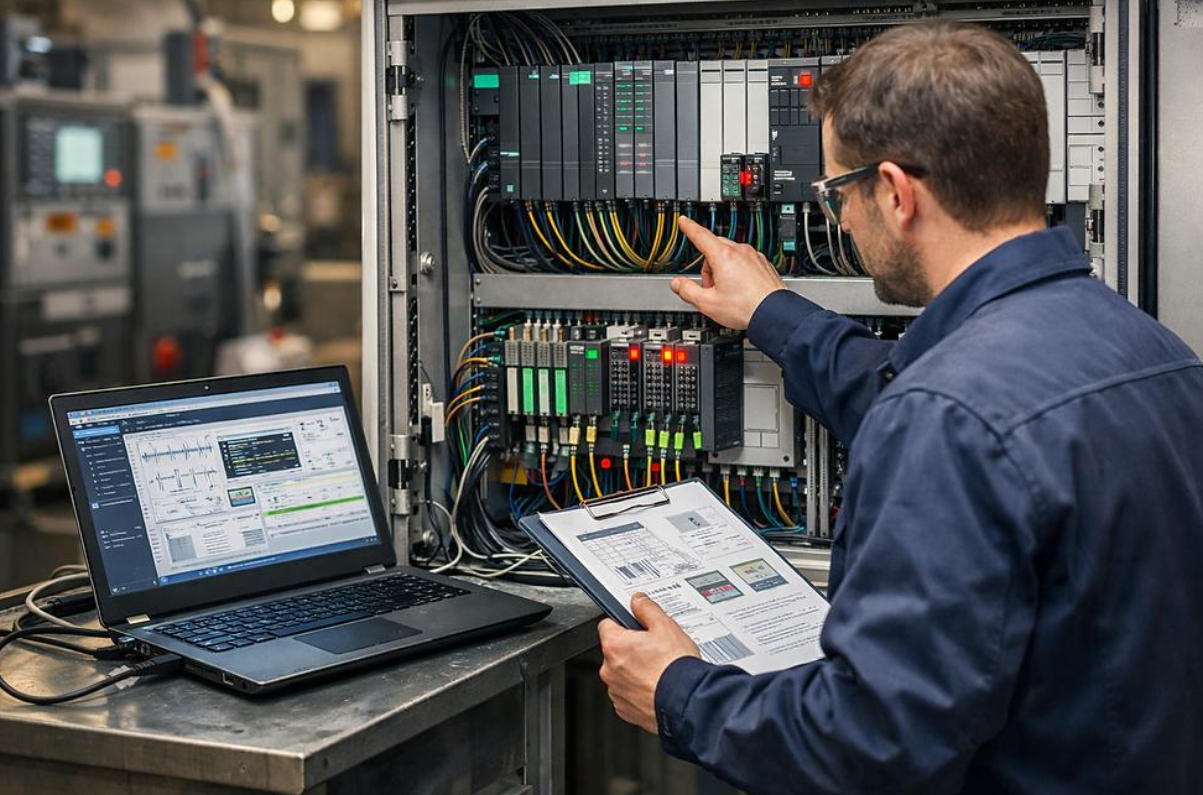
- Role: Provides a high-speed interface for monitoring and collecting CAN/CAN FD data in industrial equipment.
- Connection: Connects a PC to industrial controllers, drives or other CAN-enabled devices through the CAN bus.
- Data Processing: Captures messages at up to 14,000 fps with timestamp accuracy of up to 1 μs, supporting communication analysis and data logging.
Technical Specifications
| No. | Category | Attribute | Specification |
|---|---|---|---|
| 1 | General | Model | GCAN USBCAN-II FD |
| 2 | General | Dimensions | 104 mm × 64 mm × 24 mm (incl. terminals) |
| 3 | General | Weight | 120 g |
| 4 | General | Operating Temperature | -40°C to +85°C |
| 5 | General | Operating Humidity | 15% to 90% RH, no condensation |
| 6 | Interface | PC Interface | USB 2.0 Full Speed, Type A (compatible with USB 1.1/3.0) |
| 7 | Interface | CAN Interface | OPEN6 pluggable terminal |
| 8 | Interface | Channels | 2 independent CAN / CAN FD channels |
| 9 | Performance | Protocol Support | ISO/DIS 11898, CAN 2.0A/B, CAN FD |
| 10 | Performance | CAN Baud Rate | 10 Kbps – 1 Mbps (programmable) |
| 11 | Performance | CAN FD Baud Rate | Up to 5 Mbps |
| 12 | Performance | Receive Rate | Up to 14,000 fps |
| 13 | Performance | Timestamp Resolution | 1 μs |
| 14 | Performance | Isolation Voltage | 2500V DC |
| 15 | Performance | Terminal Resistor | Built-in 120Ω (DIP switchable) |
| 16 | Power | Power Supply | USB bus power or DC 9-24V external |
| 17 | Power | Power Current | Max 130mA |
| 18 | Environment | EMC Standard | EN 55024:2011-09, EN 55022:2011-12 |
| 19 | Environment | Protection Rating | IP20 |
| 20 | Software | OS Support | Windows XP/7/8/10 (32/64-bit) |
| 21 | Software | Test Software | ECANTools |
| 22 | Software | Secondary Development | Supported (ECanFDVCI SDK) |
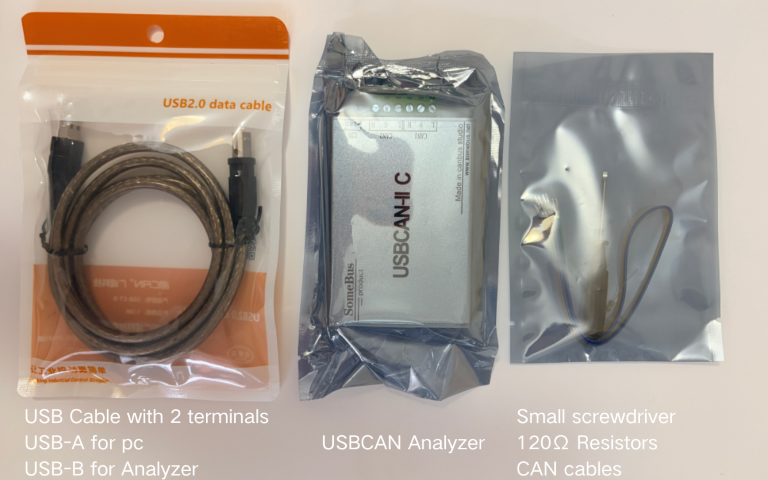
Packing Details
Related Topic: #CAN Bus Monitoring & Data Acquisition
10 Related Articles
GCAN-212B Application: Ethernet-Based CAN Bus Diagnosis and Testing
Use the GCAN-212B to connect a PC-based diagnostic application to a CAN network over Ethernet. Monitor CAN traffic, transmit test messages, and analyze communication responses.
GCAN-212B Application: Ethernet-Based CAN Data Acquisition
Connect CAN field devices to an Ethernet-based PC using the GCAN-212B. Collect, monitor, and record CAN data through TCP or UDP Socket communication.
GCAN-211 Application: Wireless CAN Bus Monitoring & Data Acquisition
Wireless CAN Bus Monitoring · WiFi Connectivity · 2-Channel CAN · TCP/UDP Communication · Remote CAN Data Acquisition
USBCAN-II FD Application: CAN FD Communication Testing
2-Channel CAN/CAN FD · CAN FD Frame Testing · Up to 64-Byte Payload · Data Rate up to 5 Mbps · 1 μs Timestamping · USBCAN-II FD
USBCAN-II C Application: CAN Device Development & Testing
CAN Frame Transmission & Reception · Embedded CAN Device Testing · Message Simulation · CAN 2.0A/B · USBCAN-II C
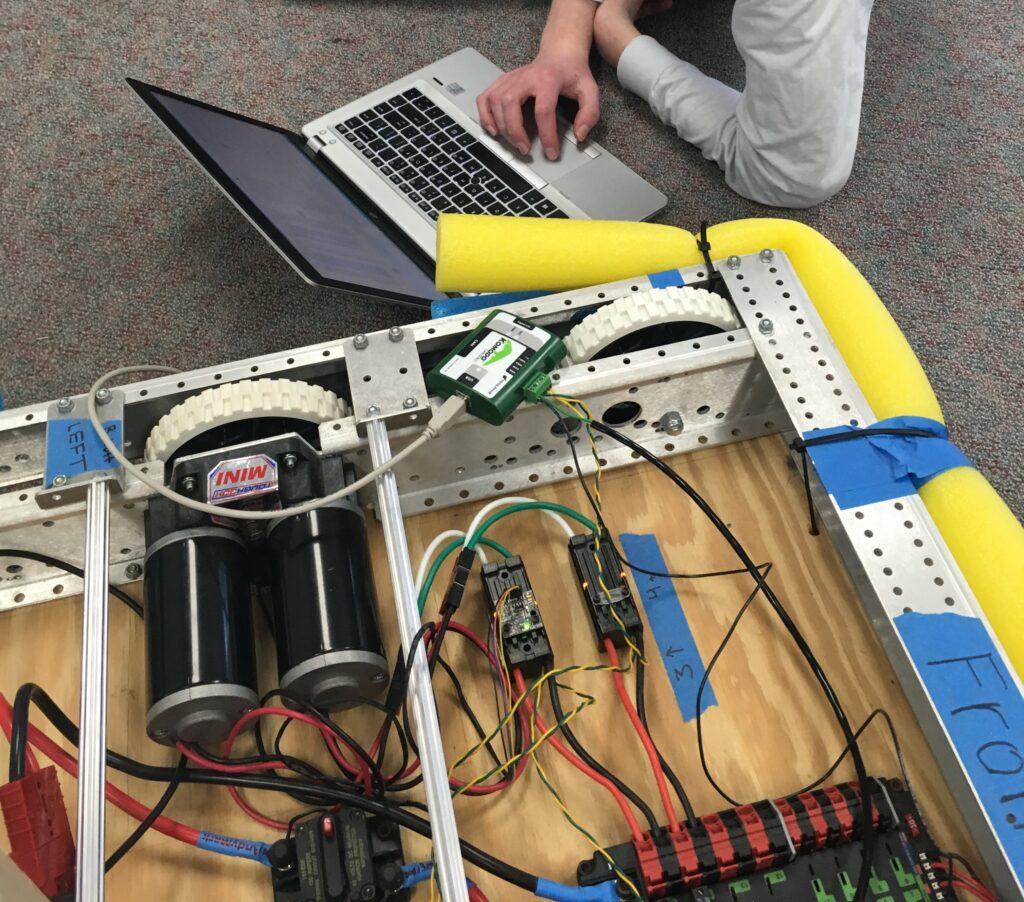
USBCAN-II C Application: Dual-Channel CAN Network Monitoring
2-Channel CAN Monitoring · Independent Bus Diagnostics · CAN 2.0A/B · Real-Time Frame Capture · USBCAN-II C
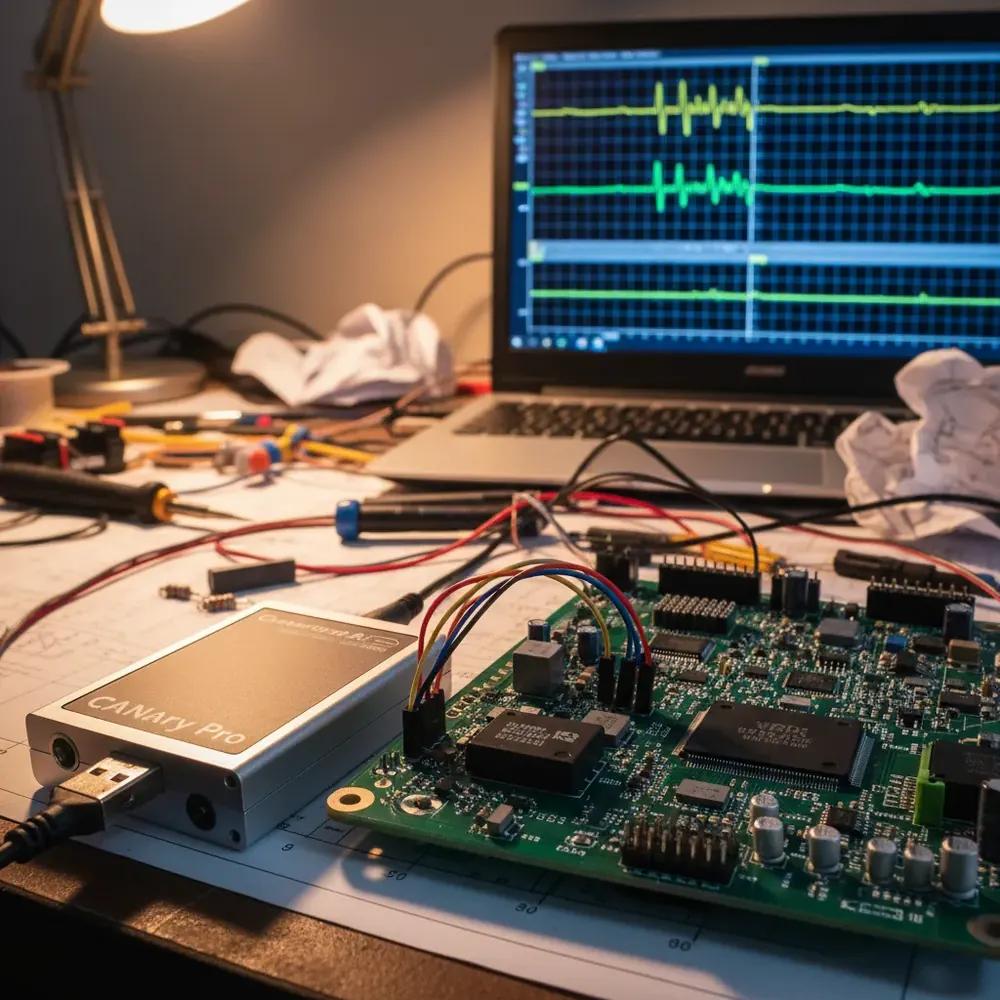
USBCAN-I PRO Application: CAN Bus Monitoring & Troubleshooting
Single-Channel CAN Monitoring · Real-Time Frame Capture · CAN Data Logging · 1 μs Timestamping · USBCAN-I PRO
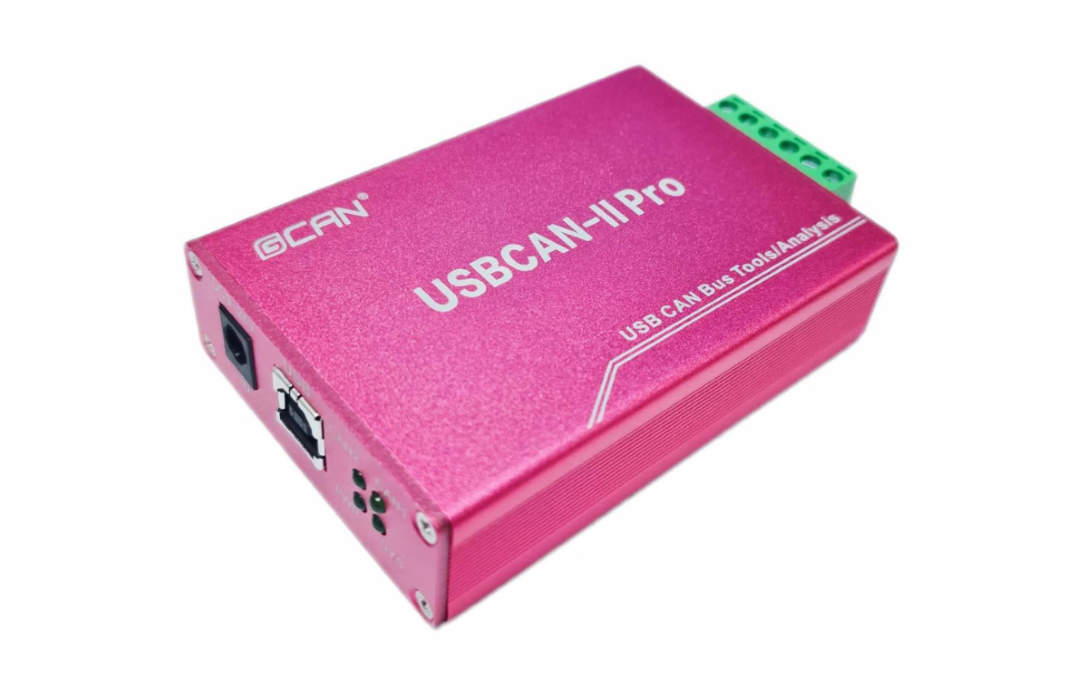
USBCAN-II Pro 2-Channel USB CAN Analyzer with CANopen Master
2-Channel CAN Bus Monitoring · Data Acquisition · CANopen Master · Free SDK & API Documentation · C/C++ · C# · Python · LabVIEW
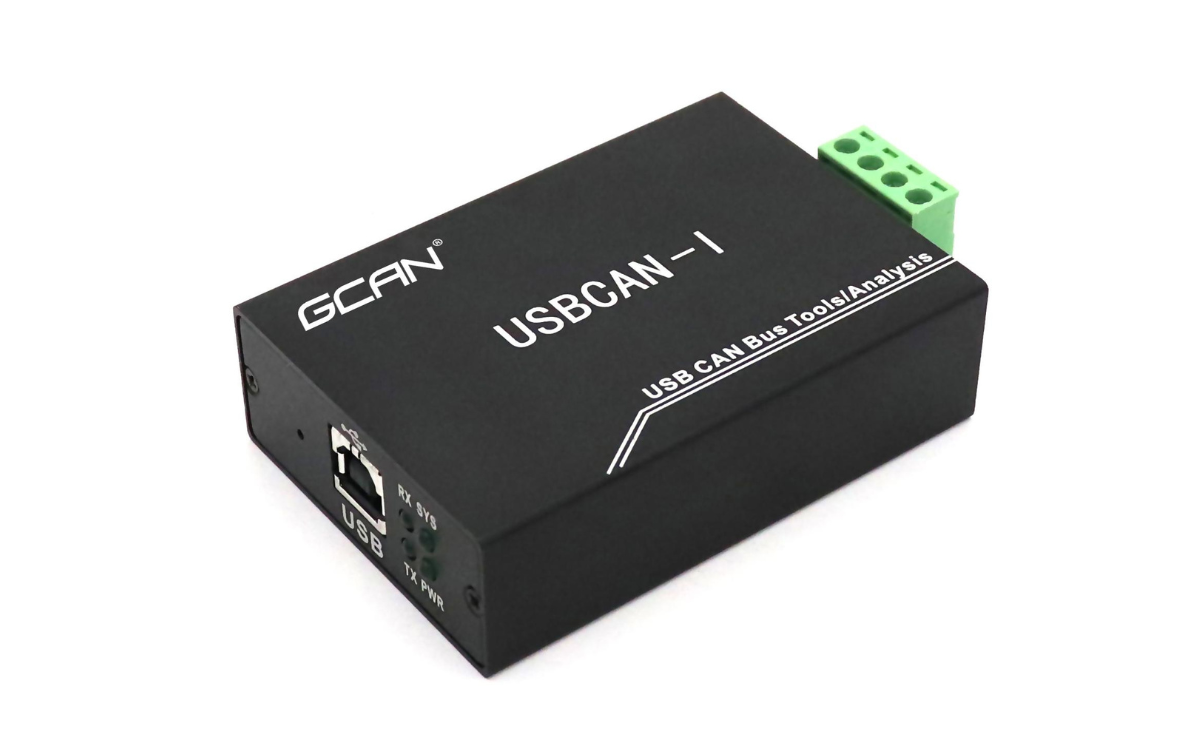
USBCAN-I PRO Single-Channel USB CAN Analyzer with CANopen Master
CAN Bus Monitoring · CANopen Master · OBD II Diagnostics · SDK & API Documentation · Windows & Linux
CAN Bus Testing: Tools, Methods and Applications
Post excerpt contains keyphrase and simple content introduction. Very important content for better SEO performance
Related Topic: #CANopen Network Commissioning
5 Related Articles
USBCAN-II PRO Application: CANopen Network Diagnostics
CANopen Network Diagnostics · Slave Node Scanning · SDO Parameter Access · PDO Monitoring · NMT & Emergency Status · USBCAN-II PRO
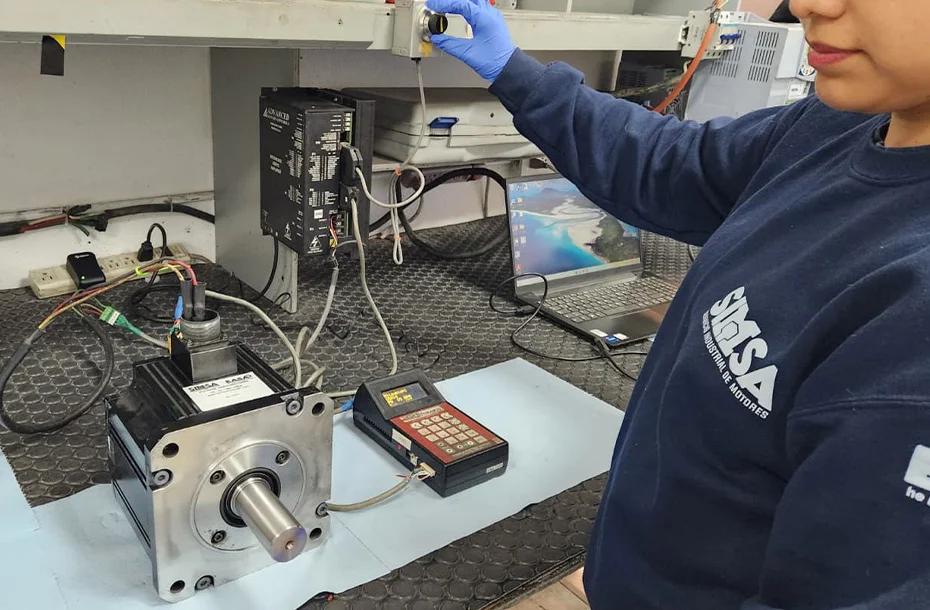
USBCAN-II PRO Application: CANopen Servo Drive Commissioning
CANopen Master · Servo Drive Configuration · NMT Node Management · SDO Parameter Access · PDO Monitoring · USBCAN-II PRO
USBCAN-II Pro 2-Channel USB CAN Analyzer with CANopen Master
2-Channel CAN Bus Monitoring · Data Acquisition · CANopen Master · Free SDK & API Documentation · C/C++ · C# · Python · LabVIEW
USBCAN-I PRO Single-Channel USB CAN Analyzer with CANopen Master
CAN Bus Monitoring · CANopen Master · OBD II Diagnostics · SDK & API Documentation · Windows & Linux
CAN Bus Testing: Tools, Methods and Applications
Post excerpt contains keyphrase and simple content introduction. Very important content for better SEO performance
Related Topic: #Modbus PLC to CAN Communication
5 Related Articles
GCAN-205 Application: Modbus TCP to CAN Command Transmission
PLC-to-CAN Command Transmission · GCAN-205 Modbus TCP-to-CAN Gateway · Modbus TCP Slave · CAN 2.0A/B · Triggered and Cyclic Transmission
GCAN-205 Application: CAN Data Acquisition via Modbus TCP
CAN Data Acquisition via Modbus TCP · GCAN-205 Modbus TCP-to-CAN Gateway · PLC Integration · CAN 2.0A/B · Configurable Register Mapping
GCAN-204 Application: Modbus PLC to CAN Device Command Transmission
Modbus RTU PLC to CAN Device Communication · PLC Command Transmission · Configurable Register Mapping · CAN 2.0A/B · GCAN-204
GCAN-204 Application: CAN Data Acquisition via Modbus RTU
CAN Sensor Data Acquisition · Modbus RTU PLC Integration · Configurable CAN-to-Modbus Register Mapping · CAN 2.0A/B · GCAN-204
GCAN-204 Modbus RTU Slave to CAN Gateway
Level 3 Gateway: Register Mapping Modbus RTU Slave to CAN Gateway · CAN 2.0A/B · Configurable Data Mapping · Software Configuration
Related Topic: #Wireless CAN Communication
1 Related ArticlesRelated Topic: #CAN Bus Fiber Optic Communication
1 Related Articles
Related Topic: #PLC to CAN Device Integration
6 Related Articles GCAN-204 Application: Modbus PLC to CAN Device Command Transmission
Modbus RTU PLC to CAN Device Communication · PLC Command Transmission · Configurable Register Mapping · CAN 2.0A/B · GCAN-204
GCAN-204 Application: CAN Data Acquisition via Modbus RTU
CAN Sensor Data Acquisition · Modbus RTU PLC Integration · Configurable CAN-to-Modbus Register Mapping · CAN 2.0A/B · GCAN-204
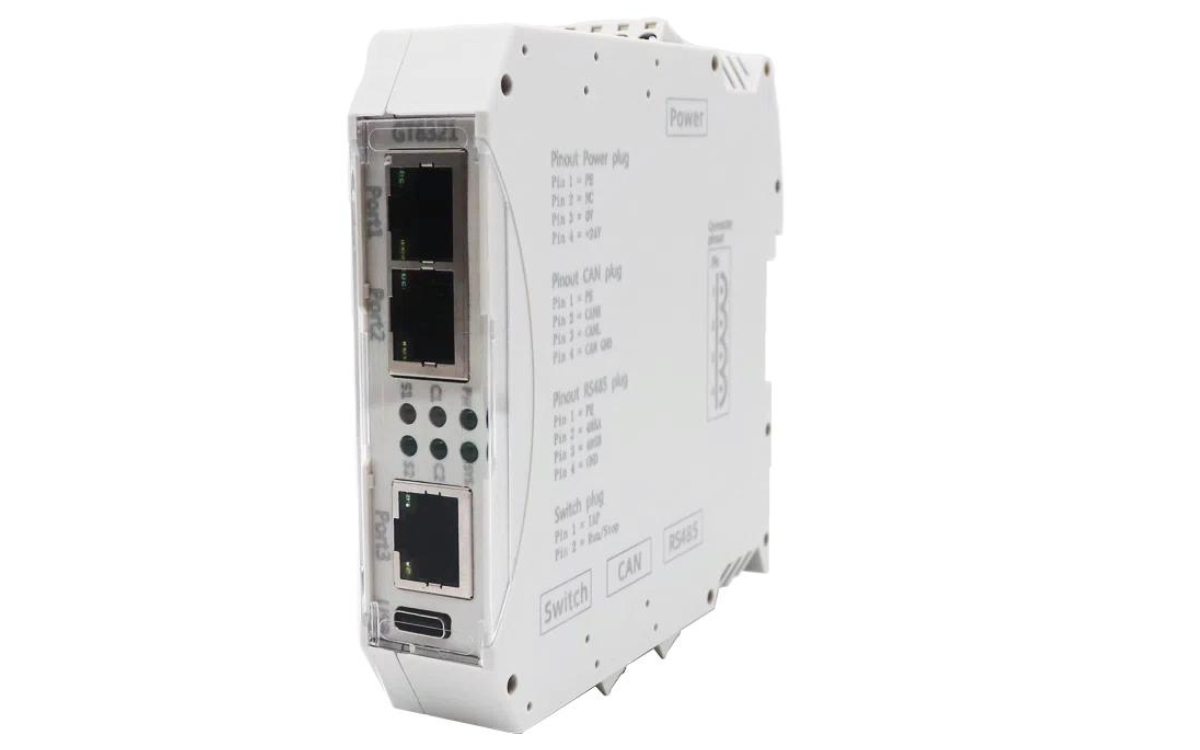
GCAN-GT-8321 Series:Profinet to CAN/CANopen/Modbus
Standard Models: Fixed Master/Slave Configuration for Plug & Play PROG Model: Fully Programmable Smart Gateway (CAN/RS485/Ethernet)
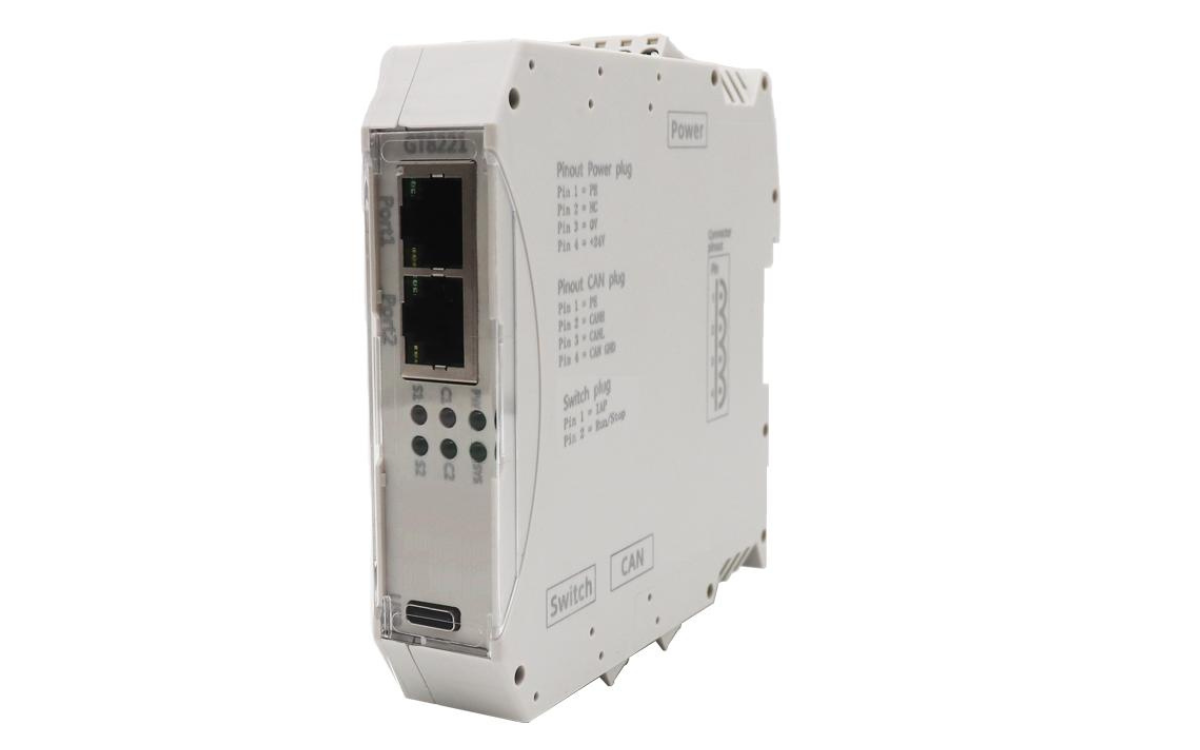
GCAN-GT-8221 Series: EtherCAT to CAN/CANopen Gateway
Level 2: Transparent Raw CAN Routing Level 4: Full CANopen Master Management
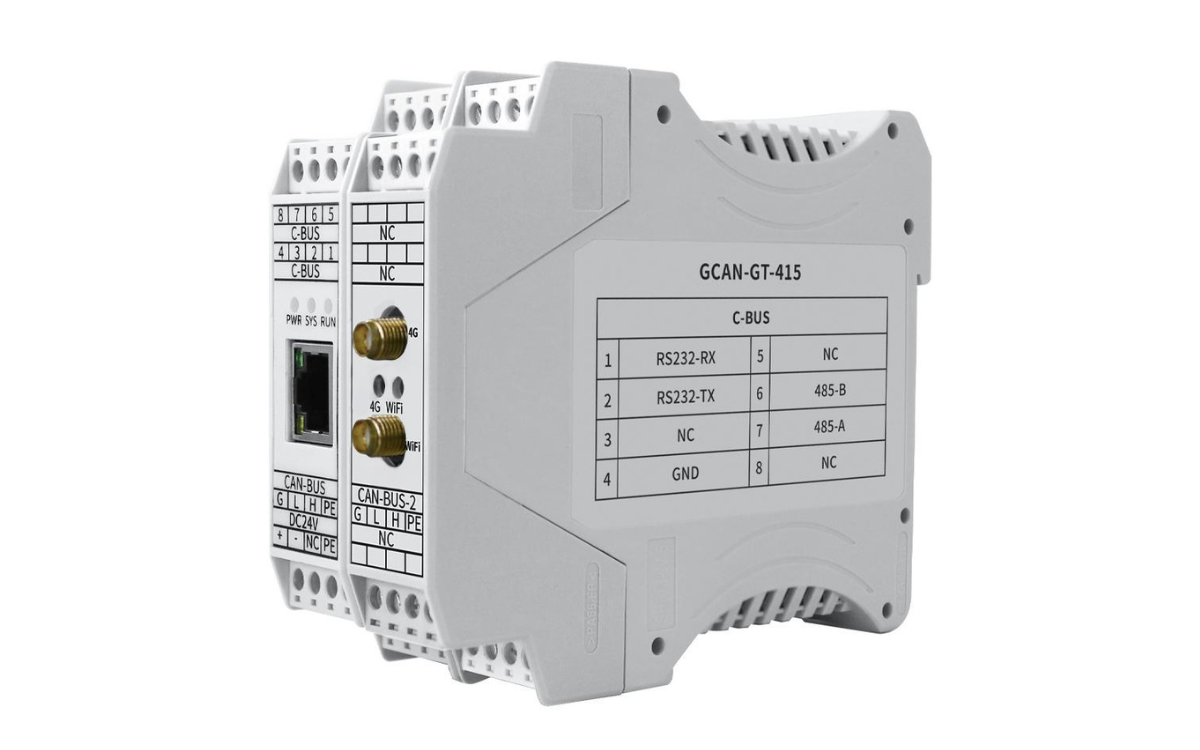
GCAN-GT-415 Programmable Multi-Protocol Gateway
CAN / CANopen / Modbus TCP / Modbus RTU / RS232 / RS485 / Ethernet / 4G / WiFi — programmable protocol conversion with OpenPCS
GCAN-204 Modbus RTU Slave to CAN Gateway
Level 3 Gateway: Register Mapping Modbus RTU Slave to CAN Gateway · CAN 2.0A/B · Configurable Data Mapping · Software Configuration
Related Topic: #CAN Remote I/O & PLC Integration
6 Related Articles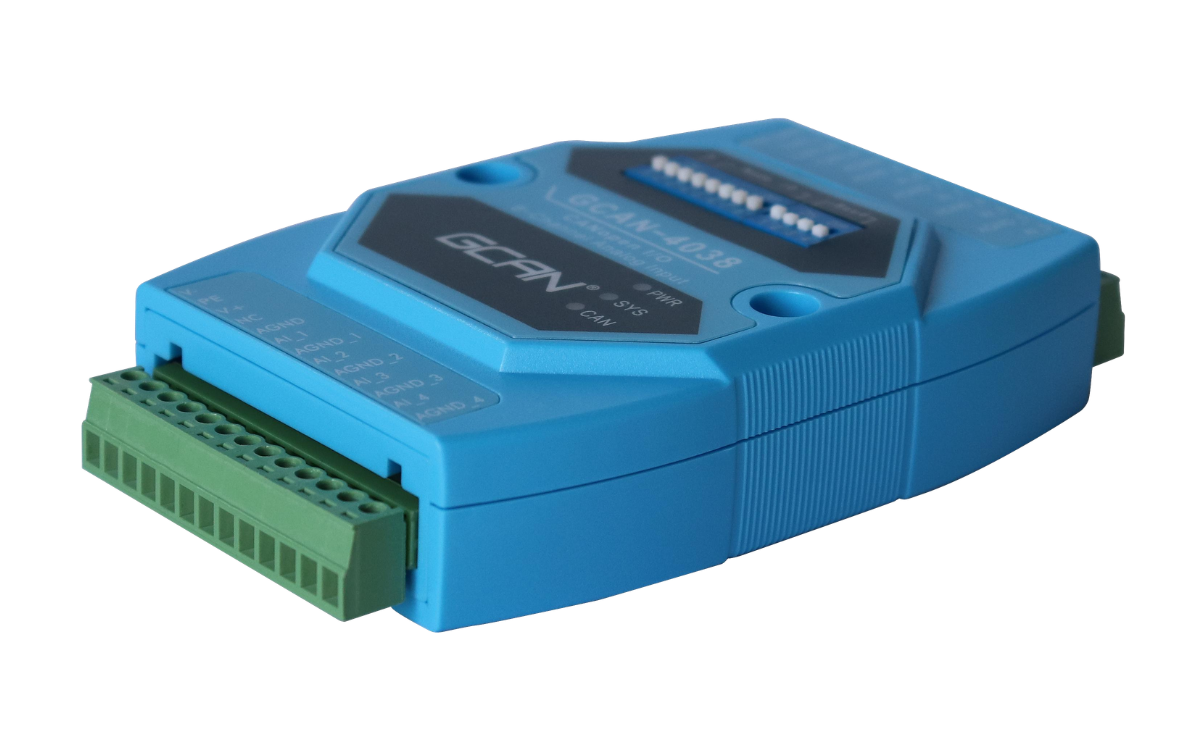
GCAN-I/O-4038 CANopen Analog Input Module
4-Ch DI & 4-Ch DO · CAN 2.0A/B & CANopen · 10K-1M Programmable Baud Rate · 1500V Isolation8-Ch AI · CAN 2.0A/B & CANopen · ±5V/±10V/±20mA · 1500V Isolation
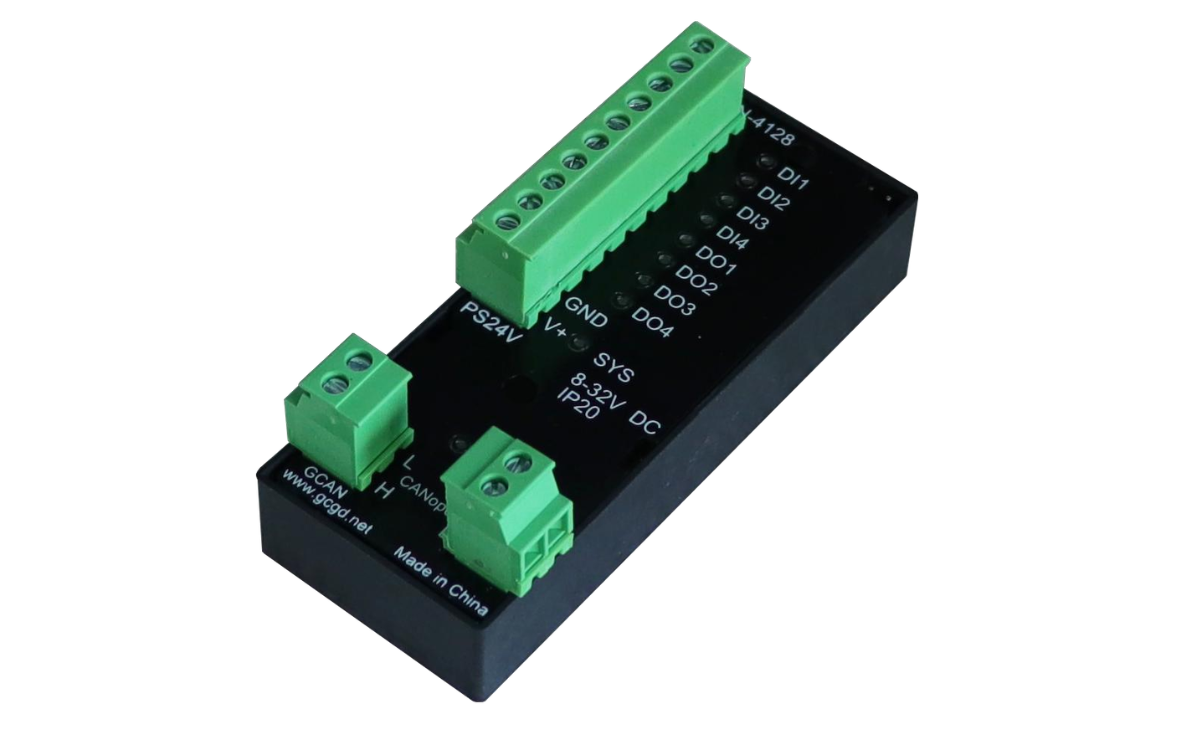
GCAN-I/O-4128 CANopen Remote I/O Module
4-Ch DI & 4-Ch DO · CAN 2.0A/B & CANopen · 10K-1M Programmable Baud Rate · 1500V Isolation
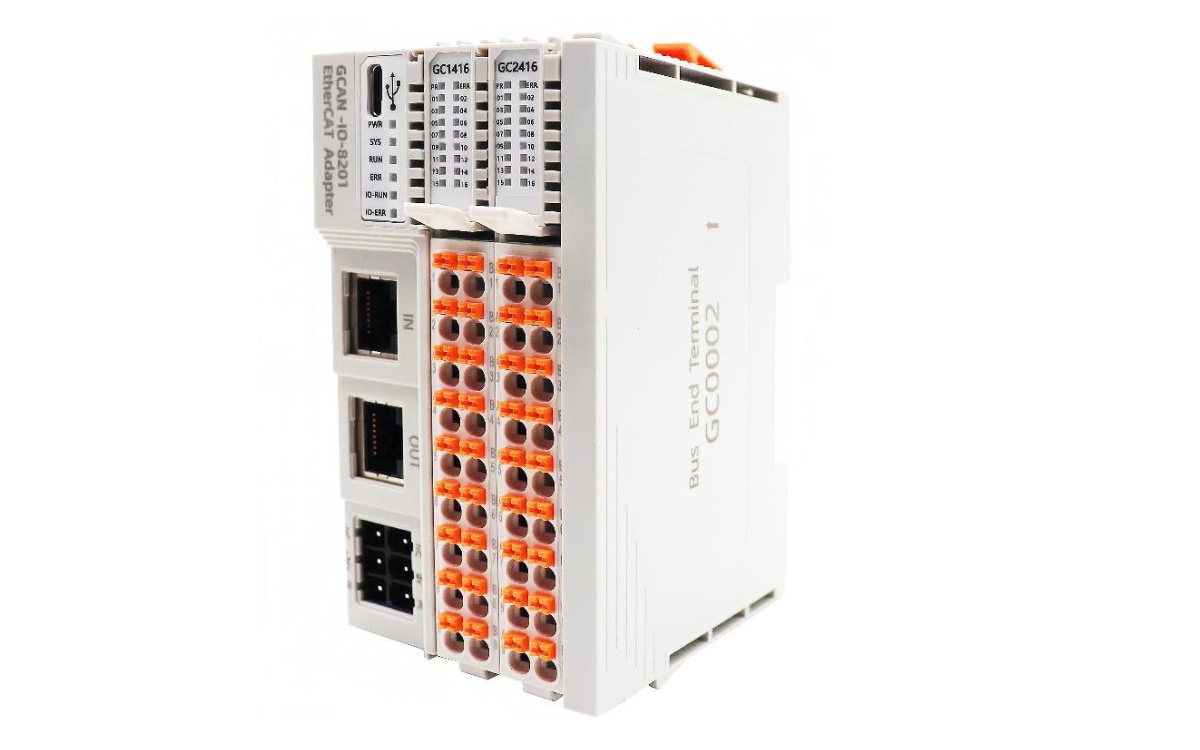
GCAN-I/O-8101 Modbus Remote I/O Coupler
Up to 32 I/O Modules · Ethernet & RS485 Ports · Auto-Configuration · Modbus TCP/RTU
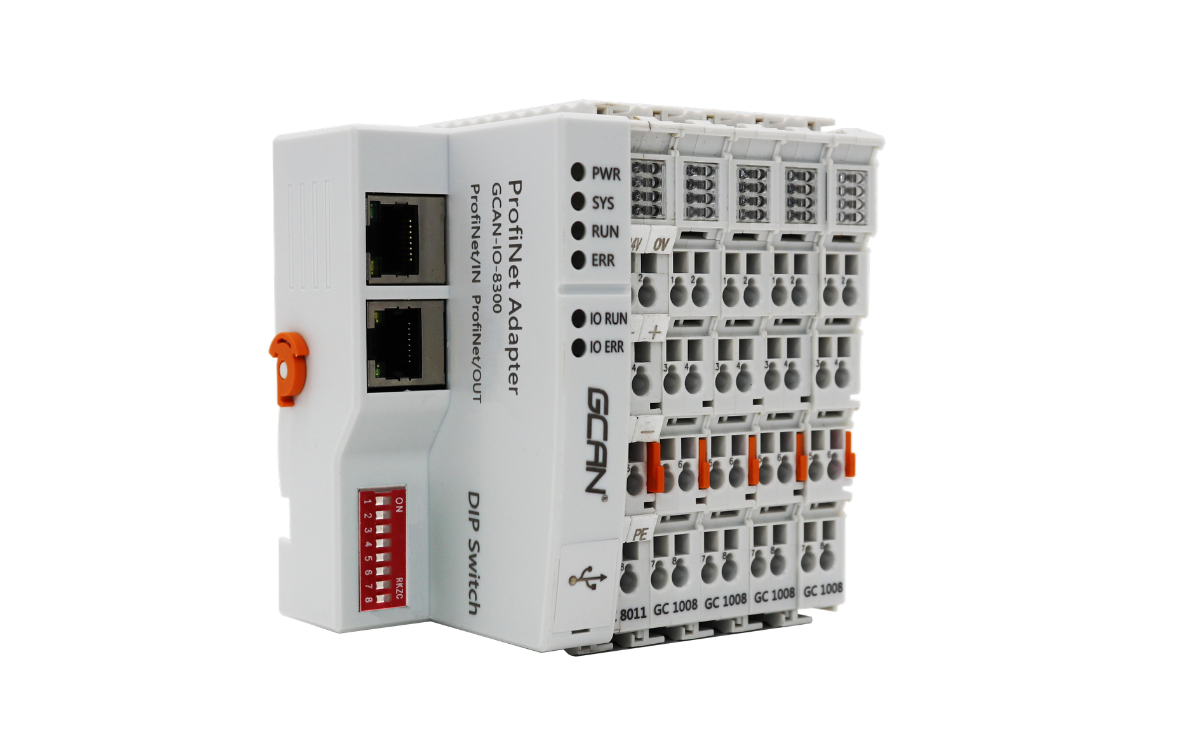
GCAN-I/O-8300 Profinet Remote I/O Coupler
Up to 32 I/O Modules · Dual RJ45 Ports · Auto-Configuration · 340-Byte I/O
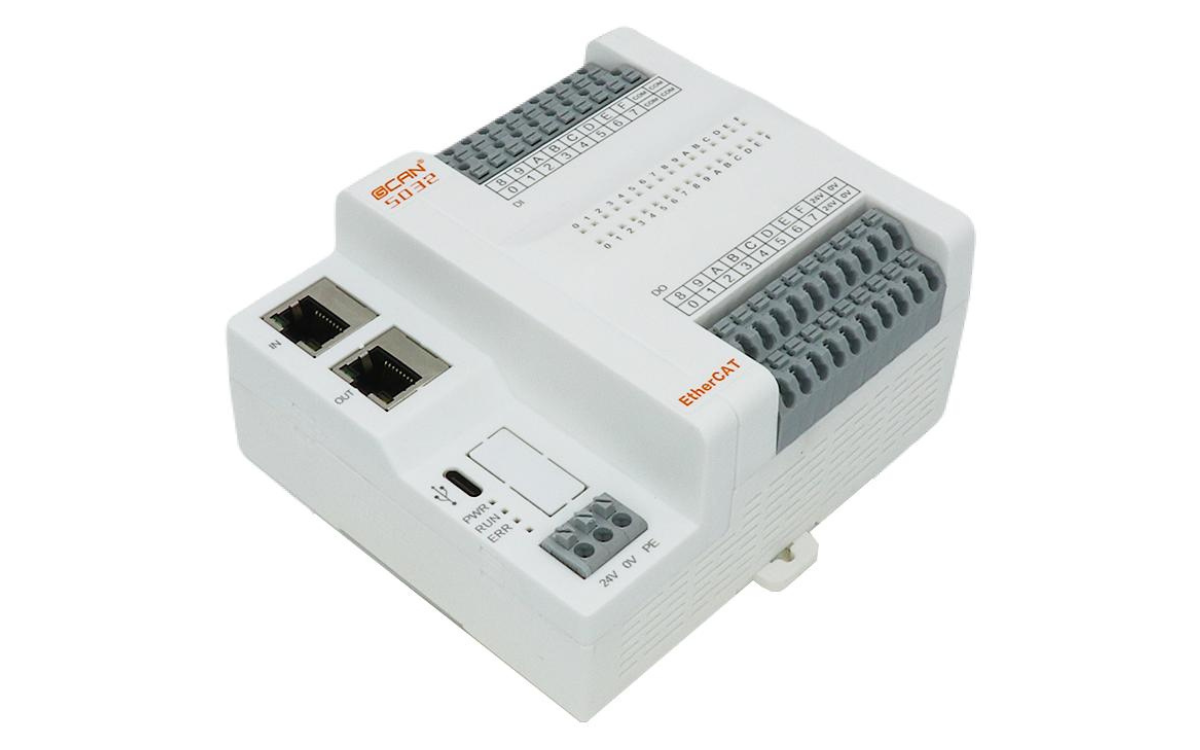
GCAN-5032 EtherCAT Remote I/O Module
16x DI + 16x DO (PNP/NPN Selectable) · Dual RJ45 Ports · Auto-Configuration · Spring-Cage Terminals
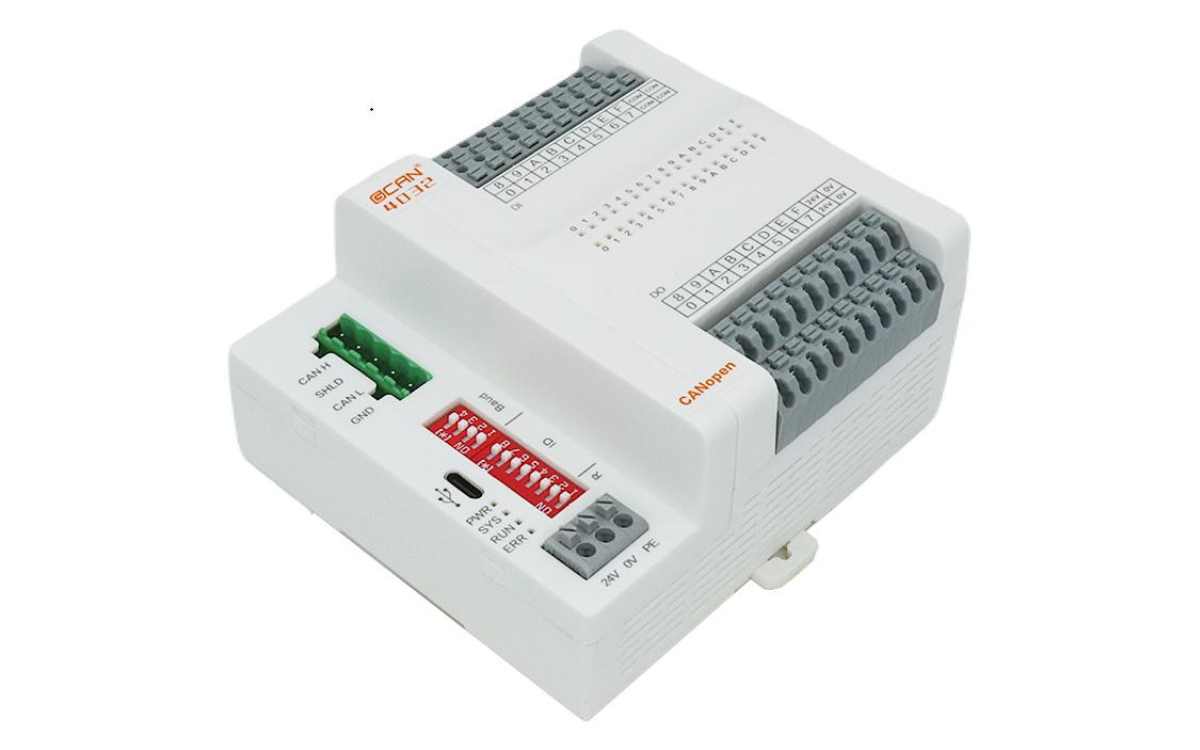
GCAN-I/O-4032 CANopen Remote I/O Module
16x Digital Inputs + 16x Digital Outputs Standard CANopen Slave · Spring-Cage Terminals
Frequently Asked Questions for USBCAN-II FD Dual-Channel USB CAN FD Analyzer
Q Does it support CAN FD, and how does it differ from the II C or II Pro? ▼
Yes, the II FD is our dedicated CAN FD model supporting up to 5 Mbps (both ISO and Non-ISO). The II C and II Pro only support standard CAN 2.0A/B. If you need to analyze high-speed automotive or industrial CAN FD networks, the II FD is the direct choice.
Q Do I need to wire external 120Ω resistors for a loop test? ▼
No. Unlike the I Pro (single-channel) and older II C models, the II FD has built-in 120Ω terminal resistors for both channels, controlled independently via DIP switches (R1/R2). You just flip the switch to ON for self-reception testing.
Q Why does ECANTools show "Open Device Error"? ▼
Usually due to incorrect device type selection or driver issues. Ensure you select "USBCAN-FD" in the software dropdown (not USBCAN-I or II). Check Windows Device Manager for any yellow exclamation marks on "GC-TechUSBCANFD-IDevice" and reinstall if necessary.
Q How to set custom baud rates outside the standard list? ▼
The CAN controller uses a 24 MHz clock. While ECANTools provides standard baud rates, calculating custom values requires the 24MHz formula. For non-standard rates, please contact our support to calculate the exact timing parameters, as manual input is not supported directly in the GUI.
Q How many devices can I connect to one PC for multi-channel testing? ▼
You can connect up to 8 identical USBCAN devices simultaneously (e.g., 8 x II FD = 16 channels). Note that the driver does not allow opening the same device across multiple processes—call OpenDevice once in your main application.
Q My C#/Python application hangs when using the Receive function. Why? ▼
If Wait is non-zero and called in the main thread, it will block and freeze your app. For polling, set Wait = 0. The II FD driver provides a 100,000-frame software buffer and a specific nFrames = 0 trick to check notifications without blocking. Also, disable Windows Sleep/Standby to prevent hardware buffer overflow.