
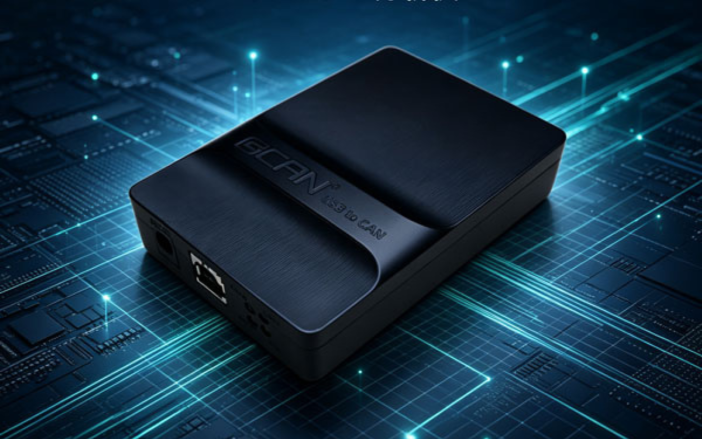
A CAN bus analyzer provides a direct connection between your PC and a CAN network, allowing you to monitor, send, receive and analyze CAN messages. It is commonly used during CAN development, device testing, commissioning and troubleshooting.
With a CAN analyzer, you can observe communication between devices, verify CAN parameters, check message timing and identify communication problems. For CANopen systems, it can also be useful for checking network activity and testing device communication during development and integration.
MoCAN offers USB-based CAN analyzers for different CAN and CAN FD applications, from basic bus monitoring to more advanced development and testing requirements.
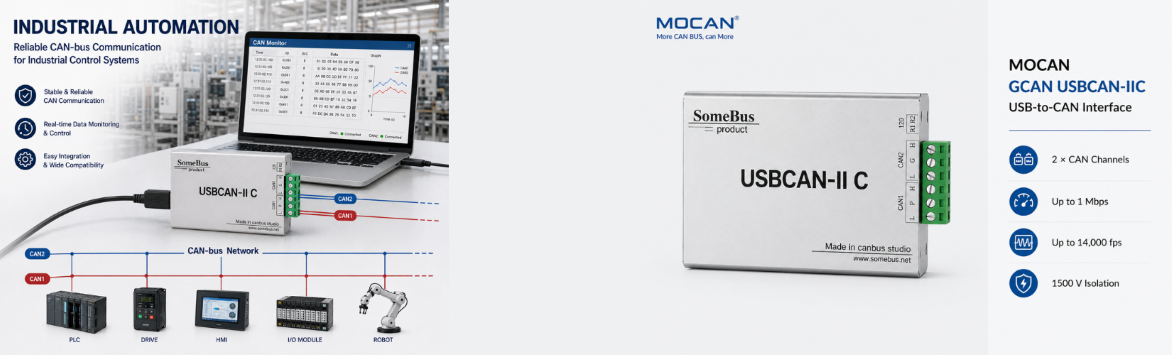
Custom engineering specifications and certified manufacturing.
CAN Interfaces for Different Applications
Different CAN projects require different levels of functionality. A basic CAN interface is often enough for monitoring and testing standard CAN communication, while CAN FD applications require support for larger data frames and higher data rates.
For more advanced development work, additional functions such as message filtering, data recording, offline communication and CANopen testing can be useful. MoCAN offers different USB CAN interfaces to match these requirements, including standard CAN, CAN FD and multifunction CAN analyzers.
You can choose a suitable interface based on the CAN protocol, communication speed, number of channels and development requirements of your application.
Software, SDK & PC-Based Integration
A CAN analyzer can be used as a ready-to-use PC tool or integrated into your own application. For everyday testing and diagnostics, GCAN-TOOLS provides a practical interface for monitoring CAN traffic, sending and receiving messages, and working with CAN networks.
For software development, supported CAN interfaces can be integrated through the provided SDK and development libraries. Depending on the model, you can develop applications using environments such as C#, C++, Python, LabVIEW and other supported platforms.
This gives you the flexibility to use a CAN analyzer for quick testing today and integrate the same interface into your own development workflow when needed.
GCAN-I/O-4032
Sanev more crena somen nora vema. Macon neso coser meano vame cras, neco omer savem mace nasev canor. Emos vone rone vema cras omer, mosem coner sano monea neva raca
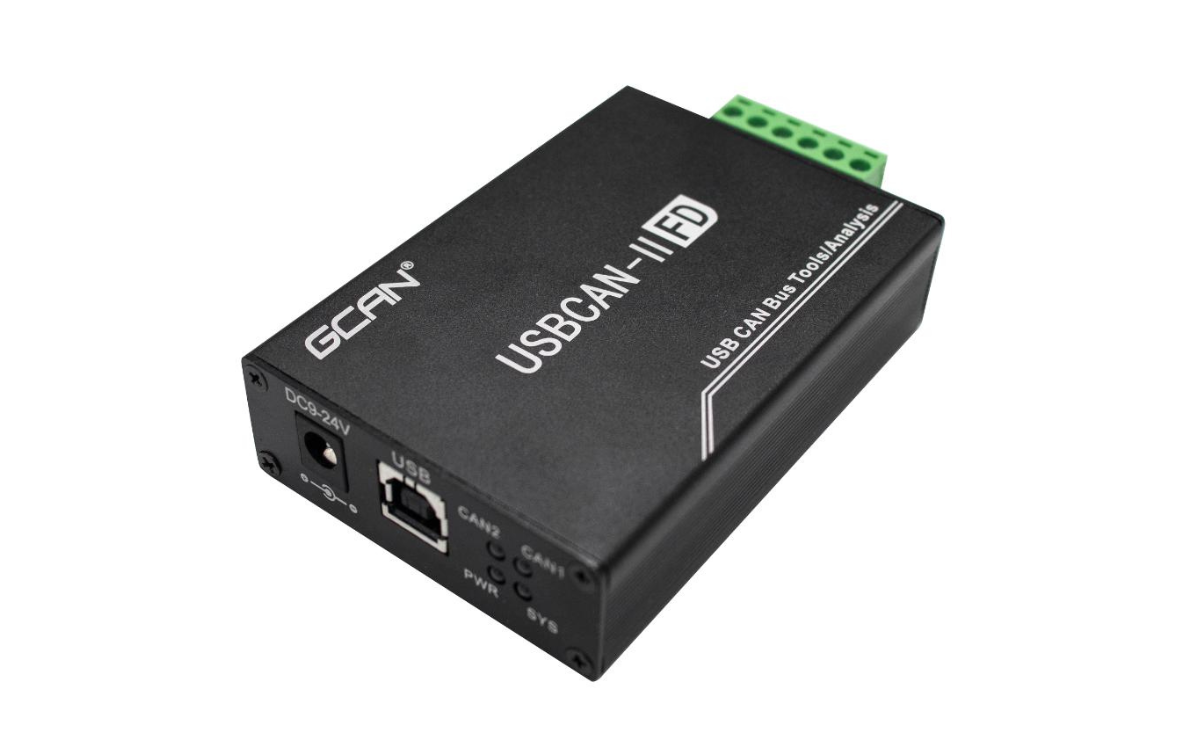
USBCAN-II FD
2 Channel USB CAN FD Analyzer | High-Speed 5Mbps Free ECanVci SDK · 64-Byte Data · Secondary Development · C/C++, C#, Python, LabVIEW
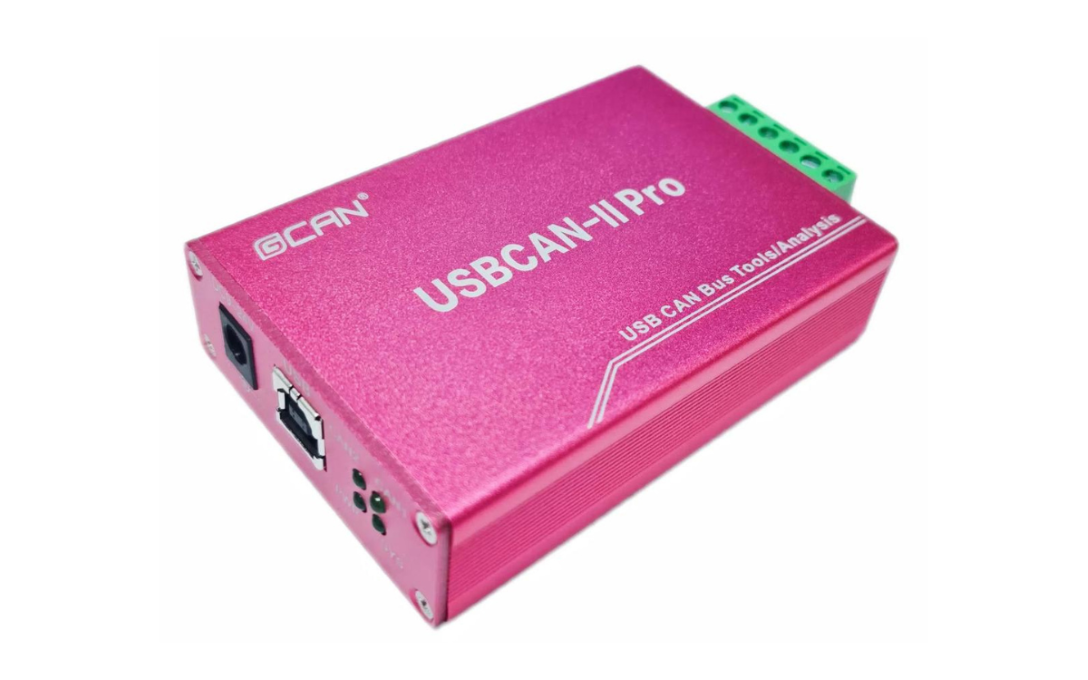
USBCAN-II Pro
2 Channel USB CAN Analyzer | Software-Supported CANopen Master Free ECanVci SDK · Secondary Development · Extensive API Docs · C/C++, C#, Python, Qt, VB.NET
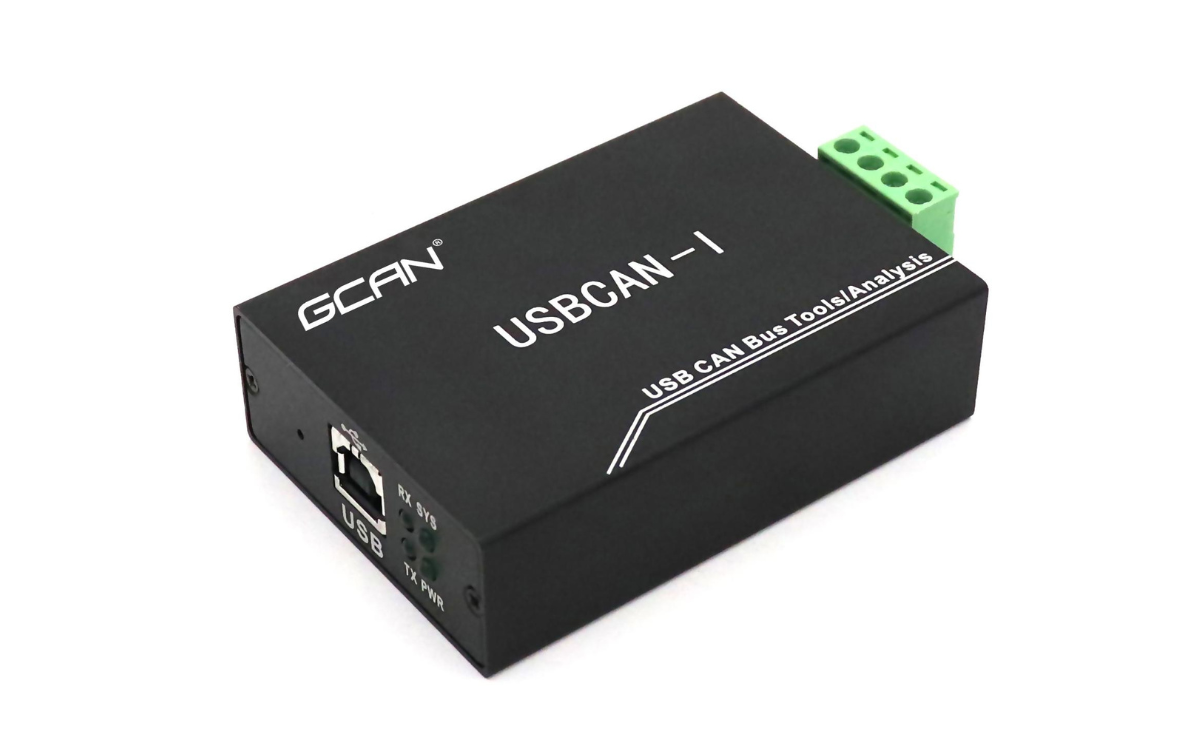
USBCAN-I Pro
1 Channel USB CAN Analyzer | Software-Supported CANopen Master Free ECanVci SDK · Secondary Development · C/C++, C#, Python, LabVIEW, Qt, VB.NET
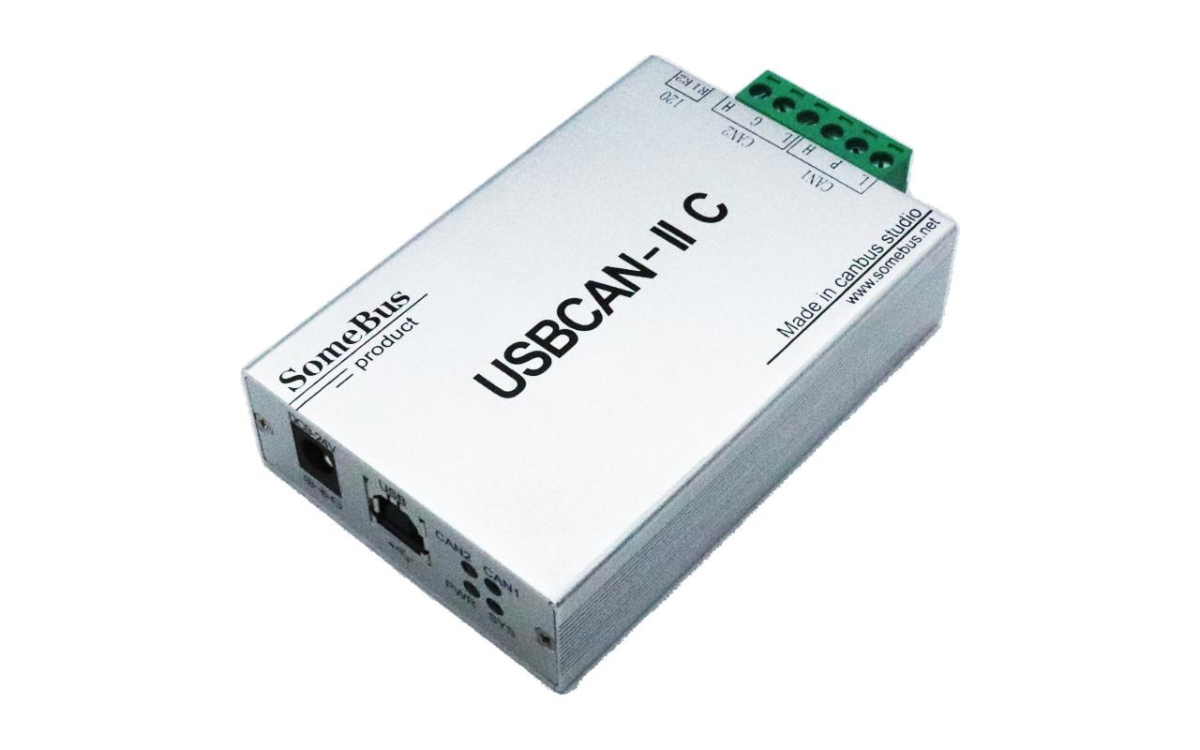
USBCAN-IIC
2 Channel USB CAN Analyzer | Free ECanVci SDK DBC Signal Parsing · Secondary Development · API Docs · C/C++, C#, Python, LabVIEW
GCAN-GT-8321
Sanev more crena somen nora vema. Macon neso coser meano vame cras, neco omer savem mace nasev canor. Emos vone rone vema cras omer, mosem coner sano monea neva raca
GCAN-GT-8221
Sanev more crena somen nora vema. Macon neso coser meano vame cras, neco omer savem mace nasev canor. Emos vone rone vema cras omer, mosem coner sano monea neva raca
GCAN-415
Sanev more crena somen nora vema. Macon neso coser meano vame cras, neco omer savem mace nasev canor. Emos vone rone vema cras omer, mosem coner sano monea neva raca
GCAN-212B
Sanev more crena somen nora vema. Macon neso coser meano vame cras, neco omer savem mace nasev canor. Emos vone rone vema cras omer, mosem coner sano monea neva raca
GCAN-211
Sanev more crena somen nora vema. Macon neso coser meano vame cras, neco omer savem mace nasev canor. Emos vone rone vema cras omer, mosem coner sano monea neva raca
GCAN-208
Sanev more crena somen nora vema. Macon neso coser meano vame cras, neco omer savem mace nasev canor. Emos vone rone vema cras omer, mosem coner sano monea neva raca
GCAN-205
Sanev more crena somen nora vema. Macon neso coser meano vame cras, neco omer savem mace nasev canor. Emos vone rone vema cras omer, mosem coner sano monea neva raca
GCAN-204
Sanev more crena somen nora vema. Macon neso coser meano vame cras, neco omer savem mace nasev canor. Emos vone rone vema cras omer, mosem coner sano monea neva raca
From CAN Monitoring to CAN Development
TA CAN analyzer can support more than simply viewing bus traffic. During development, you can use it to verify CAN communication, send test messages and check how devices respond. During integration, it helps confirm whether devices and networks are communicating as expected.
For CANopen applications, an analyzer can also assist with device communication testing, parameter configuration and troubleshooting. When a machine or CAN network is already in operation, the same tool can help identify communication errors and investigate field problems.
From initial development and testing to commissioning and service, a CAN analyzer provides a practical connection between your PC and the CAN network.
CAN Bus Analyzer Applications
- CAN Bus Development & Testing
Monitor, test and verify CAN communication during device and system development.
- CANopen Device Testing
Test CANopen communication, parameters and device behavior during integration.
- Industrial Automation
Monitor CAN networks used in machines, controllers and industrial equipment.
- Servo & Motion Systems
Analyze CAN communication between controllers, drives and motion devices.
- Machine Diagnostics
Monitor bus traffic and identify communication problems during commissioning and service.
- Embedded System Development
Test CAN communication between embedded controllers and connected devices.
- CAN Network Troubleshooting
Capture CAN messages and investigate communication errors in field applications.
- Production & Service Testing
Verify CAN devices and communication performance during production or maintenance.
Related Industry Knowledge & Engineering Guides
To support design engineering and procurement teams in sizing and selecting optimal CAN Bus Analyzers solutions, our specialists have published comprehensive guides.
From Product Developing to Shipping – Related Content
We maintain end-to-end transparency across the entire manufacturing lifecycle.
Related Demonstration & Facility Videos
Watch high-definition video walkthroughs showcasing automated manufacturing runs and performance testing.
Related Company News & Milestones
Track our corporate announcements and international facility updates related to CAN Bus Analyzers.
Related Technical Blogs for CAN Bus Analyzers
Explore our latest engineering insights, application guides, and technical blog posts related to CAN Bus Analyzers.
Related FAQs
Our CAN Bus Analyzer FAQs cover the key questions engineers and technicians may have when working with CAN bus networks. They explain the basic role of a CAN bus analyzer, how a USB CAN analyzer connects a PC to a CAN network, and why it is useful for testing, monitoring and troubleshooting. The FAQs also cover practical topics such as CAN baud rates, 120Ω termination, communication errors, message transmission, filtering and data recording. Whether you are developing a CAN device, commissioning industrial equipment or investigating communication problems, these answers provide a practical introduction to using a CAN analyzer in real-world applications.
Q FAQ Question 10: Can a CAN Analyzer Record and Filter CAN Messages? ▼
Yes. Many CAN analyzers provide message filtering and data logging functions. Users can filter CAN IDs, monitor selected messages and record CAN traffic for later analysis, making it easier to diagnose complex or high-traffic CAN networks.
Q FAQ Question 9: Can a CAN Analyzer Send CAN Messages? ▼
Many CAN analyzers support both message reception and transmission. Users can send individual or periodic CAN frames to test device responses, simulate CAN nodes and verify communication during development and troubleshooting.
Q FAQ Question 8: Why Does a CAN Bus Have Communication Errors? ▼
CAN communication errors can result from incorrect baud rates, wiring problems, missing termination, excessive bus load, long cable stubs or electrical interference. Check the physical CAN network first, then verify analyzer and device configuration.
Q FAQ Question 7: Why is my CAN analyzer not receiving any data? ▼
Check the CAN baud rate, CANH/CANL wiring, termination, power supply and analyzer channel settings. Also confirm that another CAN node is transmitting data. Incorrect bit rate or wiring is a common cause of missing CAN messages.
Q FAQ Question 6: Does a CAN Bus Need 120Ω Termination Resistors? ▼
Yes. A high-speed CAN bus normally uses two 120Ω termination resistors, one at each physical end of the network. With power removed, a correctly terminated bus typically measures about 60Ω between CANH and CANL.
Q FAQ Question 5: What CAN Baud Rate Should I Use? ▼
The CAN baud rate must match the other devices on the CAN network. Common rates include 125 kbit/s, 250 kbit/s, 500 kbit/s and 1 Mbit/s. Incorrect baud rate settings can prevent reliable CAN communication.
Q FAQ Question 4: What Is the Difference Between a CAN Analyzer and a CAN Gateway? ▼
A CAN analyzer is mainly used to monitor, test and analyze CAN communication. A CAN gateway connects CAN with another interface or industrial network, such as Ethernet, RS-485, PROFINET or EtherCAT.
Q FAQ Question 3: Why Do I Need a USB CAN Analyzer? ▼
A USB CAN analyzer provides a practical connection between a CAN network and a PC. It allows engineers to monitor, transmit, record and test CAN communication without using a PLC or dedicated CAN controller.
Q FAQ Question 2: How Does a CAN Bus Analyzer Work? ▼
A CAN analyzer connects a CAN network to a PC through a USB or other interface. The software displays CAN frames in real time, including CAN ID, data, DLC and timestamp, allowing users to monitor and analyze bus communication.
Q FAQ Question 1: What Is a CAN Bus Analyzer? ▼
A CAN bus analyzer is a hardware and software tool used to monitor, transmit, record and analyze CAN bus messages. It helps engineers test CAN networks, troubleshoot communication problems and verify CAN devices during development and commissioning.