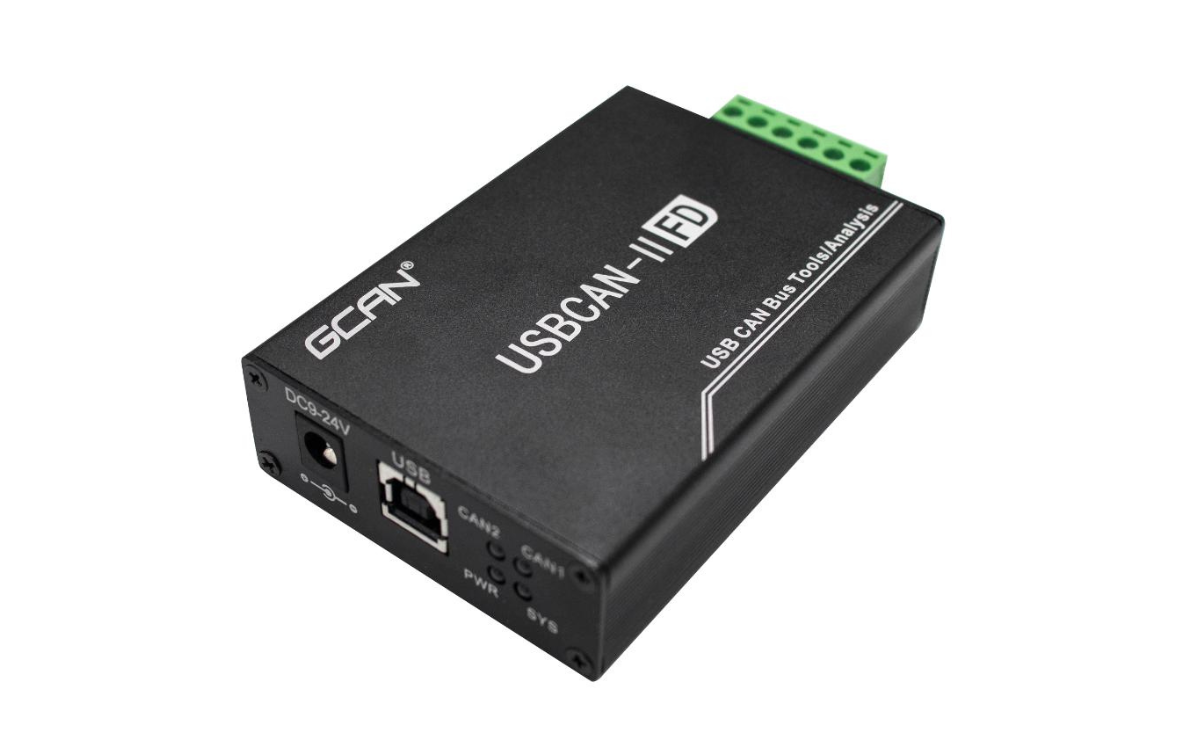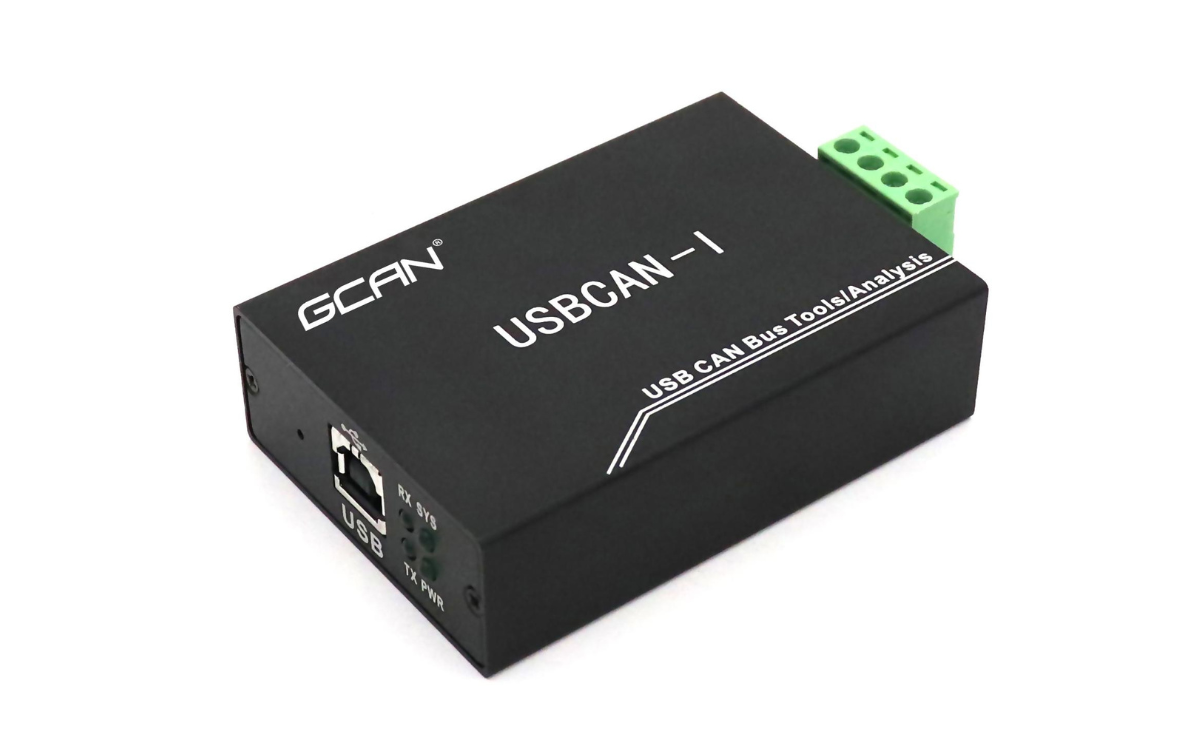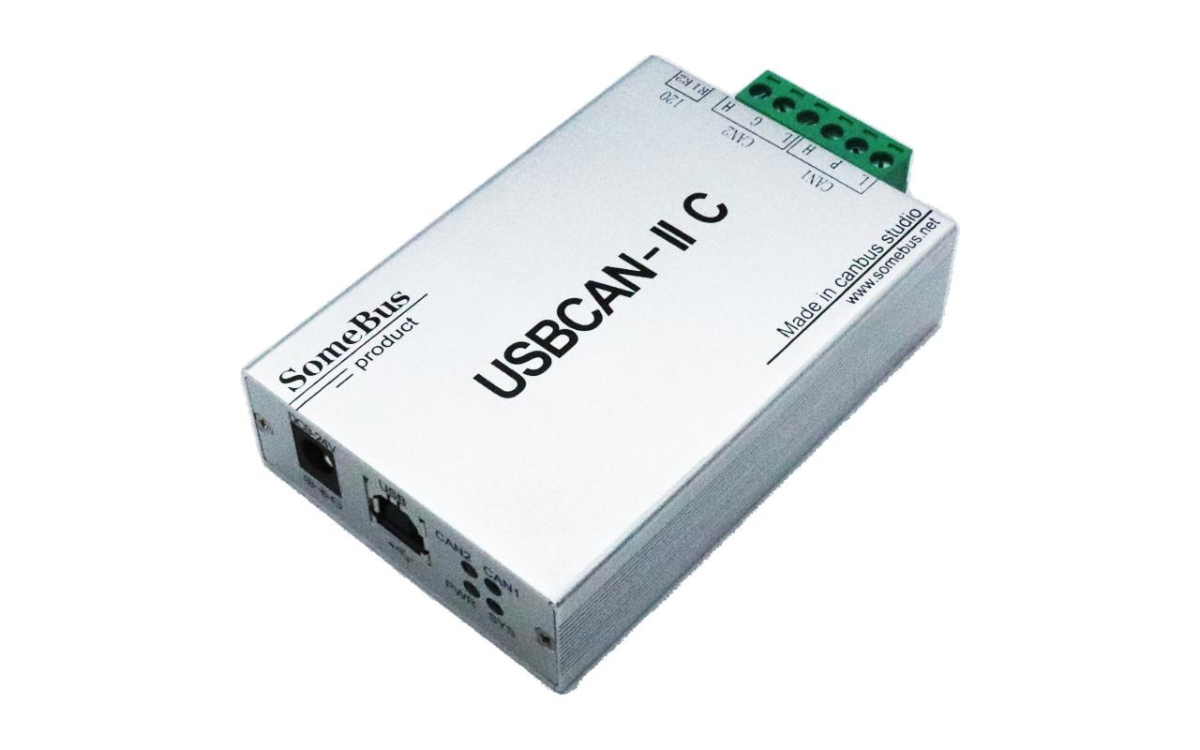
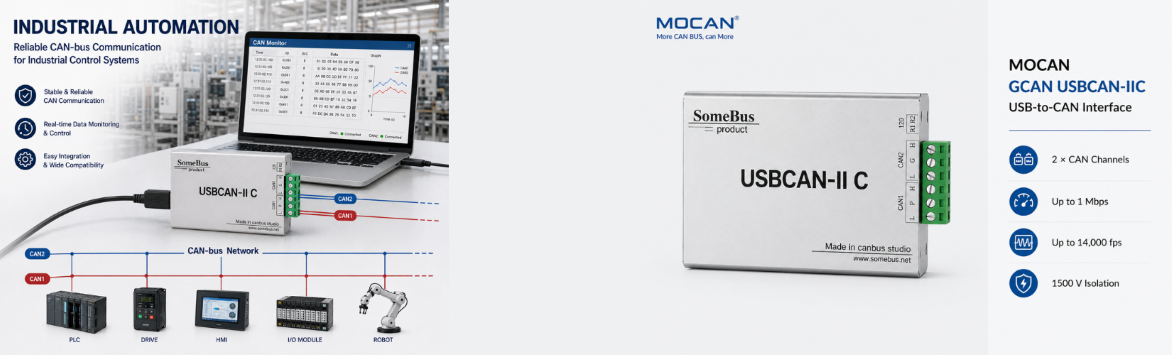
USBCAN-II Pro Dual-Channel USB CAN Analyzer
- High-Performance Dual-Channel Hardware: Dual-channel CAN 2.0A/B interface with independent 3000V DC galvanic isolation, 5 Kbps–1 Mbps baud rates, automatic baud rate detection, and built-in switchable 120Ω termination resistors. Supports up to 14,000 fps receive rate with 1 μs timestamp resolution, and features an industrial-grade operating temperature range of -40℃ to +85℃.
- Advanced Software Features: Comes with GCANTools for comprehensive bus analysis, supporting dual-channel data merging, data relaying/gateway mode, and offline mode. It also provides specialized functions including OBD-II diagnostic parsing (CAN1 only), CANopen master simulation, and DBC Send/Rec.
- Open SDK for Secondary Development: Comes with the free ECANVCI SDK for both Windows and Linux, empowering engineers to build custom test and diagnostic systems with zero extra licensing fees.
- Multi-Language Compatibility: Easily integrate with your existing software using supported APIs for C/C++, C#, Python, LabVIEW, Qt, and VB.NET.
- Reliable & Easy to Use: Designed for dual-channel CAN bus monitoring, debugging, and data acquisition. It supports both USB bus power and external 9-24V DC power, ensuring stable performance and simple plug-and-play operation. (Note: CAN FD is not supported.)
USBCAN-II Pro Dual-Channel USB CAN Analyzer
Engineered for advanced CAN bus diagnostics and data relaying
Independent 2-channel high-speed data acquisition
3000V DC galvanic isolation with switchable 120Ω termination
Full CANopen Master support (NMT, PDO, SDO) for node control
Free open ECanVci SDK with multi-language APIs (Windows/Linux)
Applications
The USBCAN-II Pro is designed for high-performance dual-channel CAN bus analysis, debugging, and data relaying across demanding environments. Key application areas include:
- Automotive Electronics Testing: Validating ECUs and parsing OBD-II sensor data (CAN1) while simultaneously monitoring dual in-vehicle CAN networks with high-precision timestamps.
- Industrial Automation & Motion Control: Managing factory-floor networks and controlling servo drives directly via the built-in CANopen Master, fully protected by 3000V DC isolation.
- CAN Bus Gateway & Relaying: Bridging two separate CAN networks with different baud rates for seamless data forwarding, with support for offline standalone operation.
- High-Speed Data Acquisition: Capturing high-volume bus traffic and analyzing error frames with up to 14,000 fps throughput and a large hardware buffer.
- Custom Test System Integration: Building automated test benches and data loggers using the free ECanVci SDK and multi-language APIs (C/C++, C#, Python, LabVIEW).
Technical Specifications
| No. | Category | Attribute | Specification |
|---|---|---|---|
| 1 | General | Model | GCAN USBCAN-II Pro |
| 2 | General | Dimensions | 104.5 mm × 64 mm × 24 mm (incl. terminals) |
| 3 | General | Weight | 120 g |
| 4 | General | Operating Temperature | -40℃ to +85℃ |
| 5 | General | Operating Humidity | 15% to 90% RH, no condensation |
| 6 | General | Protection Rating | IP 20 |
| 7 | Hardware & Interface | PC Interface | USB Type-A (USB 2.0 Full-Speed, compatible with USB 1.1 & 3.0) |
| 8 | Hardware & Interface | CAN Channels | 2-Channel (Independent, dual-channel merging supported) |
| 9 | Hardware & Interface | CAN Interface Type | OPEN6 plug-in terminal block |
| 10 | Hardware & Interface | Isolation Voltage | 3000V DC (for both CAN and USB interfaces) |
| 11 | Hardware & Interface | Terminal Resistor | Built-in 120Ω, switchable via dip switches (R1, R2) |
| 12 | Hardware & Interface | Power Supply | USB bus power or external 9-24V DC |
| 13 | Hardware & Interface | Power Consumption | Max 130 mA |
| 14 | Hardware & Interface | Status Indicators | PWR, SYS, CAN1, CAN2 |
| 15 | CAN Bus Features | CAN Protocol | CAN 2.0A and CAN 2.0B (ISO/DIS 11898) |
| 16 | CAN Bus Features | Baud Rate | 5 Kbps to 1 Mbps, programmable & auto-detection |
| 17 | CAN Bus Features | Frame Types | Standard/Extended frames, Data/Remote frames |
| 18 | CAN Bus Features | Receive Rate | Up to 14,000 fps |
| 19 | CAN Bus Features | Timestamp Resolution | 1 μs |
| 20 | CAN Bus Features | Buffers | Tx: 400 frames/channel; Rx: 10,000 frames/channel |
| 21 | Software & Dev | Test Software | GCANTools (Supports CANopen Master, OBD-II, DBC, Relaying) |
| 22 | Software & Dev | OS Support | Windows XP/7/8/10 (32/64-bit), Linux |
| 23 | Software & Dev | SDK / API | ECANVCI SDK (C/C++, C#, Python, LabVIEW, Qt, VB.NET) |
| 24 | Software & Dev | EMC / Protection | ESD ±4kV (Contact), ±8kV (Air); EFT ±2kV; Surge ±4kV |
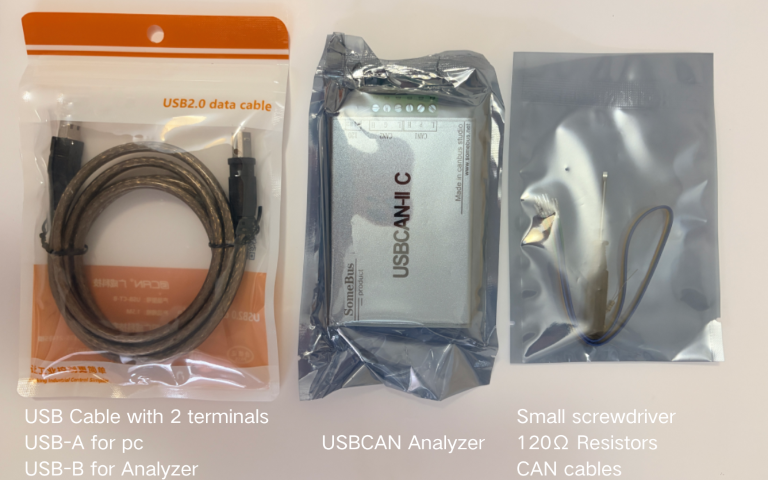
Packing Details
Frequently Asked Questions for USBCAN-II Pro
Q
Does the USBCAN-II Pro hardware natively support the CANopen Master function?
▼
Does the USBCAN-II Pro hardware natively support the CANopen Master function?
No. The hardware itself is a high-performance dual-channel USB-CAN analyzer. The CANopen Master is entirely software-based, implemented via the GCANTools PC software. You must connect it to a PC to scan, add nodes, and manage CANopen communications.
Q
Can I operate both CAN channels in one program, or open the device in multiple programs?
▼
Can I operate both CAN channels in one program, or open the device in multiple programs?
You can operate both CAN ports within a single application. However, the device supports exclusive access only. It cannot be opened by multiple processes simultaneously. You must call CloseDevice in one program before opening it in another.
Q
What is the difference between the maximum receive rate and the conversion rate?
▼
What is the difference between the maximum receive rate and the conversion rate?
The hardware can receive up to 14,000 fps per channel. However, the maximum data conversion rate is 8,000 fps (for standard 8-byte frames). The continuous transmit rate is around 2,000 fps. To prevent packet loss, keep the CAN bus load below 60%–70%.
Q
Why does my custom software (SDK) freeze or lose data during long-term logging?
▼
Why does my custom software (SDK) freeze or lose data during long-term logging?
The driver provides a massive 100,000-frame software receive buffer. However, if you call the Receive function in the main thread with a Wait parameter not equal to 0, it may cause the app to freeze. We recommend using query mode (Wait = 0) for stable data polling. Also, disable PC sleep mode to prevent buffer overflow.
Q
How many USBCAN-II Pro devices can I connect to a single PC?
▼
How many USBCAN-II Pro devices can I connect to a single PC?
You can connect up to 8 devices of the same model to one computer simultaneously (providing up to 16 independent CAN channels), perfect for complex multi-node test benches.
Q
What should I do if I get an "Open Device Error" or the CAN indicator light is off?
▼
What should I do if I get an "Open Device Error" or the CAN indicator light is off?
"Open Device Error": Check if the USB driver is installed correctly in Windows Device Manager (look for "!" or "?").
Light is off: The CAN status LED only becomes active after the PC software sends the command to start CAN communication.