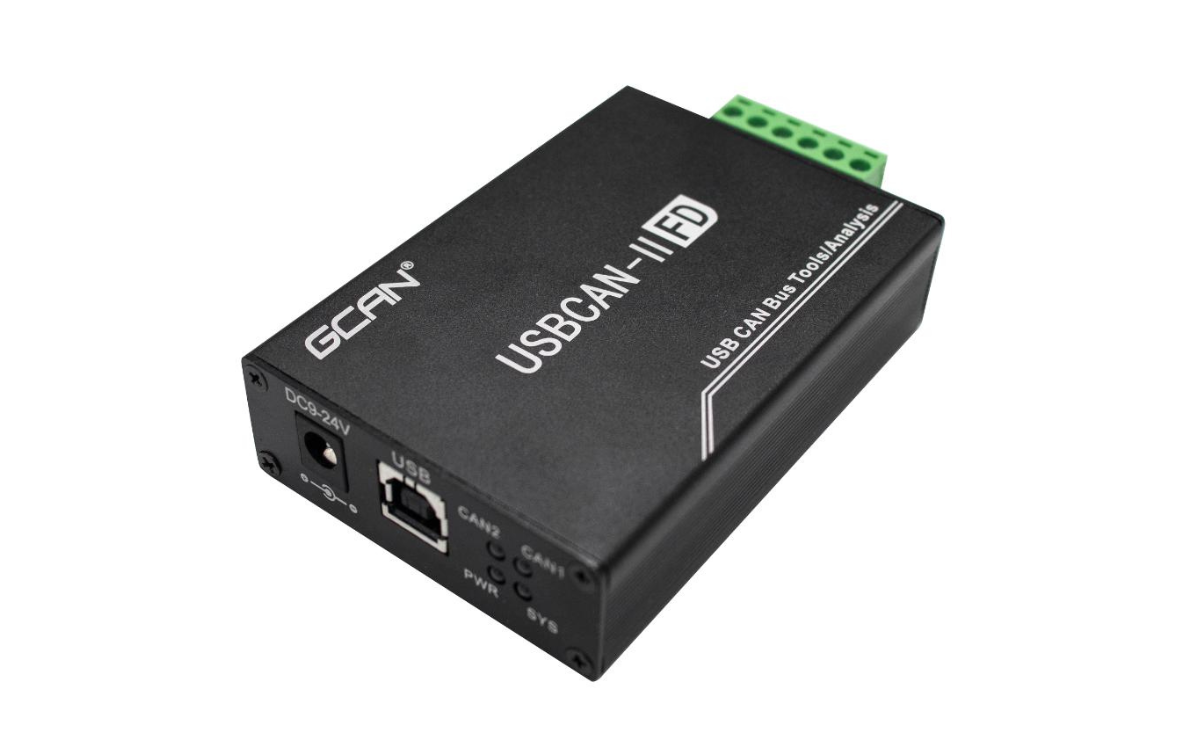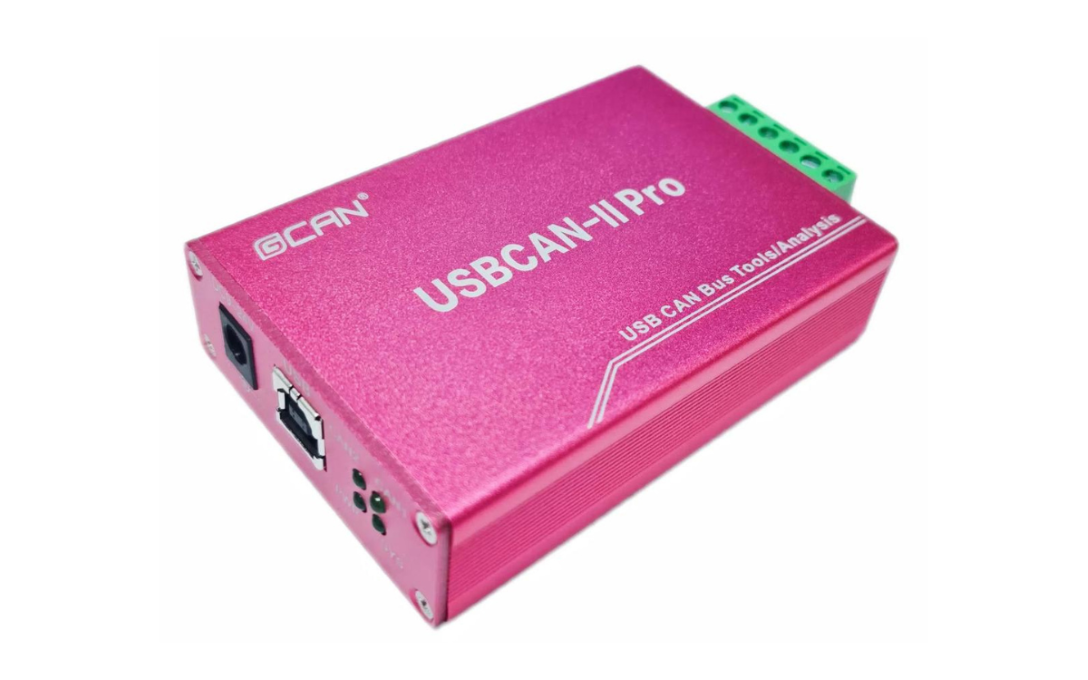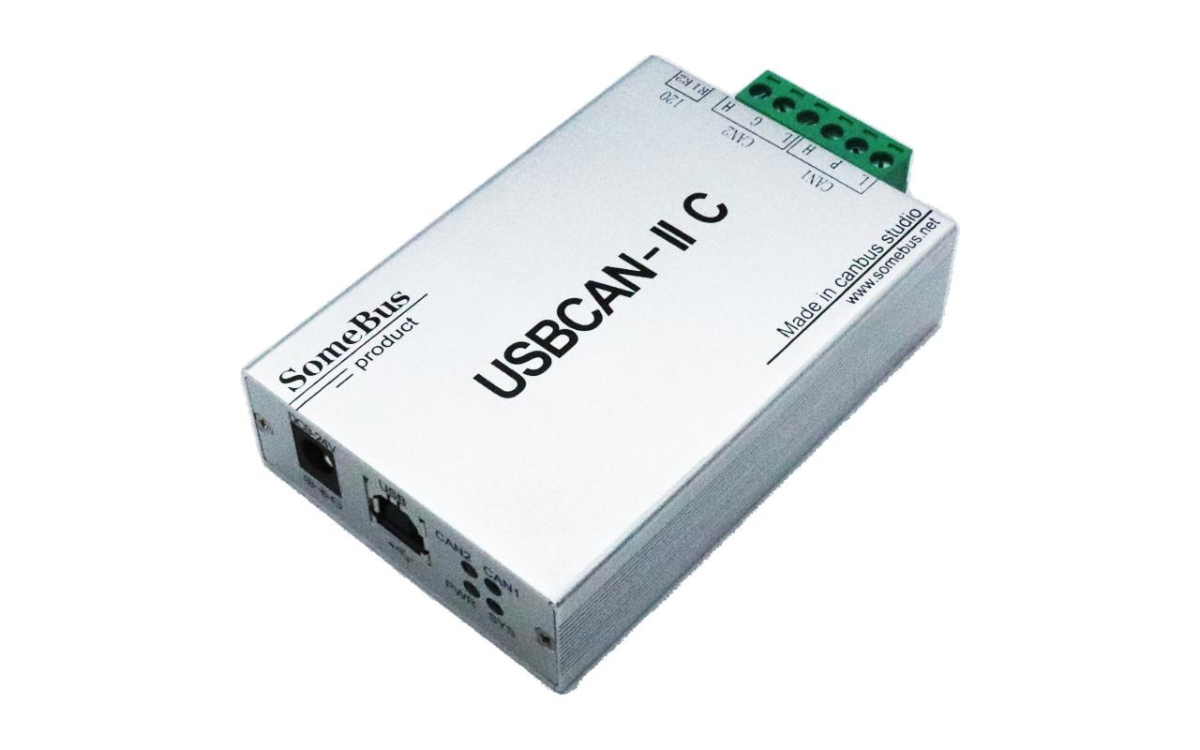
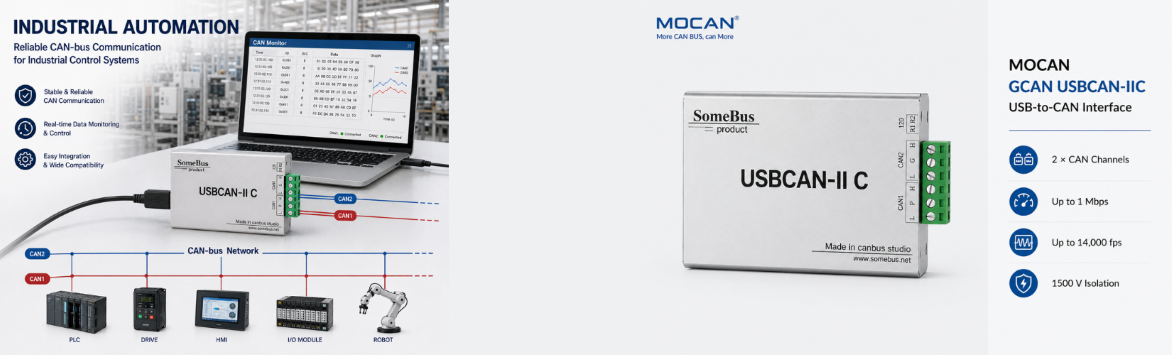
USBCAN-I Pro Single-Channel USB CAN Analyzer
- High-Performance Hardware: Single-channel CAN 2.0A/2.0B interface with 5 Kbps–1 Mbps baud rates, up to 14,000 fps receive rate, 1 μs timestamp resolution, and industrial-grade galvanic isolation for demanding automotive and industrial bus analysis.
- Built-in CANopen Master Function: In GCANTools, switch to the CANopen tab to access the CANopen master page. Use Find Slave to scan all CANopen slave nodes on the current CAN bus, or manually add a slave by entering its node ID. Scanned or added slave nodes are displayed below; double-click a specific node ID to open the communication interface with that slave.
- Open SDK for Secondary Development: Comes with the free ECanVci SDK, empowering engineers to build custom test and diagnostic systems with zero extra licensing fees.
- Multi-Language Compatibility: Easily integrate with your existing software using supported APIs for C/C++, C#, Python, LabVIEW, Qt, and VB.NET.
- Reliable & Easy to Use: Designed for single-channel CAN bus monitoring, debugging, and data acquisition, ensuring stable performance and simple USB plug-and-play operation.
Single-Channel USB CAN Analyzer
Engineered for industrial bus diagnostics and monitoring
Independent 1-channel high-speed data acquisition
3000V DC isolation
Built-in CANopen Master for node scanning and control
Free open ECanVci SDK with multi-language APIs
Applications
The USBCAN-I Pro is designed for reliable data acquisition and debugging across demanding environments. Key application areas include:
- Automotive Electronics Testing: Validating ECUs, sensors, and in-vehicle CAN networks with high-precision timestamps.
- Industrial Automation: Monitoring and troubleshooting factory-floor CAN bus systems, protected by 3000V DC isolation.
- CANopen Network Management: Scanning, adding, and communicating with slave nodes easily via the built-in CANopen Master in GCANTools.
- Custom Test System Integration: Building automated test benches and data loggers using the free ECanVci SDK and multi-language APIs.
USBCAN-I Pro Technical Specifications
| No. | Category | Attribute | Specification |
|---|---|---|---|
| 1 | General | Model | GCAN USBCAN-I Pro |
| 2 | General | Dimensions | 96 mm × 58 mm × 24 mm |
| 3 | General | Weight | 90 g |
| 4 | Hardware & Interface | PC Interface | USB Type-A (USB 2.0 Full-Speed, compatible with USB 1.1 & 3.0) |
| 5 | Hardware & Interface | CAN Channels | 1 (Single-Channel) |
| 6 | Hardware & Interface | CAN Connection | OPEN4 Pluggable Terminal Block |
| 7 | Hardware & Interface | CAN Protocol | CAN 2.0A / 2.0B (Compliant with ISO 11898) |
| 8 | Hardware & Interface | Baud Rate | 5 Kbps ~ 1 Mbps (User-programmable) |
| 9 | Hardware & Interface | Electrical Isolation | 3000V DC |
| 10 | Hardware & Interface | Terminal Resistor | Built-in 120Ω (Selectable via DIP switch) |
| 11 | Hardware & Interface | Receive Rate | Up to 14,000 fps |
| 12 | Hardware & Interface | Timestamp Accuracy | 1 μs |
| 13 | Power | Supply Voltage | +5V DC (USB bus-powered) |
| 14 | Power | Supply Current | Max. 130 mA |
| 15 | EMC & Environment | EMC Standard | EN 55024:2011-09, EN 55022:2011-12 |
| 16 | EMC & Environment | ESD Immunity | Contact ±4KV, Air ±8KV |
| 17 | EMC & Environment | EFT/Burst Immunity | ±2KV (CAN bus interface) |
| 18 | EMC & Environment | Surge Immunity | ±4KV (CAN bus interface) |
| 19 | EMC & Environment | Operating Temp. | -40°C to +85°C |
| 20 | EMC & Environment | Operating Humidity | 15% ~ 90% RH (Non-condensing) |
| 21 | EMC & Environment | Protection Rating | IP20 |
| 22 | Software & System | Testing Software | GCANTools |
| 23 | Software & System | CANopen Master Function | Built-in in GCANTools (Supports slave node scanning, manual addition, and communication) |
| 24 | Software & System | SDK | Free ECanVci SDK |
| 25 | Software & System | Supported OS | WinXP, Win7, Win8, Win10, Linux |
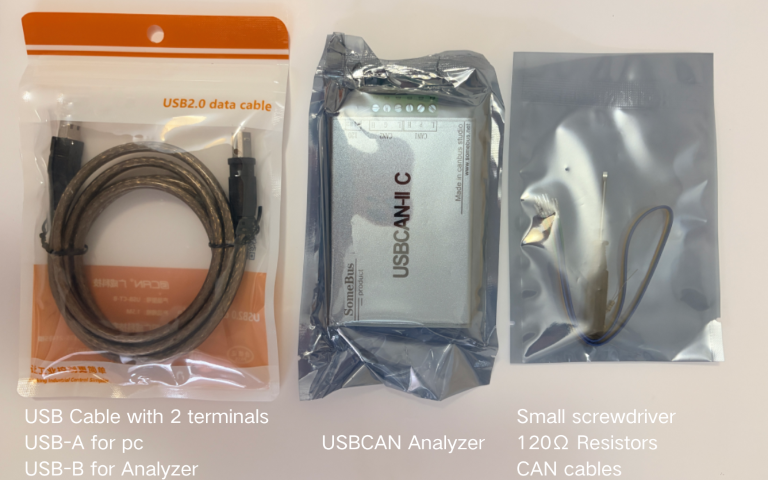
Packing Details
Technical FAQs & Troubleshooting
Q
Does the hardware natively support CANopen Master?
▼
Does the hardware natively support CANopen Master?
No, the hardware is a standard USB-CAN analyzer. The CANopen Master function is implemented via the PC software (GCANTools). You can scan, add slave nodes, and manage communication by switching to the CANopen tab in the software. (Note: PC must remain connected for this function).
Q
Can I open one USBCAN-I Pro device using multiple software programs simultaneously?
▼
Can I open one USBCAN-I Pro device using multiple software programs simultaneously?
No. The USBCAN-I Pro supports exclusive access only. A single device cannot be opened by multiple processes via the OpenDevice function at the same time. You must call CloseDevice in one application before another can connect.
Q
What is the exact data conversion rate for the single channel?
▼
What is the exact data conversion rate for the single channel?
While the maximum receive rate is 14,000 fps, the maximum data conversion rate for a single CAN channel is 8,000 fps (based on standard 8-byte data frames). Actual throughput may also be limited by your PC's performance.
Q
How do I configure the built-in 120Ω resistor?
▼
How do I configure the built-in 120Ω resistor?
The USBCAN-I Pro features an integrated 120Ω terminal resistor. Unlike older models that require external wiring, you can simply use the onboard DIP switch to enable or disable it. (Note: It must be enabled for single-node loopback testing).
Q
Why do I get a hardware buffer overflow error, and how does PC sleep mode affect it?
▼
Why do I get a hardware buffer overflow error, and how does PC sleep mode affect it?
The hardware has a 128-frame transmit FIFO and software receive buffer. If the PC enters sleep/standby mode, processing stops and will cause a buffer overflow. Please disable PC sleep mode when using this device. Additionally, do not let CAN bus load exceed 60-70% to prevent transmission timeouts.