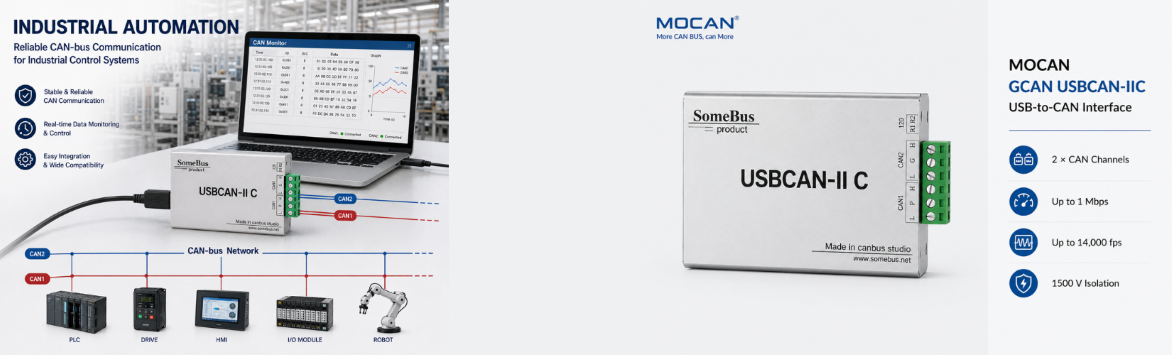
USBCAN-II FD Dual-Channel CAN FD Analyzer
- High-Performance Hardware: Dual independent CAN/CAN FD channels with 10 Kbps–1 Mbps CAN baud rates and up to 5 Mbps CAN FD data rates, featuring a 14,000 fps receive rate, 1 µs timestamp resolution, and DC2500V galvanic isolation for demanding automotive and industrial bus analysis.
- Open SDK for Secondary Development: Comes with the free ECanFDVCI SDK (ECanFDVci.h & ECANFDVCI.dll), empowering engineers to build custom test and diagnostic systems with zero extra licensing fees.
- Multi-Language Compatibility: Easily integrate with your existing software using supported APIs for C/C++, C#, Python, LabVIEW, Qt, and VB.NET. Fully compatible with the ECANTools testing software for immediate data transmission and monitoring.
- Reliable & Easy to Use: Designed with built-in switchable 120Ω terminal resistors and dual power options (USB bus power or external DC9-24V), ensuring stable performance for dual-channel CAN FD monitoring, debugging, and data acquisition. Supports a wide industrial temperature range of -40°C to +85°C.
Dual-Channel USB CAN FD Analyzer
Engineered for industrial bus diagnostics and monitoring
Independent 2-channel high-speed data acquisition
2500V DC isolation
Supports CAN FD up to 5 Mbps with 1 µs timestamp
Free open ECanFDVci SDK with multi-language APIs
Applications
- Industrial Control & High-Speed Data Acquisition: Dual independent CAN FD channels support high-speed data rates up to 5 Mbps, capturing high-volume traffic (up to 14,000 fps) with 1 µs timestamp precision for demanding industrial networks.
- Automotive Electronics & CAN FD Diagnostics: Dual-channel capability allows simultaneous monitoring of CAN and CAN FD networks, ideal for complex automotive electronic network debugging and protocol validation.
- Dual-Channel Gateway & Data Relaying: Converts and forwards data between two separate CAN/CAN FD networks with different baud rates, and supports simultaneous transmission based on saved files.
- CAN FD Protocol Analysis & Testing: Features built-in switchable 120Ω terminal resistors and supports Bit Rate Switch (variable data rates), ensuring stable physical links and accurate high-speed bus analysis.
- Custom Test System Development: Fully supported by the free ECanFDVci SDK (C/C++, C#, Python, LabVIEW, Qt, VB.NET) and ECANTools software for building tailor-made laboratory test benches and automated diagnostic scripts.
Technical Specifications
| No. | Category | Attribute | Specification |
|---|---|---|---|
| 1 | General | Model | GCAN USBCAN-II FD |
| 2 | General | Dimensions | 104 mm × 64 mm × 24 mm (incl. terminals) |
| 3 | General | Weight | 120 g |
| 4 | General | Operating Temperature | -40°C to +85°C |
| 5 | General | Operating Humidity | 15% to 90% RH, no condensation |
| 6 | Interface | PC Interface | USB 2.0 Full Speed, Type A (compatible with USB 1.1/3.0) |
| 7 | Interface | CAN Interface | OPEN6 pluggable terminal |
| 8 | Interface | Channels | 2 independent CAN / CAN FD channels |
| 9 | Performance | Protocol Support | ISO/DIS 11898, CAN 2.0A/B, CAN FD |
| 10 | Performance | CAN Baud Rate | 10 Kbps – 1 Mbps (programmable) |
| 11 | Performance | CAN FD Baud Rate | Up to 5 Mbps |
| 12 | Performance | Receive Rate | Up to 14,000 fps |
| 13 | Performance | Timestamp Resolution | 1 μs |
| 14 | Performance | Isolation Voltage | 2500V DC |
| 15 | Performance | Terminal Resistor | Built-in 120Ω (DIP switchable) |
| 16 | Power | Power Supply | USB bus power or DC 9-24V external |
| 17 | Power | Power Current | Max 130mA |
| 18 | Environment | EMC Standard | EN 55024:2011-09, EN 55022:2011-12 |
| 19 | Environment | Protection Rating | IP20 |
| 20 | Software | OS Support | Windows XP/7/8/10 (32/64-bit) |
| 21 | Software | Test Software | ECANTools |
| 22 | Software | Secondary Development | Supported (ECanFDVCI SDK) |
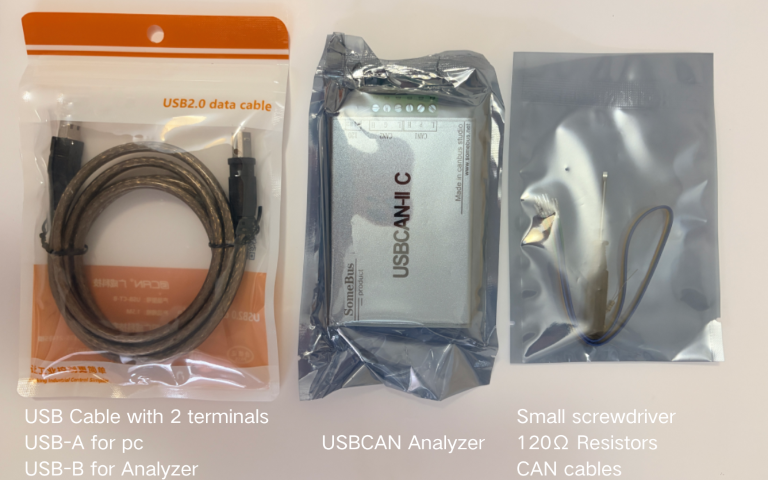
Packing Details
Frequently Asked Questions for USBCAN-II FD
Q
Does it support CAN FD, and how does it differ from the II C or II Pro?
▼
Does it support CAN FD, and how does it differ from the II C or II Pro?
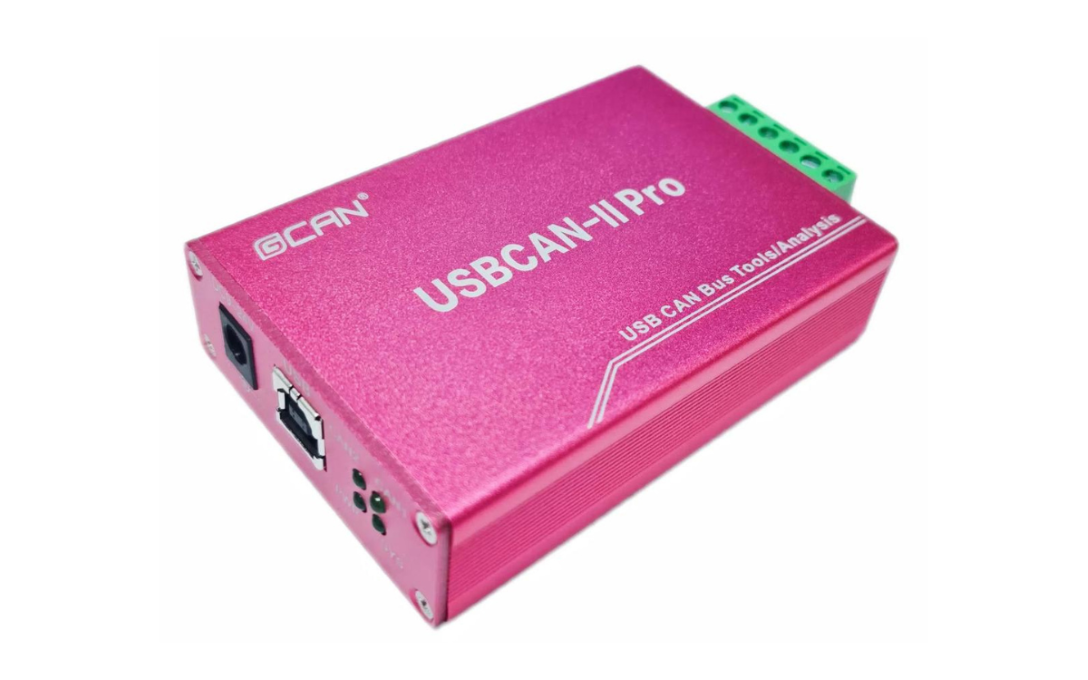
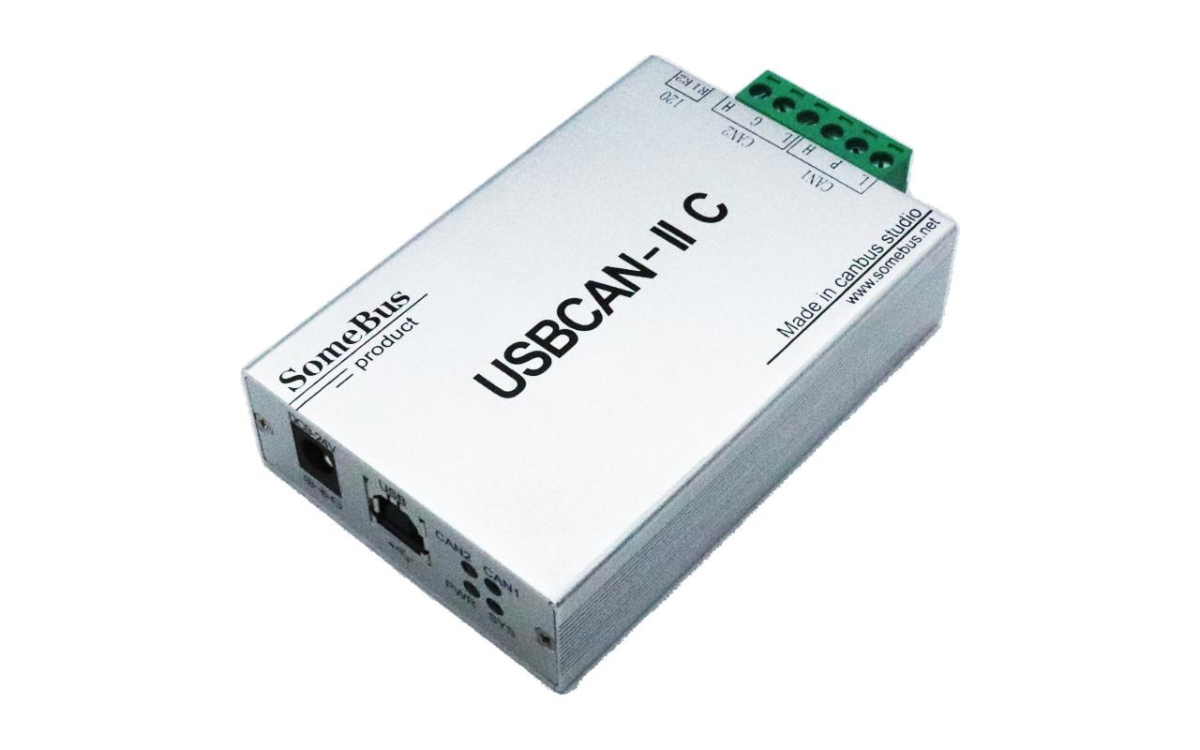
Yes, the II FD is our dedicated CAN FD model supporting up to 5 Mbps (both ISO and Non-ISO). The II C and II Pro only support standard CAN 2.0A/B. If you need to analyze high-speed automotive or industrial CAN FD networks, the II FD is the direct choice.
Q
Do I need to wire external 120Ω resistors for a loop test?
▼
Do I need to wire external 120Ω resistors for a loop test?
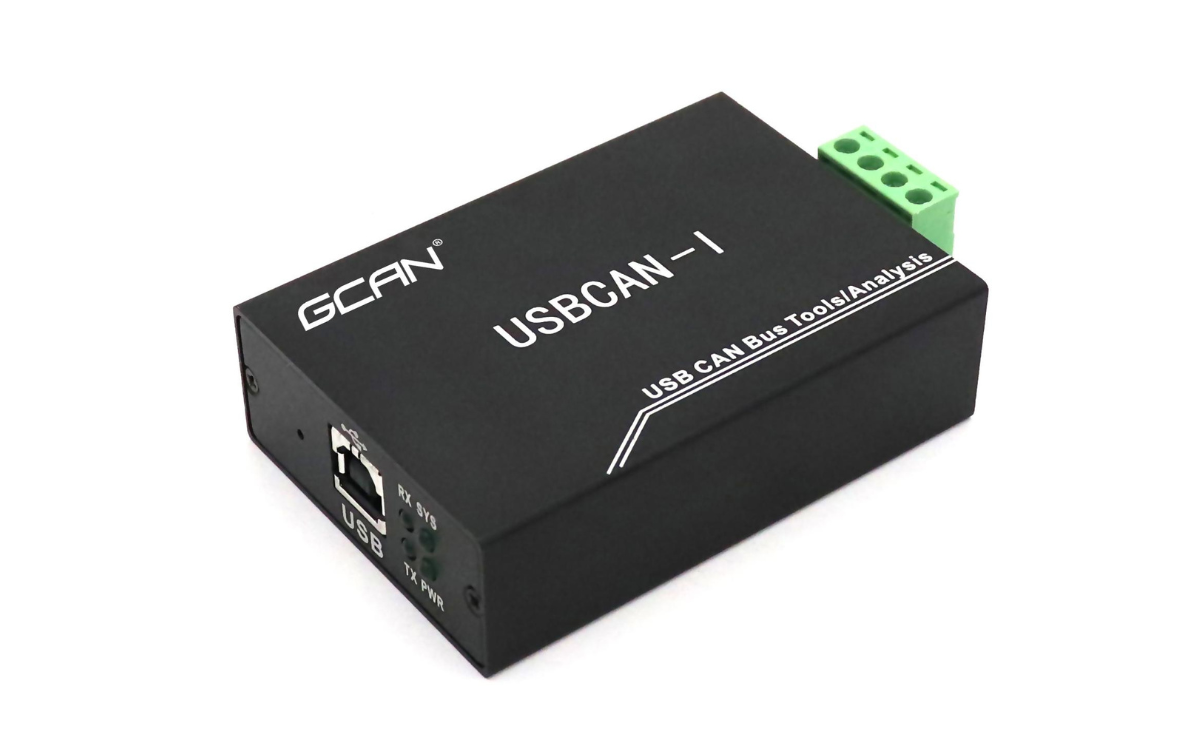
No. Unlike the I Pro (single-channel) and older II C models, the II FD has built-in 120Ω terminal resistors for both channels, controlled independently via DIP switches (R1/R2). You just flip the switch to ON for self-reception testing.
Q
Why does ECANTools show "Open Device Error"?
▼
Why does ECANTools show "Open Device Error"?
Usually due to incorrect device type selection or driver issues. Ensure you select "USBCAN-FD" in the software dropdown (not USBCAN-I or II). Check Windows Device Manager for any yellow exclamation marks on "GC-TechUSBCANFD-IDevice" and reinstall if necessary.
Q
How to set custom baud rates outside the standard list?
▼
How to set custom baud rates outside the standard list?
The CAN controller uses a 24 MHz clock. While ECANTools provides standard baud rates, calculating custom values requires the 24MHz formula. For non-standard rates, please contact our support to calculate the exact timing parameters, as manual input is not supported directly in the GUI.
Q
How many devices can I connect to one PC for multi-channel testing?
▼
How many devices can I connect to one PC for multi-channel testing?
You can connect up to 8 identical USBCAN devices simultaneously (e.g., 8 x II FD = 16 channels). Note that the driver does not allow opening the same device across multiple processes—call OpenDevice once in your main application.
Q
My C#/Python application hangs when using the Receive function. Why?
▼
My C#/Python application hangs when using the Receive function. Why?
If Wait is non-zero and called in the main thread, it will block and freeze your app. For polling, set Wait = 0. The II FD driver provides a 100,000-frame software buffer and a specific nFrames = 0 trick to check notifications without blocking. Also, disable Windows Sleep/Standby to prevent hardware buffer overflow.