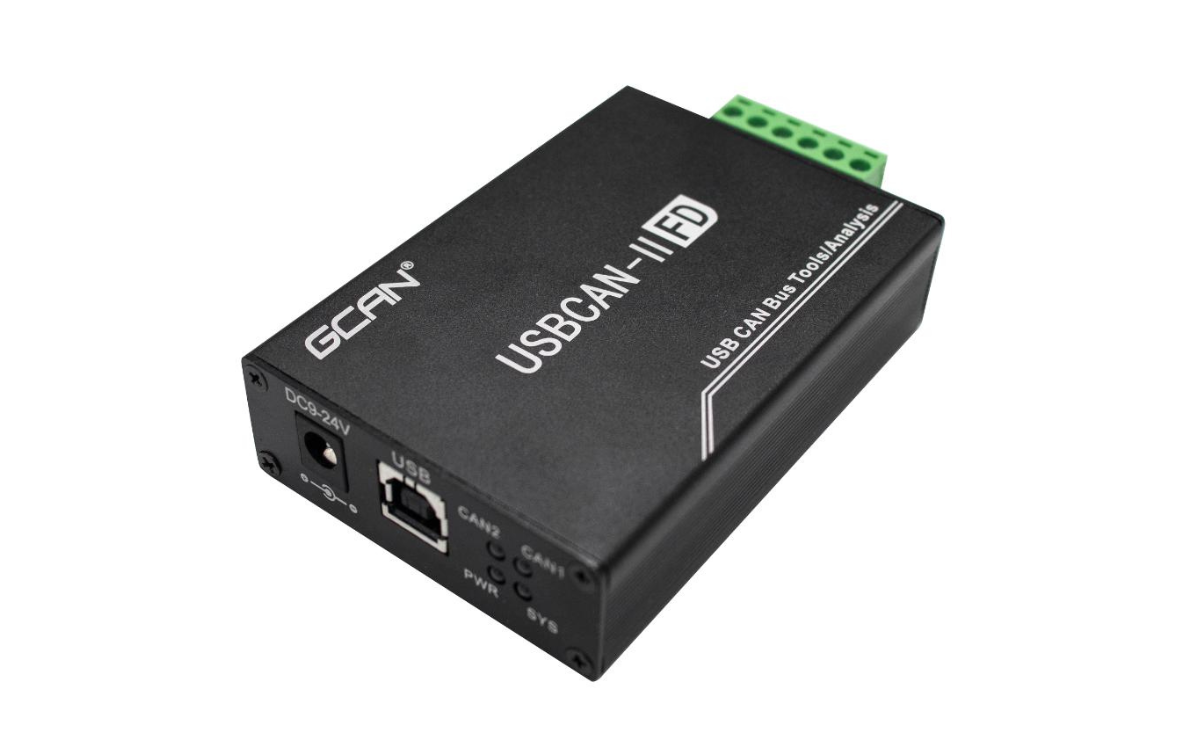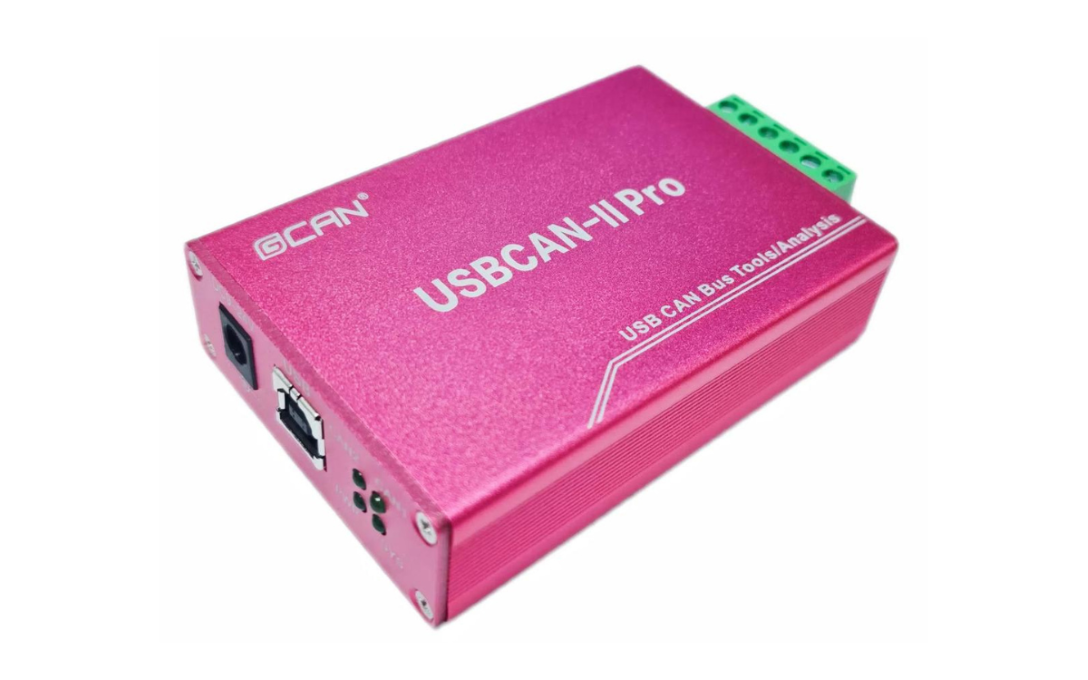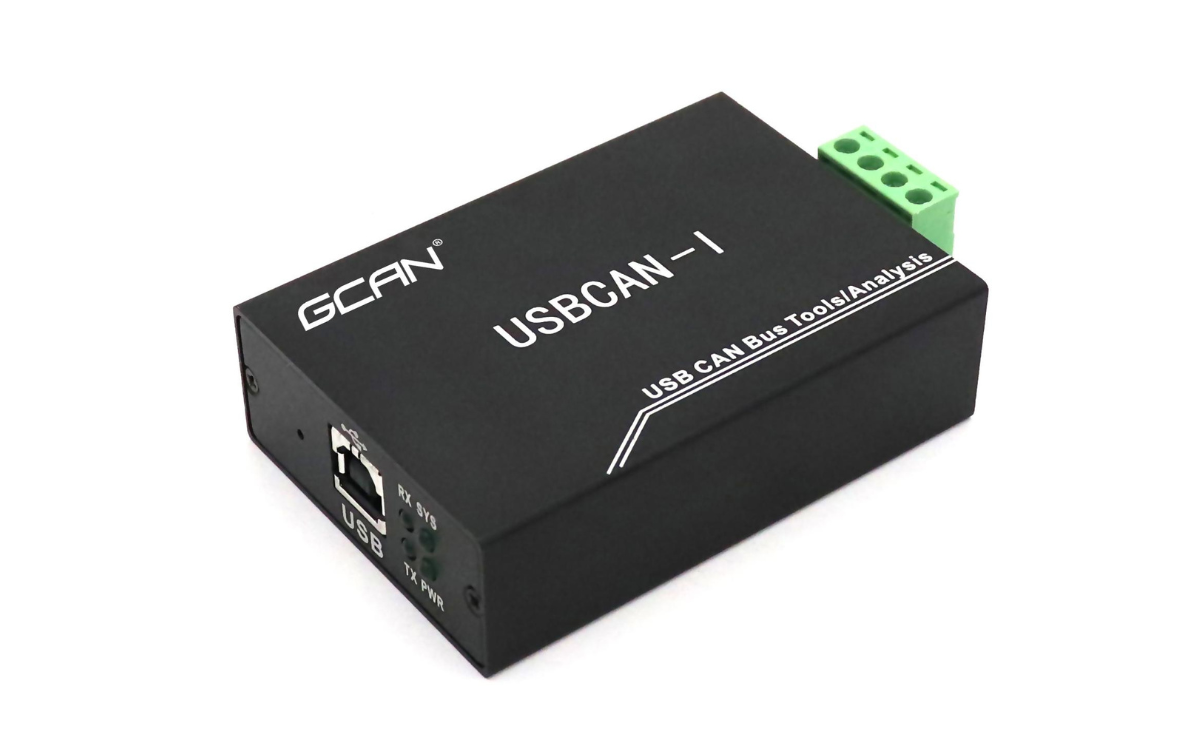
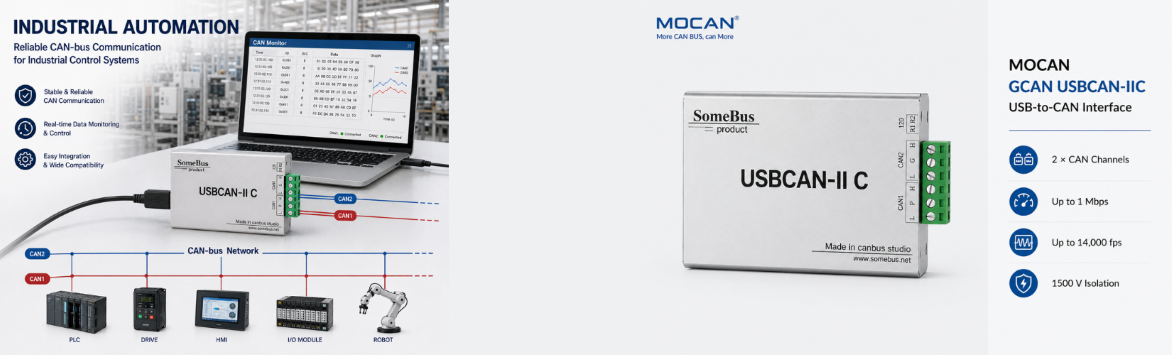
USBCAN-IIC Dual-Channel USB CAN Analyzer
- High-Performance Hardware: 3000 V DC isolation, CAN 2.0A/2.0B support, 5 Kbps–1 Mbps baud rates, and up to 8,000 fps receive rate for demanding industrial environments.
- Open SDK for Secondary Development: Features a free ECanVci SDK, empowering engineers to build custom test systems with zero extra licensing fees.
- Multi-Language Compatibility: Easily integrate with your existing software using supported APIs for C/C++, C#, Python, LabVIEW, Qt, and VB.NET.
- Reliable & Easy to Use: Designed for industrial CAN bus monitoring and debugging, ensuring stable data acquisition.
Dual-Channel CAN Bus Analysis
Engineered for demanding industrial environments
Independent 2-channel monitoring
3000V DC isolation
Operating Temp. at -40°C to +85°C
Free open SDK for custom secondary development.
Industrial CAN Bus Applications
Engineered for demanding environments, the GCAN USBCAN-IIC is a versatile tool for engineers and system integrators. It provides reliable data acquisition and debugging capabilities in the following scenarios:
- Automotive Electronics Testing: Simultaneously monitor and simulate multiple ECUs. The independent dual channels are ideal for testing communication between different CAN networks in vehicles.
- Industrial Automation & Production Lines: Connect to PLCs, sensors, or motor drives to capture real-time CAN bus data, identify intermittent faults, and ensure smooth production workflows.
- BMS & New Energy Monitoring: Monitor the CAN bus of Battery Management Systems to analyze battery status, voltage, and temperature data with high precision.
- Custom System Integration (Secondary Development): Utilize the free ECanVci SDK to integrate the USBCAN-IIC into your own C#, Python, or LabVIEW software, building tailored test benches or automated data logging systems.
USBCAN-II C Technical Specifications
| No. | Category | Attribute | Specification |
|---|---|---|---|
| 1 | General | Model | GCAN USBCAN-IIC |
| 2 | General | Dimensions | 105 mm × 64 mm × 23.5 mm |
| 3 | General | Weight | 100 g |
| 4 | Hardware & Interface | PC Interface | USB Type-A (USB 2.0 Full-Speed, compatible with USB 1.1 & 3.0) |
| 5 | Hardware & Interface | CAN Channels | 2 (Dual-Channel, Independent) |
| 6 | Hardware & Interface | CAN Connection | OPEN6 Phoenix Terminal Blocks |
| 7 | Hardware & Interface | CAN Protocol | CAN 2.0A & 2.0B (ISO/DIS 11898 compliant) |
| 8 | Hardware & Interface | Baud Rate | 5 Kbps to 1 Mbps (Programmable) |
| 9 | Hardware & Interface | CAN Terminal Resistor | Integrated (Enabled/Disabled via DIP Switch) |
| 10 | Hardware & Interface | Max Receive Rate | 8,000 fps |
| 11 | Power | Supply Voltage | +5V DC (USB Bus Power) / External DC 9-24V support |
| 12 | Power | Supply Current | Max 130 mA |
| 13 | Protection & Environment | Electrical Isolation | 3000 V DC |
| 14 | Protection & Environment | ESD Protection | Contact ±4KV, Air ±8KV |
| 15 | Protection & Environment | EFT Protection | CAN Bus Interface ±2KV |
| 16 | Protection & Environment | Surge Protection | CAN Bus Interface ±4KV |
| 17 | Protection & Environment | EMC Standards | EN 55024:2011-09, EN 55022:2011-12 |
| 18 | Protection & Environment | Ingress Protection | IP 20 |
| 19 | Protection & Environment | Operating Temp. | -40°C to +85°C |
| 20 | Protection & Environment | Operating Humidity | 15% ~ 90% RH (Non-condensing) |
| 21 | Software | Supported OS | Windows 2000, XP, 7, 8, 10 (32-bit & 64-bit) |
| 22 | Software | Testing Software | GCAN-TOOLS, CAN Test, CAN Pro |
| 23 | Software | SDK / Secondary Dev. | Supports C#, C/C++, LabVIEW, Python, Qt, VB.NET, VB |
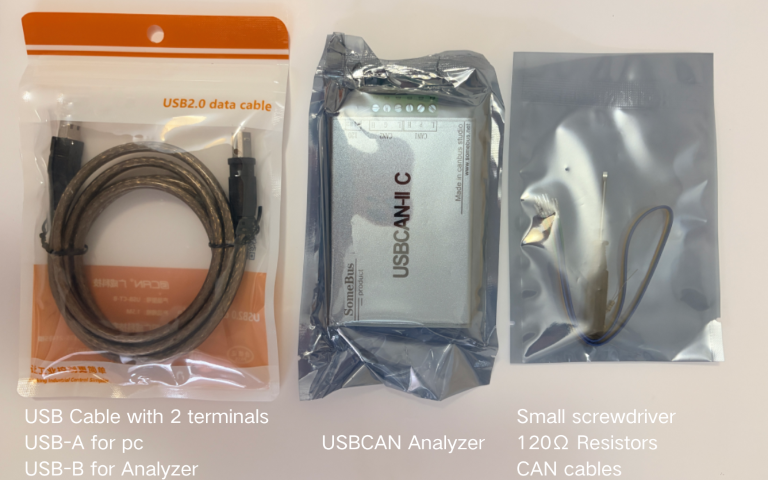
Packing Details
USBCAN-IIC FAQ & Troubleshooting
Q
Why does the software prompt "Failed to open device"?
▼
Why does the software prompt "Failed to open device"?
This usually indicates a driver issue. Please check Windows Device Manager. If there is a "!" or "?" next to the USBCAN device, reinstall the official USBCAN driver or replace the controlcan.dll file in your software directory.
Q
Is a 120Ω termination resistor required?
▼
Is a 120Ω termination resistor required?
Yes, a 120Ω resistor is recommended to absorb signal reflections. Note: The USBCAN-IIC has a built-in 120Ω resistor. For single-node loopback testing, you must enable it using the DIP switch, otherwise, communication will fail.
Q
How do I set the CAN baud rate?
▼
How do I set the CAN baud rate?
You can easily select standard baud rates (5Kbps~1Mbps) via GCAN-TOOLS. If you need a custom baud rate, it must be calculated based on the 24MHz clock of the CAN controller.
Q
Can I use multiple USBCAN cards on one computer simultaneously?
▼
Can I use multiple USBCAN cards on one computer simultaneously?
Yes. The current generation of USBCAN interface cards supports simultaneous operation of multiple cards of the same model on a single PC.
Q
Does Windows sleep/standby mode affect data reception?
▼
Does Windows sleep/standby mode affect data reception?
Yes. Standby will stop all processing and may cause a hardware receive buffer overflow. You should disable the system's standby/sleep mode when using the USBCAN card
Q
Can multiple processes open the same USBCAN device?
▼
Can multiple processes open the same USBCAN device?
No. Shared opening is not allowed. A single device cannot be opened multiple times by different processes. Always use the ResetCAN function to disconnect from the bus before closing the device.
Q
What is the maximum data transmission rate?
▼
What is the maximum data transmission rate?
The driver provides a 128-frame transmit FIFO buffer. Continuous transmission speed is approximately 2,000 fps. To prevent remote device overflow, it is recommended that CAN bus utilization does not exceed 60%-70%.
Q
How does the Receive buffer work in the SDK?
▼
How does the Receive buffer work in the SDK?
The driver provides a 100,000-frame software receive buffer. When using the Receive function, if Wait is set to 0, it returns immediately. Avoid setting a large Wait value in the main thread to prevent application unresponsiveness.