Communication Challenge
During embedded device development, engineers need to verify whether a CAN-enabled device can transmit and receive messages correctly. They also need a practical way to send test commands and observe the device's responses.
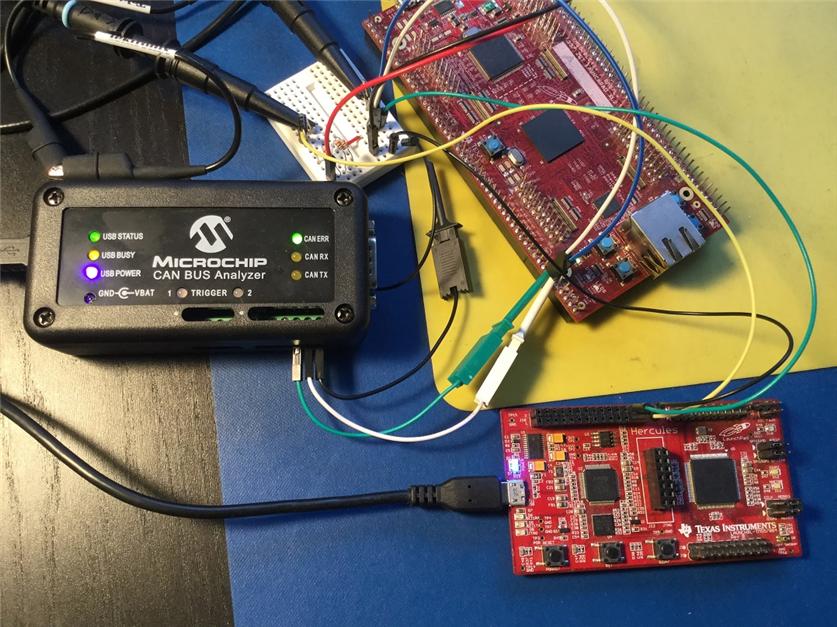
Testing CAN message transmission and reception during embedded device development
Solution
Use the USBCAN-II C as a PC-based CAN test interface to send test frames to the embedded device and monitor its responses.
Products Used
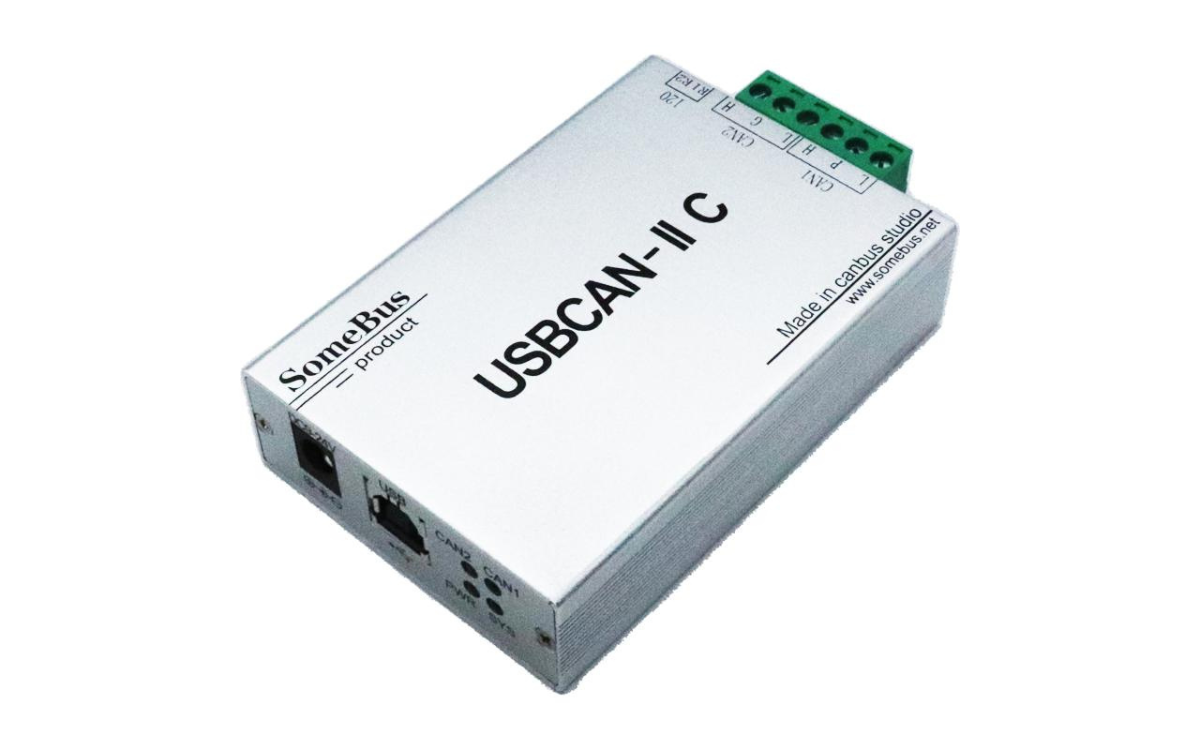
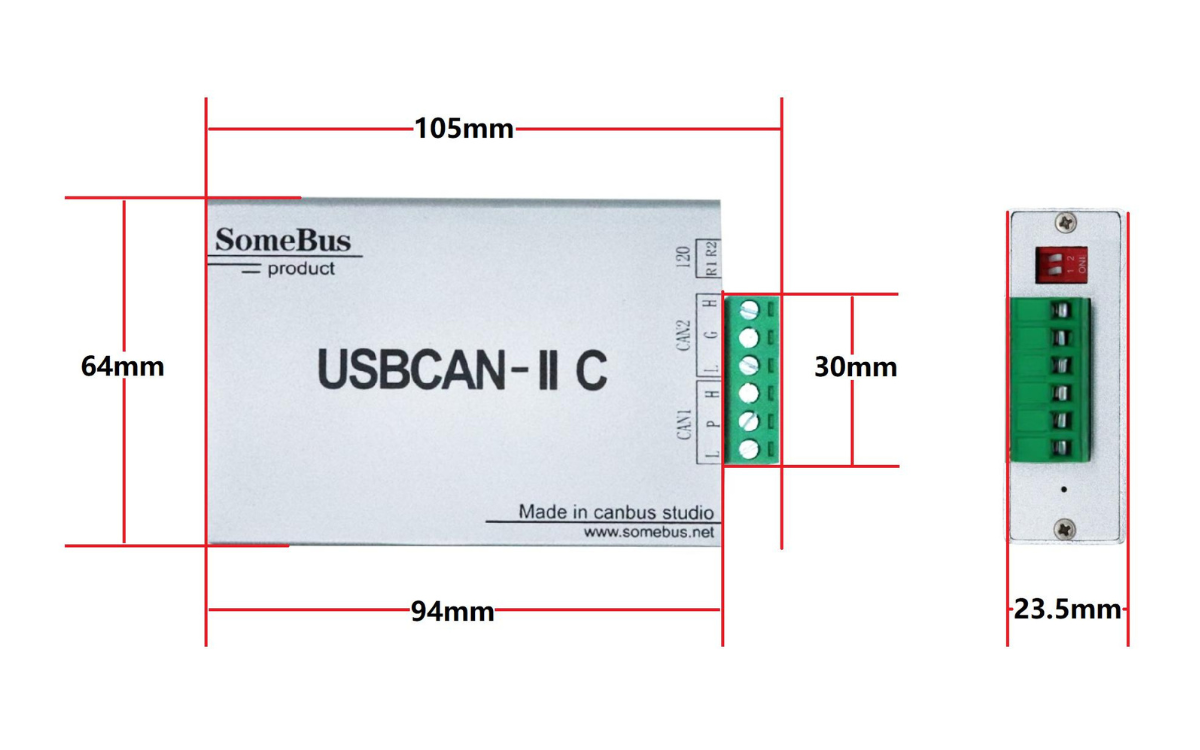
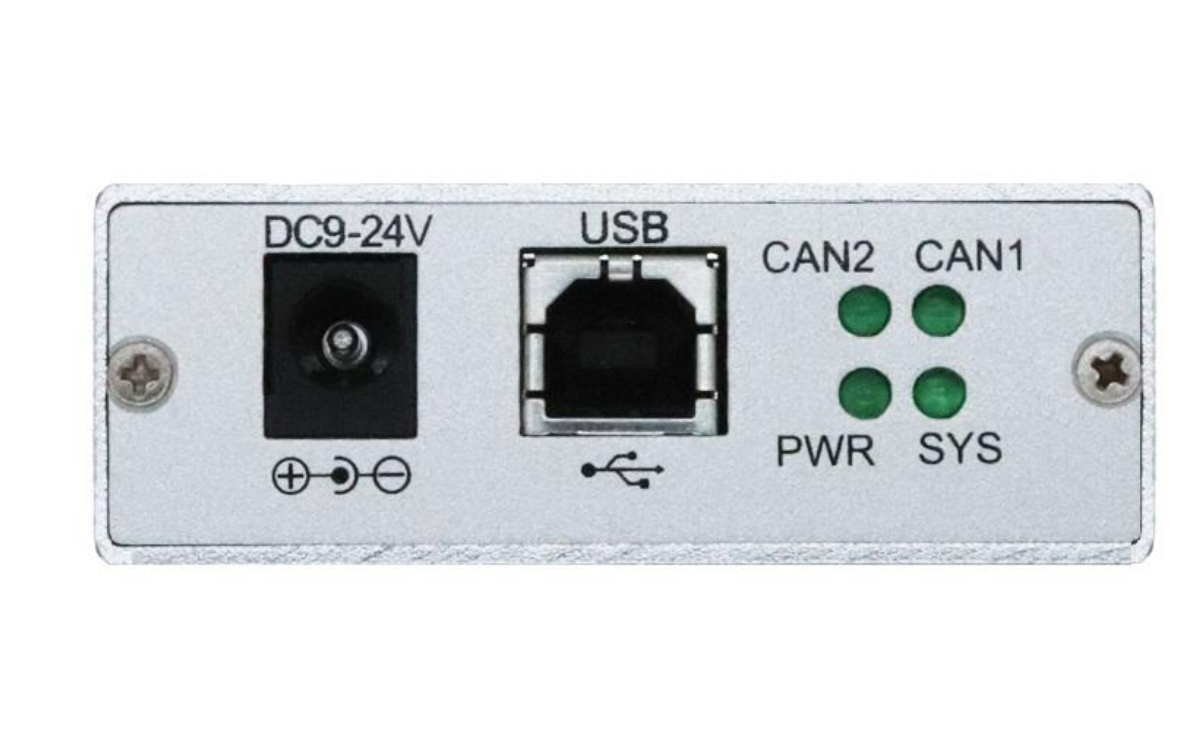
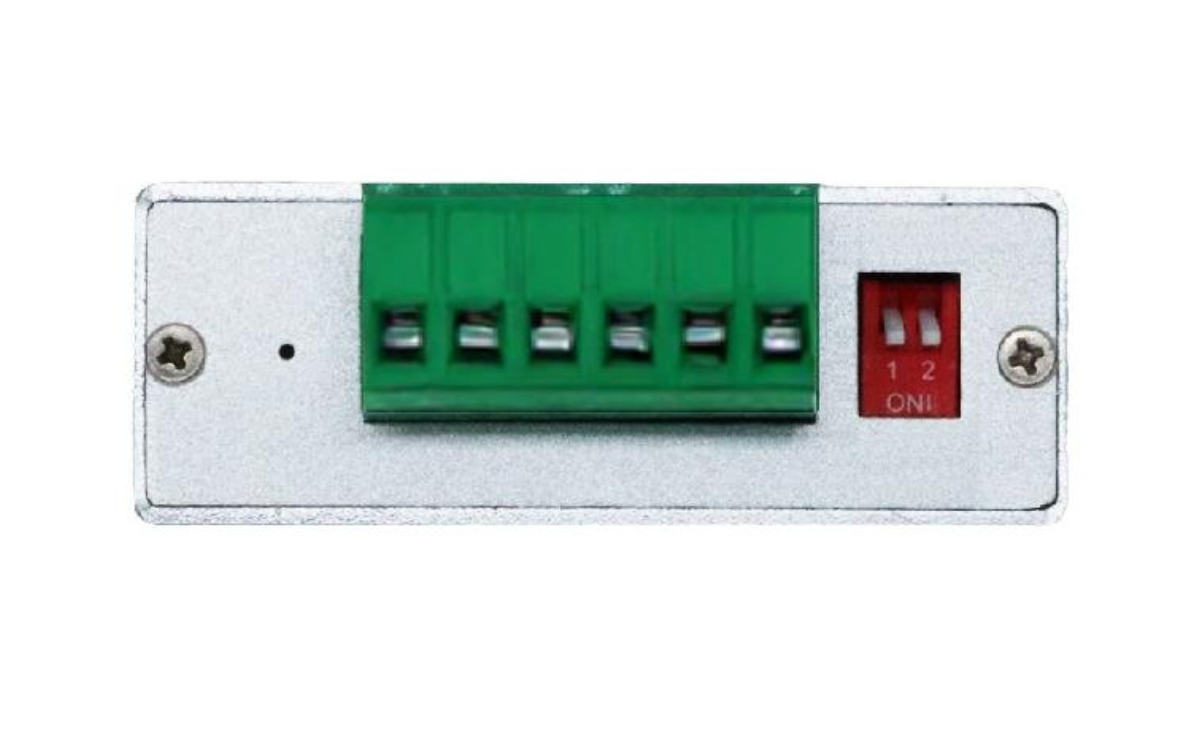
- USBCAN-II C USB to CAN Analyzer
- Embedded CAN device under test
- PC with compatible CAN analysis software
Interfaces & Protocols
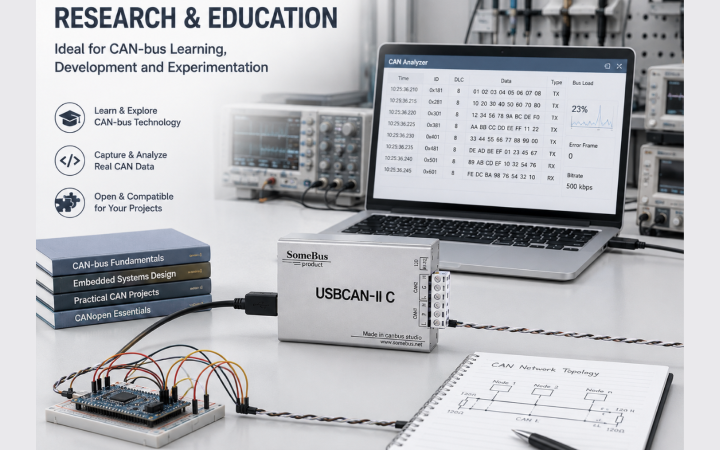
- PC Side: USB
- Analyzer Side: CAN
- Device Side: CAN
- Communication Protocol: CAN 2.0A / CAN 2.0B
How Data Flows
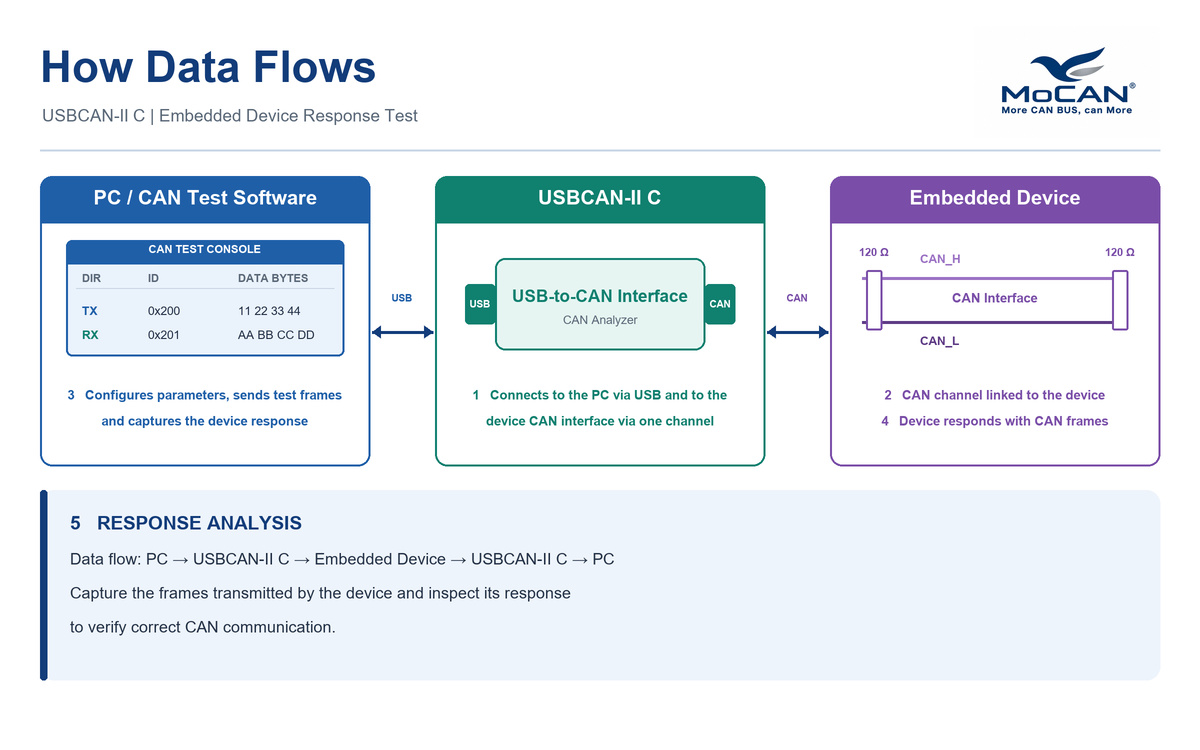
- Connect the USBCAN-II C to the PC via USB.
- Connect one CAN channel to the embedded device's CAN interface.
- Configure the CAN communication parameters in the software.
- Send test CAN frames from the PC to the device.
- Capture the frames transmitted by the device and inspect its responses.
Result
Developers can verify CAN message transmission and reception, evaluate device responses, and identify communication problems during embedded system development and functional testing.
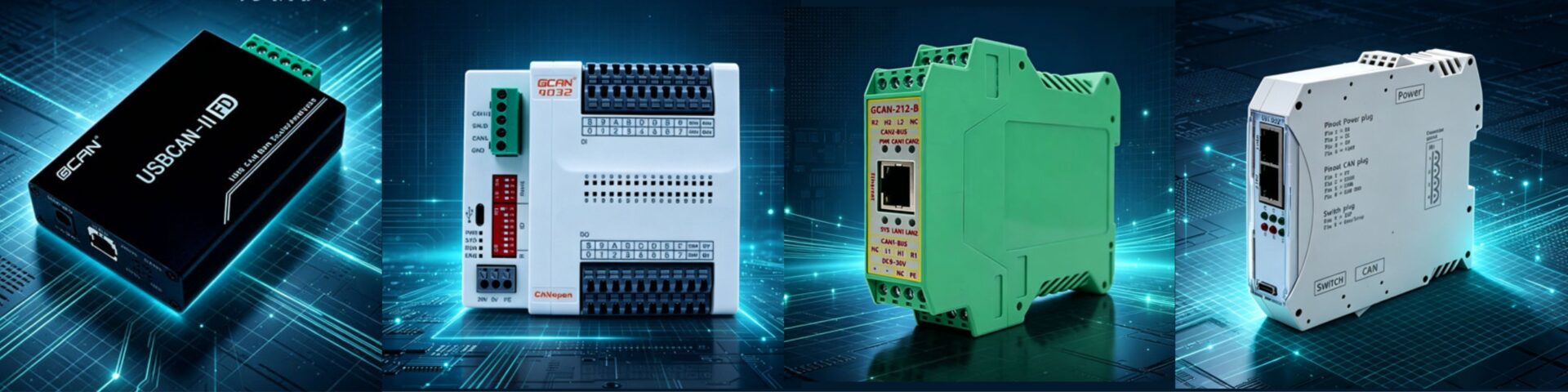
Choose the Right USBCAN Analyzer
| Model | CAN ports | OS supported | Isolation | Features | Power Supply | Applications |
| USBCAN-I Pro | 1 Channel | Win+Linux | 3000V DC | OBD-II, CANopen | USB 5V | Entry-level single channel, automotive, industrial debugging |
| USBCAN-I Pro+ | 1 Channel | Win+Linux | 3000V DC | OBD-II, CANopen; Hardware upgraded shell | USB 5V | Enhanced single channel, big data collection |
| USBCAN-II C | 2 Channels | Windows Only | 3000V DC | CAN transceive; No OBD-II/CANopen/Stand-alone | USB 5V, DC9-24V | Economical dual channel, general industrial bus sniffing |
| USBCAN-II C+ | 2 Channels | Windows Only | 3000V DC | CAN transceive; No OBD-II/CANopen/Stand-alone | USB 5V, DC9-24V | Upgraded shell dual channel based on II-C |
| USBCAN-II Pro | 2 Channels | Win+Linux | 3000V DC per channel | OBD-II, CANopen, CAN relay, stand-alone mode | USB 5V, DC9-24V | High performance dual channel, multi-bus, offline forwarding |
| USBCAN-II Pro+ | 2 Channels | Win+Linux | CAN,USB 3000V DC | OBD-II, CANopen, CAN relay, stand-alone mode | USB 5V, DC9-24V | Max protection dual channel, harsh industrial sites |
| USBCAN-II FD | 2 Channels | Win+Linux | 2500V DC | CAN-FD protocol, compatible with CAN2.0 | USB 5V, DC9-24V | CAN-FD bus, new energy vehicle debugging |