Communication Challenge
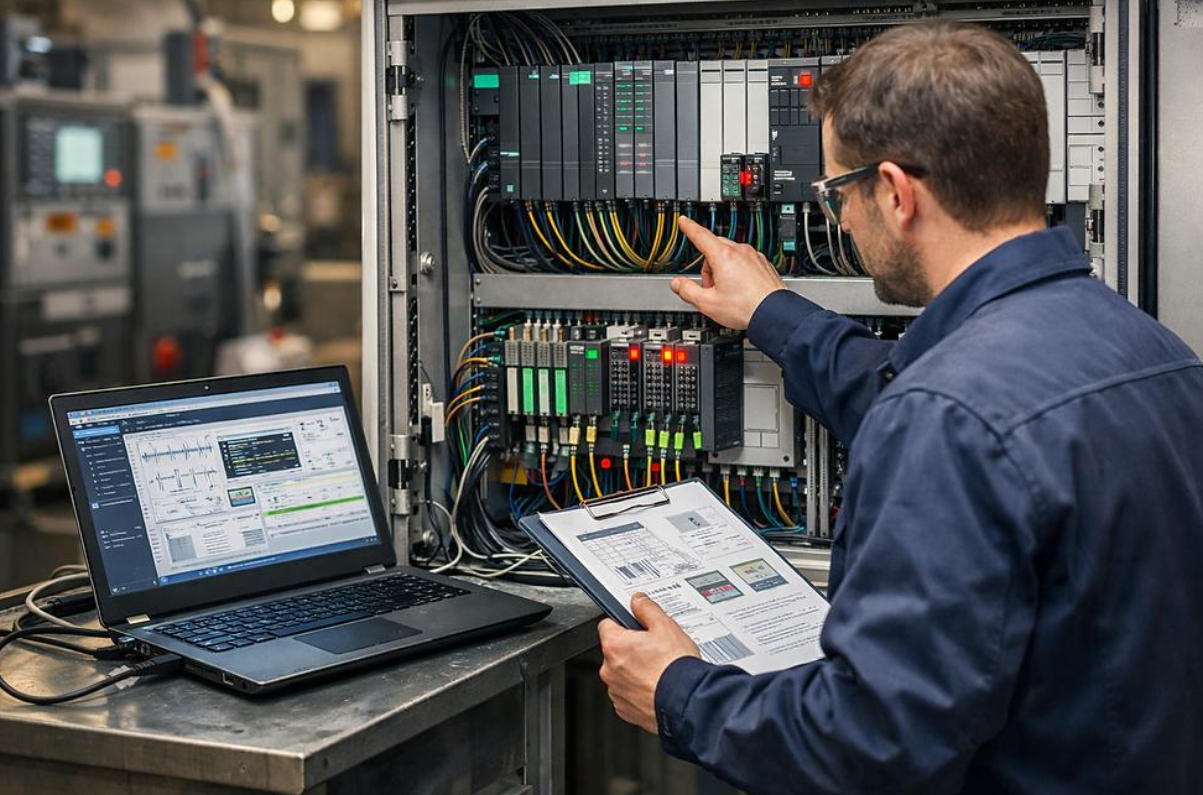
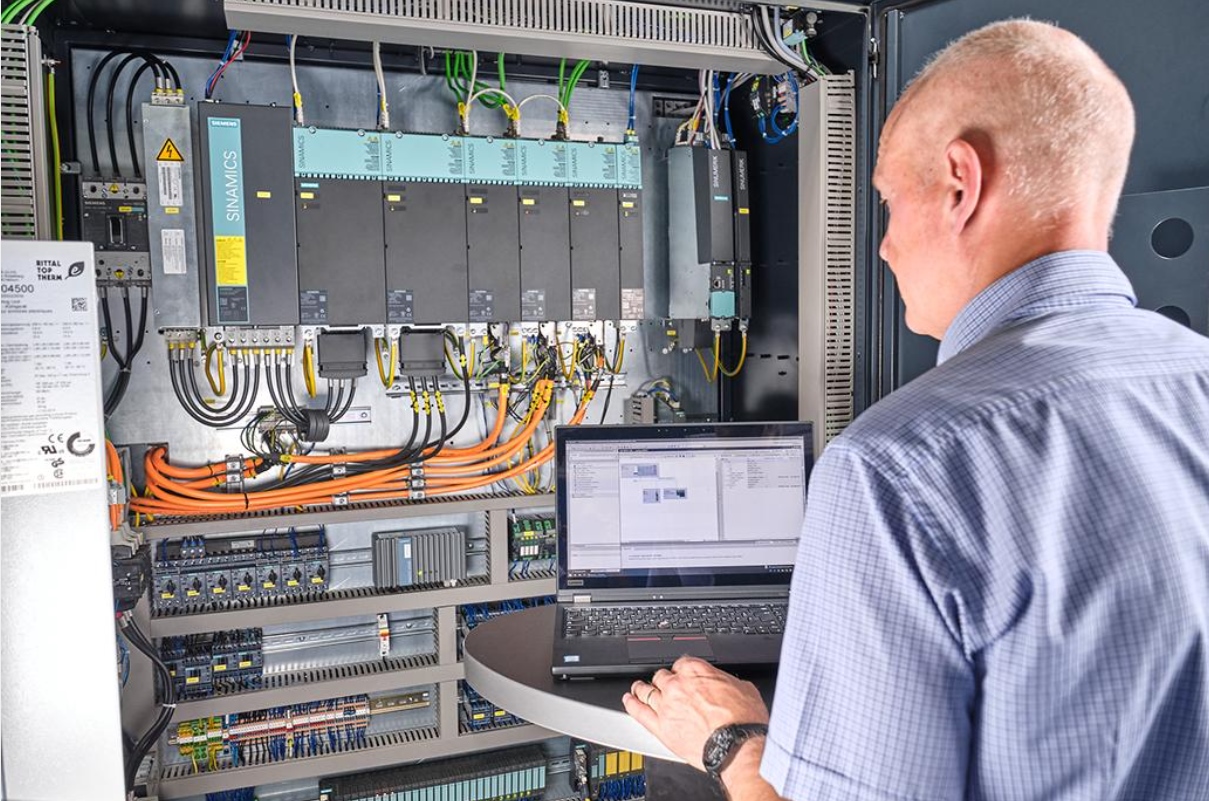
When troubleshooting equipment with multiple CAN connections, engineers may need to inspect communication on two independent CAN buses at the same time. A single-channel analyzer cannot monitor both buses simultaneously.
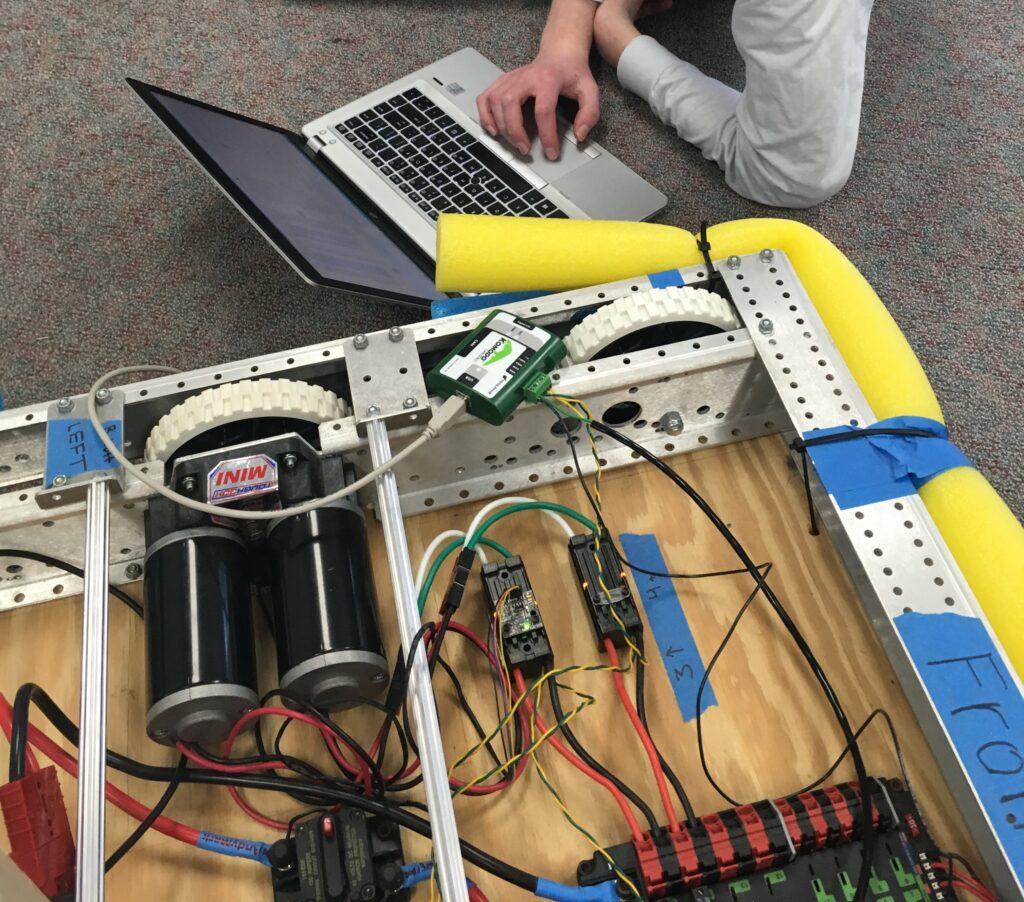
Simultaneous monitoring of two independent CAN bus networks
Solution
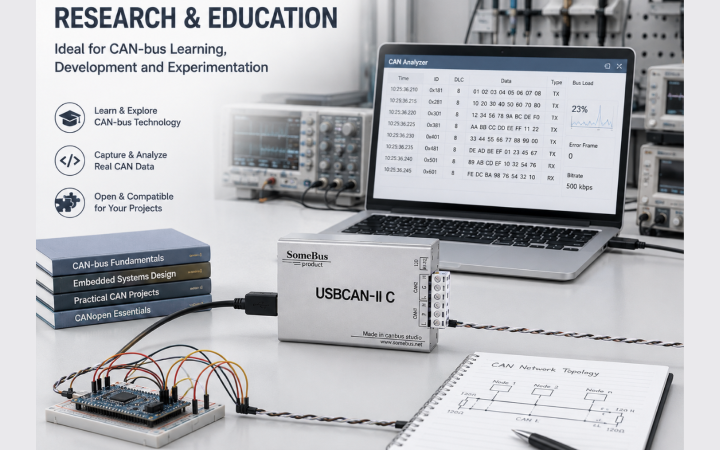
Use the dual-channel USBCAN-II C to connect two independent CAN networks to one PC for simultaneous monitoring and diagnostics.
Products Used
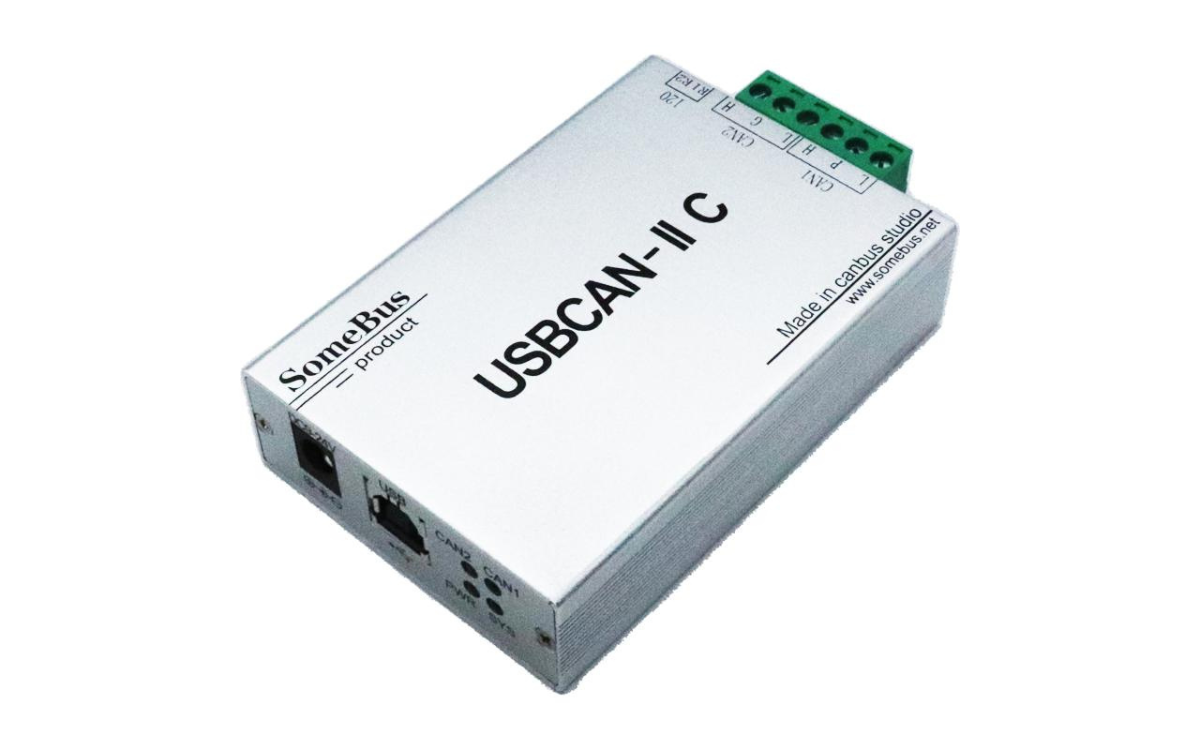
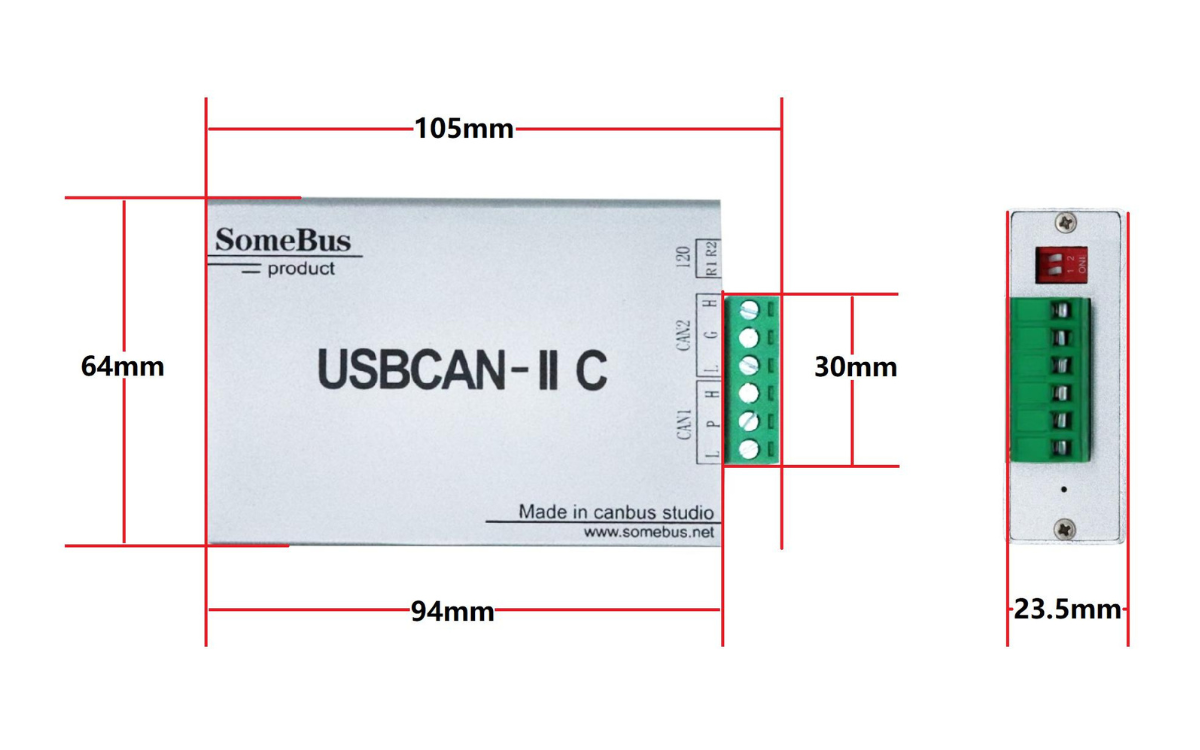
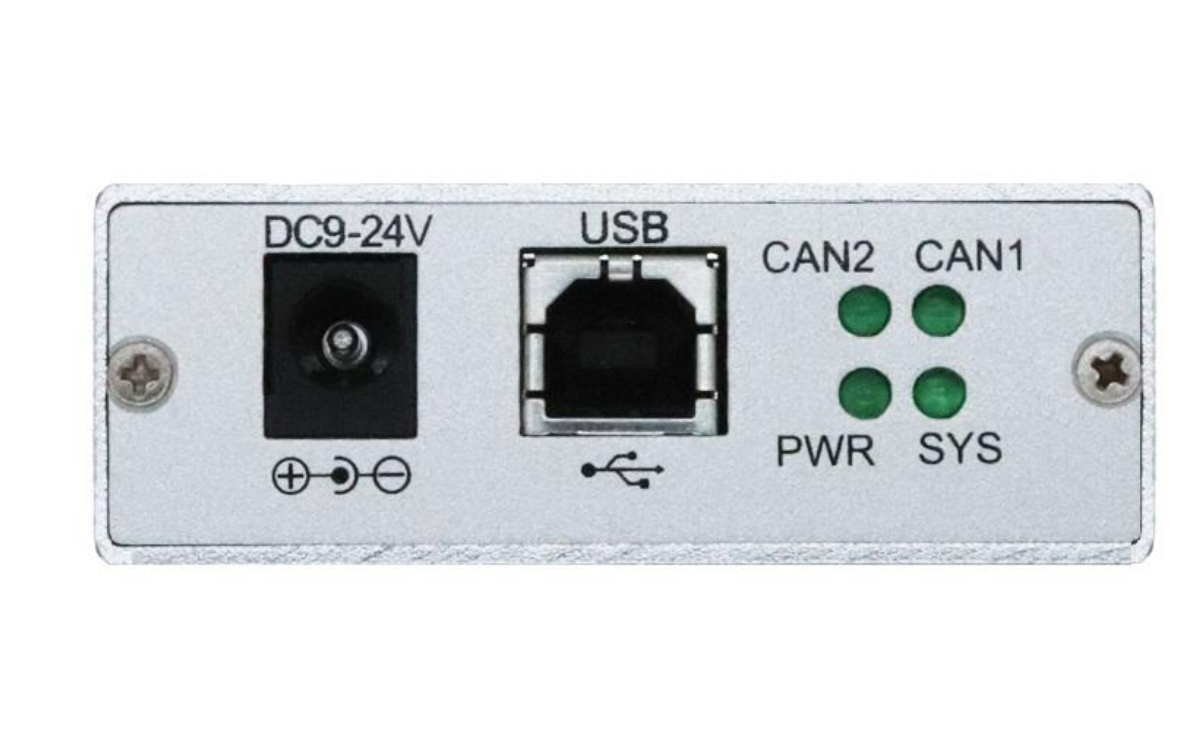
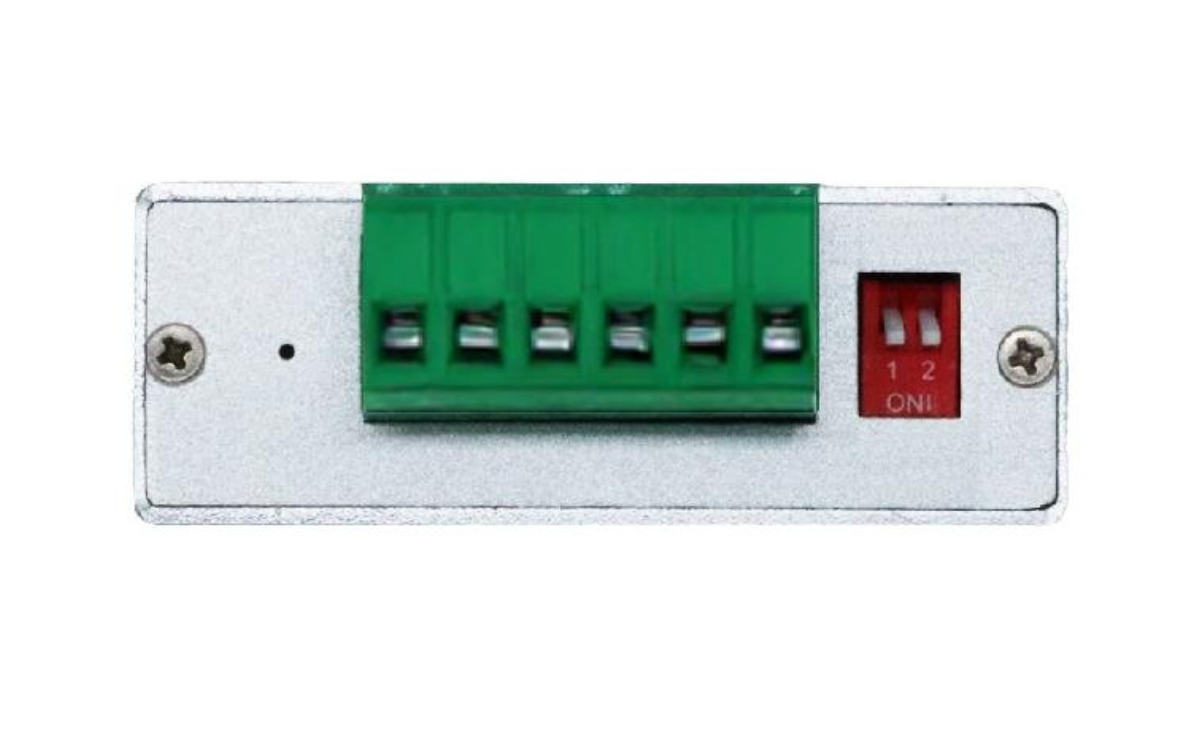
- USBCAN-II C USB to CAN Analyzer
- PC with compatible CAN analysis software
- CAN devices or network segments
Related Topic: #GCAN-IIC
1 Related ArticlesInterfaces & Protocols
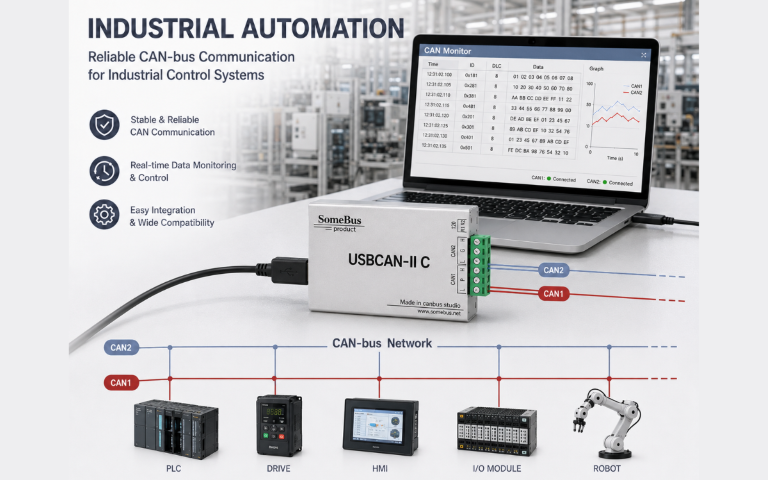
- PC Side: USB
- Analyzer Side: Two independent CAN channels
- Device Side: CAN
- Communication Protocol: CAN 2.0A / CAN 2.0B
How Data Flows
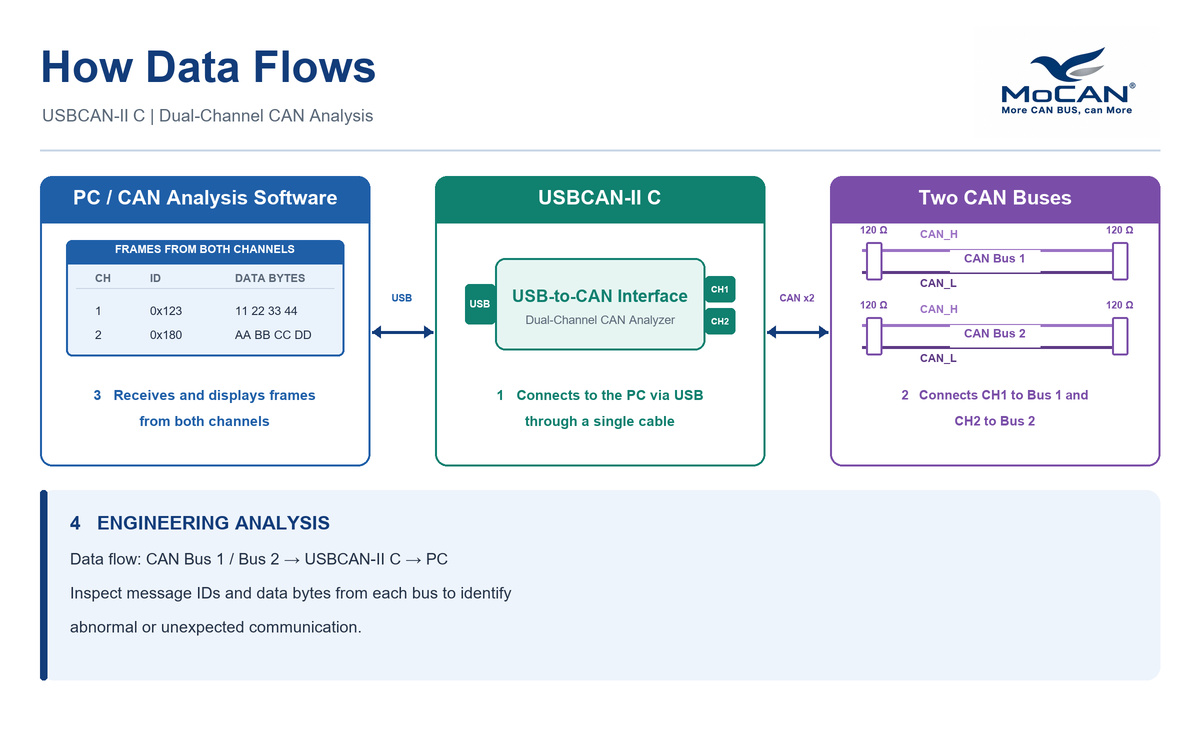
- Connect the USBCAN-II C to the PC through USB.
- Connect CAN Channel 1 to the first CAN bus and CAN Channel 2 to the second.
- Use the CAN analysis software to receive and display frames from both channels.
- Inspect message IDs and data bytes from each bus to identify abnormal or unexpected communication.
Result
Engineers can monitor two independent CAN buses using one analyzer, making it easier to compare network activity and locate communication issues during equipment diagnostics.
Related Topic: #CAN Bus Monitoring & Data Acquisition
9 Related Articles
GCAN-212B Application: Ethernet-Based CAN Bus Diagnosis and Testing
Use the GCAN-212B to connect a PC-based diagnostic application to a CAN network over Ethernet. Monitor CAN traffic, transmit test messages, and analyze communication responses.
GCAN-212B Application: Ethernet-Based CAN Data Acquisition
Connect CAN field devices to an Ethernet-based PC using the GCAN-212B. Collect, monitor, and record CAN data through TCP or UDP Socket communication.
GCAN-211 Application: Wireless CAN Bus Monitoring & Data Acquisition
Wireless CAN Bus Monitoring · WiFi Connectivity · 2-Channel CAN · TCP/UDP Communication · Remote CAN Data Acquisition
USBCAN-II FD Application: CAN FD Communication Testing
2-Channel CAN/CAN FD · CAN FD Frame Testing · Up to 64-Byte Payload · Data Rate up to 5 Mbps · 1 μs Timestamping · USBCAN-II FD
USBCAN-II C Application: CAN Device Development & Testing
CAN Frame Transmission & Reception · Embedded CAN Device Testing · Message Simulation · CAN 2.0A/B · USBCAN-II C
USBCAN-I PRO Application: CAN Bus Monitoring & Troubleshooting
Single-Channel CAN Monitoring · Real-Time Frame Capture · CAN Data Logging · 1 μs Timestamping · USBCAN-I PRO
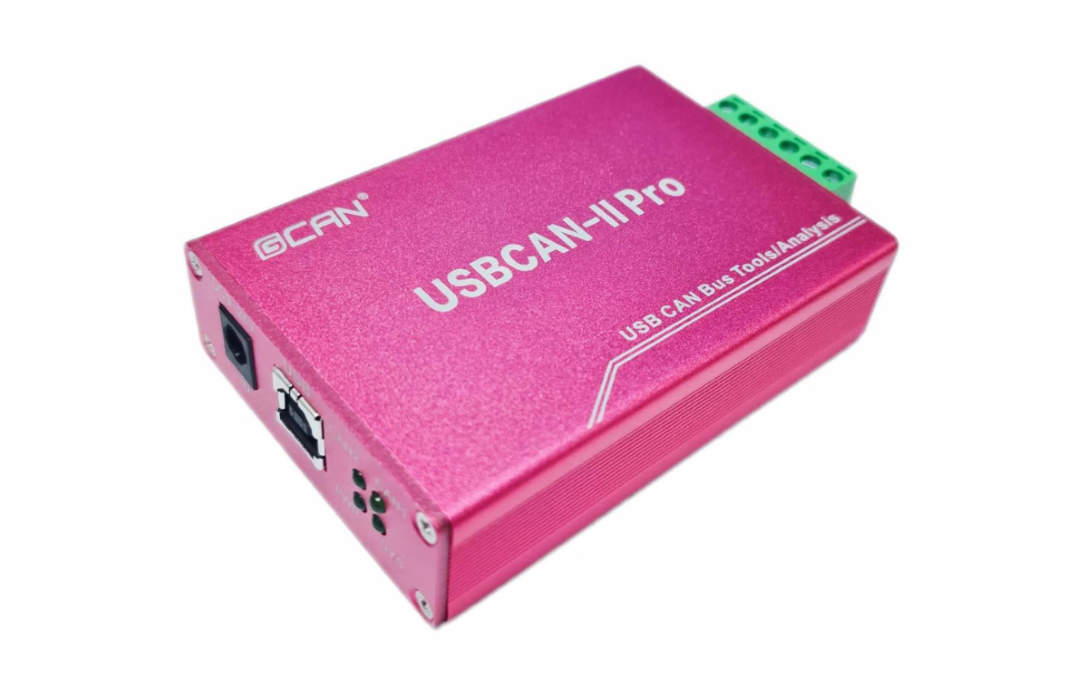
USBCAN-II Pro 2-Channel USB CAN Analyzer with CANopen Master
2-Channel CAN Bus Monitoring · Data Acquisition · CANopen Master · Free SDK & API Documentation · C/C++ · C# · Python · LabVIEW
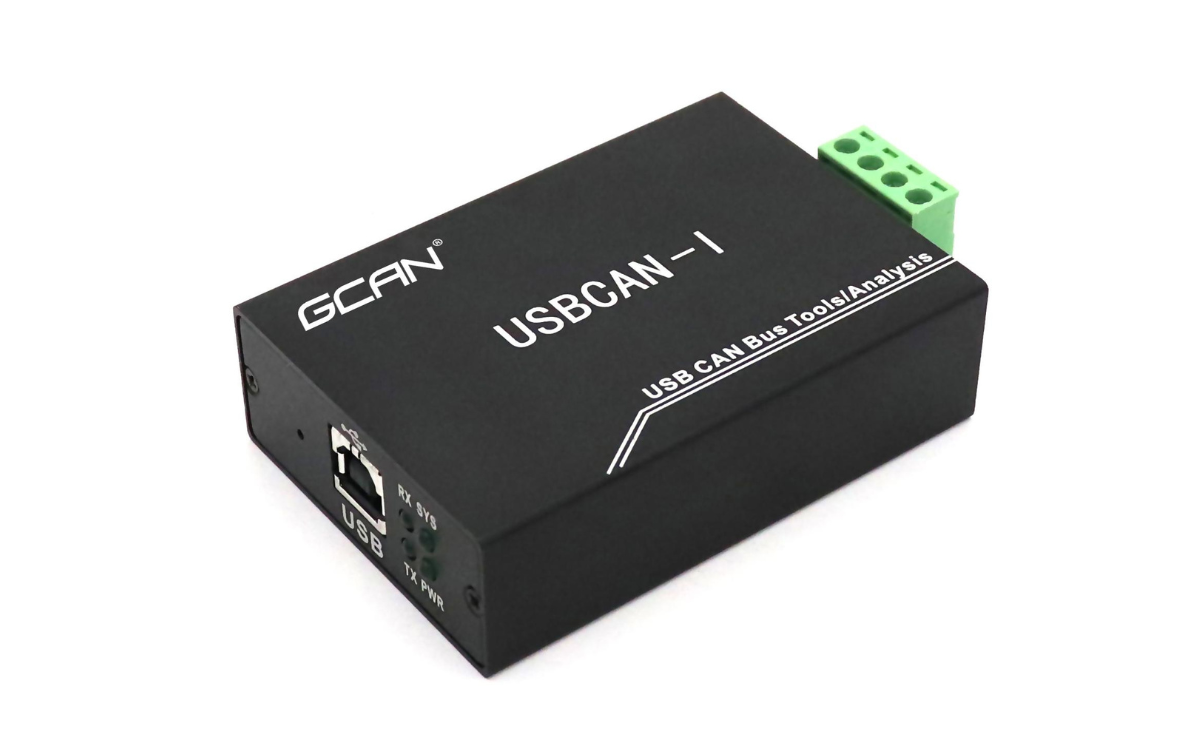
USBCAN-I PRO Single-Channel USB CAN Analyzer with CANopen Master
CAN Bus Monitoring · CANopen Master · OBD II Diagnostics · SDK & API Documentation · Windows & Linux
CAN Bus Testing: Tools, Methods and Applications
Post excerpt contains keyphrase and simple content introduction. Very important content for better SEO performance
Related Topic: #CAN Bus & CAN FD
6 Related Articles GCAN-212B Application: Ethernet-Based CAN Bus Diagnosis and Testing
Use the GCAN-212B to connect a PC-based diagnostic application to a CAN network over Ethernet. Monitor CAN traffic, transmit test messages, and analyze communication responses.
GCAN-212B Application: Ethernet-Based CAN Data Acquisition
Connect CAN field devices to an Ethernet-based PC using the GCAN-212B. Collect, monitor, and record CAN data through TCP or UDP Socket communication.
GCAN-211 Application: Wireless CAN Bus Monitoring & Data Acquisition
Wireless CAN Bus Monitoring · WiFi Connectivity · 2-Channel CAN · TCP/UDP Communication · Remote CAN Data Acquisition
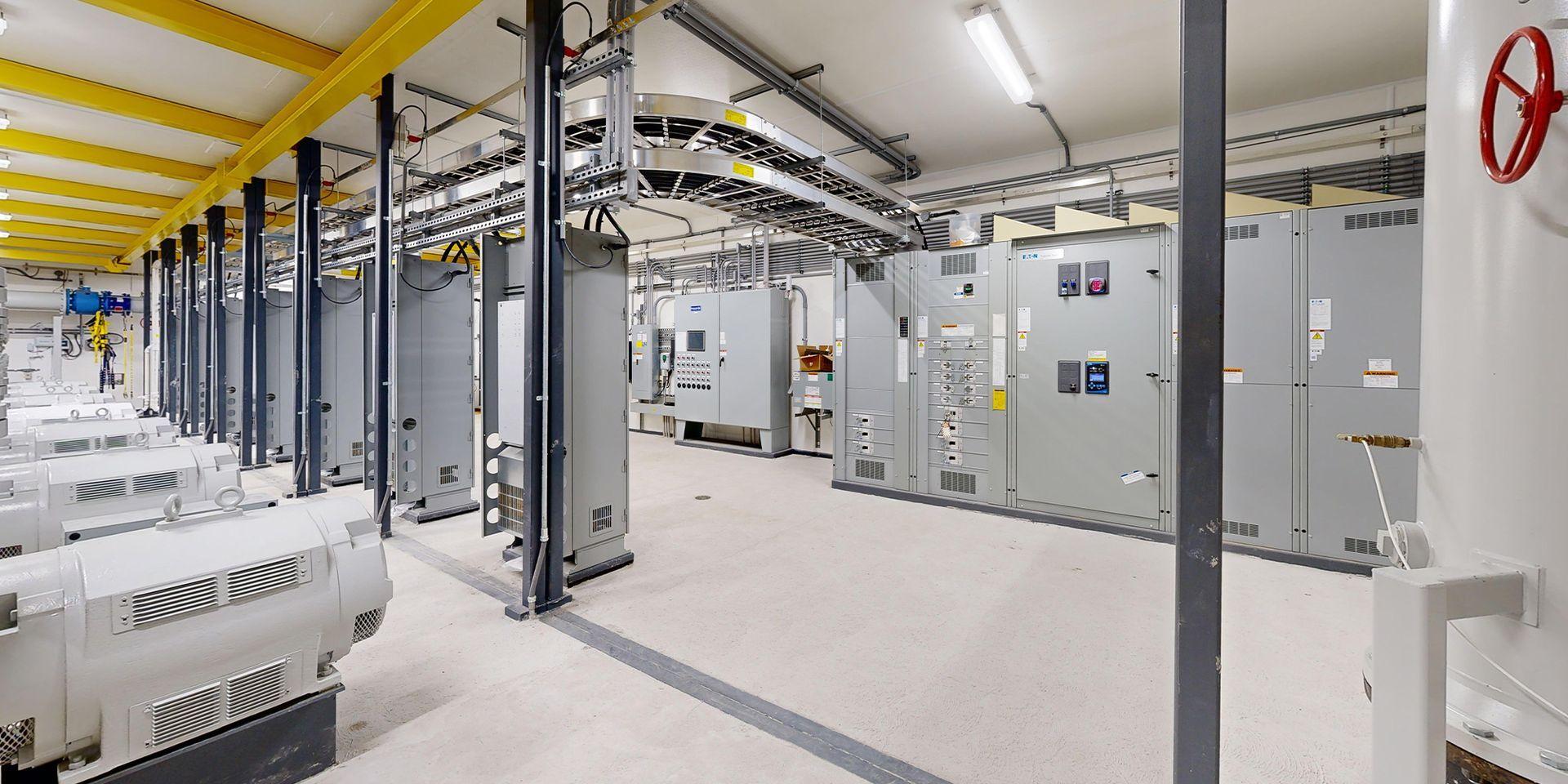
GCAN-208 Application: Long-Distance CAN Communication
Long-Distance CAN Communication · GCAN-208-1 Fiber Optic Repeater · Up to 20 km · CAN 2.0A/B · Electrical Isolation · Industrial Applications
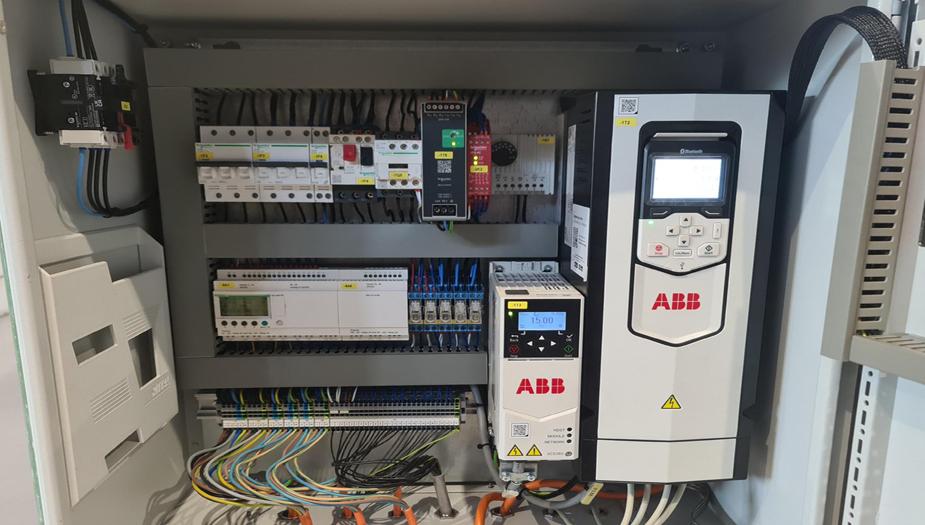
GCAN-205 Application: Modbus TCP to CAN Command Transmission
PLC-to-CAN Command Transmission · GCAN-205 Modbus TCP-to-CAN Gateway · Modbus TCP Slave · CAN 2.0A/B · Triggered and Cyclic Transmission
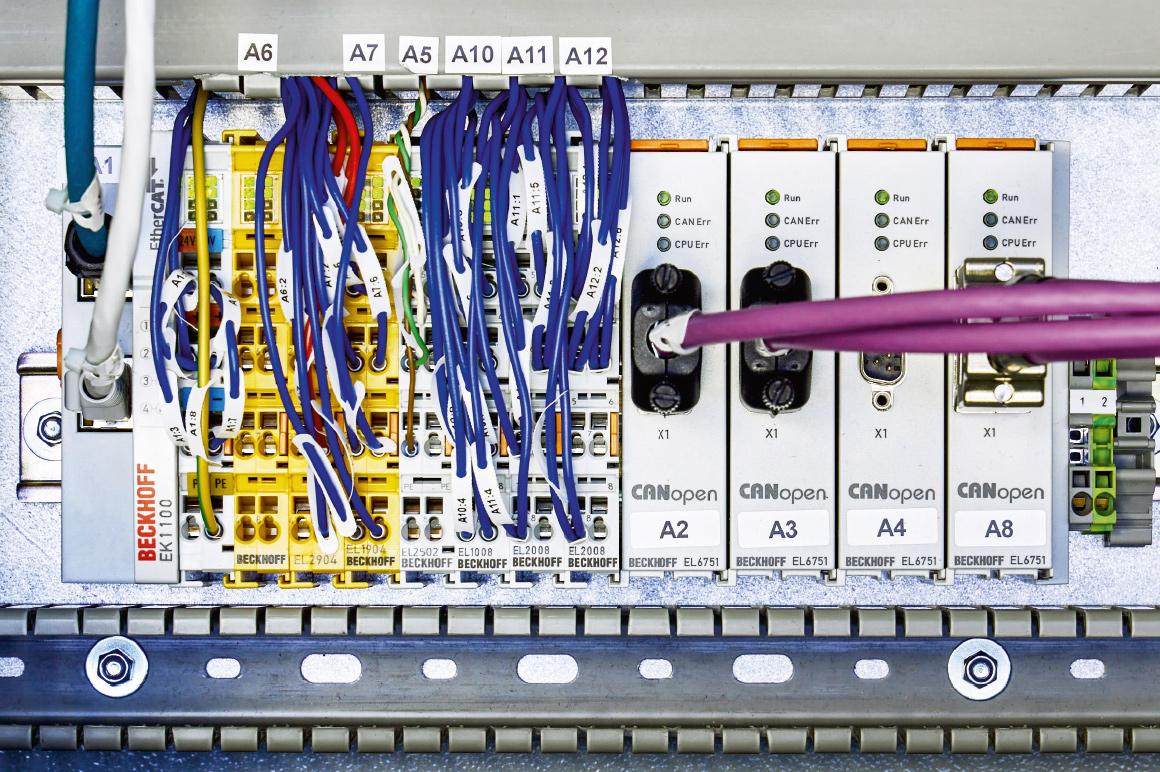
GCAN-205 Application: CAN Data Acquisition via Modbus TCP
CAN Data Acquisition via Modbus TCP · GCAN-205 Modbus TCP-to-CAN Gateway · PLC Integration · CAN 2.0A/B · Configurable Register Mapping
Choose the Right USBCAN Analyzer
| Model | CAN ports | OS supported | Isolation | Features | Power Supply | Applications |
| USBCAN-I Pro | 1 Channel | Win+Linux | 3000V DC | OBD-II, CANopen | USB 5V | Entry-level single channel, automotive, industrial debugging |
| USBCAN-I Pro+ | 1 Channel | Win+Linux | 3000V DC | OBD-II, CANopen; Hardware upgraded shell | USB 5V | Enhanced single channel, big data collection |
| USBCAN-II C | 2 Channels | Windows Only | 3000V DC | CAN transceive; No OBD-II/CANopen/Stand-alone | USB 5V, DC9-24V | Economical dual channel, general industrial bus sniffing |
| USBCAN-II C+ | 2 Channels | Windows Only | 3000V DC | CAN transceive; No OBD-II/CANopen/Stand-alone | USB 5V, DC9-24V | Upgraded shell dual channel based on II-C |
| USBCAN-II Pro | 2 Channels | Win+Linux | 3000V DC per channel | OBD-II, CANopen, CAN relay, stand-alone mode | USB 5V, DC9-24V | High performance dual channel, multi-bus, offline forwarding |
| USBCAN-II Pro+ | 2 Channels | Win+Linux | CAN,USB 3000V DC | OBD-II, CANopen, CAN relay, stand-alone mode | USB 5V, DC9-24V | Max protection dual channel, harsh industrial sites |
| USBCAN-II FD | 2 Channels | Win+Linux | 2500V DC | CAN-FD protocol, compatible with CAN2.0 | USB 5V, DC9-24V | CAN-FD bus, new energy vehicle debugging |