Communication Challenge
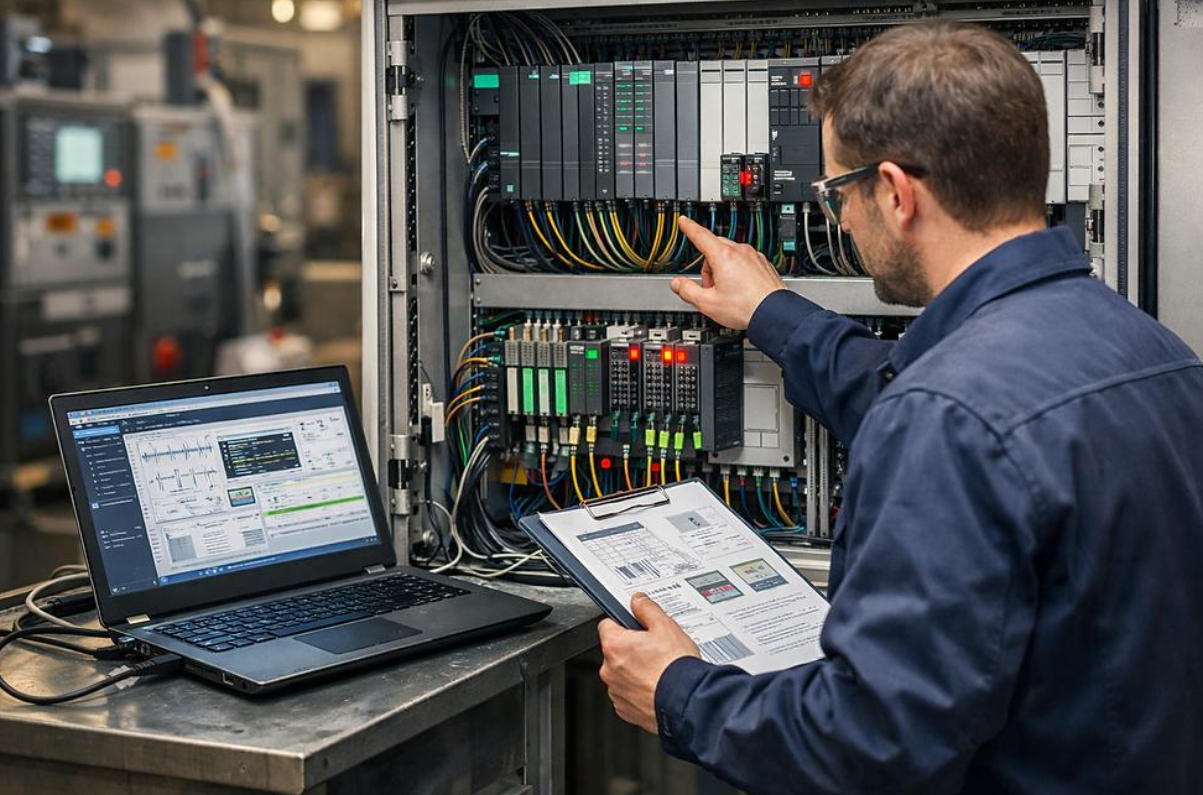
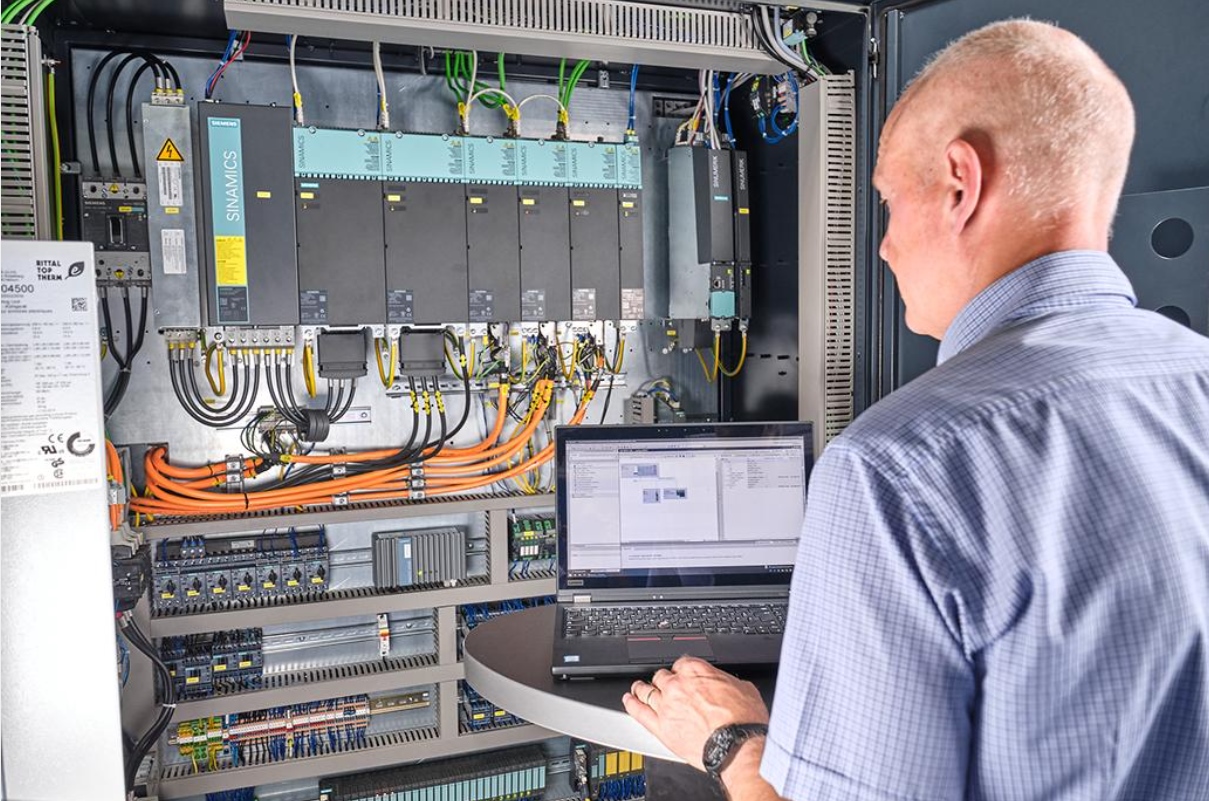
When integrating multiple CANopen devices into an automation network, engineers need to verify node availability, check communication status, access device parameters, and identify communication errors. Monitoring raw CAN frames alone does not provide the same level of CANopen network management.
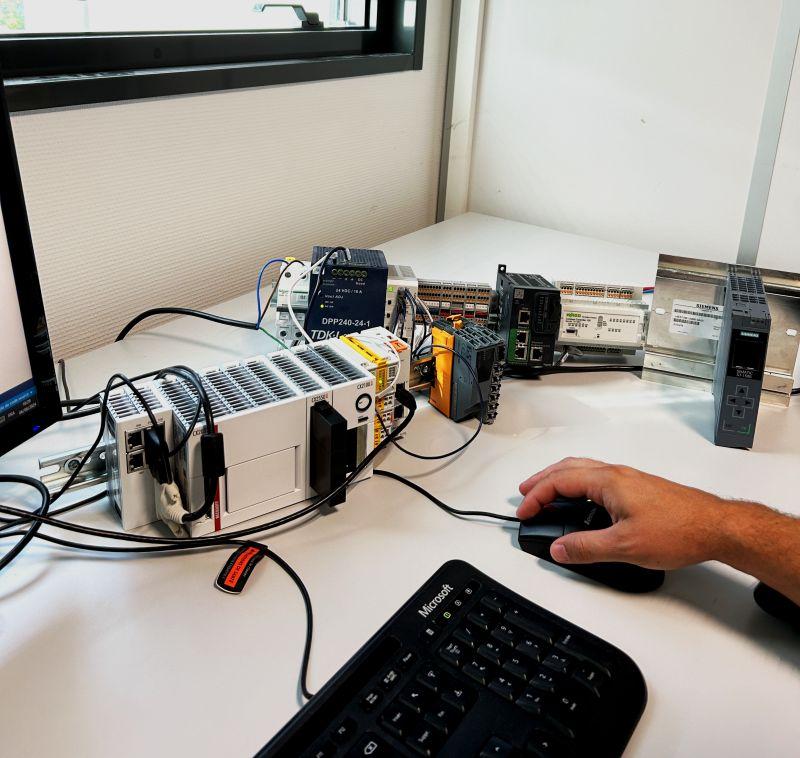
Testing and diagnosing multiple CANopen devices with USBCAN-II PRO
Solution
Use the USBCAN-II PRO with GCANTools as a CANopen Master to inspect, configure, and diagnose multiple CANopen Slave devices during network integration.
Products Used
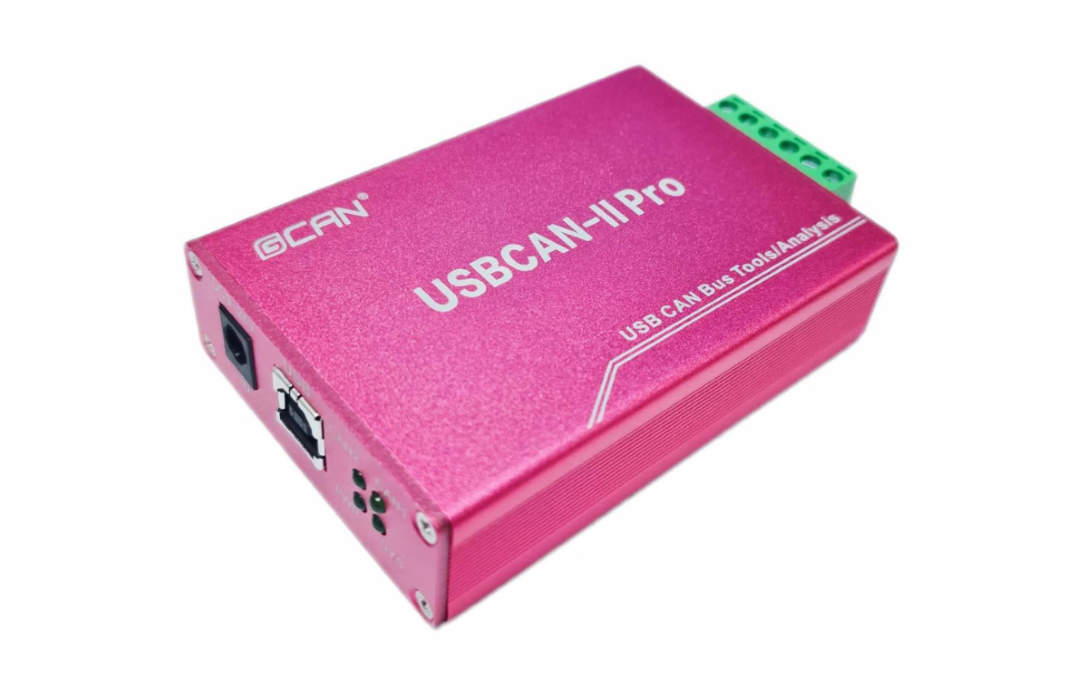
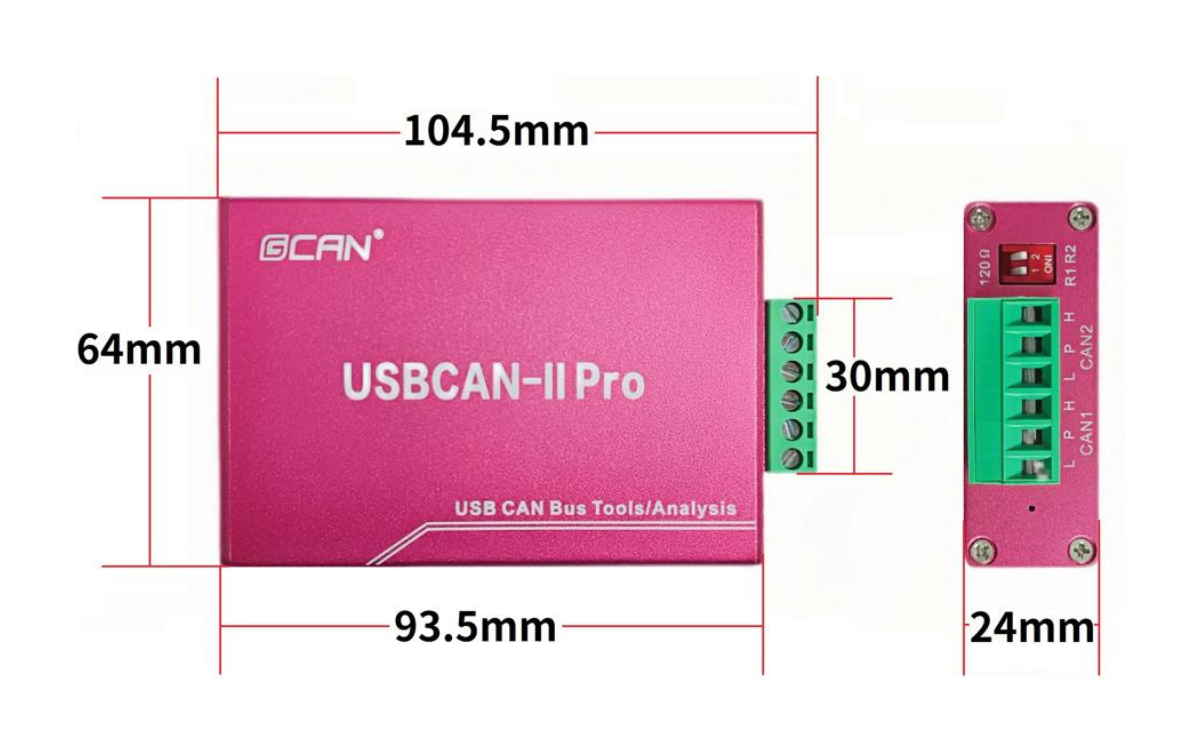
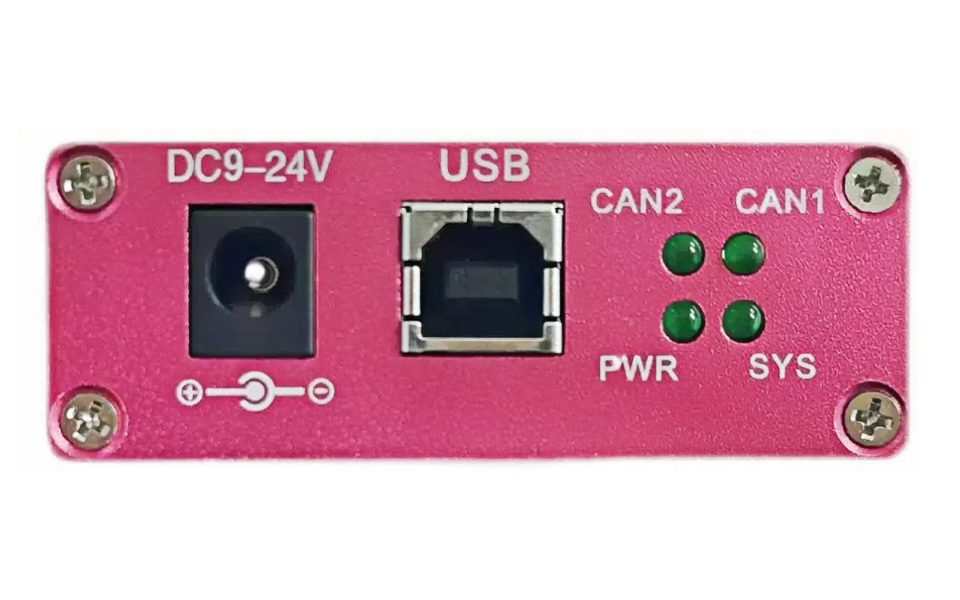
- USBCAN-II PRO USB to CAN Analyzer
- CANopen Slave devices, such as remote I/O modules or servo drives
- PC with GCANTools
Interfaces & Protocols
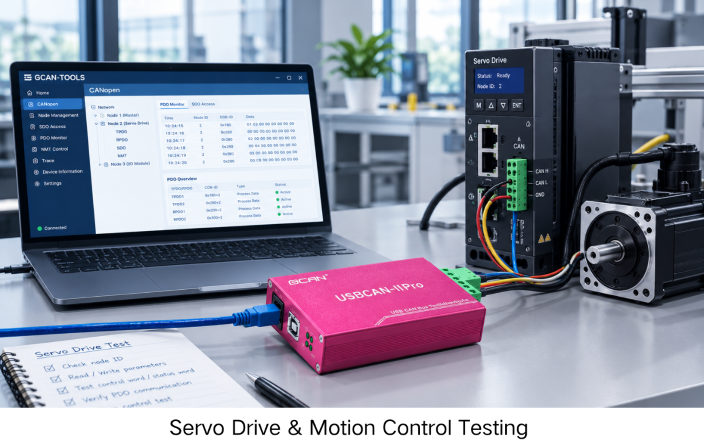
- PC Side: USB
- Analyzer Side: CAN
- Device Side: CAN
- Communication Protocol: CANopen over CAN
How Data Flows
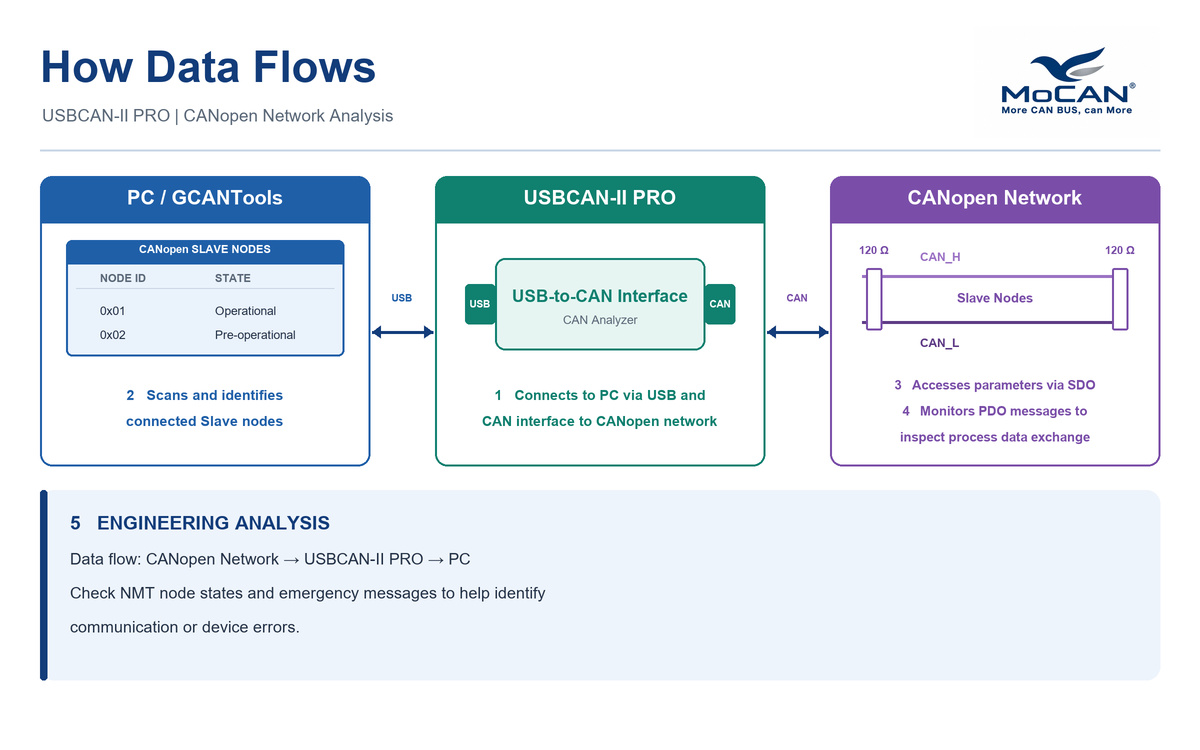
- Connect the USBCAN-II PRO to the PC via USB and connect its CAN interface to the CANopen network.
- Use GCANTools to scan and identify connected Slave nodes.
- Access device parameters through SDO communication.
- Monitor PDO messages to inspect process data exchanged between network devices.
- Check NMT node states and emergency messages to help identify communication or device errors.
Result
Engineers can verify CANopen device communication, inspect device parameters, and diagnose network issues before connecting the devices to the main automation controller.
Choose the Right USBCAN Analyzer
| Model | CAN ports | OS supported | Isolation | Features | Power Supply | Applications |
| USBCAN-I Pro | 1 Channel | Win+Linux | 3000V DC | OBD-II, CANopen | USB 5V | Entry-level single channel, automotive, industrial debugging |
| USBCAN-I Pro+ | 1 Channel | Win+Linux | 3000V DC | OBD-II, CANopen; Hardware upgraded shell | USB 5V | Enhanced single channel, big data collection |
| USBCAN-II C | 2 Channels | Windows Only | 3000V DC | CAN transceive; No OBD-II/CANopen/Stand-alone | USB 5V, DC9-24V | Economical dual channel, general industrial bus sniffing |
| USBCAN-II C+ | 2 Channels | Windows Only | 3000V DC | CAN transceive; No OBD-II/CANopen/Stand-alone | USB 5V, DC9-24V | Upgraded shell dual channel based on II-C |
| USBCAN-II Pro | 2 Channels | Win+Linux | 3000V DC per channel | OBD-II, CANopen, CAN relay, stand-alone mode | USB 5V, DC9-24V | High performance dual channel, multi-bus, offline forwarding |
| USBCAN-II Pro+ | 2 Channels | Win+Linux | CAN,USB 3000V DC | OBD-II, CANopen, CAN relay, stand-alone mode | USB 5V, DC9-24V | Max protection dual channel, harsh industrial sites |
| USBCAN-II FD | 2 Channels | Win+Linux | 2500V DC | CAN-FD protocol, compatible with CAN2.0 | USB 5V, DC9-24V | CAN-FD bus, new energy vehicle debugging |