Communication Challenge
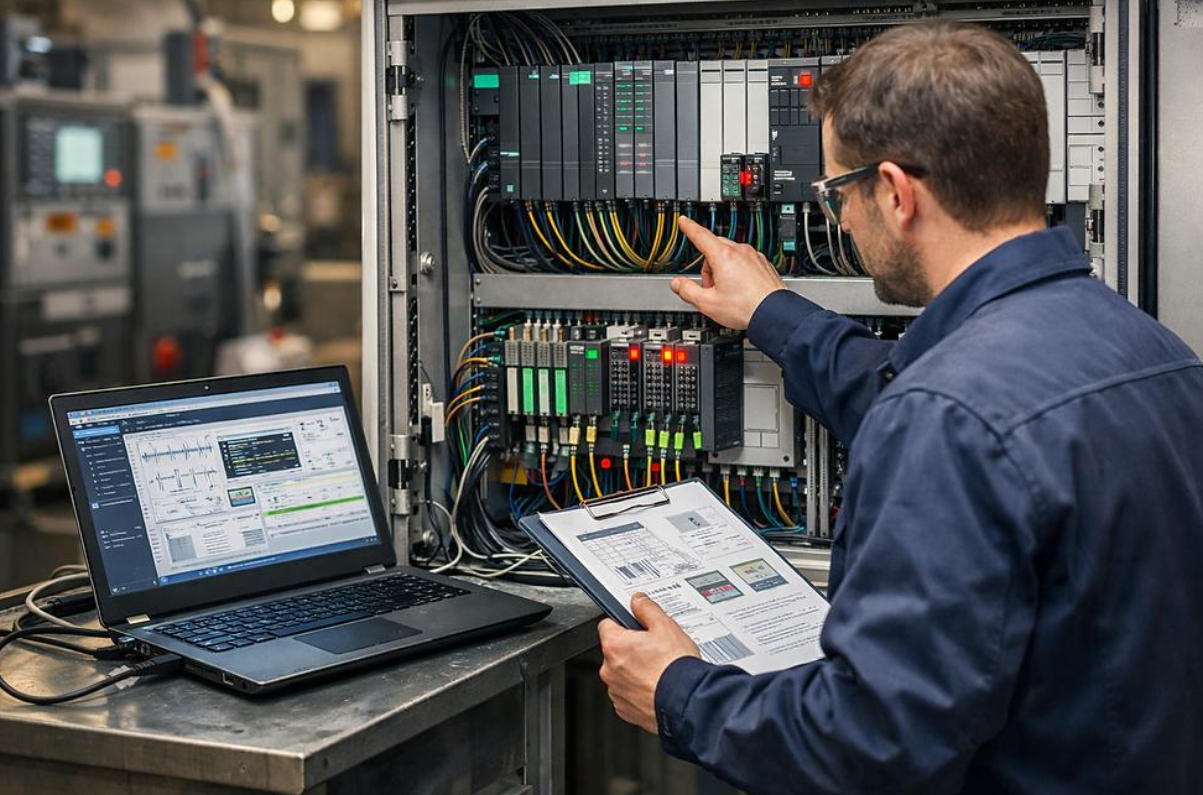
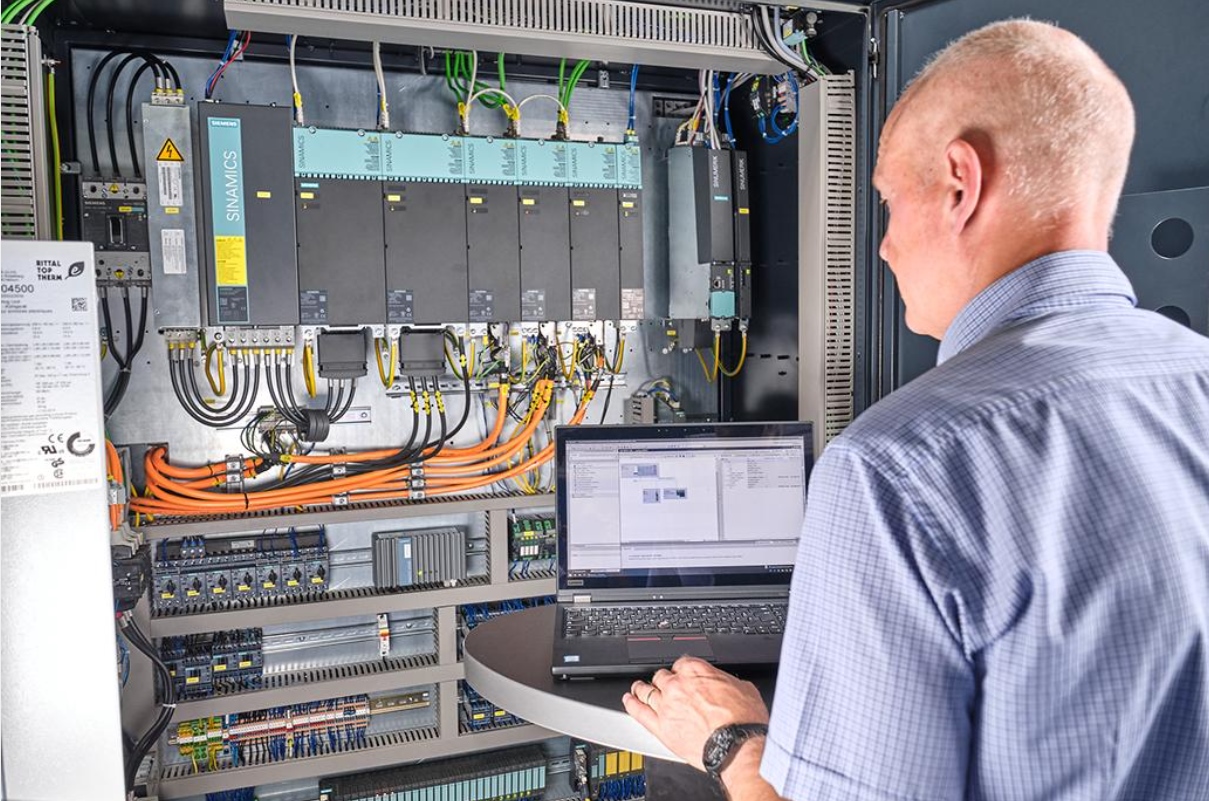
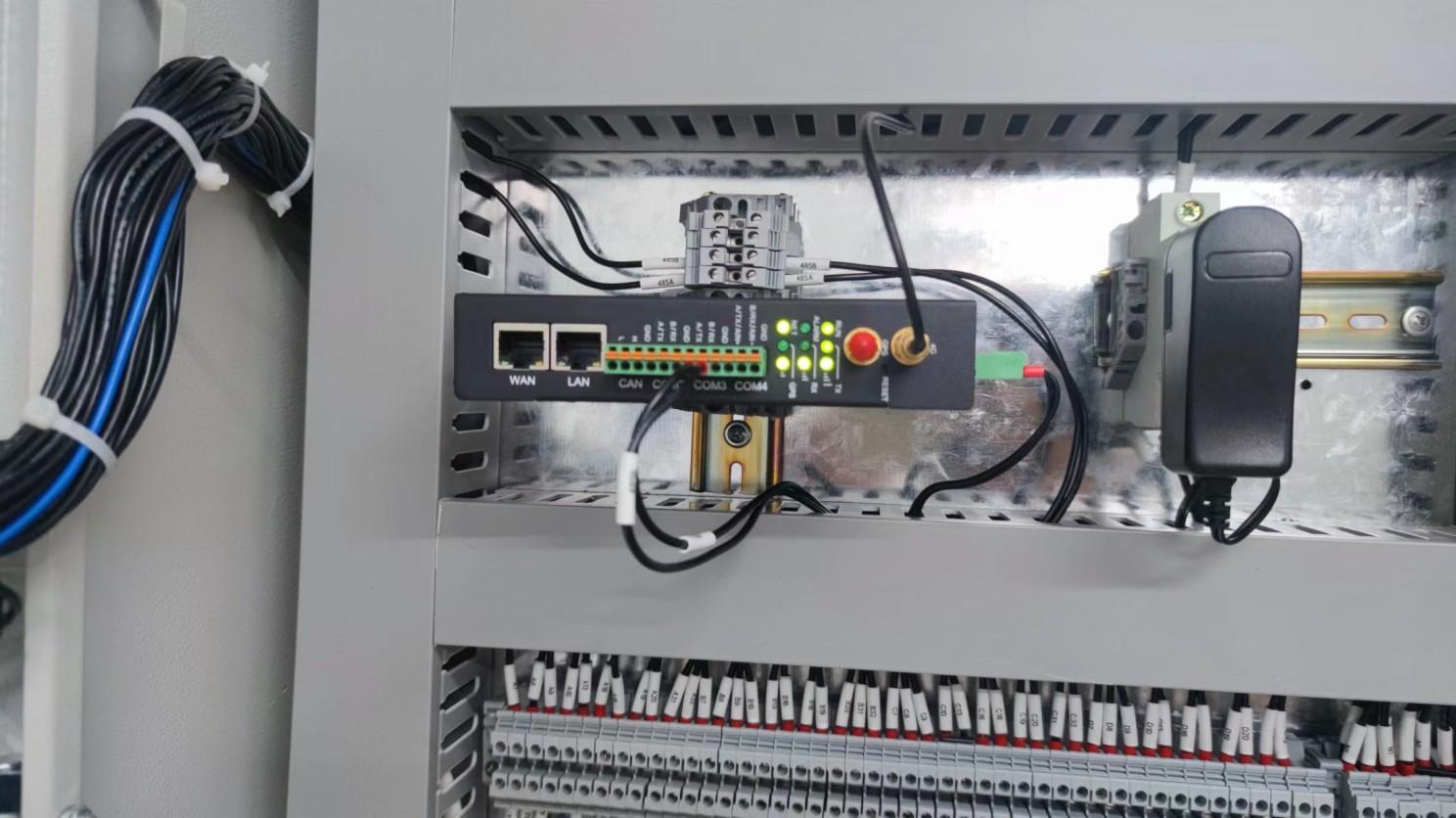
In some industrial installations, CAN-based equipment is located inside machinery, control cabinets, or field areas where running a direct communication cable to a monitoring PC is inconvenient.
A conventional wired connection can increase installation work and limit the flexibility of PC placement. Engineers need a practical way to access CAN communication data without physically connecting the PC to the CAN interface.
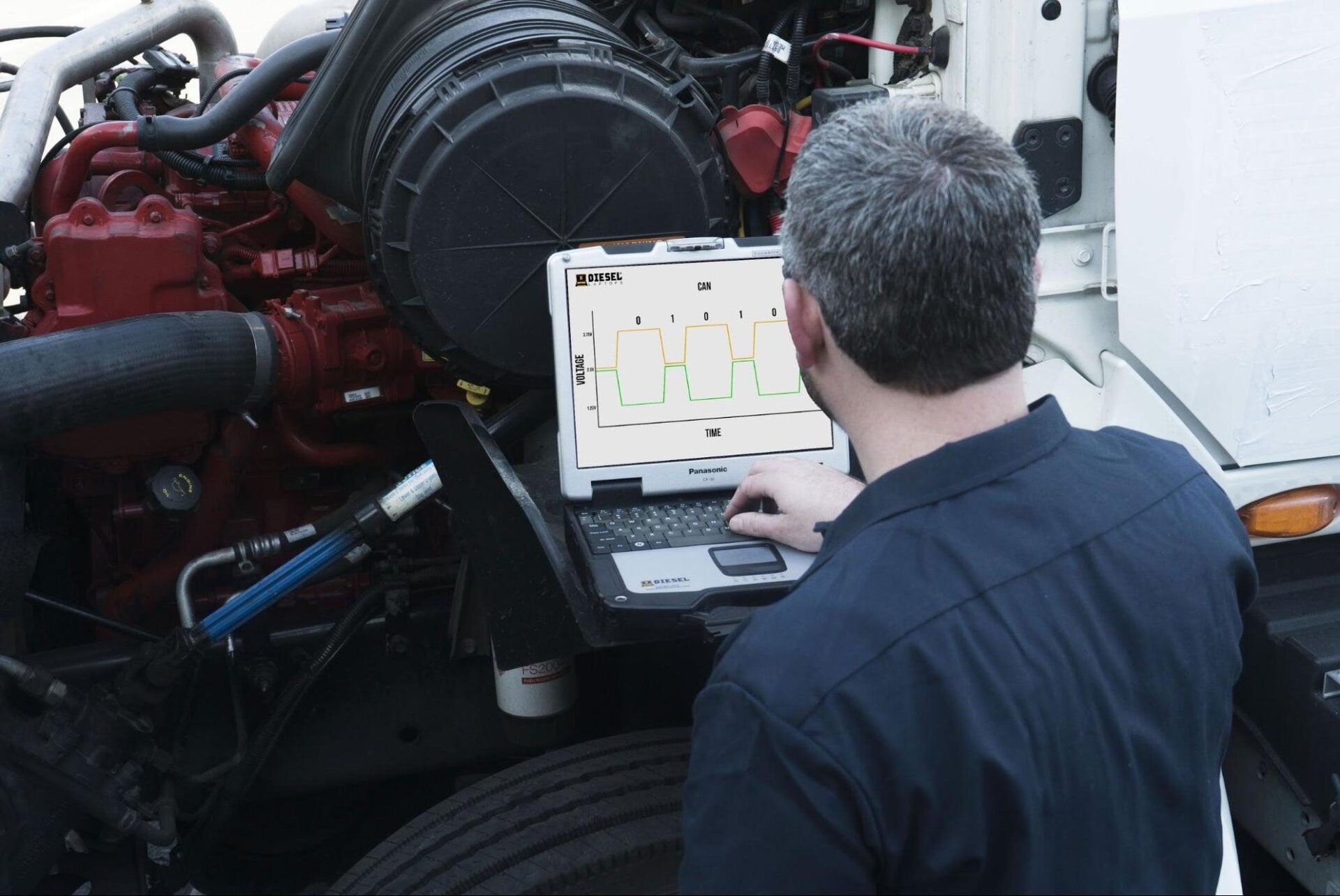
Wireless CAN data acquisition using the GCAN-211 WiFi-to-CAN converter
Solution
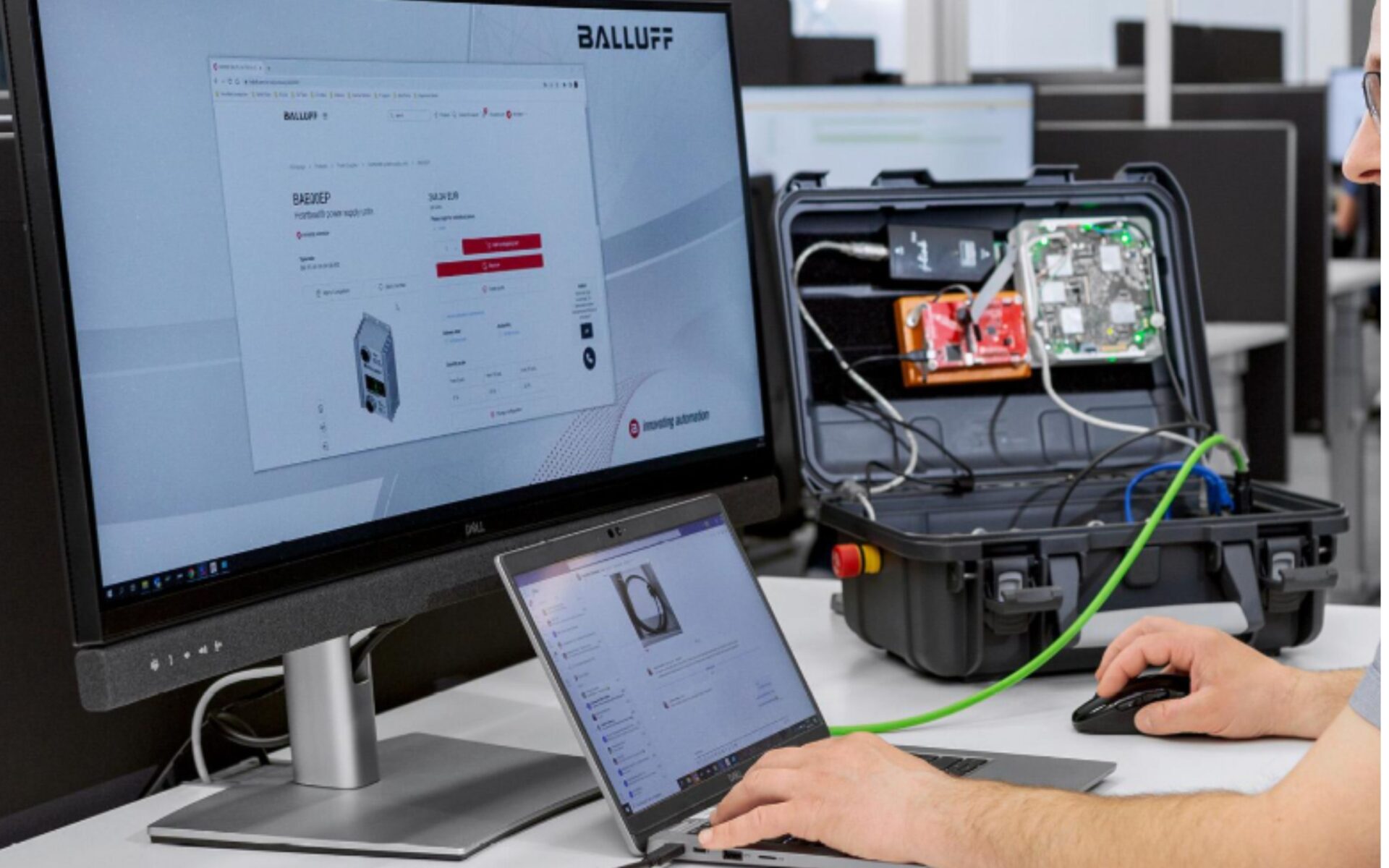
GCAN-211 connects the CAN network to a PC through WiFi. By supporting TCP and UDP communication, it allows the host computer to receive and transmit CAN frames through standard Socket communication.
Products Used
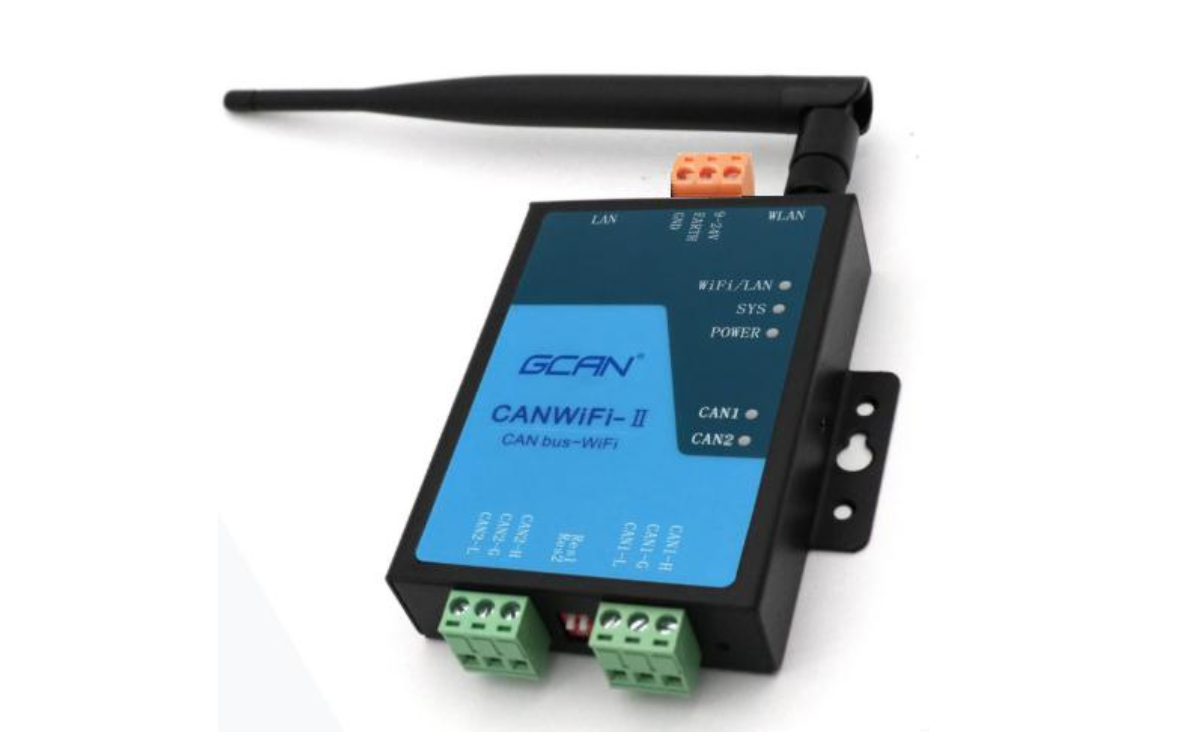
GCAN-211 WiFi to Dual-Channel CAN Gateway with Transparent Transmission
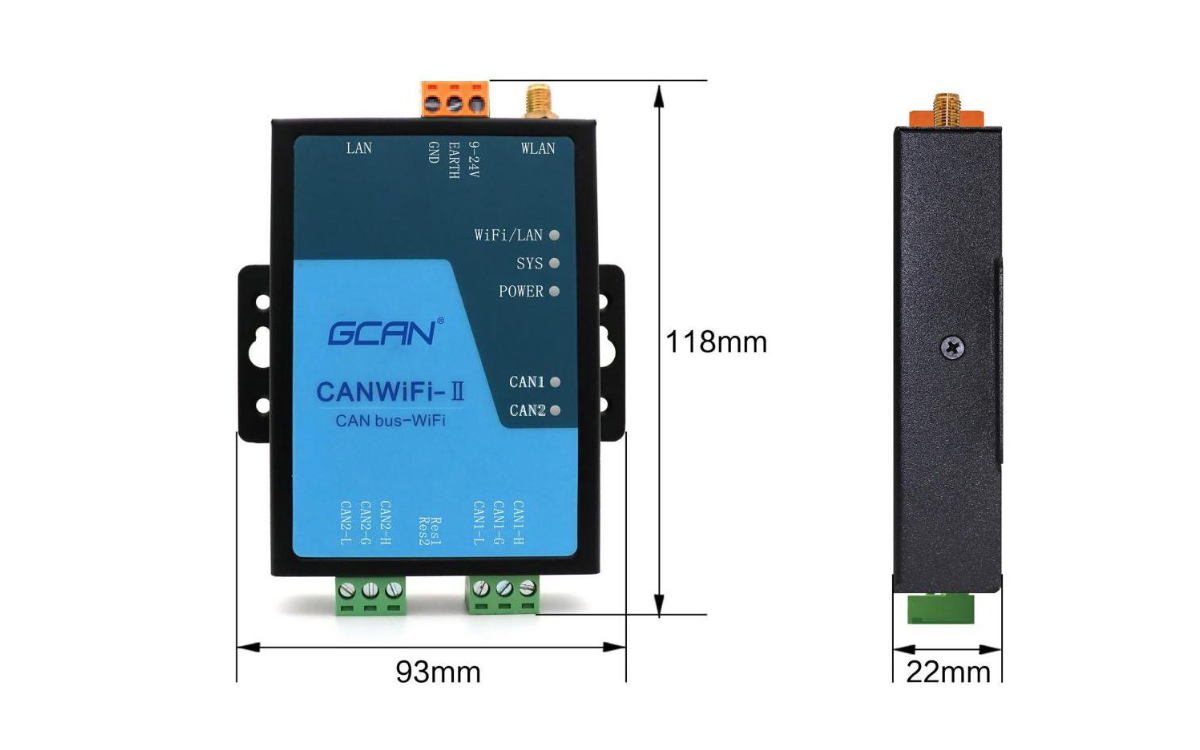
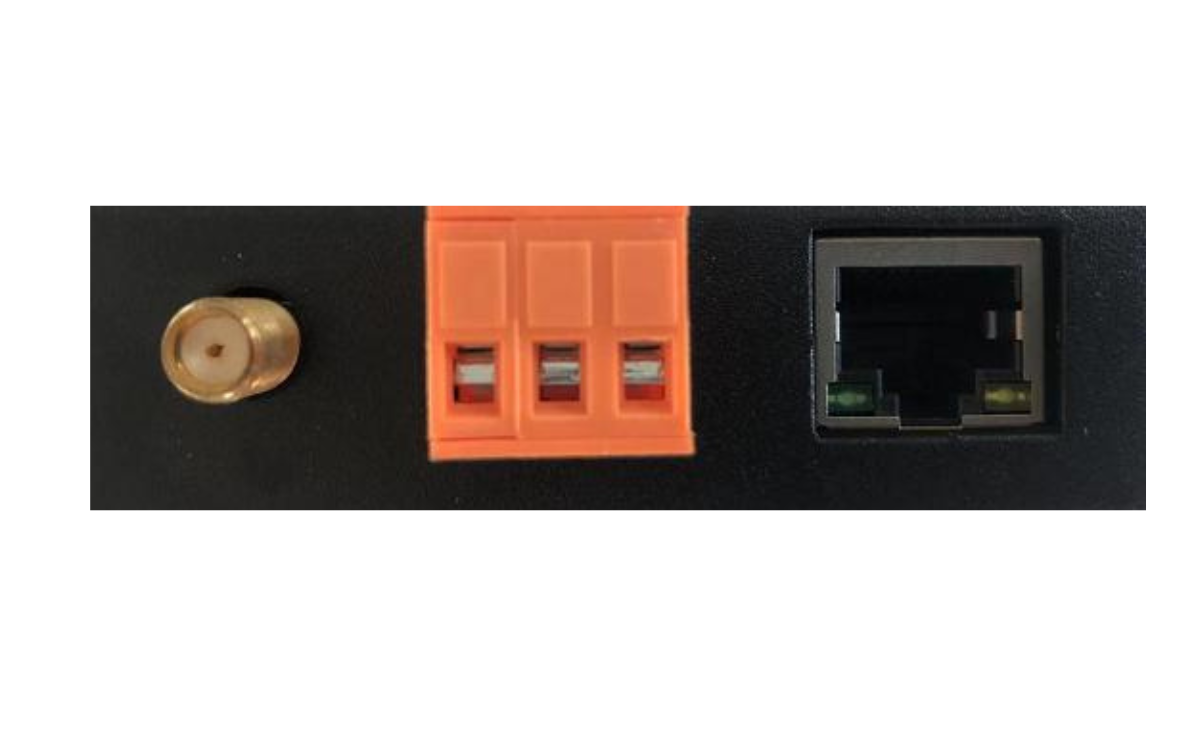
- 1 × GCAN-211 WiFi-to-CAN Converter
- CAN-based control system or PC
- CAN-based sensors or field devices
- WiFi network (or PC WiFi connection)
Interfaces & Protocols
- PC ↔ GCAN-211: WiFi · TCP / UDP
- GCAN-211 ↔ Field Devices: CAN Bus · CAN 2.0A/B
- GCAN-211 ↔ Wireless Network: WiFi · 2.4 GHz · AP / Station Mode
How Data Flows
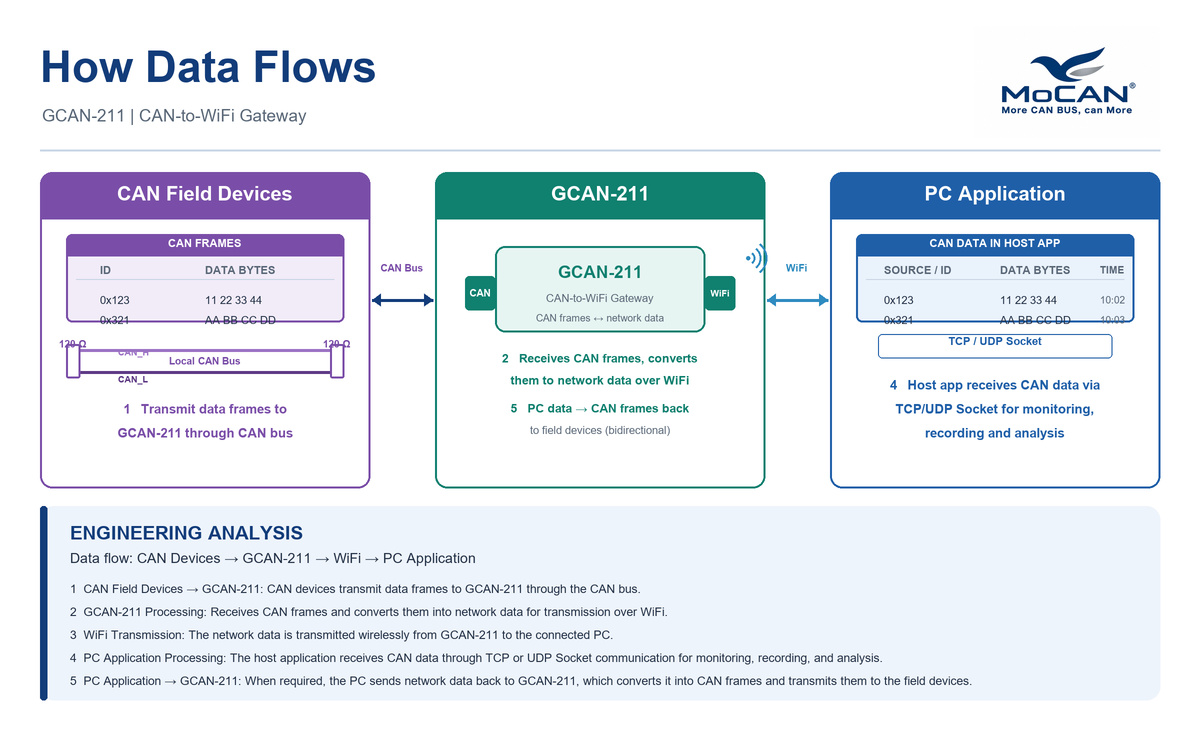
- Field Devices → GCAN-208-1: CAN devices transmit data frames to the local repeater through the CAN bus.
- GCAN-208-1 Processing: Converts incoming CAN electrical signals into optical signals without modifying the CAN frames.
- Fiber Optic Transmission: Optical signals travel through the fiber-optic cable to the remote GCAN-208-1.
- Remote GCAN-208-1 Processing: Converts the received optical signals back into CAN electrical signals.
- GCAN-208-1 → Control System: The restored CAN frames are transmitted to the control system through the local CAN bus.
Result
- Wireless Access: Monitor CAN devices without a direct cable connection between the PC and the CAN interface.
- Flexible Installation: Place the monitoring PC in a more convenient location within the supported WiFi coverage.
- Real-Time Data Acquisition: Receive CAN frames for monitoring, recording, and analysis.
- Bidirectional Communication: Support both receiving CAN data and transmitting CAN messages from the host application.
Related Topic: #CAN Bus Monitoring & Data Acquisition
9 Related Articles
GCAN-212B Application: Ethernet-Based CAN Bus Diagnosis and Testing
Use the GCAN-212B to connect a PC-based diagnostic application to a CAN network over Ethernet. Monitor CAN traffic, transmit test messages, and analyze communication responses.
GCAN-212B Application: Ethernet-Based CAN Data Acquisition
Connect CAN field devices to an Ethernet-based PC using the GCAN-212B. Collect, monitor, and record CAN data through TCP or UDP Socket communication.
USBCAN-II FD Application: CAN FD Communication Testing
2-Channel CAN/CAN FD · CAN FD Frame Testing · Up to 64-Byte Payload · Data Rate up to 5 Mbps · 1 μs Timestamping · USBCAN-II FD
USBCAN-II C Application: CAN Device Development & Testing
CAN Frame Transmission & Reception · Embedded CAN Device Testing · Message Simulation · CAN 2.0A/B · USBCAN-II C
USBCAN-II C Application: Dual-Channel CAN Network Monitoring
2-Channel CAN Monitoring · Independent Bus Diagnostics · CAN 2.0A/B · Real-Time Frame Capture · USBCAN-II C
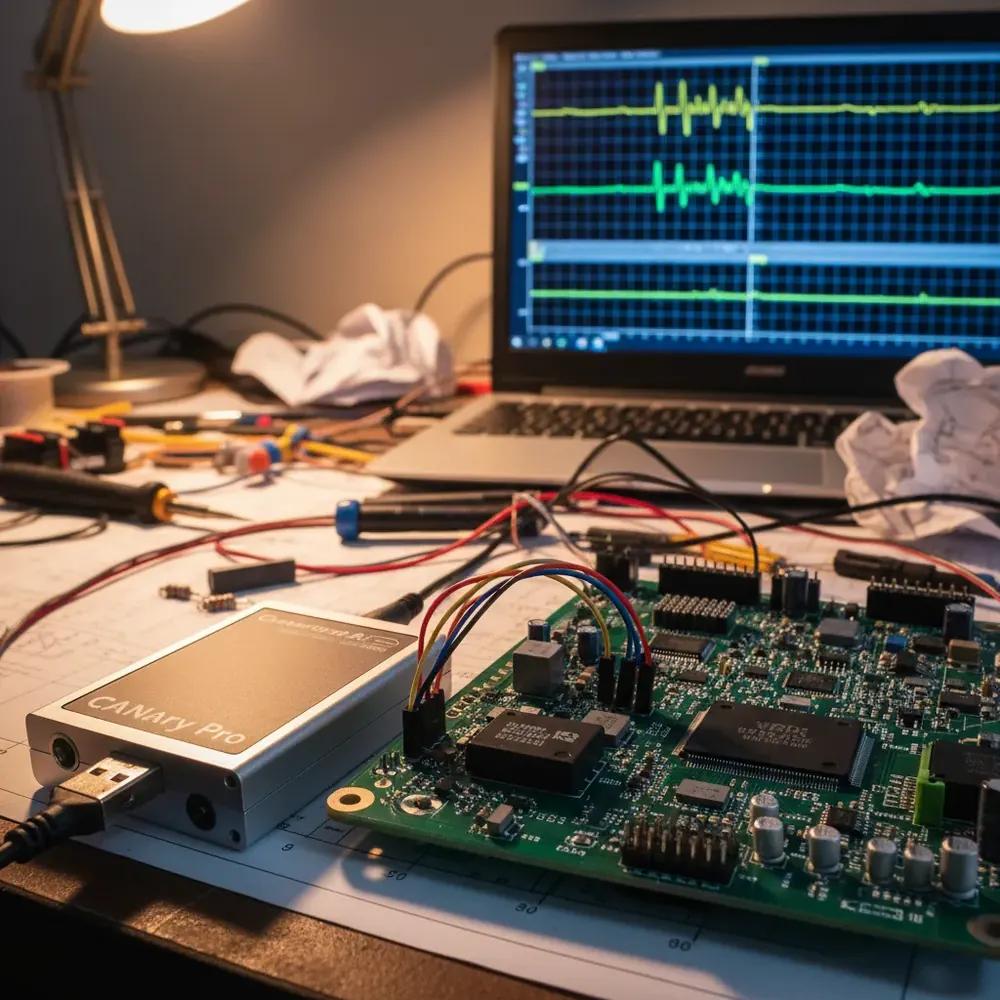
USBCAN-I PRO Application: CAN Bus Monitoring & Troubleshooting
Single-Channel CAN Monitoring · Real-Time Frame Capture · CAN Data Logging · 1 μs Timestamping · USBCAN-I PRO
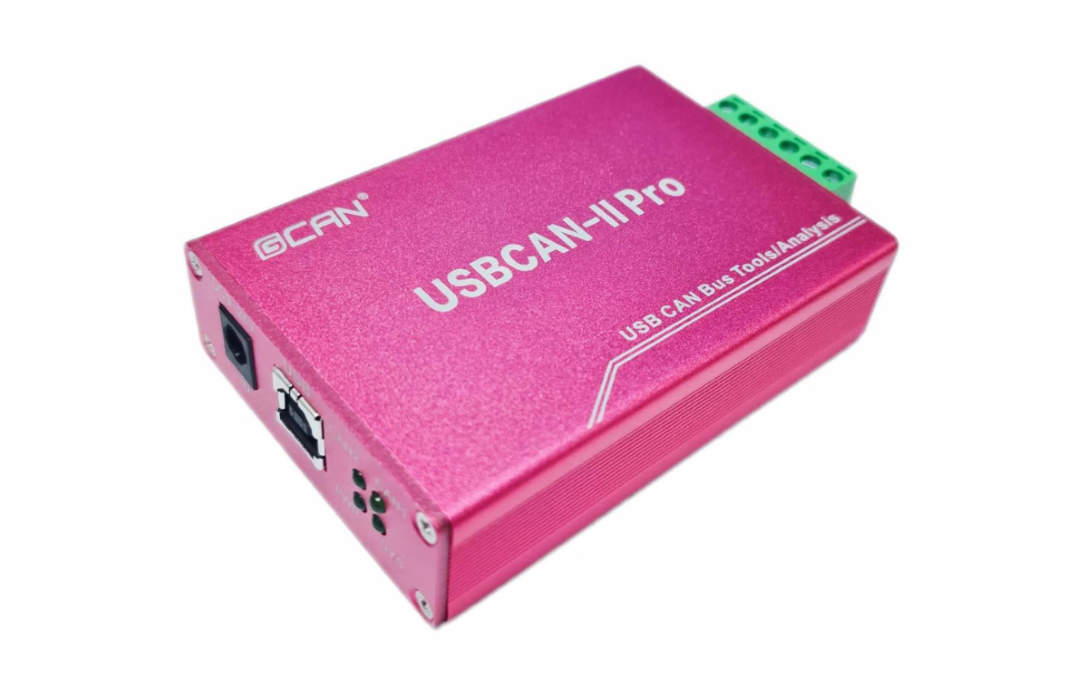
USBCAN-II Pro 2-Channel USB CAN Analyzer with CANopen Master
2-Channel CAN Bus Monitoring · Data Acquisition · CANopen Master · Free SDK & API Documentation · C/C++ · C# · Python · LabVIEW
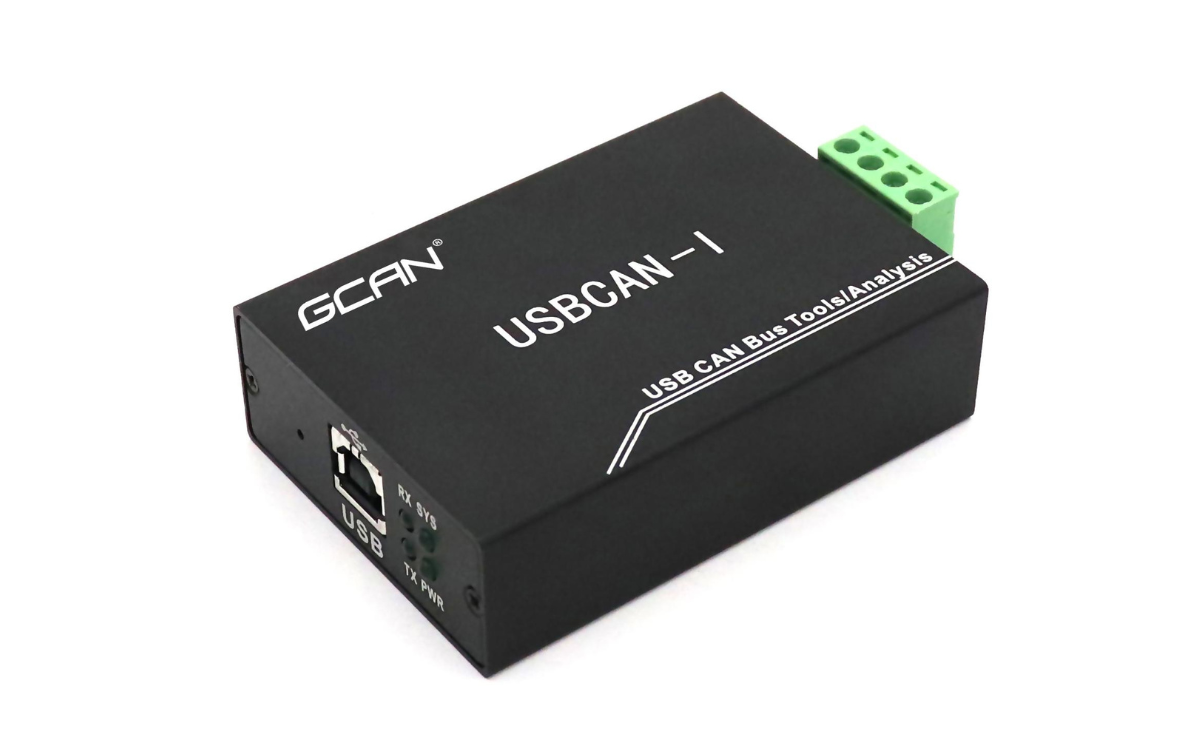
USBCAN-I PRO Single-Channel USB CAN Analyzer with CANopen Master
CAN Bus Monitoring · CANopen Master · OBD II Diagnostics · SDK & API Documentation · Windows & Linux
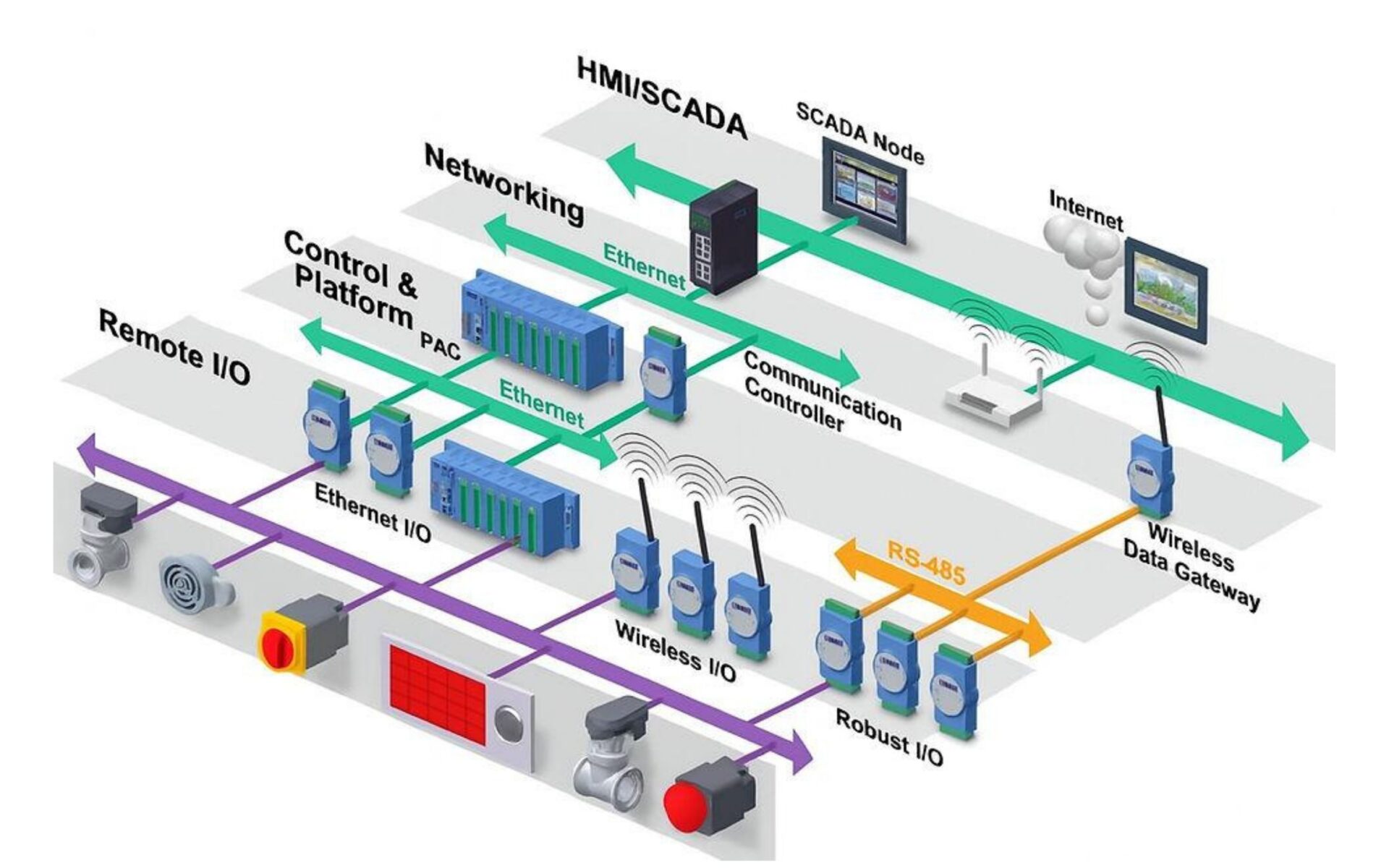
CAN Bus Testing: Tools, Methods and Applications
Post excerpt contains keyphrase and simple content introduction. Very important content for better SEO performance
Related Topic: #CAN Bus & CAN FD
6 Related Articles GCAN-212B Application: Ethernet-Based CAN Bus Diagnosis and Testing
Use the GCAN-212B to connect a PC-based diagnostic application to a CAN network over Ethernet. Monitor CAN traffic, transmit test messages, and analyze communication responses.
GCAN-212B Application: Ethernet-Based CAN Data Acquisition
Connect CAN field devices to an Ethernet-based PC using the GCAN-212B. Collect, monitor, and record CAN data through TCP or UDP Socket communication.
GCAN-208 Application: Long-Distance CAN Communication
Long-Distance CAN Communication · GCAN-208-1 Fiber Optic Repeater · Up to 20 km · CAN 2.0A/B · Electrical Isolation · Industrial Applications
GCAN-205 Application: Modbus TCP to CAN Command Transmission
PLC-to-CAN Command Transmission · GCAN-205 Modbus TCP-to-CAN Gateway · Modbus TCP Slave · CAN 2.0A/B · Triggered and Cyclic Transmission
GCAN-205 Application: CAN Data Acquisition via Modbus TCP
CAN Data Acquisition via Modbus TCP · GCAN-205 Modbus TCP-to-CAN Gateway · PLC Integration · CAN 2.0A/B · Configurable Register Mapping
USBCAN-II C Application: Dual-Channel CAN Network Monitoring
2-Channel CAN Monitoring · Independent Bus Diagnostics · CAN 2.0A/B · Real-Time Frame Capture · USBCAN-II C
Related Topic: #Ethernet TCP/IP Communication
2 Related Articles GCAN-212B Application: Ethernet-Based CAN Bus Diagnosis and Testing
Use the GCAN-212B to connect a PC-based diagnostic application to a CAN network over Ethernet. Monitor CAN traffic, transmit test messages, and analyze communication responses.
GCAN-212B Application: Ethernet-Based CAN Data Acquisition
Connect CAN field devices to an Ethernet-based PC using the GCAN-212B. Collect, monitor, and record CAN data through TCP or UDP Socket communication.
Choose the Right Industrial CAN Gateway
| Model | Processing Level | CAN-Side Role | Can it act as a Master? | Sub-models / Programmability | Interfaces | Application | |
| GCAN-204 | Register mapping (Not transparent) | Fixed Modbus RTU Slave | No. Modbus RTU Slave only. | Single fixed firmware. Free config software, zero programming. | 1× RS485, 1× CAN 2.0A/B |
PLC/HMI (Modbus master) reading CAN sensors; legacy retrofits. | |
| GCAN-205 | Register mapping (Not transparent). | Fixed Modbus TCP Slave | No. Modbus TCP Slave only. | Single fixed firmware. Free config software. | 1× Ethernet, 1× CAN 2.0A/B |
SCADA/HMI reading CAN devices over Ethernet. | |
| GCAN-208 | Pure physical-layer passthrough. | No protocol role | No. No protocol stack. | Sub-models: 208-1, 208-2, 208-2F. | 1–2× Fiber, 1–2× CAN 2.0A/B |
Long-distance CAN extension, high EMI isolation. | |
|
Socket-level transparent transmission. | No protocol role | No. Data pipe only. | Single unit. Can work in pairs as a wireless CAN repeater. | 2× CAN, 1× Ethernet, 1× WiFi |
Wireless CAN access, mobile debugging. | |
| GCAN-212B | Socket-level transparent transmission. | No protocol role | No. Data pipe only. | Single unit (DIN-rail). | 2× CAN, 1× Ethernet |
Dual-channel CAN to Ethernet inside cabinets. | |
| GCAN-GT-8221 | Splits by sub-model: | EtherCAT Slave → CAN: |
|
Sub-models: -CAN, -COM. Fixed firmware. | 2× EtherCAT (daisy-chain), 1× CAN |
EtherCAT PLC integrating existing CANopen slave devices. | |
| • -CAN: Raw passthrough. | • -CAN: Passthrough | ||||||
| • -COM: CANopen slave stack (Semantic parsing). | • -COM: CANopen Slave | ||||||
| GCAN-GT-8321 | Splits by sub-model (Most comprehensive): | Profinet Slave → CAN: | Profinet side: No. | Sub-models: -CAN, -COM, -COS, -MRTUM, -MRTUS, -MTCPS, -PROG. | 2× Profinet, 1× CAN, 1× RS485, 1× Ethernet (varies) |
Siemens PLC integrating CANopen drives; active CANopen network management. | |
| • -CAN: Raw passthrough. | • -CAN: Passthrough | CAN side: NO | |||||
| • -COM: CANopen Slave. | • -COM: CANopen Slave | CAN side: NO | |||||
| • -COS: CANopen Master (NMT, node monitoring). | • -COS: CANopen Master | CAN side: -COS YES | |||||
| • -PROG: Programmable. | User-defined (Master/Slave configurable) | Yes (Configurable via program) | |||||
| GCAN-GT-415 | Full programmable semantic processing. | Configurable via program | Yes, fully configurable. CANopen & Modbus Master/Slave. | No fixed sub-models. Programmable via OpenPCS (IEC 61131-3). | 2× CAN, Ethernet, RS485, RS232, 4G, WiFi | Multi-protocol mixing, non-standard logic, remote upload (acts as a mini-PLC). |