Overview
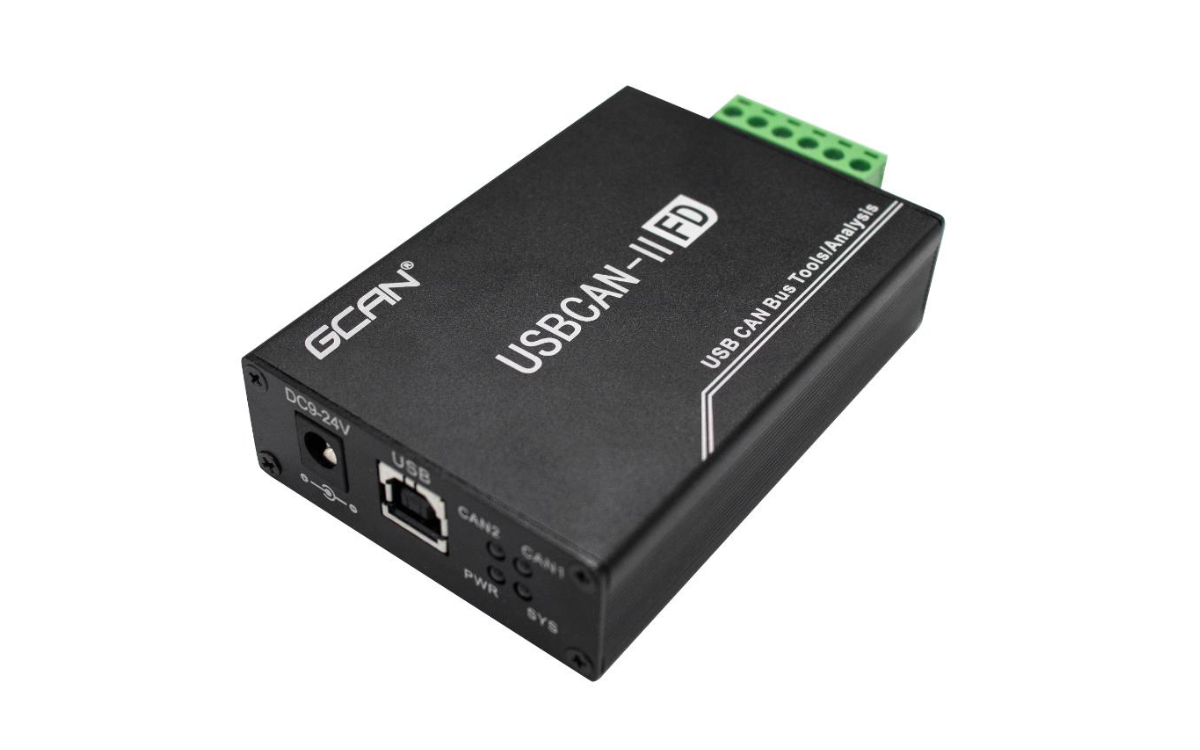
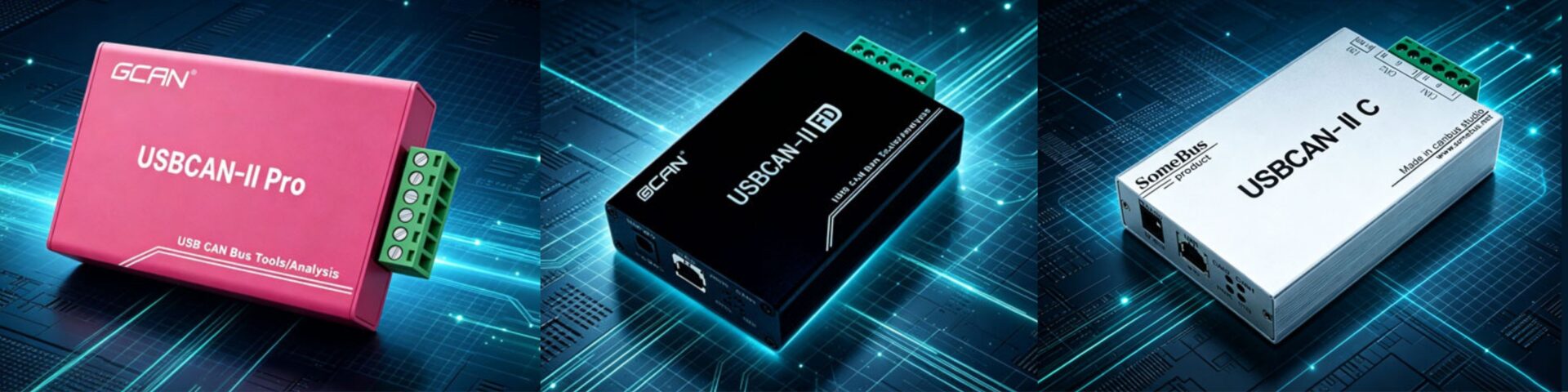
- The USBCAN-II PRO is a 2-channel USB CAN bus analyzer designed for CAN bus monitoring, data acquisition, communication testing, and CANopen device commissioning.
- It supports CAN 2.0A/B, high-speed data reception, and precise timestamping. With GCANTools, users can access CANopen Master functions for NMT, SYNC, EMCY, PDO, SDO, and Node Guarding.
- Free SDK and API documentation are available for secondary development in C/C++, C#, Python, LabVIEW, and other supported environments.
USBCAN-II Pro Dual-Channel USB CAN Analyzer
Engineered for advanced CAN bus diagnostics and data relaying
Independent 2-channel high-speed data acquisition
3000V DC galvanic isolation with switchable 120Ω termination
Full CANopen Master support (NMT, PDO, SDO) for node control
Free open ECanVci SDK with multi-language APIs (Windows/Linux)
1. 2-Channel USB CAN Analyzer
Connects a PC to two independent CAN bus networks for CAN bus monitoring, communication testing, and data acquisition.
2. CAN 2.0A/B Protocol Support
Supports standard and extended CAN frames, including data frames and remote frames, compliant with ISO 11898.
3. Wide CAN Baud Rate Range
Supports configurable CAN baud rates from 5 kbps to 1 Mbps, with automatic enhanced baud rate detection.
4. High-Capacity Data Buffers
Features a 10,000-frame receive buffer and a 400-frame transmit buffer per channel for handling CAN bus communication data.
5. Microsecond-Level Timestamping
Provides received-message timestamp accuracy of up to 1 μs for CAN bus data analysis and communication troubleshooting.
6. 3000 V Electrical Isolation
Provides 3000 V DC isolation for both CAN and USB interfaces, with individually isolated CAN channels for enhanced electrical protection.
7. CANopen Master Functions
Works with GCANTools to support CANopen master functions, including NMT, SYNC, EMCY, PDO, SDO, and Node Guarding.
8. Wide Operating Temperature Range
Supports operation from -40°C to +85°C, making it suitable for a wide range of industrial operating environments.
9. Windows & Linux SDK Development
Supports Windows and Linux, with free SDK, API documentation, and development examples for C/C++, C#, Python, LabVIEW, Qt, and other supported environments.
Find Your CAN Bus Solution by Application
◆ Application 1: CAN Bus Communication Testing & Frame Simulation
💡 How it works:
- Role: Acts as a dual-channel USB CAN interface for CAN network testing, raw frame simulation, and communication troubleshooting.
- Connection: Connects to a PC via USB 2.0 and links to CAN devices or networks through two independent CAN channels with pluggable terminal blocks.
- Data Processing: Uses GCANTools to transmit, receive, monitor, and record CAN 2.0A/B frames, helping engineers verify communication, test CAN devices, and analyze raw CAN messages.
◆ Application 2: CANopen Device Commissioning & Parameter Configuration
💡 How it works:
- Role: Works as a PC-based CANopen master interface for commissioning, configuring, and testing CANopen slave devices.
- Connection: Connects the PC to a CANopen network through the USB interface and dual CAN channels.
- Data Processing: Uses the CANopen Master functions in GCANTools to scan slave nodes, manage NMT states, exchange PDO data, read and write device parameters through SDO, and monitor SYNC, EMCY, and Node Guarding messages.
◆ Application 3: Automotive Electronics Testing & OBD II Diagnostics
💡 How it works:
- Role: Serves as a USB CAN interface for automotive ECU communication testing, vehicle data acquisition, and OBD II diagnostics.
- Connection: Connects a PC to a vehicle's CAN network or ECU test bench through the CAN interface.
- Data Processing: Captures and analyzes CAN messages using GCANTools. Its OBD II function can also request and display supported vehicle parameters, such as engine speed, vehicle speed, and coolant temperature.
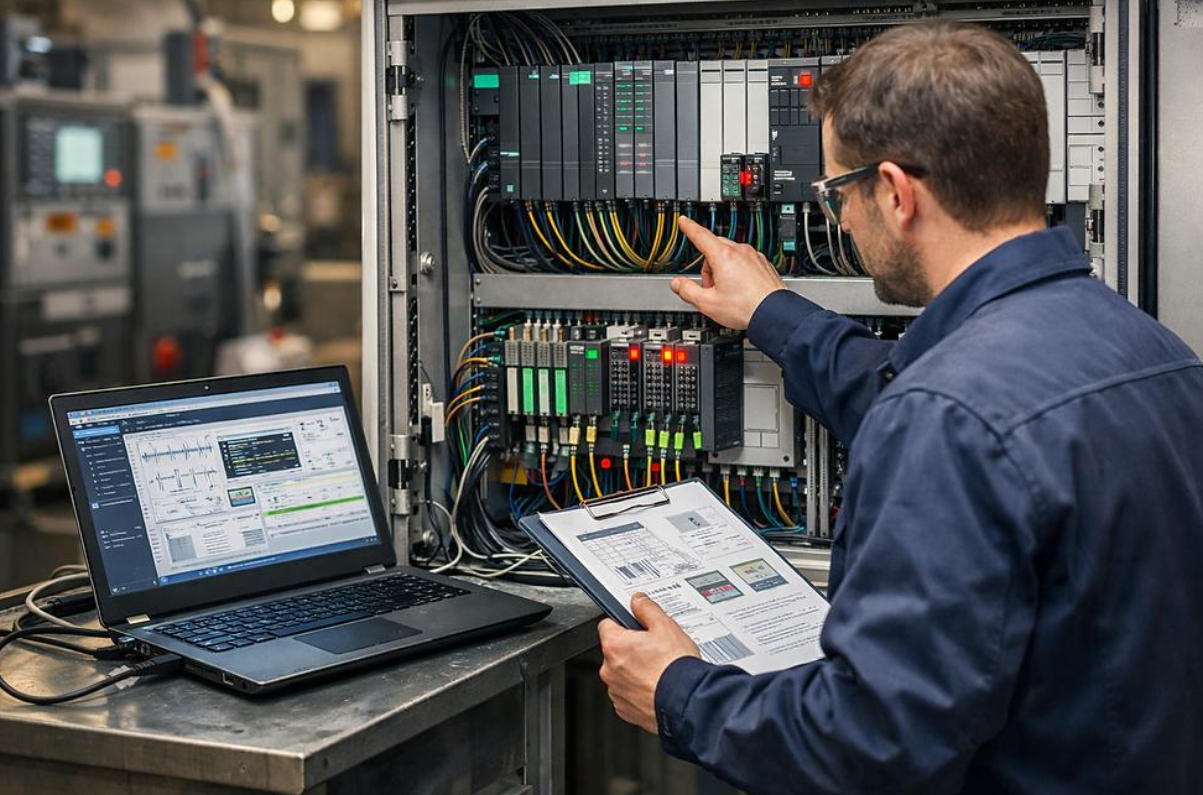
◆ Application 4: Industrial Control System Testing & Integration
💡 How it works
- Role: Provides a PC-based interface for testing CAN communication between industrial controllers, sensors, and other CAN-enabled equipment.
- Connection: Connects the PC to one or two CAN networks through the dual-channel interface, allowing engineers to test individual devices or monitor two CAN channels.
- Data Processing: Collects CAN messages, monitors data exchange, and supports custom application development through the SDK and API for industrial control software integration.
◆ Application 5: Power Communication Network Monitoring & Testing
💡 How it works
- Role: Acts as a CAN communication monitoring and testing interface for power-related equipment and CAN-based communication networks.
- Connection: Connects a PC to CAN interfaces in power equipment or test systems through the dual CAN channels.
- Data Processing: Receives and records CAN communication frames for data analysis, communication verification, and troubleshooting. The SDK and API can also be used to develop customized monitoring applications.
Technical Specifications
| No. | Category | Attribute | Specification |
|---|---|---|---|
| 1 | General | Model | GCAN USBCAN-II Pro |
| 2 | General | Dimensions | 104.5 mm × 64 mm × 24 mm (incl. terminals) |
| 3 | General | Weight | 120 g |
| 4 | General | Operating Temperature | -40℃ to +85℃ |
| 5 | General | Operating Humidity | 15% to 90% RH, no condensation |
| 6 | General | Protection Rating | IP 20 |
| 7 | Hardware & Interface | PC Interface | USB Type-A (USB 2.0 Full-Speed, compatible with USB 1.1 & 3.0) |
| 8 | Hardware & Interface | CAN Channels | 2-Channel (Independent, dual-channel merging supported) |
| 9 | Hardware & Interface | CAN Interface Type | OPEN6 plug-in terminal block |
| 10 | Hardware & Interface | Isolation Voltage | 3000V DC (for both CAN and USB interfaces) |
| 11 | Hardware & Interface | Terminal Resistor | Built-in 120Ω, switchable via dip switches (R1, R2) |
| 12 | Hardware & Interface | Power Supply | USB bus power or external 9-24V DC |
| 13 | Hardware & Interface | Power Consumption | Max 130 mA |
| 14 | Hardware & Interface | Status Indicators | PWR, SYS, CAN1, CAN2 |
| 15 | CAN Bus Features | CAN Protocol | CAN 2.0A and CAN 2.0B (ISO/DIS 11898) |
| 16 | CAN Bus Features | Baud Rate | 5 Kbps to 1 Mbps, programmable & auto-detection |
| 17 | CAN Bus Features | Frame Types | Standard/Extended frames, Data/Remote frames |
| 18 | CAN Bus Features | Receive Rate | Up to 14,000 fps |
| 19 | CAN Bus Features | Timestamp Resolution | 1 μs |
| 20 | CAN Bus Features | Buffers | Tx: 400 frames/channel; Rx: 10,000 frames/channel |
| 21 | Software & Dev | Test Software | GCANTools (Supports CANopen Master, OBD-II, DBC, Relaying) |
| 22 | Software & Dev | OS Support | Windows XP/7/8/10 (32/64-bit), Linux |
| 23 | Software & Dev | SDK / API | ECANVCI SDK (C/C++, C#, Python, LabVIEW, Qt, VB.NET) |
| 24 | Software & Dev | EMC / Protection | ESD ±4kV (Contact), ±8kV (Air); EFT ±2kV; Surge ±4kV |
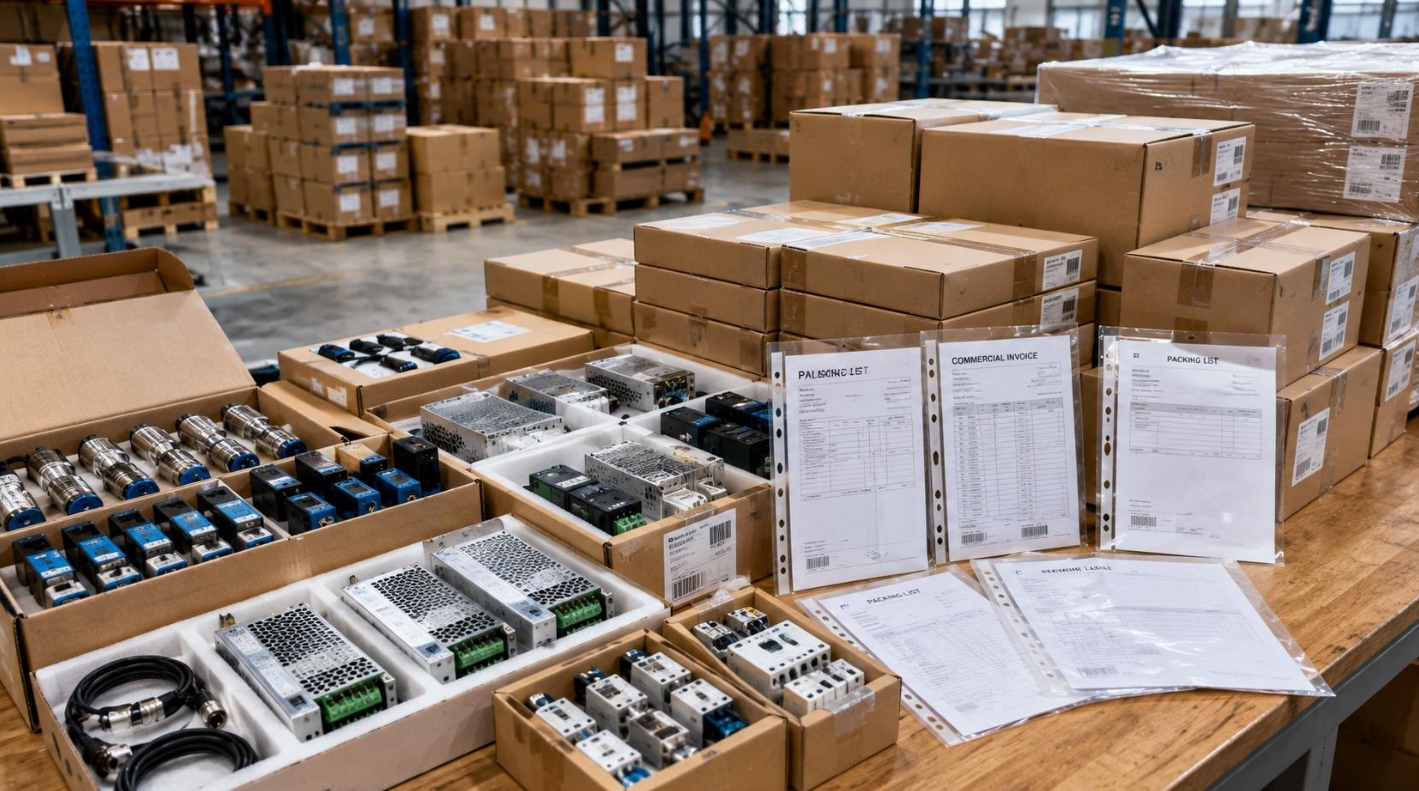
Packing Details
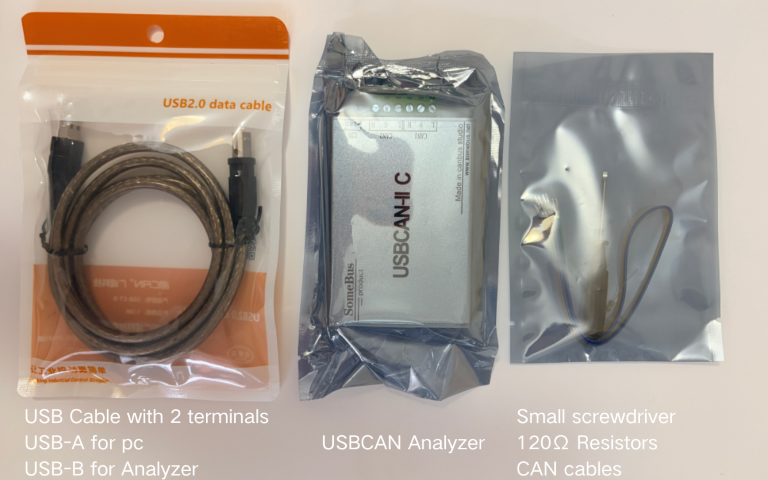
Industrial USB-CAN II Pro: Installation, Debugging, and API FAQs
Q Does the USBCAN-II Pro hardware natively support the CANopen Master function? ▼
No. The hardware itself is a high-performance dual-channel USB-CAN analyzer. The CANopen Master is entirely software-based, implemented via the GCANTools PC software. You must connect it to a PC to scan, add nodes, and manage CANopen communications.
Q Can I operate both CAN channels in one program, or open the device in multiple programs? ▼
You can operate both CAN ports within a single application. However, the device supports exclusive access only. It cannot be opened by multiple processes simultaneously. You must call CloseDevice in one program before opening it in another.
Q What is the difference between the maximum receive rate and the conversion rate? ▼
The hardware can receive up to 14,000 fps per channel. However, the maximum data conversion rate is 8,000 fps (for standard 8-byte frames). The continuous transmit rate is around 2,000 fps. To prevent packet loss, keep the CAN bus load below 60%–70%.
Q Why does my custom software (SDK) freeze or lose data during long-term logging? ▼
The driver provides a massive 100,000-frame software receive buffer. However, if you call the Receive function in the main thread with a Wait parameter not equal to 0, it may cause the app to freeze. We recommend using query mode (Wait = 0) for stable data polling. Also, disable PC sleep mode to prevent buffer overflow.
Q How many USBCAN-II Pro devices can I connect to a single PC? ▼
You can connect up to 8 devices of the same model to one computer simultaneously (providing up to 16 independent CAN channels), perfect for complex multi-node test benches.
Q What should I do if I get an "Open Device Error" or the CAN indicator light is off? ▼
"Open Device Error": Check if the USB driver is installed correctly in Windows Device Manager (look for "!" or "?").
Light is off: The CAN status LED only becomes active after the PC software sends the command to start CAN communication.