Overview
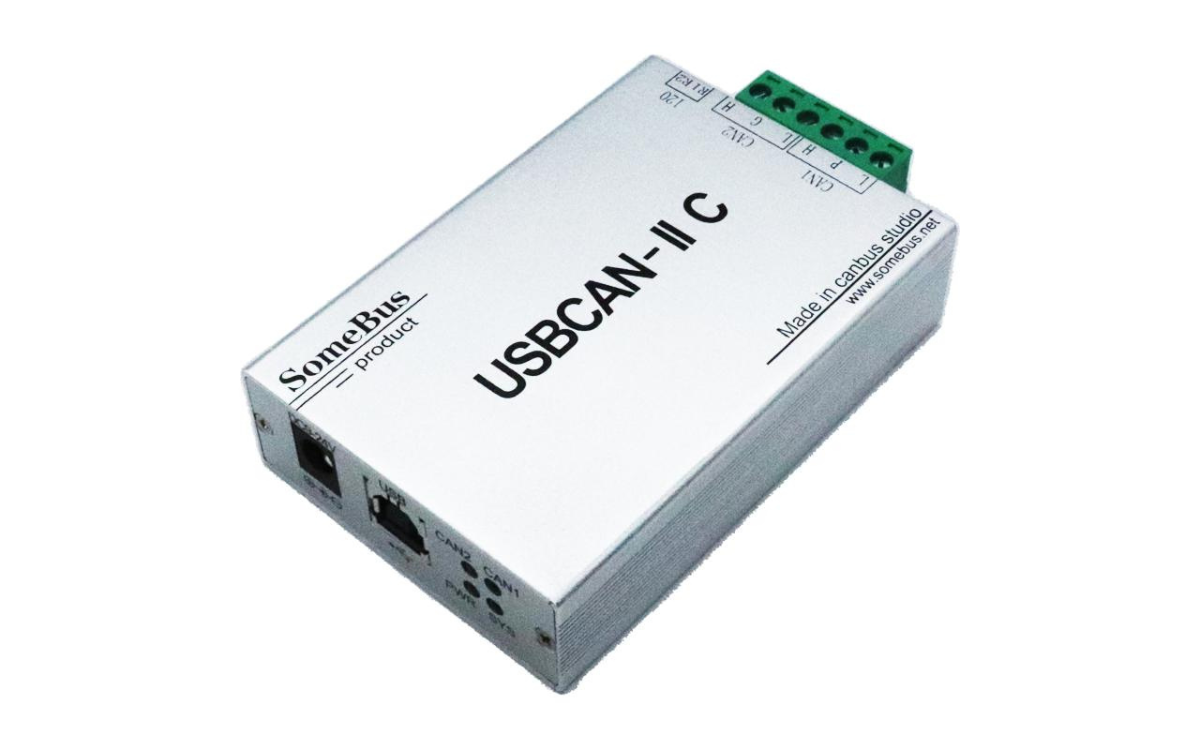
- The USBCAN-I PRO is a single-channel USB CAN bus analyzer designed for CAN network monitoring, testing, and diagnostics. It supports CAN 2.0A/B communication and provides reliable CAN data acquisition with 3000V DC electrical isolation.
- Powered by GCANTools, it offers CAN bus monitoring, data logging, CANopen Master functions, and OBD II vehicle diagnostics, making it suitable for a wide range of CAN communication testing tasks.
- SDK and API documentation are provided for custom software development, with support for Windows and Linux applications.
Single-Channel USB CAN Analyzer
Engineered for industrial bus diagnostics and monitoring
Independent 1-channel high-speed data acquisition
3000V DC isolation
Built-in CANopen Master for node scanning and control
Free open ECanVci SDK with multi-language APIs
1 - Single-Channel CAN Interface
One CAN channel for connecting to and monitoring CAN bus networks
2 - CAN 2.0A/B Protocol Support
Supports standard and extended CAN frames with baud rates from 5 kbit/s to 1 Mbit/s.
3 - 3000V DC Electrical Isolation
Provides electrical isolation between the CAN interface and USB side for improved communication reliability and equipment protection.
4 - High-Speed Data Reception
Supports a maximum CAN data reception rate of up to 14,000 frames per second.
5 - Microsecond-Level Timestamps
Provides 1 μs timestamp resolution for CAN message analysis and communication timing evaluation.
6 - CAN Bus Monitoring & Data Logging
GCANTools supports CAN message transmission, reception, filtering, monitoring, error-frame detection, and data recording.
7 - CANopen Master Functions
GCANTools provides CANopen network scanning, NMT, SYNC, PDO, SDO, EMCY, and Node Guarding / Heartbeat functions.
8 - OBD II Vehicle Diagnostics
Supports CAN-based OBD II diagnostics for reading and clearing fault codes and retrieving vehicle parameters.
9 - SDK & API for Custom Development
Provides SDK libraries and example programs for developing custom CAN communication applications on Windows and Linux.
Find Your CAN Bus Solution by Application
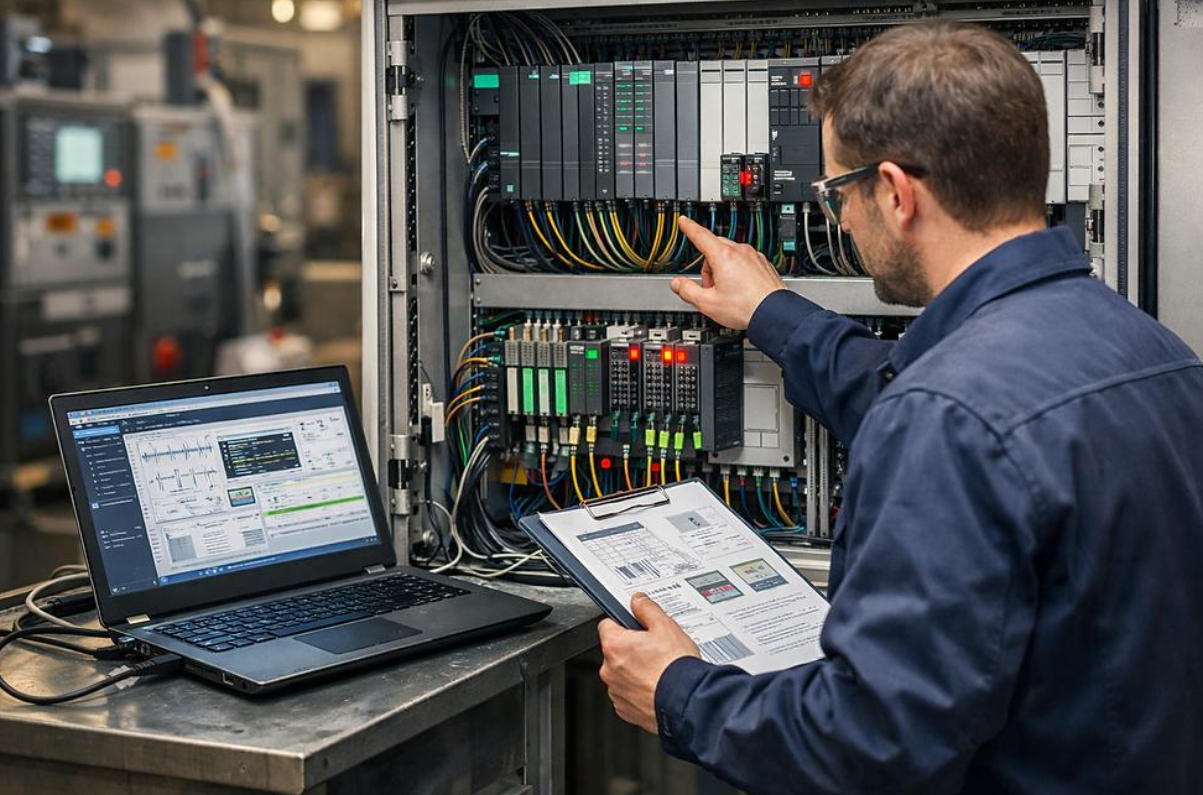
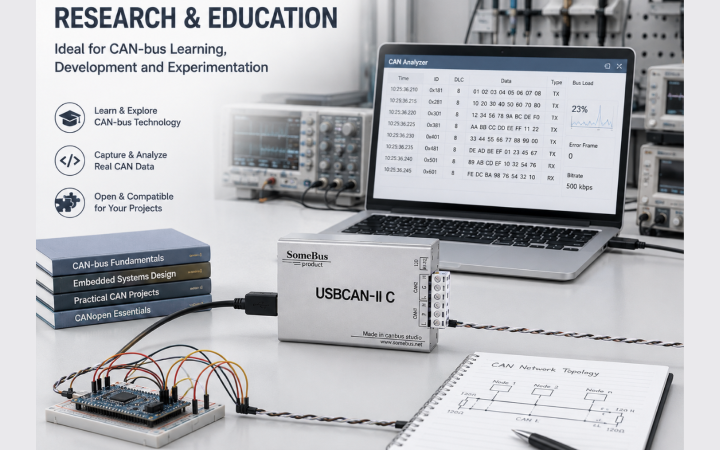
◆ Application 1: CAN bus testing and verification for device development, communication testing, and troubleshooting.
💡 How it works:
- Role: Acts as a USB-to-CAN interface for monitoring CAN bus traffic, transmitting test frames, and verifying communication between CAN devices.
- Connection: Connects to a PC via USB and to the target CAN network through its single CAN channel, using CAN_H and CAN_L terminals.
- Data Processing: Uses GCANTools to transmit and receive CAN 2.0A/B frames, monitor bus traffic, filter messages, detect error frames, and record communication data.
◆ Application 2: CANopen device commissioning and basic servo drive communication testing.
💡 How it works:
- Role: Acts as a CANopen Master tool for commissioning CANopen slave devices, configuring communication parameters, and testing device functions.
- Connection: Connects to a PC via USB and to the CANopen network through the CAN interface, communicating with CANopen devices such as servo drives and remote I/O modules.
- Data Processing: Uses the CANopen Master functions in GCANTools to scan devices, send NMT and SYNC commands, access object dictionaries through SDO, monitor PDO communication, and receive EMCY and Node Guarding / Heartbeat messages. Basic speed-mode control is available for CANopen 402-compatible servo drives.
◆Application 3: CAN-based OBD II diagnostics for vehicle fault detection and operating data retrieval.
💡 How it works:
- Role: Acts as a PC-based CAN diagnostic interface for retrieving vehicle information and checking diagnostic trouble codes.
- Connection: Connects to a PC via USB and to a compatible vehicle's OBD II diagnostic port through the CAN interface.
- Data Processing: Uses GCANTools to communicate with vehicle ECUs via ISO 15765, read and clear diagnostic trouble codes, and retrieve vehicle parameters such as engine speed, vehicle speed, and coolant temperature.
USBCAN-I Pro Technical Specifications
| No. | Category | Attribute | Specification |
|---|---|---|---|
| 1 | General | Model | GCAN USBCAN-I Pro |
| 2 | General | Dimensions | 96 mm × 58 mm × 24 mm |
| 3 | General | Weight | 90 g |
| 4 | Hardware & Interface | PC Interface | USB Type-A (USB 2.0 Full-Speed, compatible with USB 1.1 & 3.0) |
| 5 | Hardware & Interface | CAN Channels | 1 (Single-Channel) |
| 6 | Hardware & Interface | CAN Connection | OPEN4 Pluggable Terminal Block |
| 7 | Hardware & Interface | CAN Protocol | CAN 2.0A / 2.0B (Compliant with ISO 11898) |
| 8 | Hardware & Interface | Baud Rate | 5 Kbps ~ 1 Mbps (User-programmable) |
| 9 | Hardware & Interface | Electrical Isolation | 3000V DC |
| 10 | Hardware & Interface | Terminal Resistor | Built-in 120Ω (Selectable via DIP switch) |
| 11 | Hardware & Interface | Receive Rate | Up to 14,000 fps |
| 12 | Hardware & Interface | Timestamp Accuracy | 1 μs |
| 13 | Power | Supply Voltage | +5V DC (USB bus-powered) |
| 14 | Power | Supply Current | Max. 130 mA |
| 15 | EMC & Environment | EMC Standard | EN 55024:2011-09, EN 55022:2011-12 |
| 16 | EMC & Environment | ESD Immunity | Contact ±4KV, Air ±8KV |
| 17 | EMC & Environment | EFT/Burst Immunity | ±2KV (CAN bus interface) |
| 18 | EMC & Environment | Surge Immunity | ±4KV (CAN bus interface) |
| 19 | EMC & Environment | Operating Temp. | -40°C to +85°C |
| 20 | EMC & Environment | Operating Humidity | 15% ~ 90% RH (Non-condensing) |
| 21 | EMC & Environment | Protection Rating | IP20 |
| 22 | Software & System | Testing Software | GCANTools |
| 23 | Software & System | CANopen Master Function | Built-in in GCANTools (Supports slave node scanning, manual addition, and communication) |
| 24 | Software & System | SDK | Free ECanVci SDK |
| 25 | Software & System | Supported OS | WinXP, Win7, Win8, Win10, Linux |
Packing Details
Related Topic: #CAN Bus Monitoring & Data Acquisition
10 Related Articles
GCAN-212B Application: Ethernet-Based CAN Bus Diagnosis and Testing
Use the GCAN-212B to connect a PC-based diagnostic application to a CAN network over Ethernet. Monitor CAN traffic, transmit test messages, and analyze communication responses.
GCAN-212B Application: Ethernet-Based CAN Data Acquisition
Connect CAN field devices to an Ethernet-based PC using the GCAN-212B. Collect, monitor, and record CAN data through TCP or UDP Socket communication.
GCAN-211 Application: Wireless CAN Bus Monitoring & Data Acquisition
Wireless CAN Bus Monitoring · WiFi Connectivity · 2-Channel CAN · TCP/UDP Communication · Remote CAN Data Acquisition
USBCAN-II FD Application: CAN FD Communication Testing
2-Channel CAN/CAN FD · CAN FD Frame Testing · Up to 64-Byte Payload · Data Rate up to 5 Mbps · 1 μs Timestamping · USBCAN-II FD
USBCAN-II C Application: CAN Device Development & Testing
CAN Frame Transmission & Reception · Embedded CAN Device Testing · Message Simulation · CAN 2.0A/B · USBCAN-II C
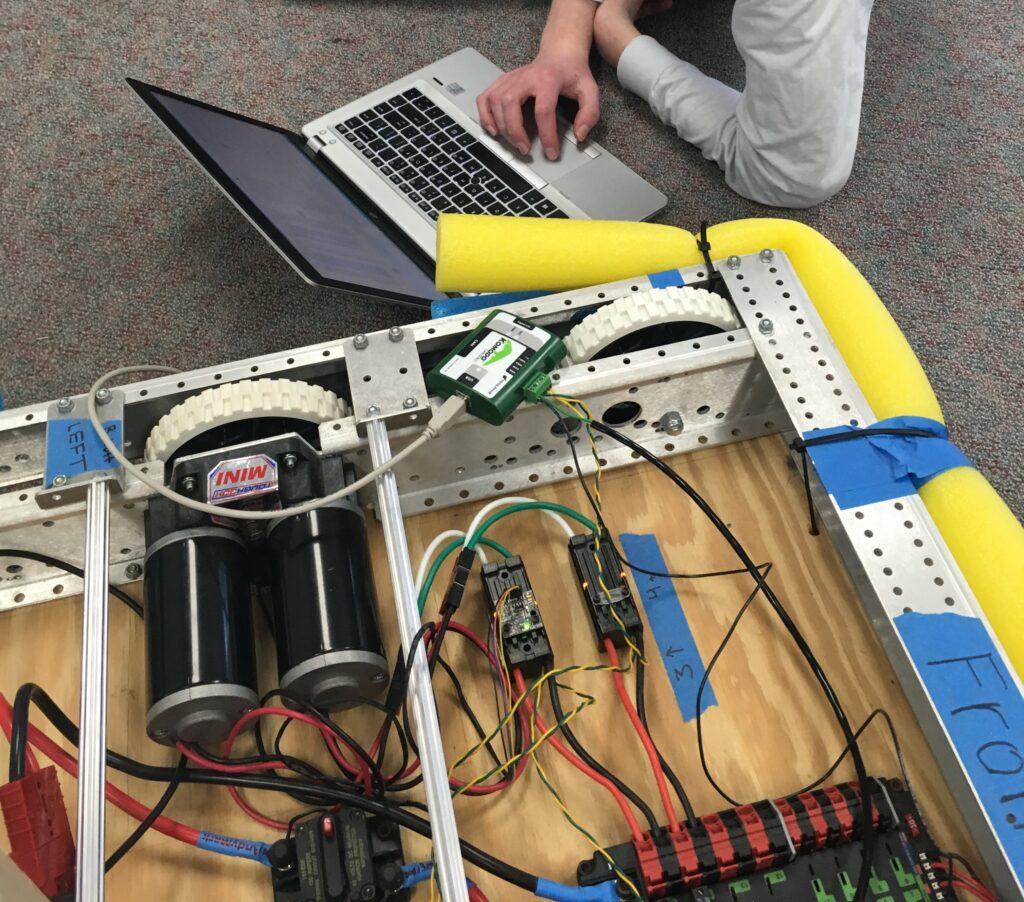
USBCAN-II C Application: Dual-Channel CAN Network Monitoring
2-Channel CAN Monitoring · Independent Bus Diagnostics · CAN 2.0A/B · Real-Time Frame Capture · USBCAN-II C
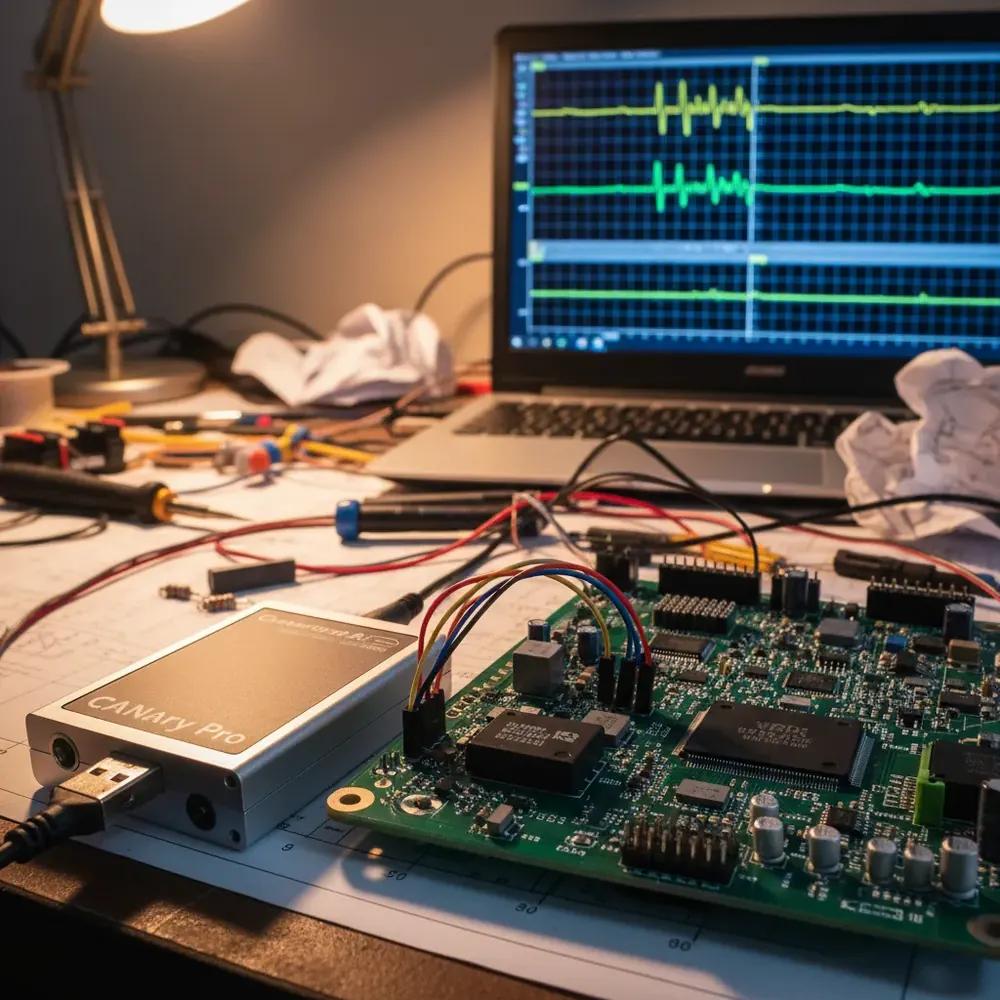
USBCAN-I PRO Application: CAN Bus Monitoring & Troubleshooting
Single-Channel CAN Monitoring · Real-Time Frame Capture · CAN Data Logging · 1 μs Timestamping · USBCAN-I PRO
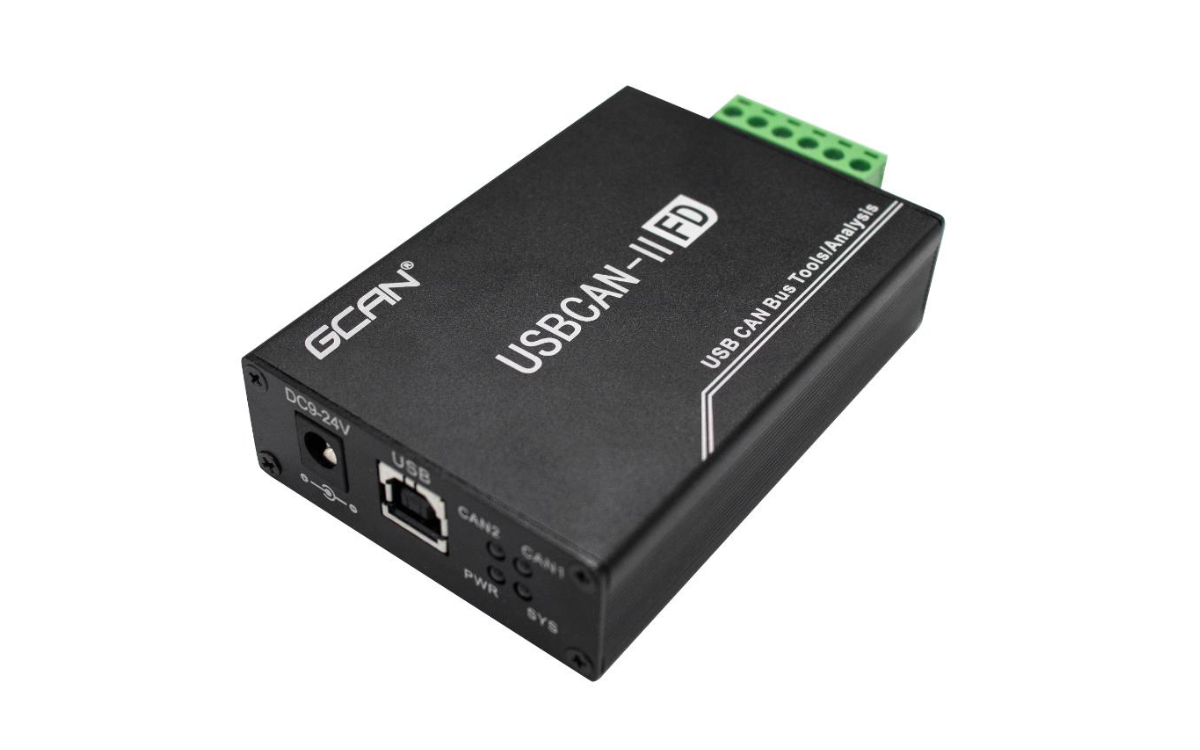
USBCAN-II FD Dual-Channel USB CAN FD Analyzer
2-Channel CAN/CAN FD · CAN Bus Monitoring & Data Acquisition · CAN FD up to 5 Mbps · 1 μs Timestamping · SDK & API · VC · VB · LabVIEW
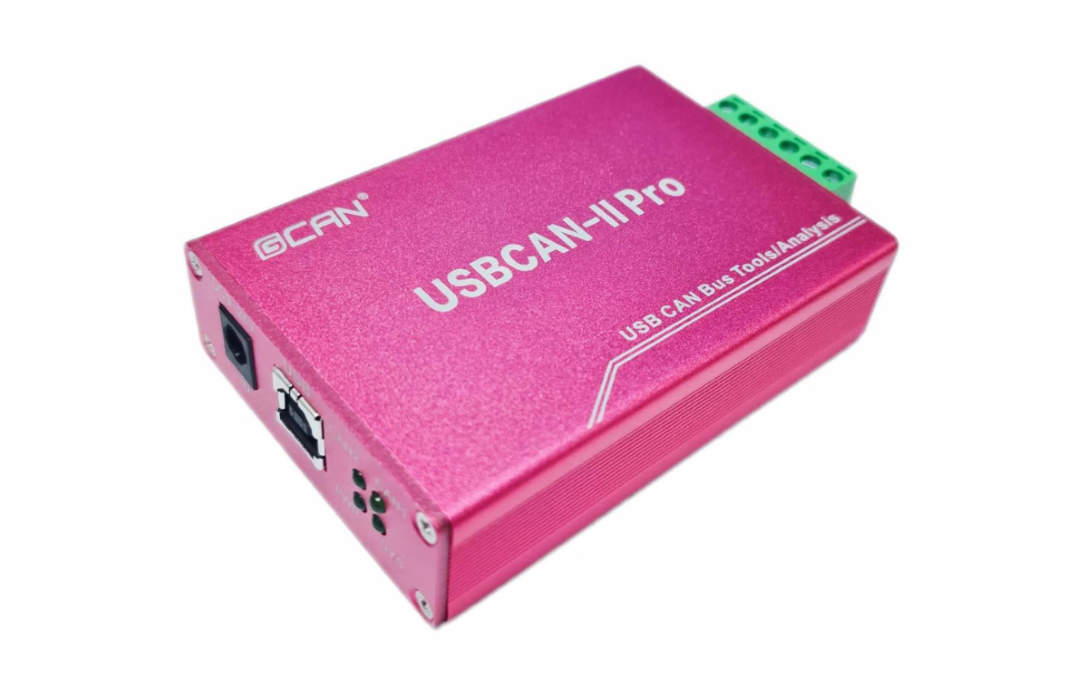
USBCAN-II Pro 2-Channel USB CAN Analyzer with CANopen Master
2-Channel CAN Bus Monitoring · Data Acquisition · CANopen Master · Free SDK & API Documentation · C/C++ · C# · Python · LabVIEW
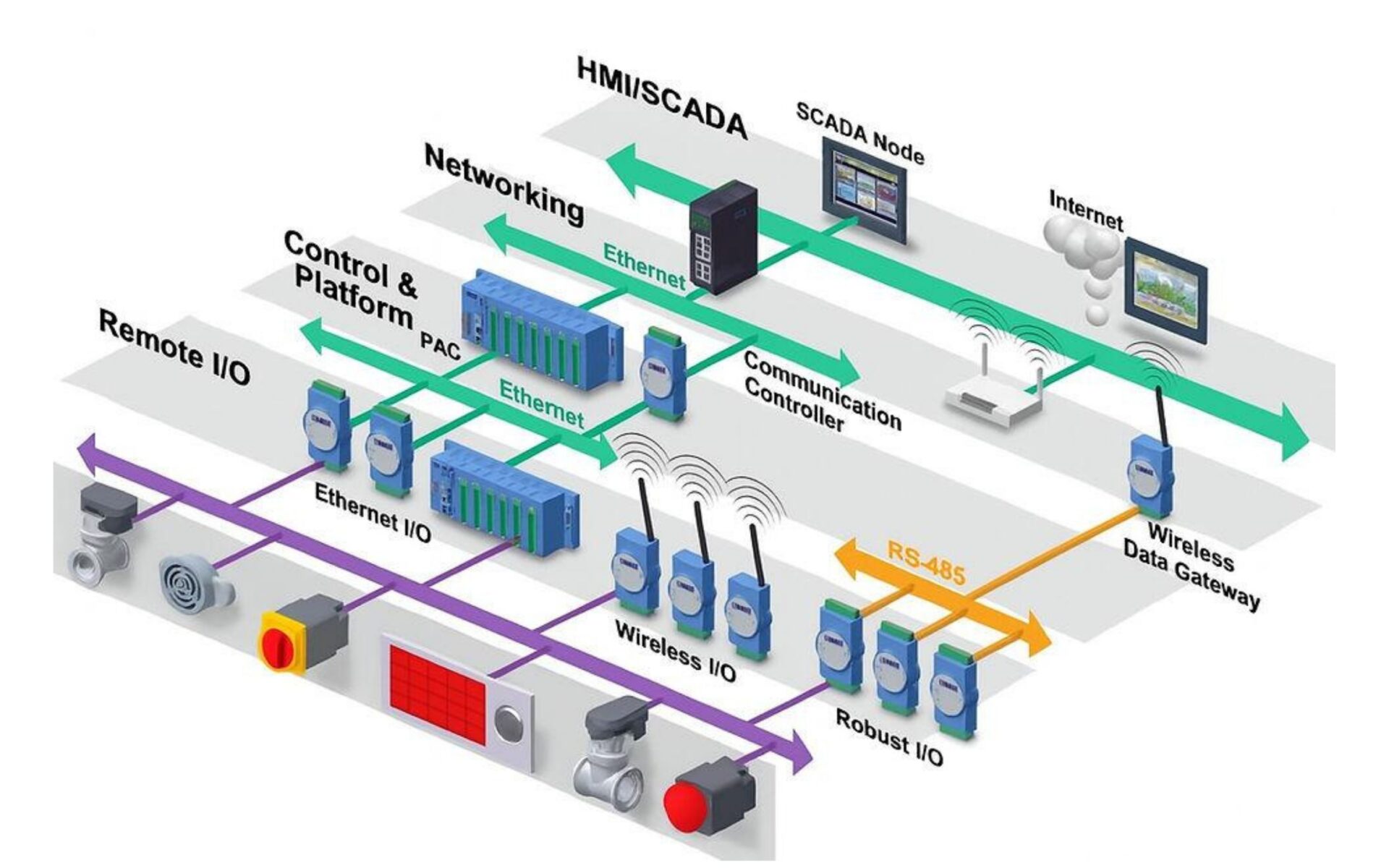
CAN Bus Testing: Tools, Methods and Applications
Post excerpt contains keyphrase and simple content introduction. Very important content for better SEO performance
Related Topic: #CANopen Network Commissioning
4 Related Articles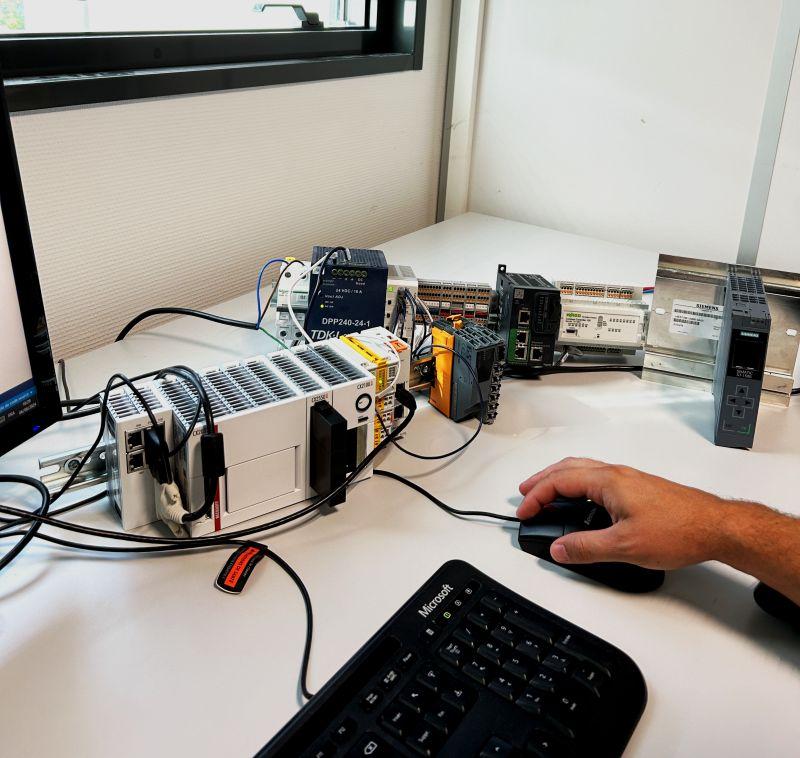
USBCAN-II PRO Application: CANopen Network Diagnostics
CANopen Network Diagnostics · Slave Node Scanning · SDO Parameter Access · PDO Monitoring · NMT & Emergency Status · USBCAN-II PRO
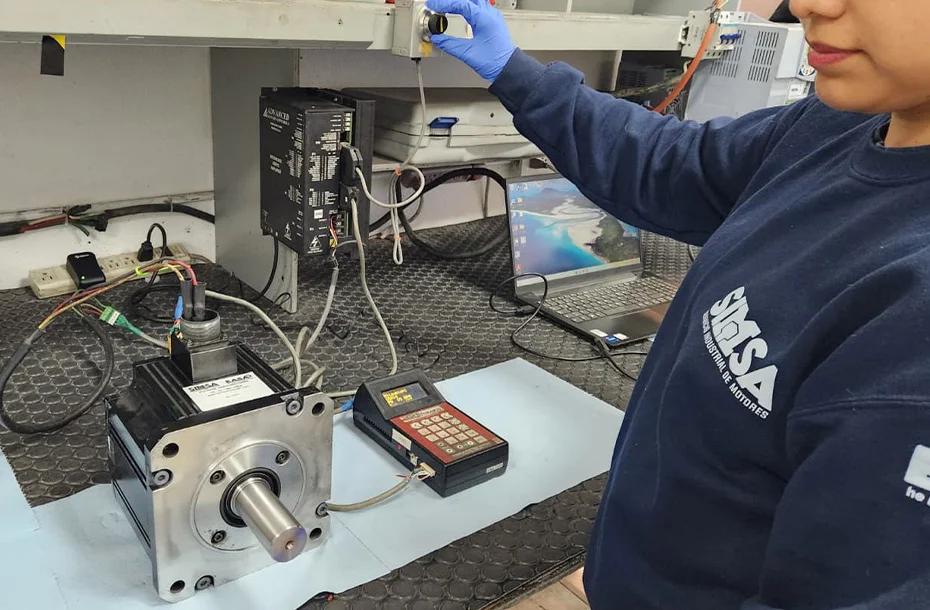
USBCAN-II PRO Application: CANopen Servo Drive Commissioning
CANopen Master · Servo Drive Configuration · NMT Node Management · SDO Parameter Access · PDO Monitoring · USBCAN-II PRO
USBCAN-II Pro 2-Channel USB CAN Analyzer with CANopen Master
2-Channel CAN Bus Monitoring · Data Acquisition · CANopen Master · Free SDK & API Documentation · C/C++ · C# · Python · LabVIEW
CAN Bus Testing: Tools, Methods and Applications
Post excerpt contains keyphrase and simple content introduction. Very important content for better SEO performance
Technical FAQs & Troubleshooting
Q Does the hardware natively support CANopen Master? ▼
No, the hardware is a standard USB-CAN analyzer. The CANopen Master function is implemented via the PC software (GCANTools). You can scan, add slave nodes, and manage communication by switching to the CANopen tab in the software. (Note: PC must remain connected for this function).
Q Can I open one USBCAN-I Pro device using multiple software programs simultaneously? ▼
No. The USBCAN-I Pro supports exclusive access only. A single device cannot be opened by multiple processes via the OpenDevice function at the same time. You must call CloseDevice in one application before another can connect.
Q What is the exact data conversion rate for the single channel? ▼
While the maximum receive rate is 14,000 fps, the maximum data conversion rate for a single CAN channel is 8,000 fps (based on standard 8-byte data frames). Actual throughput may also be limited by your PC's performance.
Q How do I configure the built-in 120Ω resistor? ▼
The USBCAN-I Pro features an integrated 120Ω terminal resistor. Unlike older models that require external wiring, you can simply use the onboard DIP switch to enable or disable it. (Note: It must be enabled for single-node loopback testing).
Q Why do I get a hardware buffer overflow error, and how does PC sleep mode affect it? ▼
The hardware has a 128-frame transmit FIFO and software receive buffer. If the PC enters sleep/standby mode, processing stops and will cause a buffer overflow. Please disable PC sleep mode when using this device. Additionally, do not let CAN bus load exceed 60-70% to prevent transmission timeouts.