Communication Challenge
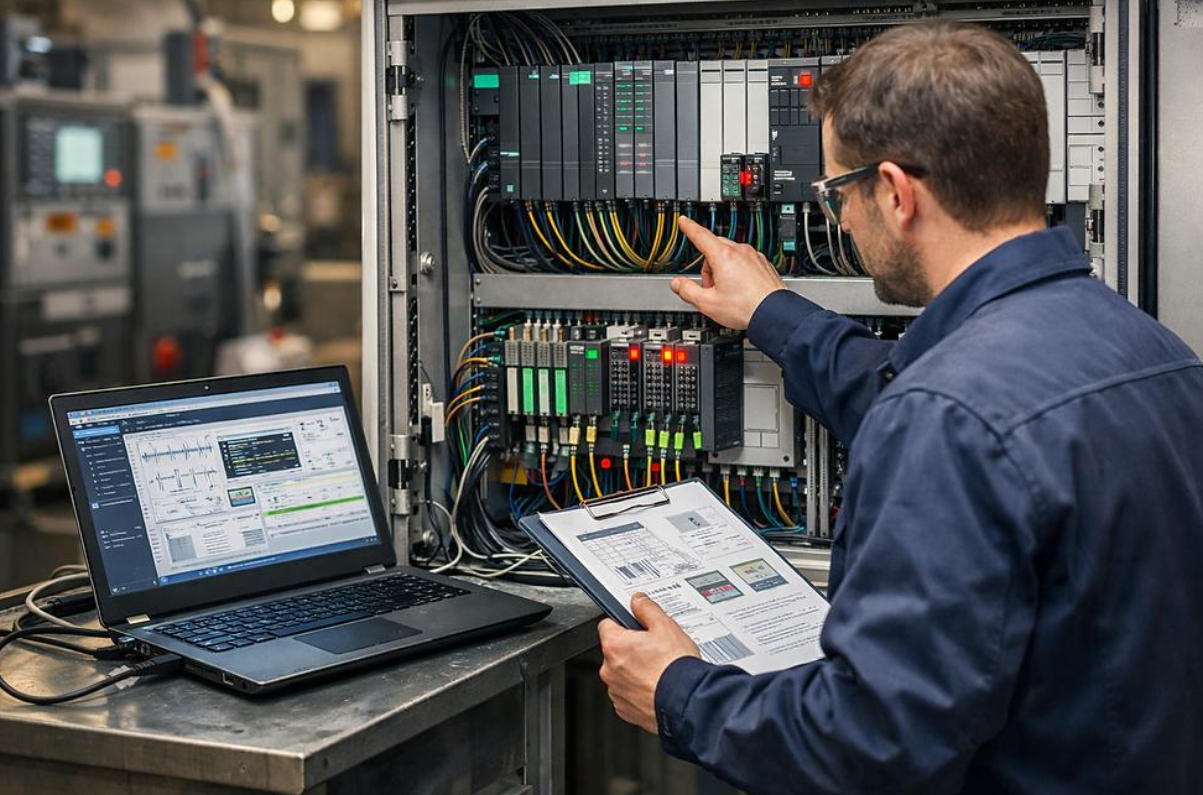
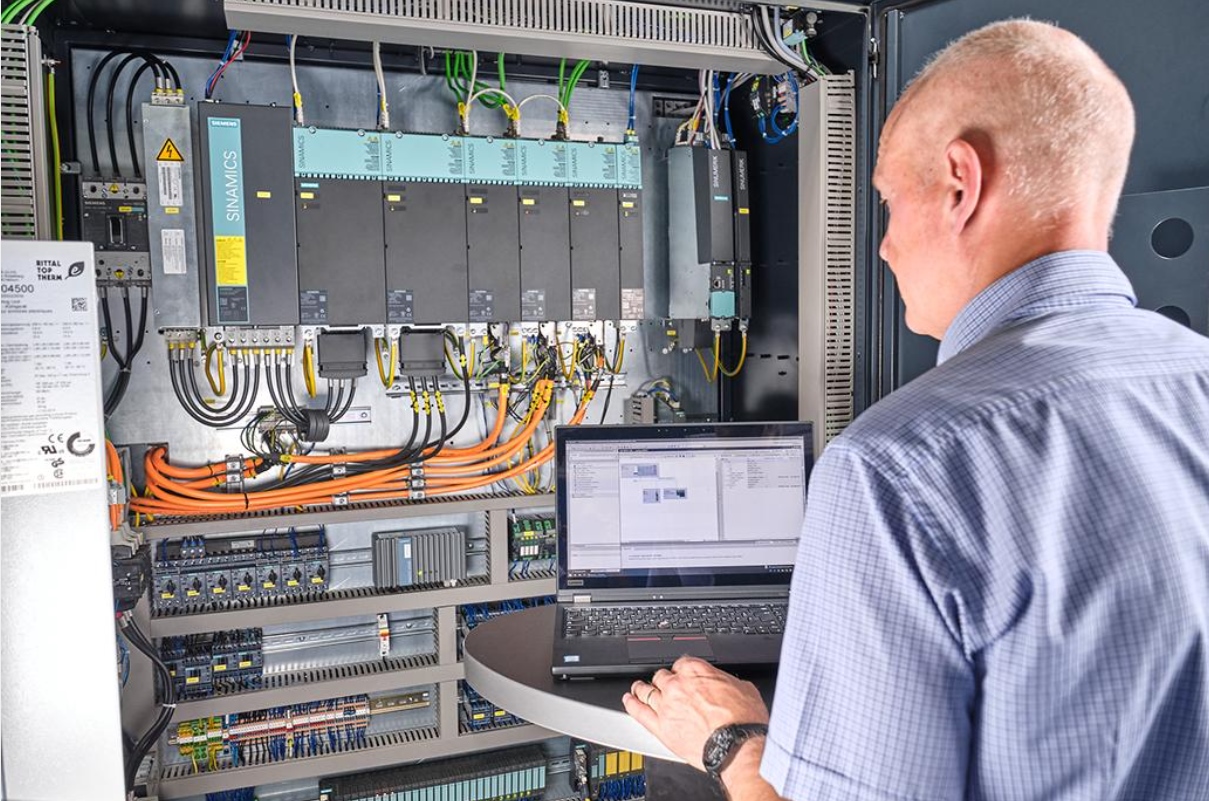
During equipment commissioning or maintenance, engineers may encounter unexpected CAN messages, communication interruptions, or abnormal device responses. Without direct access to bus traffic, identifying the source of these issues can be difficult.
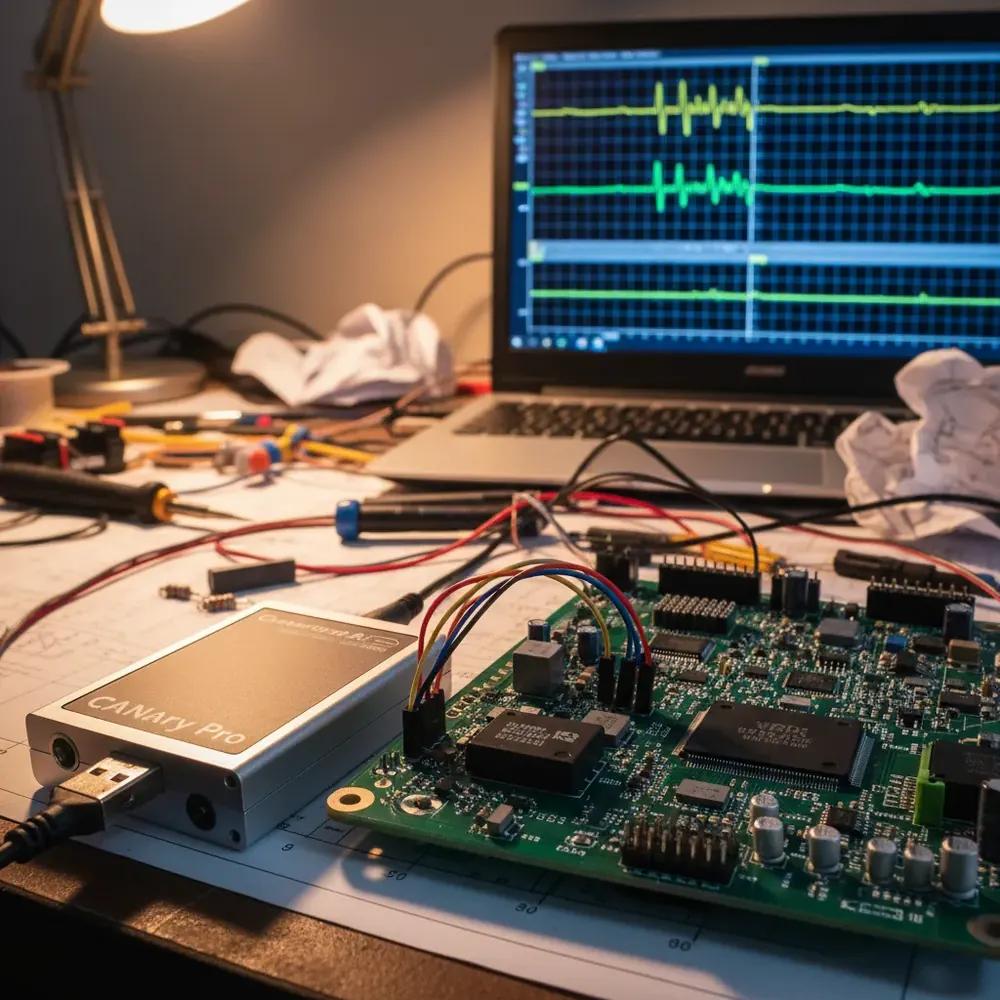
Real-time CAN bus monitoring and troubleshooting with USBCAN-I PRO
Solution
Use the USBCAN-I PRO as a PC-based CAN analyzer to monitor bus communication and help engineers identify potential communication problems.
Products Used
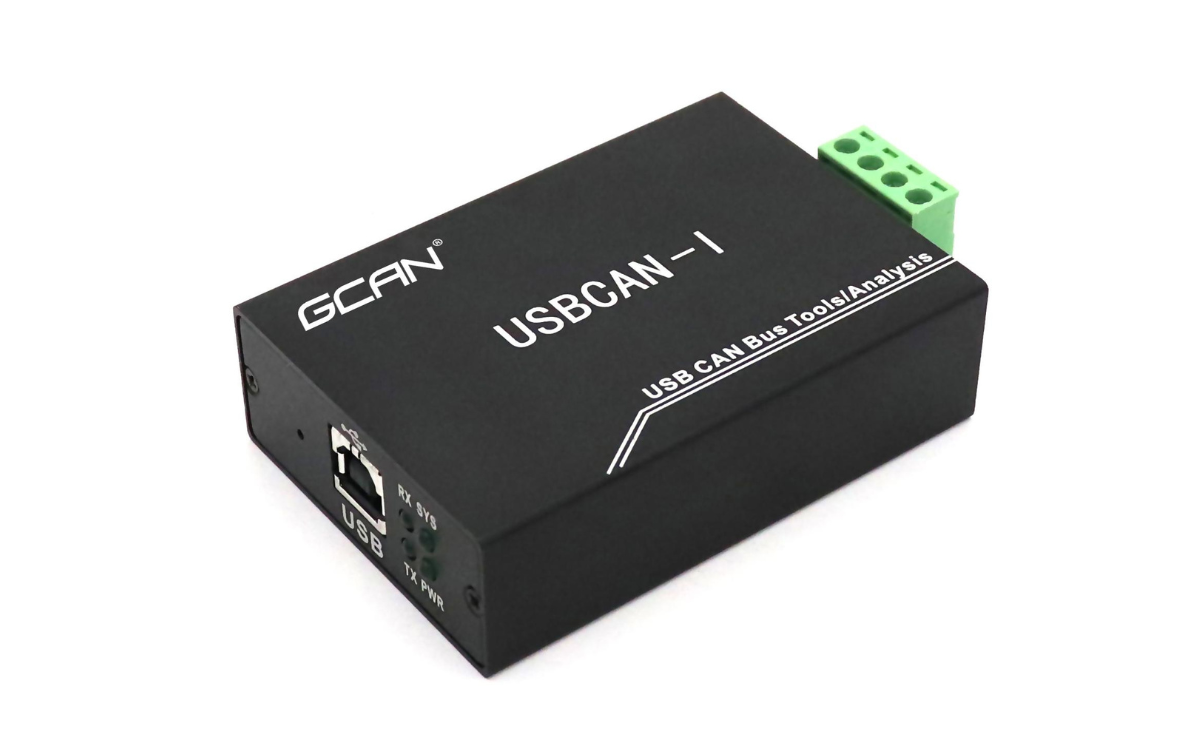
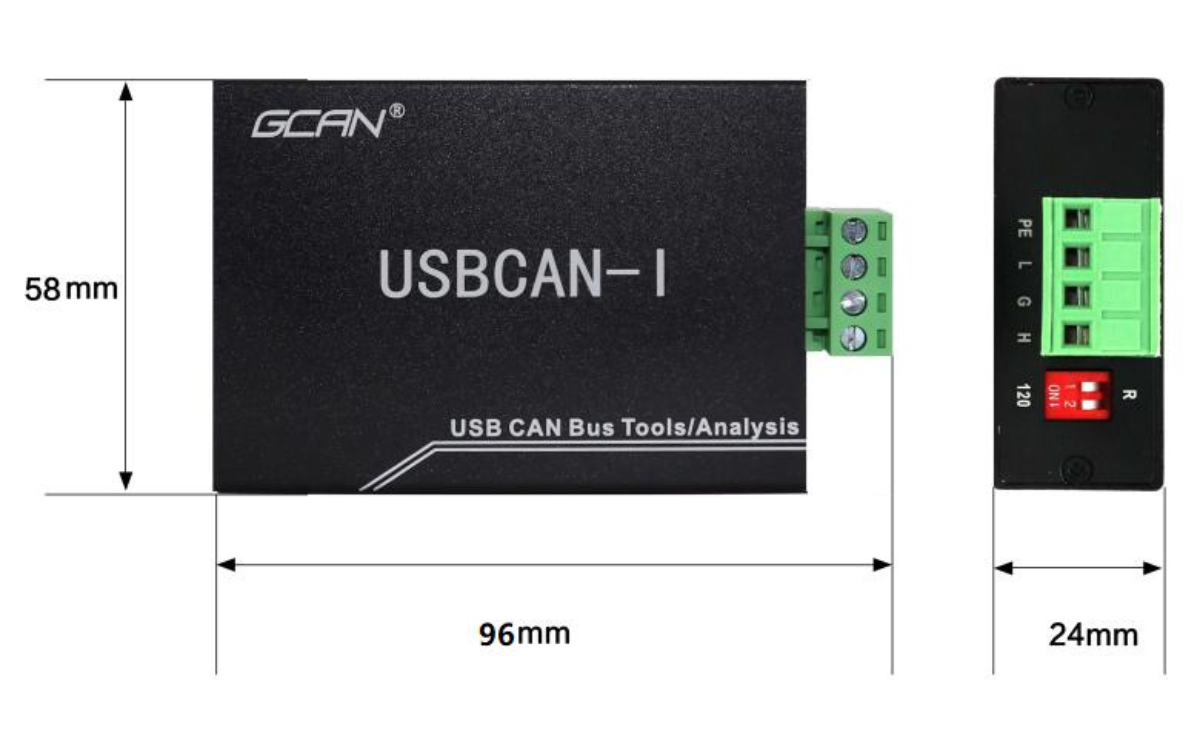
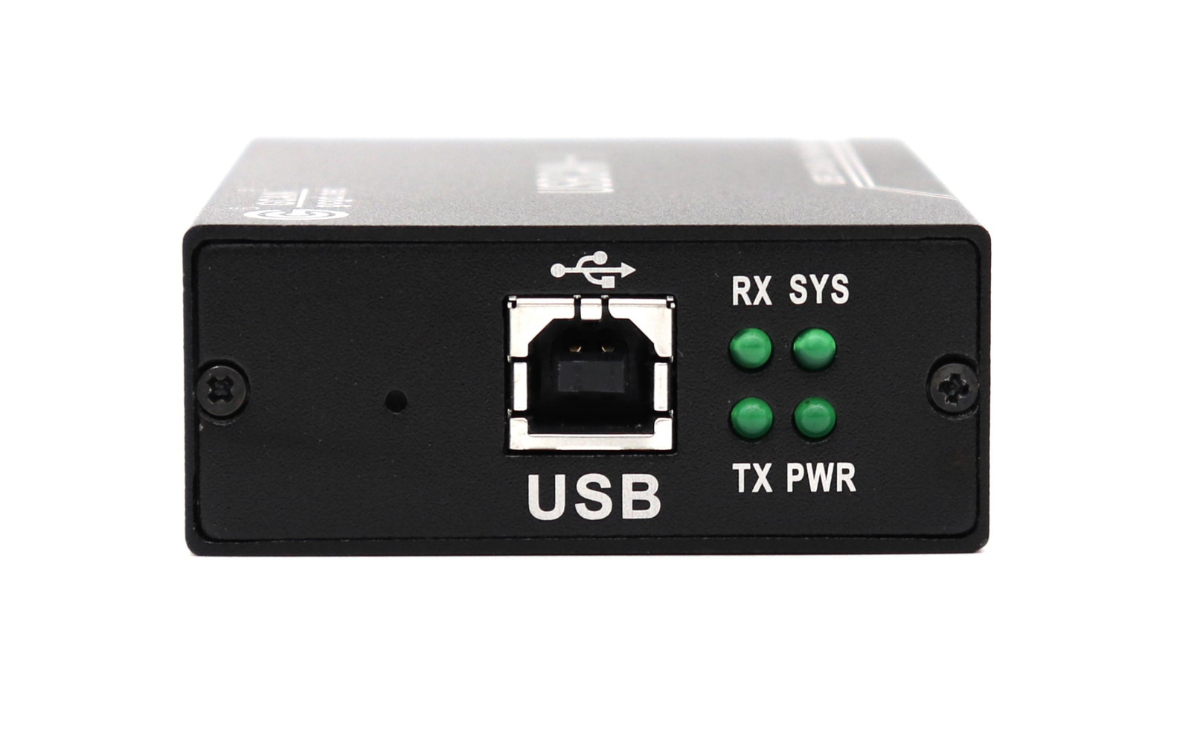
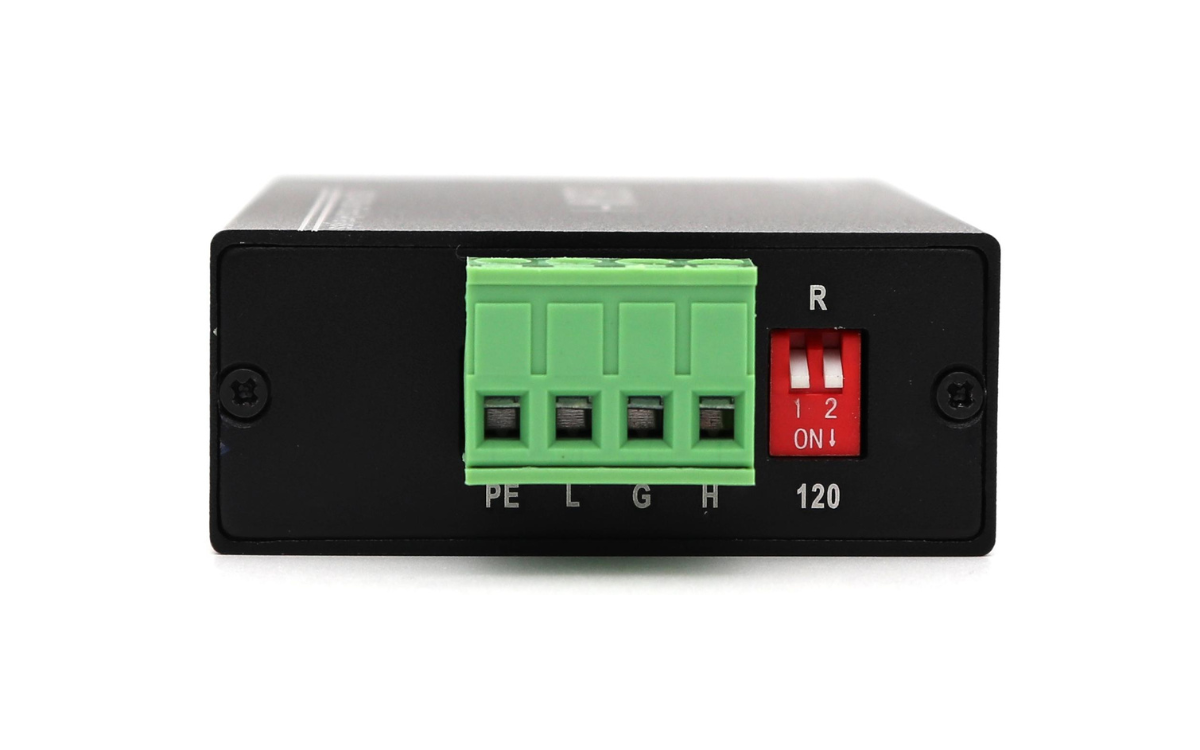
- USBCAN-I PRO USB to CAN Analyzer
- PC with GCANTools
Interfaces & Protocols
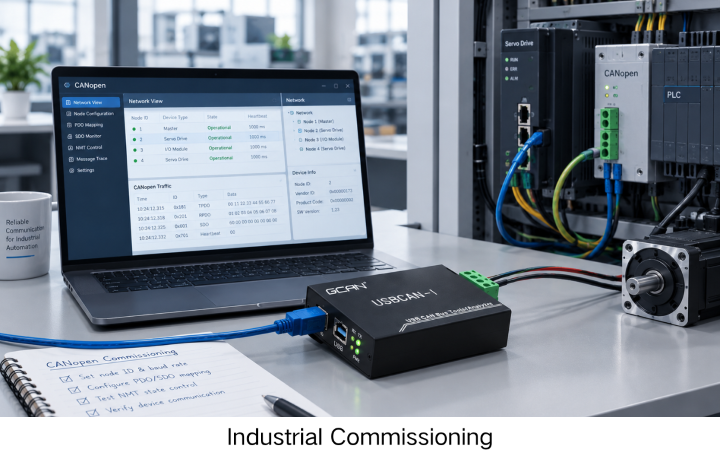
- PC Side: USB
- Analyzer Side: CAN
- Device Side: CAN
- Communication Protocol: CAN 2.0A / CAN 2.0B
How Data Flows
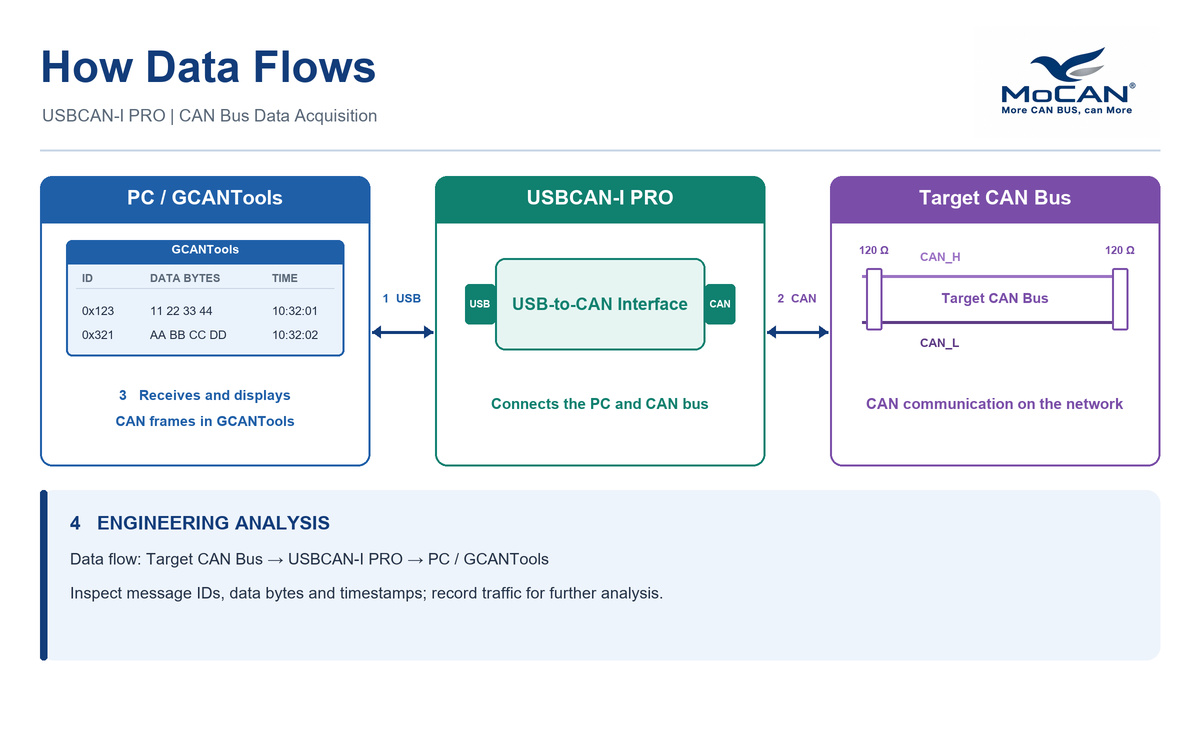
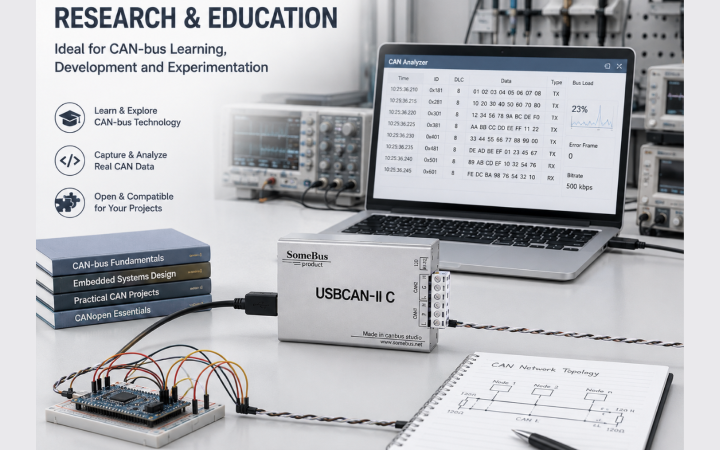
Data flow between the target CAN bus, USBCAN-I PRO and GCANTools for CAN frame acquisition and analysis.
- Connect the USBCAN-I PRO to the PC through USB.
- Connect its CAN interface to the target CAN bus.
- GCANTools receives and displays CAN frames from the network.
- Engineers inspect message IDs, data bytes, and timestamps, and record the traffic for further analysis.
Result
Engineers can observe real-time CAN communication, identify abnormal messages or interruptions, and improve the efficiency of equipment commissioning and troubleshooting.
Choose the Right USBCAN Analyzer
| Model | CAN ports | OS supported | Isolation | Features | Power Supply | Applications |
| USBCAN-I Pro | 1 Channel | Win+Linux | 3000V DC | OBD-II, CANopen | USB 5V | Entry-level single channel, automotive, industrial debugging |
| USBCAN-I Pro+ | 1 Channel | Win+Linux | 3000V DC | OBD-II, CANopen; Hardware upgraded shell | USB 5V | Enhanced single channel, big data collection |
| USBCAN-II C | 2 Channels | Windows Only | 3000V DC | CAN transceive; No OBD-II/CANopen/Stand-alone | USB 5V, DC9-24V | Economical dual channel, general industrial bus sniffing |
| USBCAN-II C+ | 2 Channels | Windows Only | 3000V DC | CAN transceive; No OBD-II/CANopen/Stand-alone | USB 5V, DC9-24V | Upgraded shell dual channel based on II-C |
| USBCAN-II Pro | 2 Channels | Win+Linux | 3000V DC per channel | OBD-II, CANopen, CAN relay, stand-alone mode | USB 5V, DC9-24V | High performance dual channel, multi-bus, offline forwarding |
| USBCAN-II Pro+ | 2 Channels | Win+Linux | CAN,USB 3000V DC | OBD-II, CANopen, CAN relay, stand-alone mode | USB 5V, DC9-24V | Max protection dual channel, harsh industrial sites |
| USBCAN-II FD | 2 Channels | Win+Linux | 2500V DC | CAN-FD protocol, compatible with CAN2.0 | USB 5V, DC9-24V | CAN-FD bus, new energy vehicle debugging |