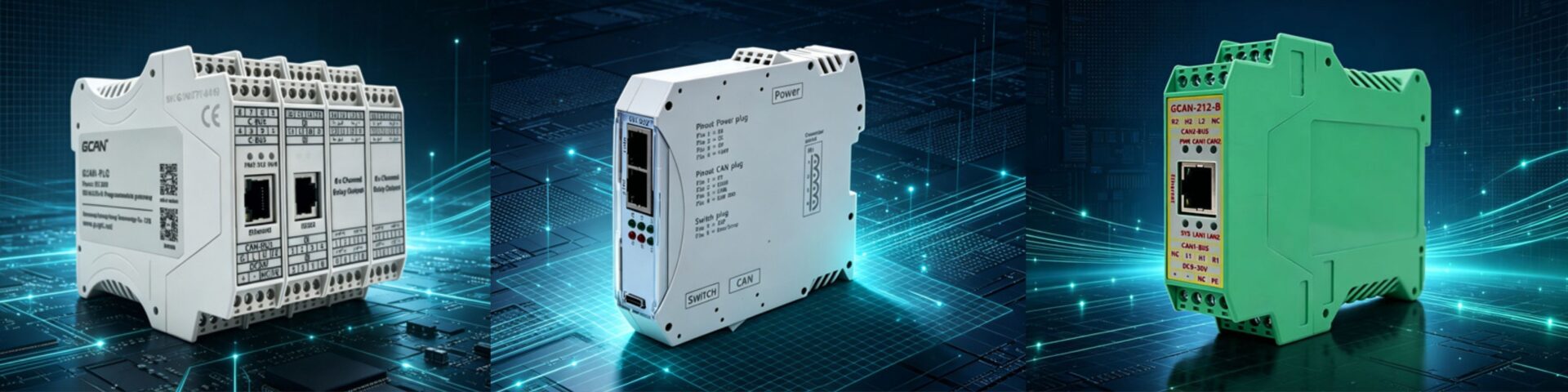
Overview : Level 2 - Socket-Level CAN-to-IP Gateway
Industrial WiFi-CAN Converter for Wireless and Ethernet Connectivity
The GCAN-211 is an industrial WiFi-CAN converter that connects CAN bus networks to wireless WiFi and wired Ethernet networks. It integrates two CAN interfaces, one Ethernet interface and one WiFi interface, providing flexible communication options for industrial CAN networks.
With support for TCP Server, TCP Client and UDP modes, the GCAN-211 enables bidirectional data communication between CAN devices and network-connected computers or other compatible systems.
Supporting both WiFi AP and Station modes, it allows PCs, tablets and other WiFi-enabled devices to access CAN networks without a direct CAN cable connection.
The GCAN-211 also supports Socket-based secondary development, making it possible to integrate CAN communication into custom software applications without requiring a dedicated DLL.
GCAN-211 WiFi to Dual-Channel CAN Gateway with Transparent Transmission
WiFi / Ethernet to Dual-Channel CAN Gateway
Level 2 Transparent Gateway: Raw CAN Frame Streaming
Designed for flexible socket programming and secondary development
1x WiFi, 1x Ethernet (RJ45) and 2x CAN 2.0A/2.0B interface
2500V DC isolation on CAN side
Operating Temp. at -40°C to +85°C
Free config software (CANet-Wifi-Config) and SDK for custom development
1. Dual-Channel CAN Interfaces
Two independent CAN interfaces allow connection to two CAN bus networks or devices.
2. WiFi & Ethernet Connectivity
Integrated 2.4 GHz WiFi and RJ45 Ethernet provide both wireless and wired network access.
3. TCP Server / Client & UDP
Supports three network communication modes for flexible integration with different host systems.
4. WiFi AP & Station Modes
Operates as a wireless access point or connects to an existing WiFi network as a client.
5. Bidirectional CAN Communication
Transfers data between network-connected hosts and CAN bus devices in both directions.
6. Socket-Based Secondary Development
Supports standard Socket communication without requiring a dedicated dynamic-link library.
7. Wide CAN Baud Rate Range
Supports CAN 2.0A/B with configurable baud rates from 5 kbps to 1 Mbps.
8. High-Speed CAN Data Reception
Supports up to 8,000 CAN frames/s per channel and CAN-side timestamp accuracy down to 1 μs.
9. Industrial Design & Electrical Isolation
Features a 9–24 V DC power supply, electrically isolated CAN interfaces and a wide operating temperature range.
Find Your Gateway Solution by Application
Application 1: Wireless CAN Bus Monitoring and Data Acquisition
💡 How it works:
- Role: Acts as a wireless CAN-to-WiFi interface, allowing a PC to monitor and collect CAN bus data without a direct USB or Ethernet connection to the CAN network.
- Connection: Connects to the CAN network through CAN_H and CAN_L, and communicates with the PC over WiFi. GCAN-211 can operate in WiFi AP or Station mode.
- Data Processing: Receives CAN frames from connected devices and forwards them to the PC through TCP or UDP. The PC application receives and processes the CAN data through Socket communication.
Application 2: Wireless CAN Bus Extension and Bridging
💡 How it works:
- Role: Uses two GCAN-211 converters to establish a wireless communication link between two physically separated CAN networks.
- Connection: Each GCAN-211 connects to a local CAN network. The two converters communicate wirelessly through a configured WiFi network using TCP or UDP.
- Data Processing: Converts CAN frames from the first network into network data and transmits them wirelessly to the second converter, which restores the data to CAN frames. Communication can also work in the reverse direction.
Application 3: Ethernet-Based CAN Access and Software Integration
💡 How it works:
- Role: Acts as an Ethernet-to-CAN interface, enabling an industrial PC or host controller to access CAN devices over a wired network.
- Connection: Connects to the CAN network through CAN_H and CAN_L, and to the industrial PC through the Ethernet RJ45 port.
- Data Processing: Converts CAN frames into TCP/UDP network data and sends them to the host application through Socket communication. The application can receive, analyze, and transmit CAN messages using its own software logic.
Semantic Processing Tier and Core Capability & Target Models of Gateways
Gateway Selection Guide: Semantic Depth & Master/Slave Capability
| Model | Semantic Processing Level | CAN-Side Role | Can it act as a Master? | Sub-models / Programmability | Interfaces | Application | |
| GCAN-204 | Register mapping (Not transparent) | Fixed Modbus RTU Slave | No. Modbus RTU Slave only. | Single fixed firmware. Free config software, zero programming. | 1× RS485, 1× CAN 2.0A/B |
PLC/HMI (Modbus master) reading CAN sensors; legacy retrofits. | |
| GCAN-205 | Register mapping (Not transparent). | Fixed Modbus TCP Slave | No. Modbus TCP Slave only. | Single fixed firmware. Free config software. | 1× Ethernet, 1× CAN 2.0A/B |
SCADA/HMI reading CAN devices over Ethernet. | |
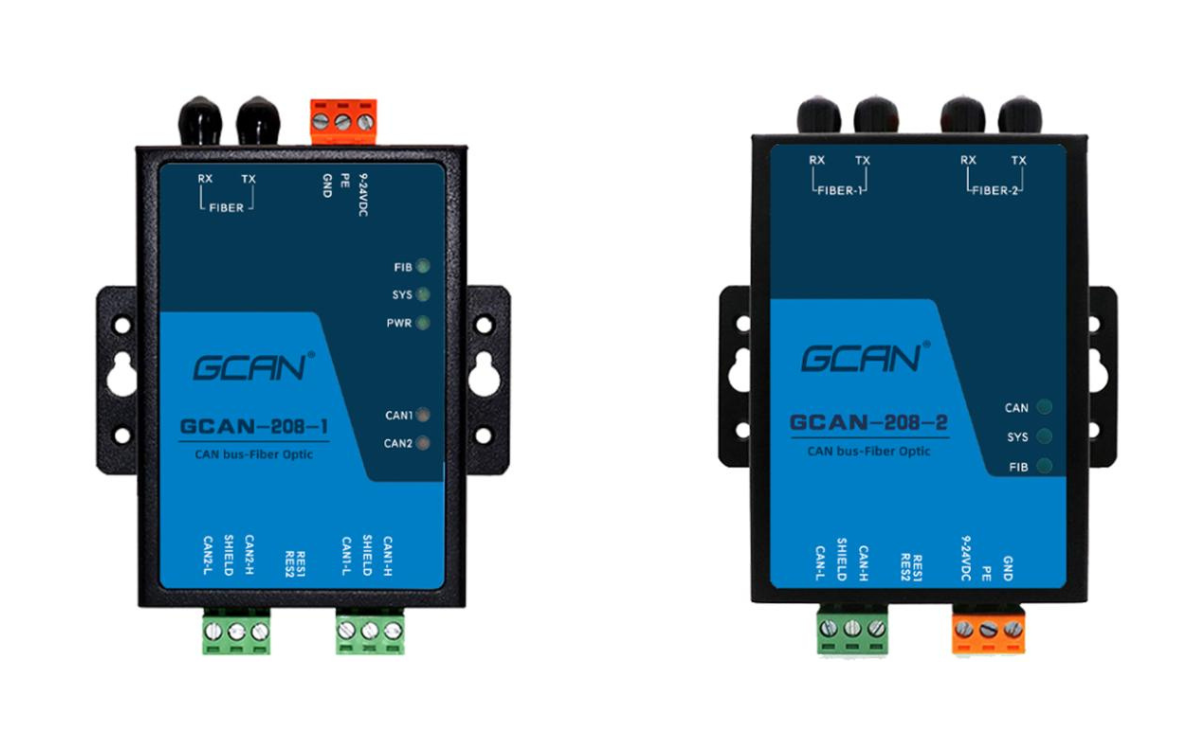
| GCAN-208 | Pure physical-layer passthrough. | No protocol role | No. No protocol stack. | Sub-models: 208-1, 208-2, 208-2F. | 1–2× Fiber, 1–2× CAN 2.0A/B |
Long-distance CAN extension, high EMI isolation. | |
|
Socket-level transparent transmission. | No protocol role | No. Data pipe only. | Single unit. Can work in pairs as a wireless CAN repeater. | 2× CAN, 1× Ethernet, 1× WiFi |
Wireless CAN access, mobile debugging. | |
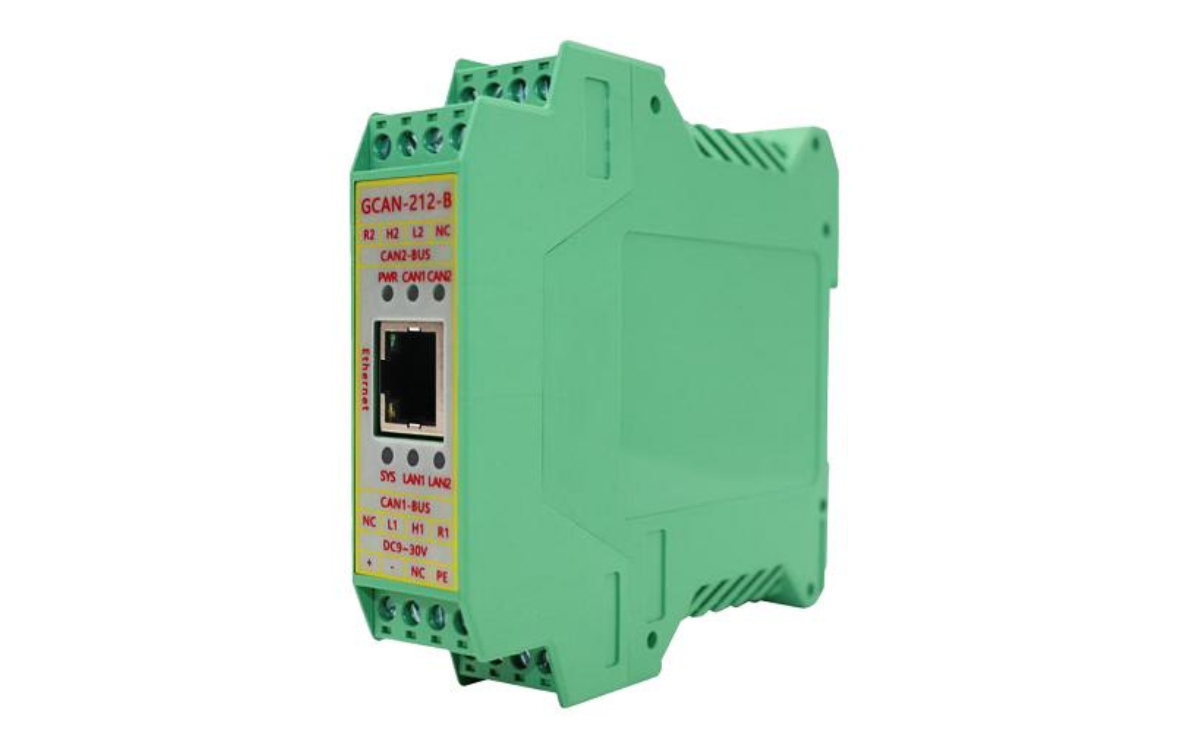
| GCAN-212B | Socket-level transparent transmission. | No protocol role | No. Data pipe only. | Single unit (DIN-rail). | 2× CAN, 1× Ethernet |
Dual-channel CAN to Ethernet inside cabinets. | |
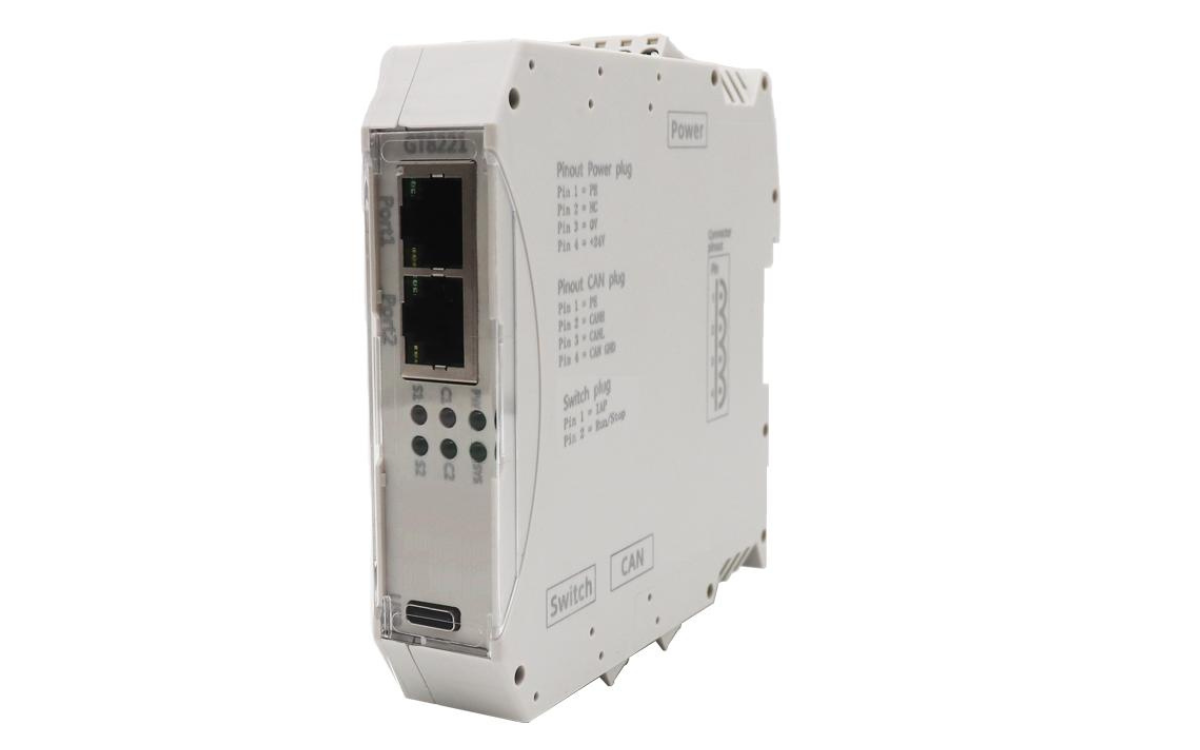
| GCAN-GT-8221 | Splits by sub-model: | EtherCAT Slave → CAN: |
|
Sub-models: -CAN, -COM. Fixed firmware. | 2× EtherCAT (daisy-chain), 1× CAN |
EtherCAT PLC integrating existing CANopen slave devices. | |
| • -CAN: Raw passthrough. | • -CAN: Passthrough | ||||||
| • -COM: CANopen slave stack (Semantic parsing). | • -COM: CANopen Slave | ||||||
| GCAN-GT-8321 | Splits by sub-model (Most comprehensive): | Profinet Slave → CAN: | Profinet side: No. | Sub-models: -CAN, -COM, -COS, -MRTUM, -MRTUS, -MTCPS, -PROG. | 2× Profinet, 1× CAN, 1× RS485, 1× Ethernet (varies) |
Siemens PLC integrating CANopen drives; active CANopen network management. | |
| • -CAN: Raw passthrough. | • -CAN: Passthrough | CAN side: NO | |||||
| • -COM: CANopen Slave. | • -COM: CANopen Slave | CAN side: NO | |||||
| • -COS: CANopen Master (NMT, node monitoring). | • -COS: CANopen Master | CAN side: -COS YES | |||||
| • -PROG: Programmable. | User-defined (Master/Slave configurable) | Yes (Configurable via program) | |||||
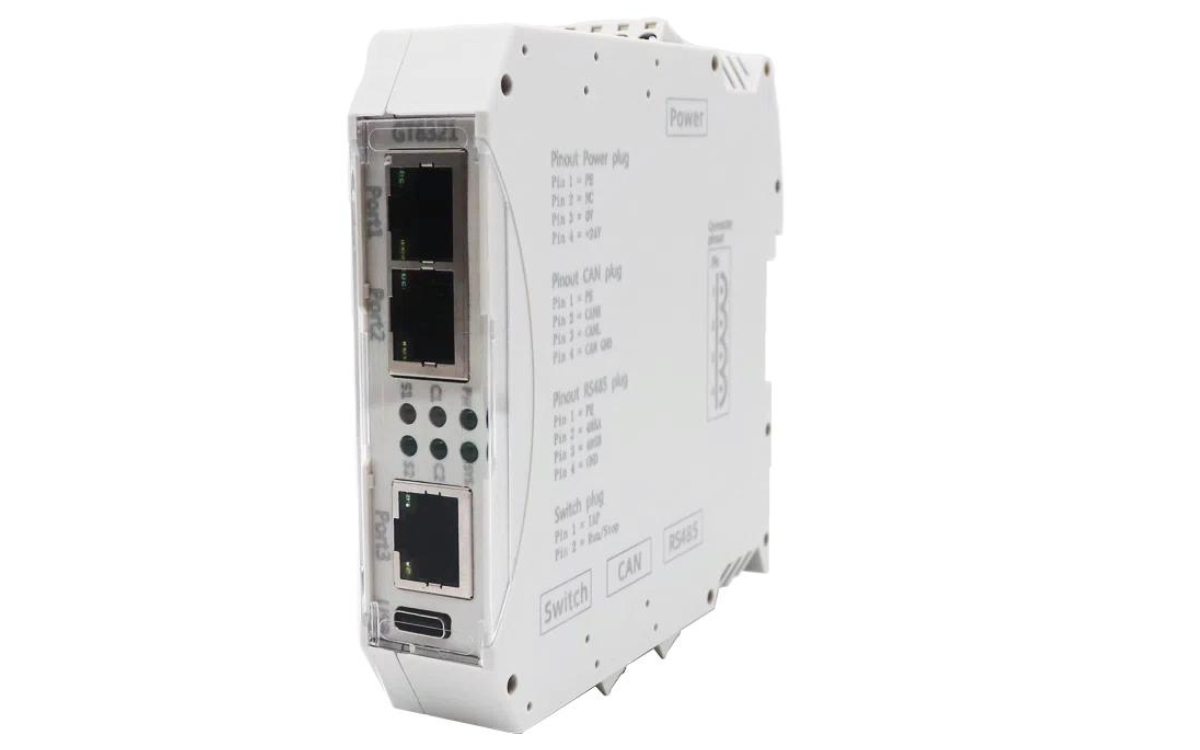
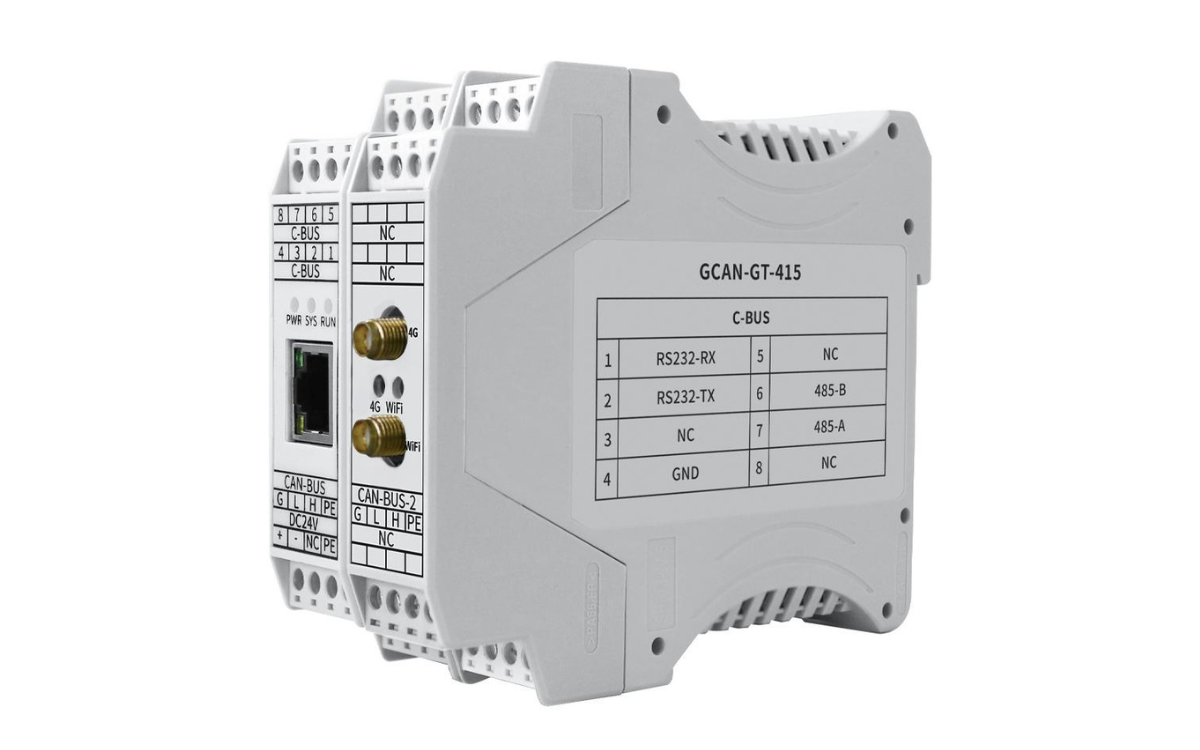
| GCAN-GT-415 | Full programmable semantic processing. | Configurable via program | Yes, fully configurable. CANopen & Modbus Master/Slave. | No fixed sub-models. Programmable via OpenPCS (IEC 61131-3). | 2× CAN, Ethernet, RS485, RS232, 4G, WiFi | Multi-protocol mixing, non-standard logic, remote upload (acts as a mini-PLC). |
Applications & Technical Resources
Explore wireless CAN applications for remote network monitoring, data acquisition, and distributed device communication.
Related Topic: #CAN Bus Monitoring & Data Acquisition
11 Related Articles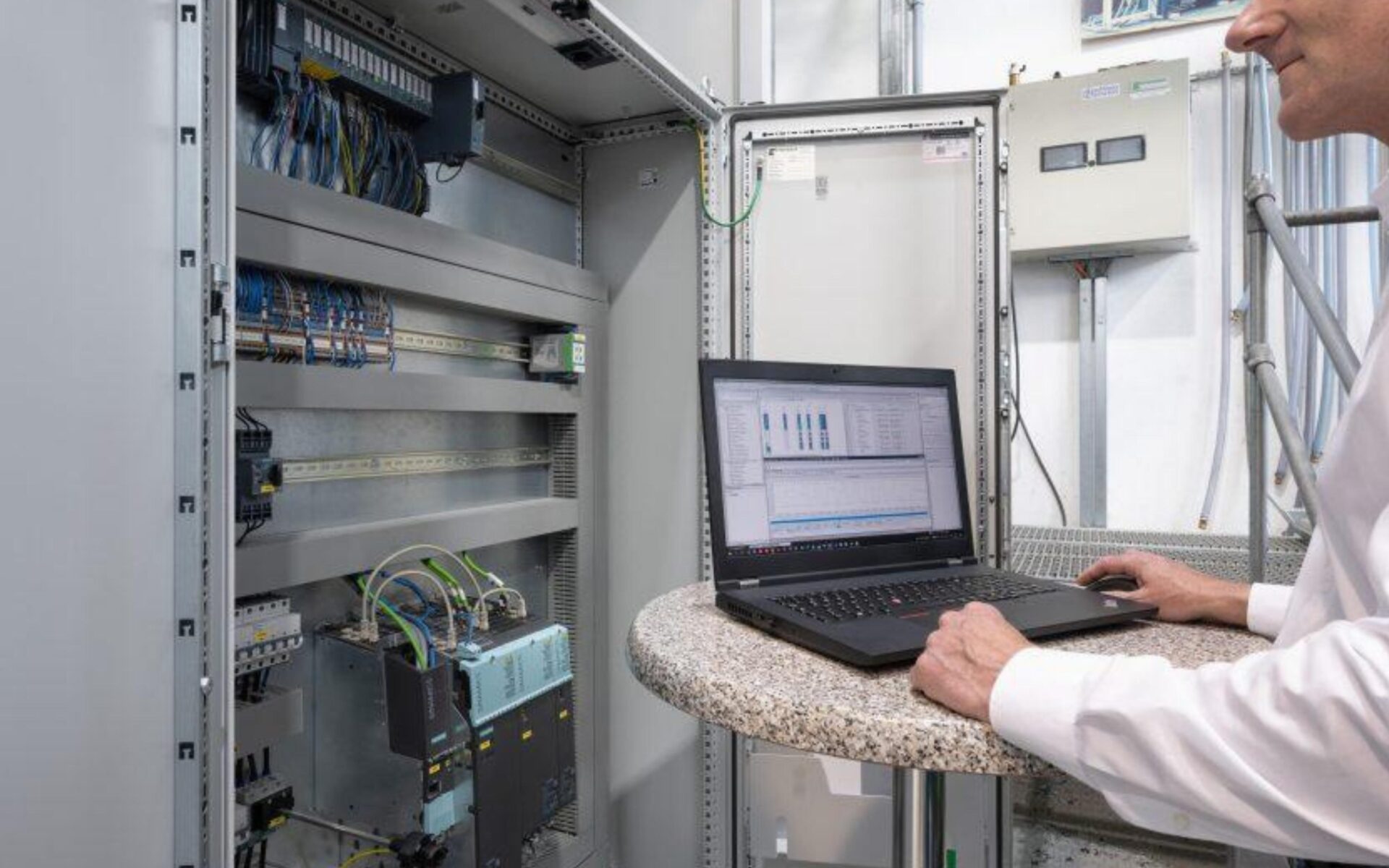
GCAN-212B Application: Ethernet-Based CAN Bus Diagnosis and Testing
Use the GCAN-212B to connect a PC-based diagnostic application to a CAN network over Ethernet. Monitor CAN traffic, transmit test messages, and analyze communication responses.
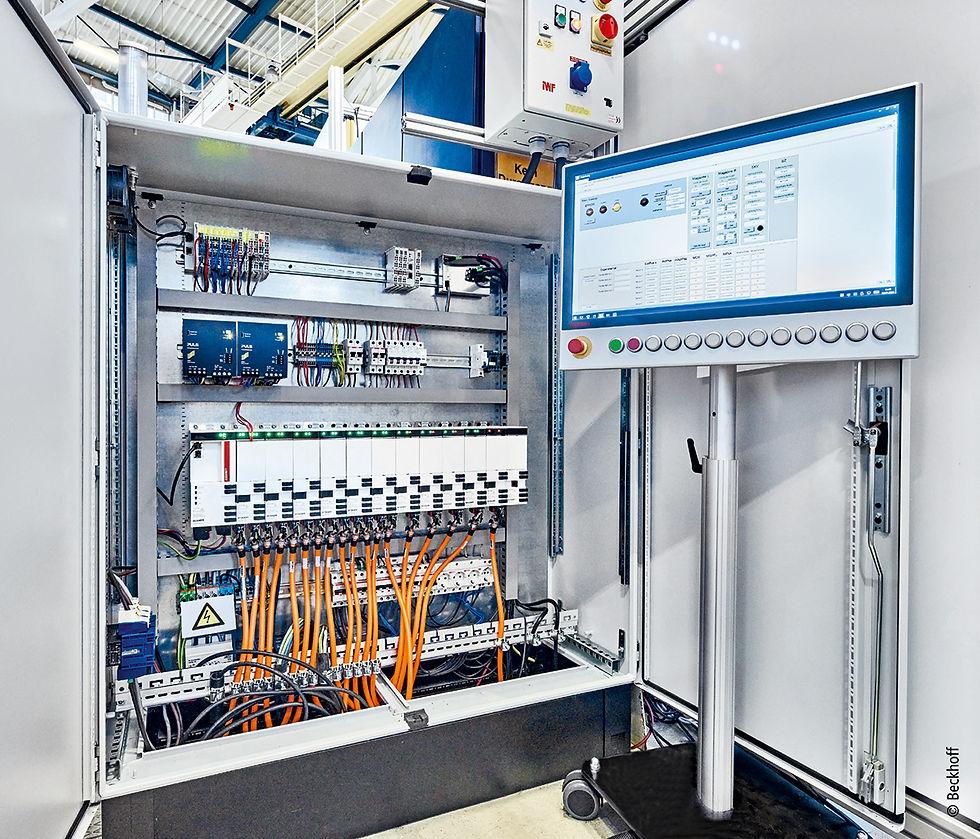
GCAN-212B Application: Ethernet-Based CAN Data Acquisition
Connect CAN field devices to an Ethernet-based PC using the GCAN-212B. Collect, monitor, and record CAN data through TCP or UDP Socket communication.
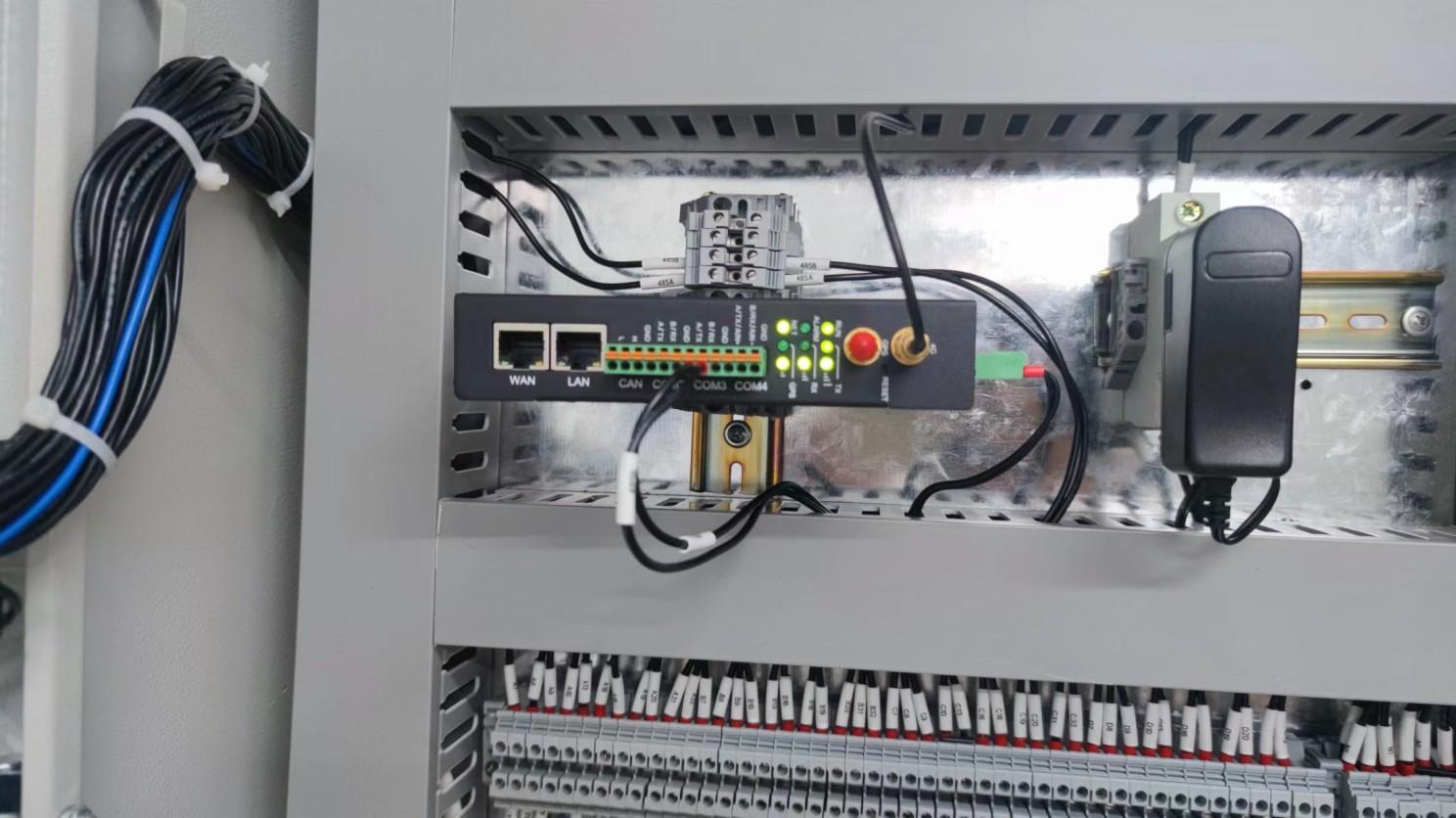
GCAN-211 Application: Wireless CAN Bus Monitoring & Data Acquisition
Wireless CAN Bus Monitoring · WiFi Connectivity · 2-Channel CAN · TCP/UDP Communication · Remote CAN Data Acquisition
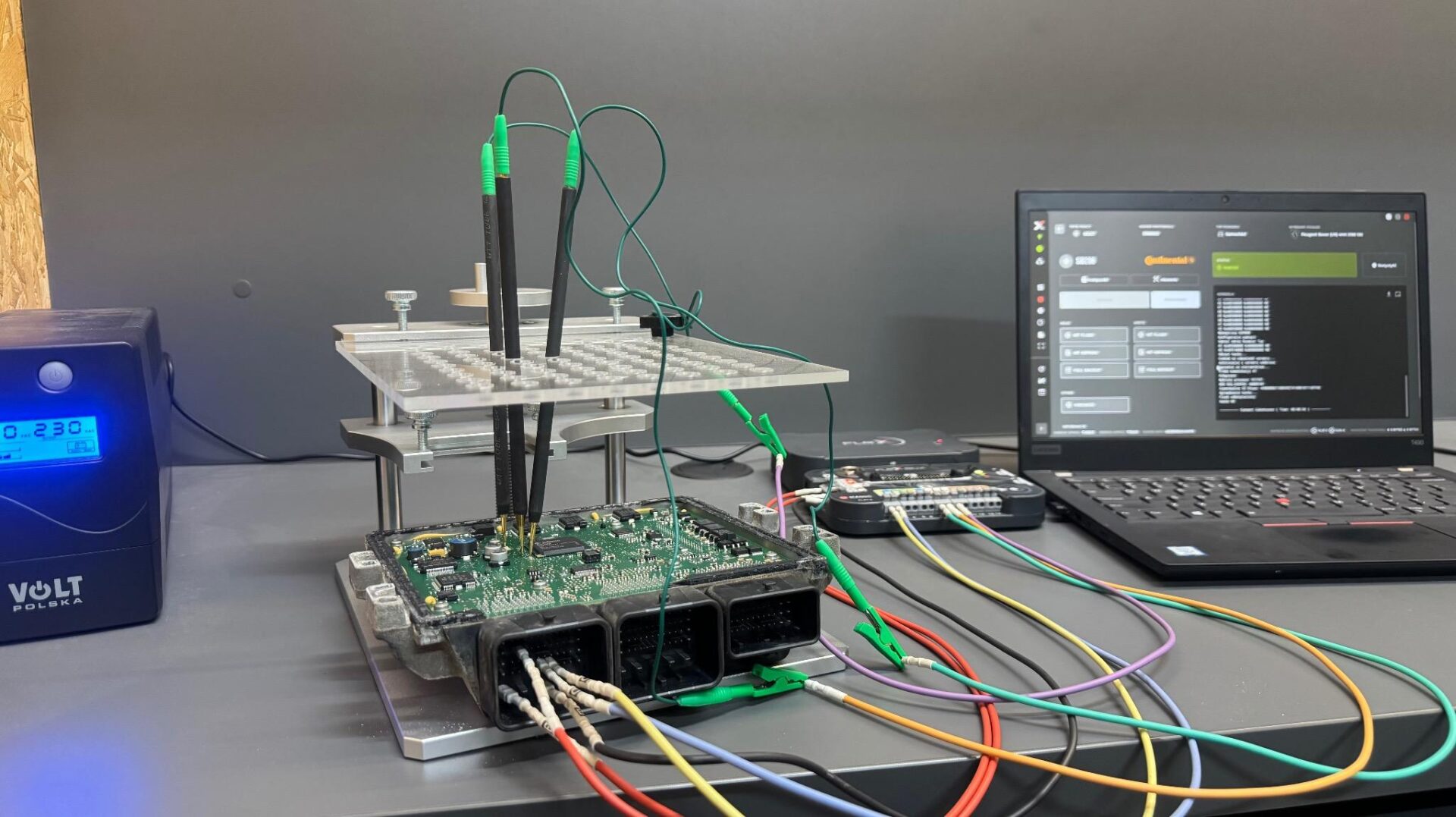
USBCAN-II FD Application: CAN FD Communication Testing
2-Channel CAN/CAN FD · CAN FD Frame Testing · Up to 64-Byte Payload · Data Rate up to 5 Mbps · 1 μs Timestamping · USBCAN-II FD
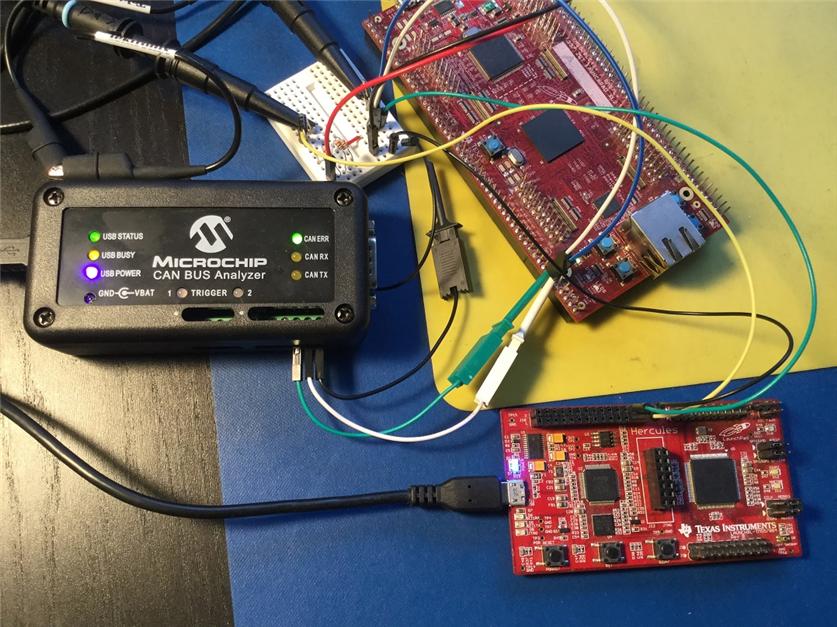
USBCAN-II C Application: CAN Device Development & Testing
CAN Frame Transmission & Reception · Embedded CAN Device Testing · Message Simulation · CAN 2.0A/B · USBCAN-II C
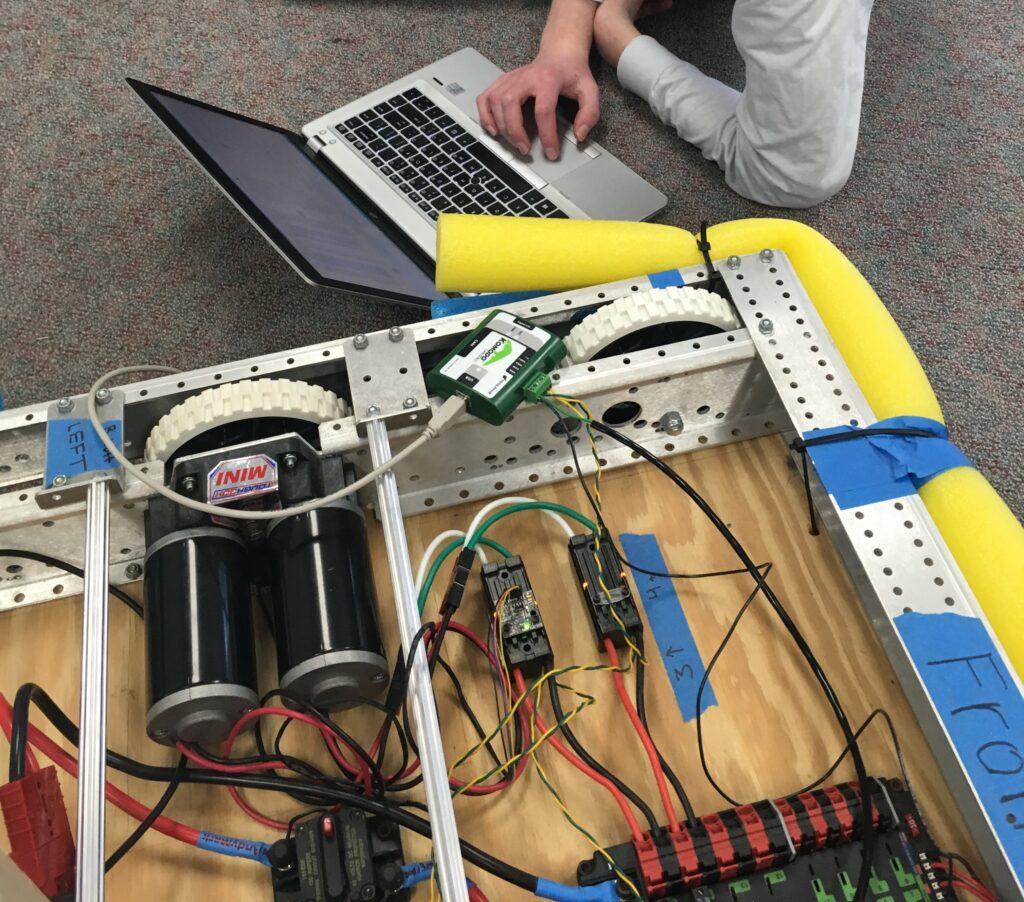
USBCAN-II C Application: Dual-Channel CAN Network Monitoring
2-Channel CAN Monitoring · Independent Bus Diagnostics · CAN 2.0A/B · Real-Time Frame Capture · USBCAN-II C
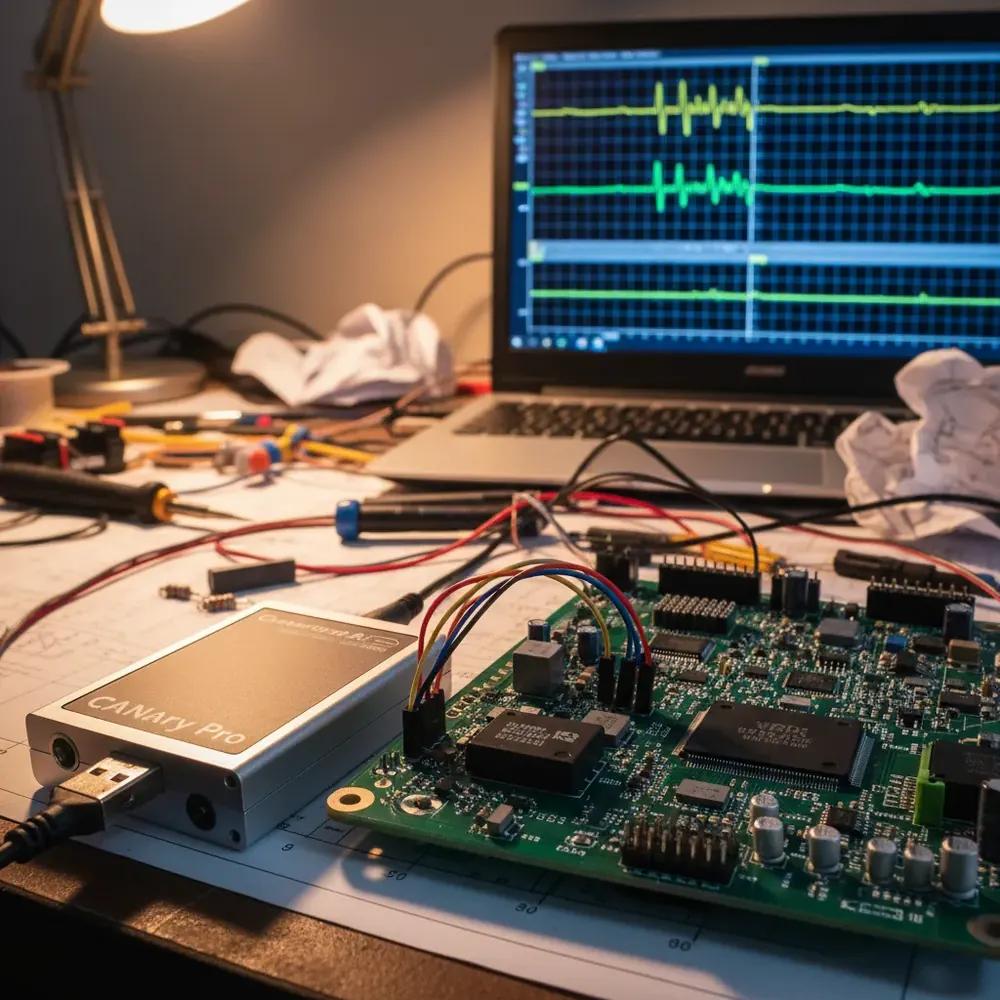
USBCAN-I PRO Application: CAN Bus Monitoring & Troubleshooting
Single-Channel CAN Monitoring · Real-Time Frame Capture · CAN Data Logging · 1 μs Timestamping · USBCAN-I PRO
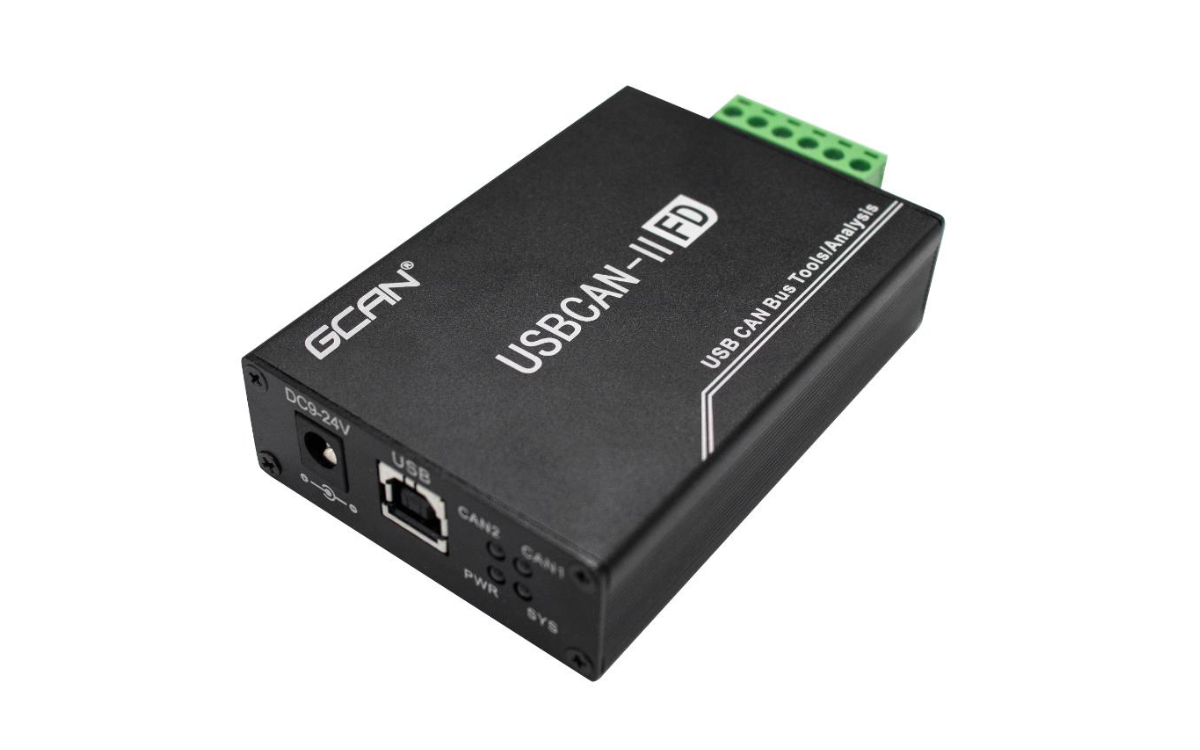
USBCAN-II FD Dual-Channel USB CAN FD Analyzer
2-Channel CAN/CAN FD · CAN Bus Monitoring & Data Acquisition · CAN FD up to 5 Mbps · 1 μs Timestamping · SDK & API · VC · VB · LabVIEW
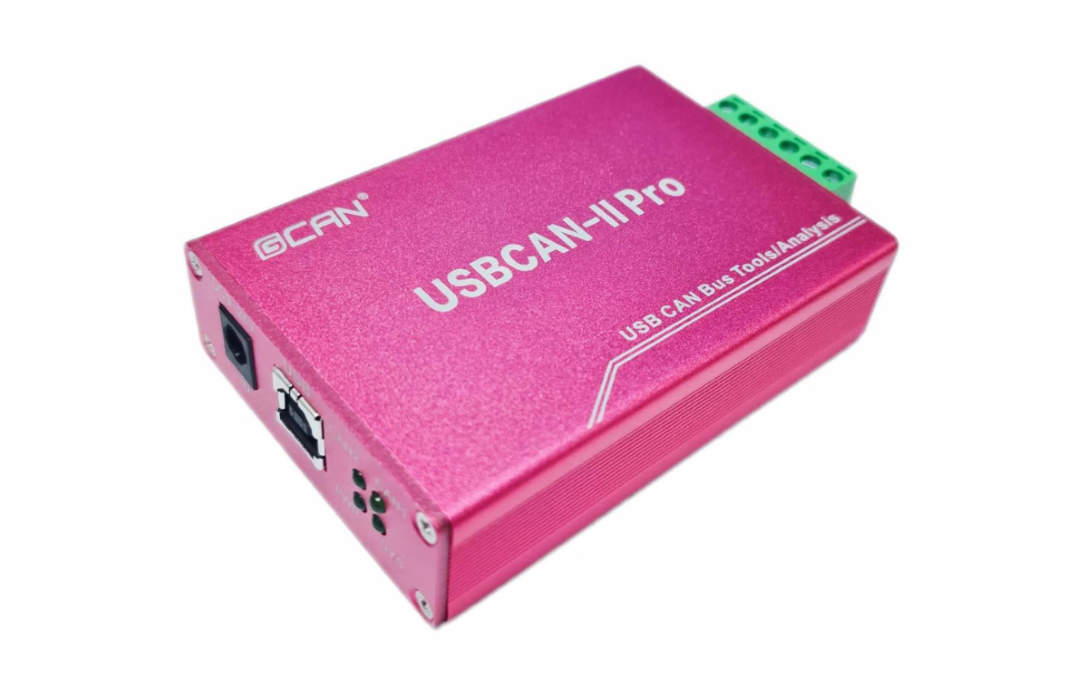
USBCAN-II Pro 2-Channel USB CAN Analyzer with CANopen Master
2-Channel CAN Bus Monitoring · Data Acquisition · CANopen Master · Free SDK & API Documentation · C/C++ · C# · Python · LabVIEW
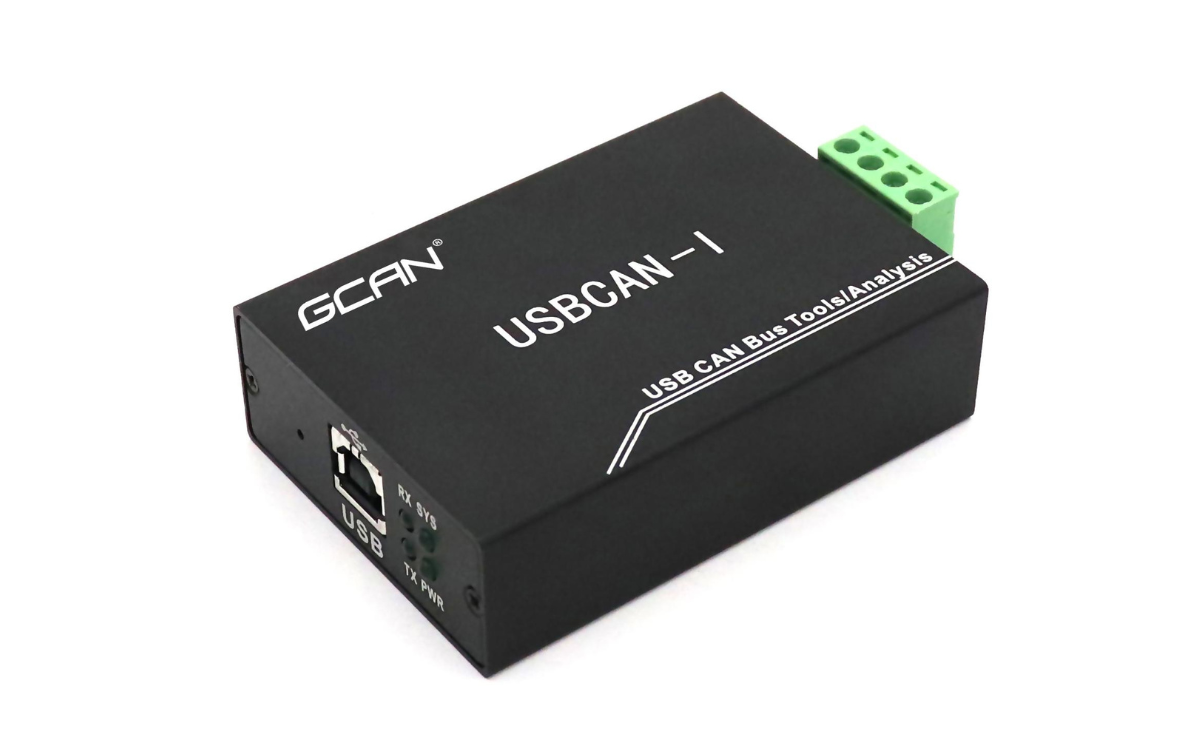
USBCAN-I PRO Single-Channel USB CAN Analyzer with CANopen Master
CAN Bus Monitoring · CANopen Master · OBD II Diagnostics · SDK & API Documentation · Windows & Linux
Related Topic: #Wireless CAN Communication
1 Related ArticlesRelated Topic: #CAN Bus & CAN FD
7 Related Articles GCAN-212B Application: Ethernet-Based CAN Bus Diagnosis and Testing
Use the GCAN-212B to connect a PC-based diagnostic application to a CAN network over Ethernet. Monitor CAN traffic, transmit test messages, and analyze communication responses.
GCAN-212B Application: Ethernet-Based CAN Data Acquisition
Connect CAN field devices to an Ethernet-based PC using the GCAN-212B. Collect, monitor, and record CAN data through TCP or UDP Socket communication.
GCAN-211 Application: Wireless CAN Bus Monitoring & Data Acquisition
Wireless CAN Bus Monitoring · WiFi Connectivity · 2-Channel CAN · TCP/UDP Communication · Remote CAN Data Acquisition
GCAN-208 Application: Long-Distance CAN Communication
Long-Distance CAN Communication · GCAN-208-1 Fiber Optic Repeater · Up to 20 km · CAN 2.0A/B · Electrical Isolation · Industrial Applications
GCAN-205 Application: Modbus TCP to CAN Command Transmission
PLC-to-CAN Command Transmission · GCAN-205 Modbus TCP-to-CAN Gateway · Modbus TCP Slave · CAN 2.0A/B · Triggered and Cyclic Transmission
GCAN-205 Application: CAN Data Acquisition via Modbus TCP
CAN Data Acquisition via Modbus TCP · GCAN-205 Modbus TCP-to-CAN Gateway · PLC Integration · CAN 2.0A/B · Configurable Register Mapping
USBCAN-II C Application: Dual-Channel CAN Network Monitoring
2-Channel CAN Monitoring · Independent Bus Diagnostics · CAN 2.0A/B · Real-Time Frame Capture · USBCAN-II C
Related Topic: #Ethernet TCP/IP Communication
3 Related Articles GCAN-212B Application: Ethernet-Based CAN Bus Diagnosis and Testing
Use the GCAN-212B to connect a PC-based diagnostic application to a CAN network over Ethernet. Monitor CAN traffic, transmit test messages, and analyze communication responses.
GCAN-212B Application: Ethernet-Based CAN Data Acquisition
Connect CAN field devices to an Ethernet-based PC using the GCAN-212B. Collect, monitor, and record CAN data through TCP or UDP Socket communication.
GCAN-211 Application: Wireless CAN Bus Monitoring & Data Acquisition
Wireless CAN Bus Monitoring · WiFi Connectivity · 2-Channel CAN · TCP/UDP Communication · Remote CAN Data Acquisition
GCAN-211 WiFi to CAN Gateway: Technical FAQ & Troubleshooting
Q Why choose the GCAN-211 instead of a wired-only Ethernet-to-CAN gateway? ▼
The GCAN-211 is the optimal choice for dynamic or hard-to-wire environments (e.g., AGVs, robotic arms, rotating platforms). By integrating 1x WiFi, 1x Ethernet, and 2x CAN interfaces, it eliminates the need for costly slip rings or physical cables. It operates seamlessly as a WiFi to CAN converter in both AP and Station modes
Q Do I need to configure the device via WiFi? ▼
No. Initial configuration must be done via a physical Ethernet cable to ensure absolute stability and prevent configuration failures caused by wireless interference. Once configured, you can disconnect the cable and operate entirely over the WiFi transparent TCP/UDP pipeline.
Q How does the GCAN-211 handle data conversion for custom software? ▼
It acts as a Level 2 transparent data bridge. The module directly encapsulates and streams raw 13-byte CAN frames over standard TCP Server, TCP Client, or UDP Sockets. This allows your custom host software (C#, Python, C++) to access dual independent CAN channels with ultra-low latency and zero protocol mapping overhead.
Q Can multiple users or devices access the CAN bus simultaneously? ▼
Yes. In AP hotspot mode, the GCAN-211 supports multiple concurrent TCP/UDP socket connections. This means multiple PCs, tablets, or monitoring systems can simultaneously read and transmit raw CAN frames across the dual channels without hardware conflicts, making it ideal for collaborative R&D and SCADA integration.
Q Is the GCAN-211 suitable for harsh industrial environments? ▼
Absolutely. It is designed for industrial-grade reliability, featuring 2500V DC electrical isolation on the CAN side to prevent overvoltage damage. It operates efficiently within a wide temperature range of -40°C to +85°C and supports a wide DC power input of 9~24V.
Q Do I need to install specific drivers for secondary development? ▼
No drivers are required. All secondary development and application integration rely on standard Socket programming. We provide a free configuration software (CANet-Wifi-Config) and comprehensive SDKs (C#/VB examples) to accelerate your custom software development.