Communication Challenge
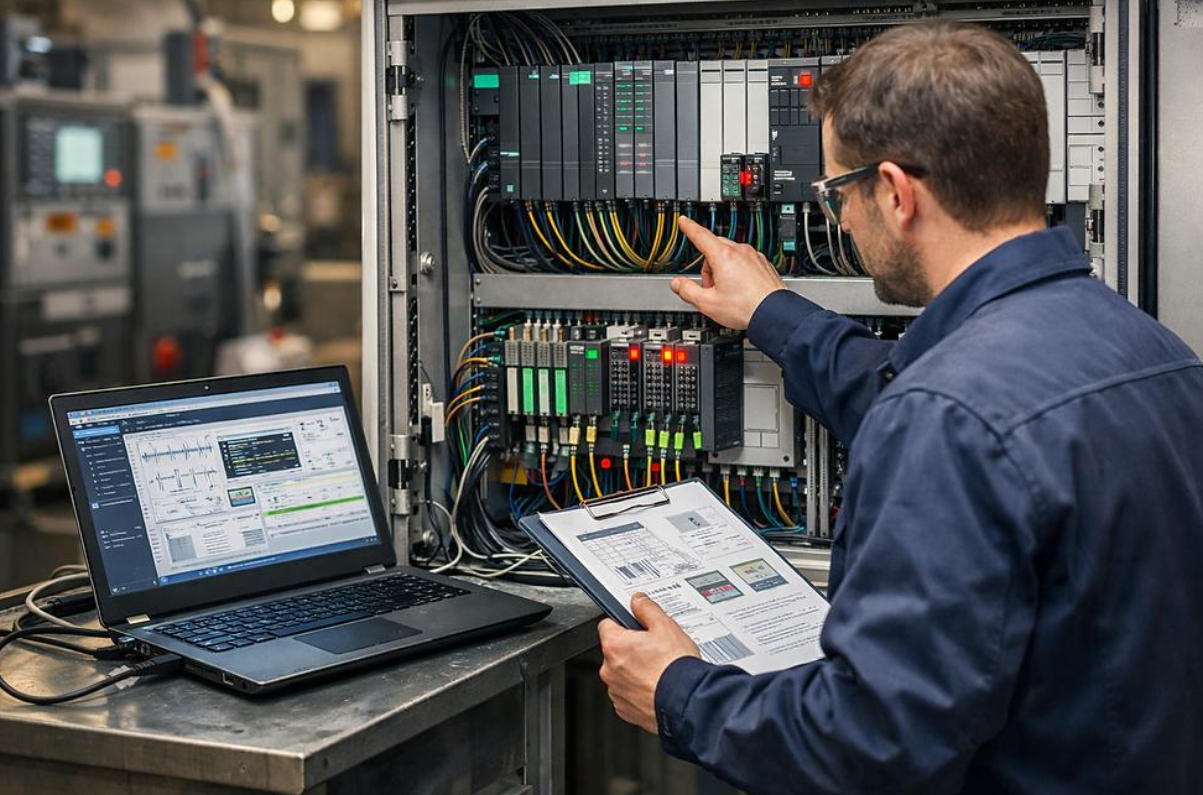
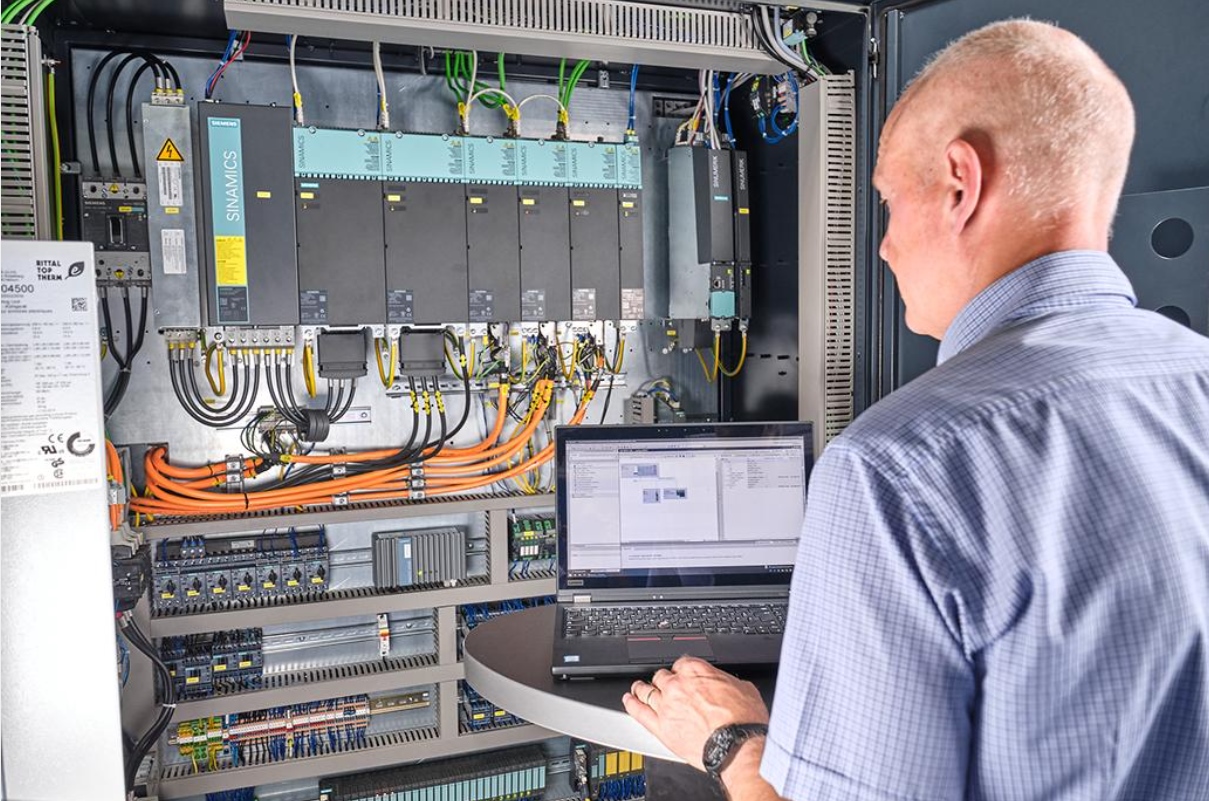
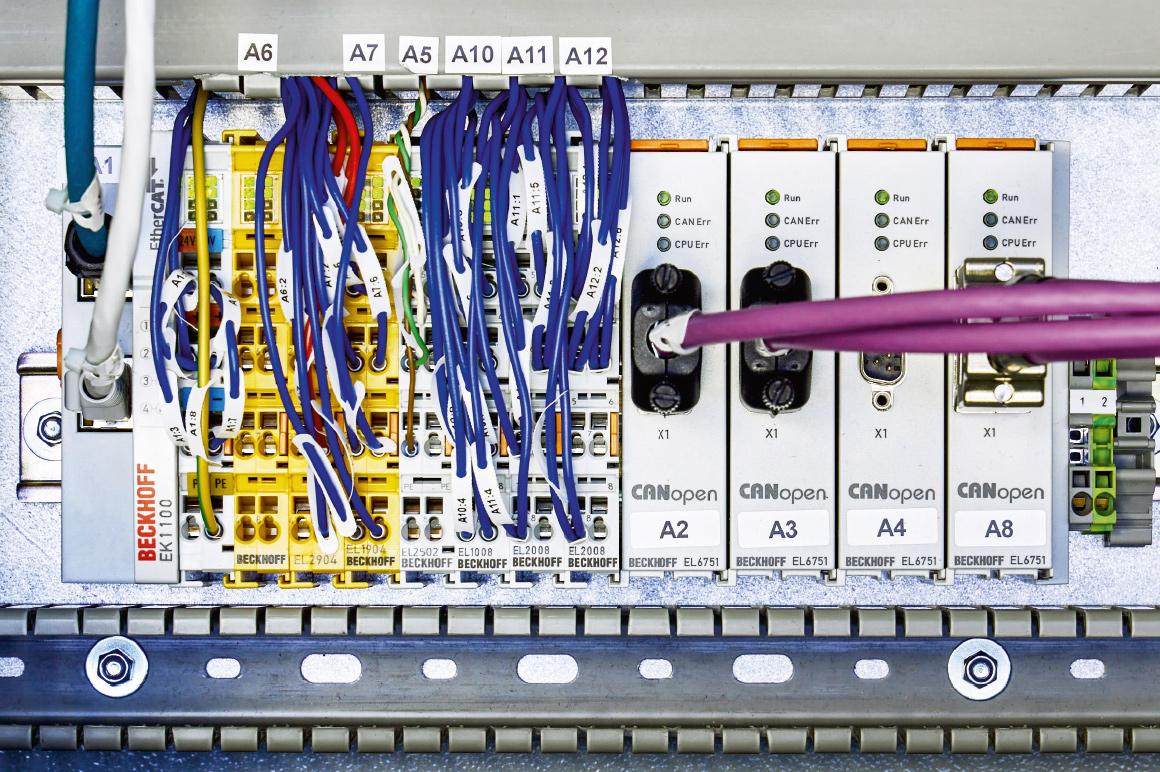
In industrial automation systems, an EtherCAT-based PLC may need to communicate with existing CAN-based controllers, sensors, or field devices.
However, these devices use different communication protocols, making direct communication between the EtherCAT control system and the CAN network difficult.
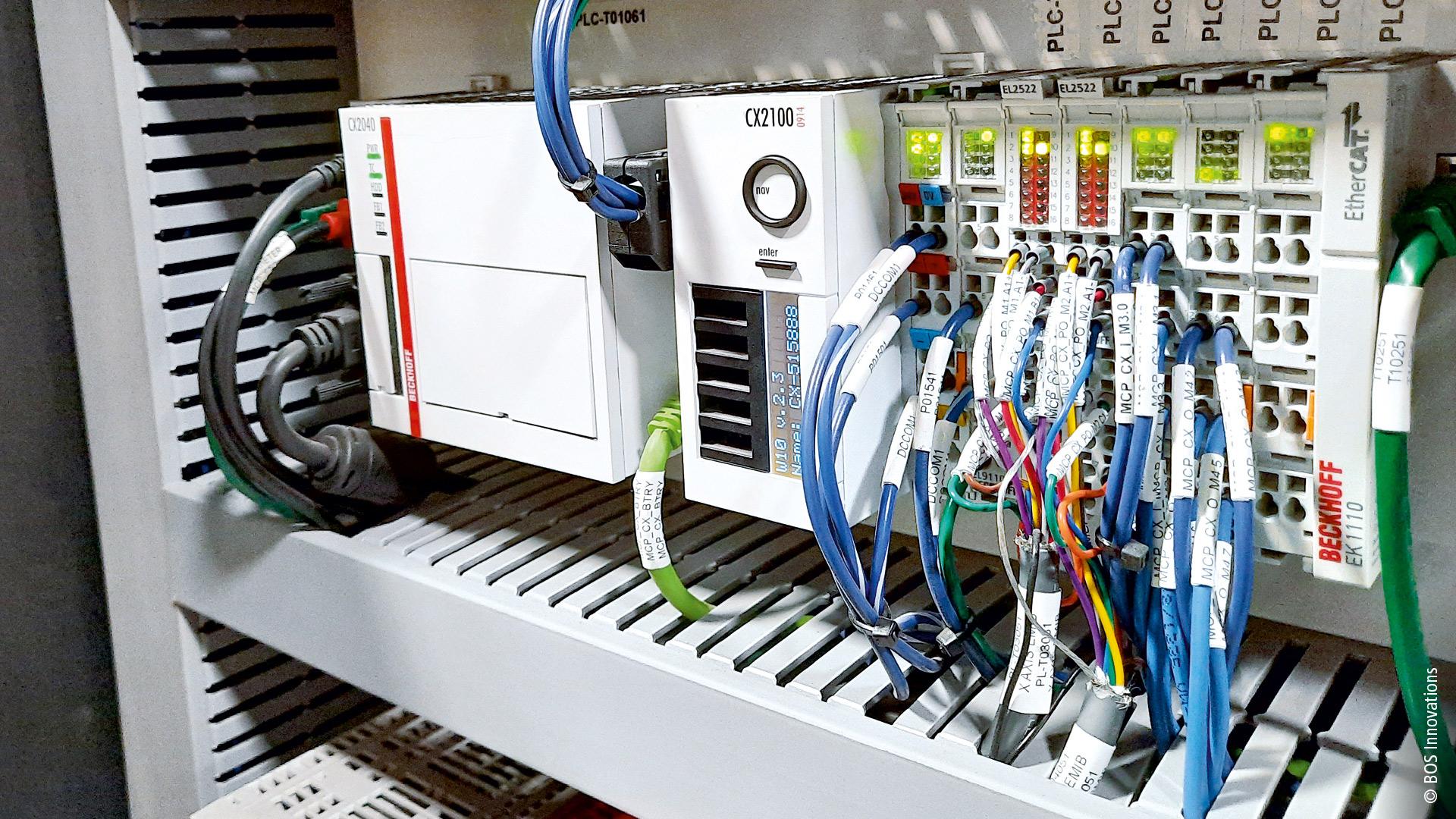
Integrating CAN-based field devices into an EtherCAT control system
Solution
The GCAN-GT-8221-CAN operates as an EtherCAT slave gateway, connecting the EtherCAT master to a CAN 2.0A/B network.
It enables communication between the two networks, allowing existing CAN devices to be integrated into an EtherCAT-based automation system.
Products Used
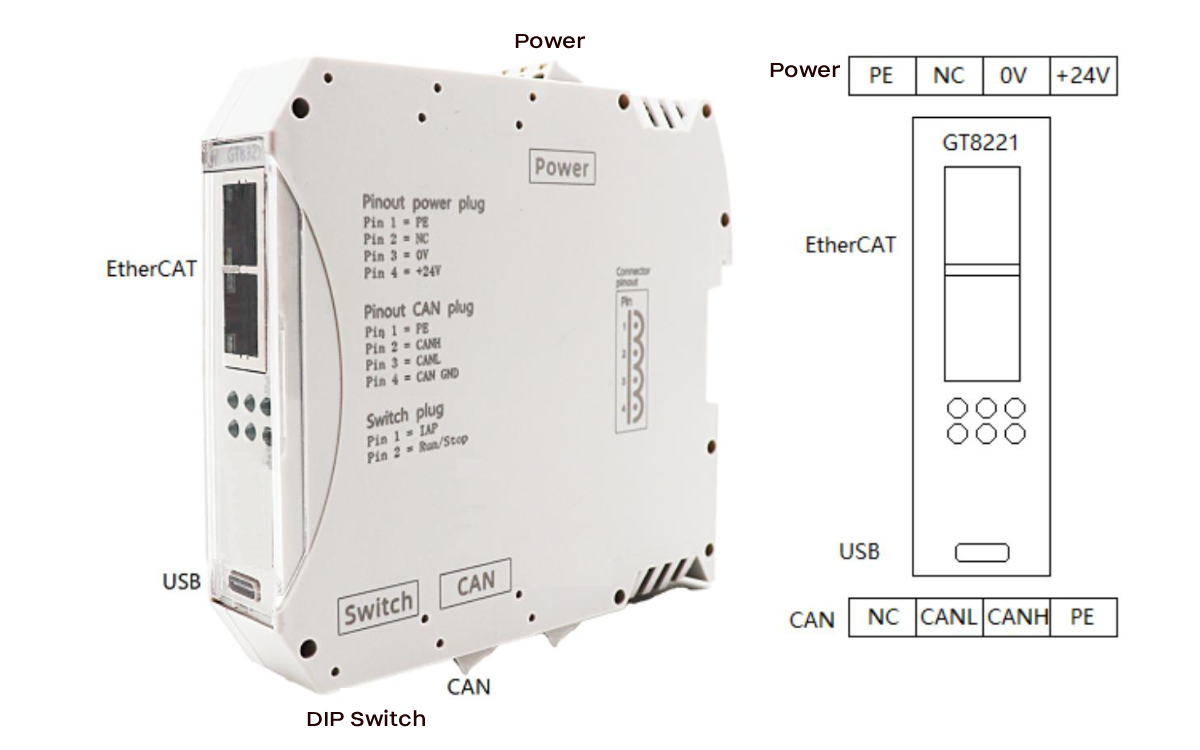
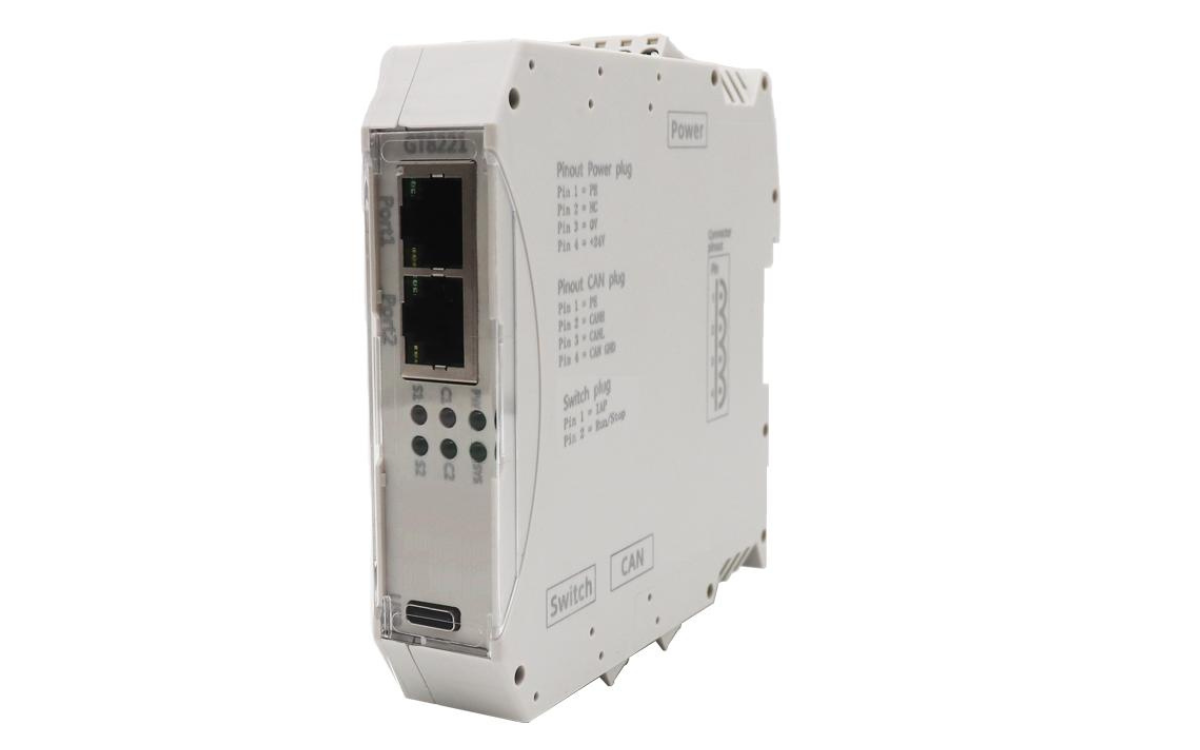
GCAN-GT-8221: Level 2 Raw CAN Routing & Level 4 CANopen Master Management.
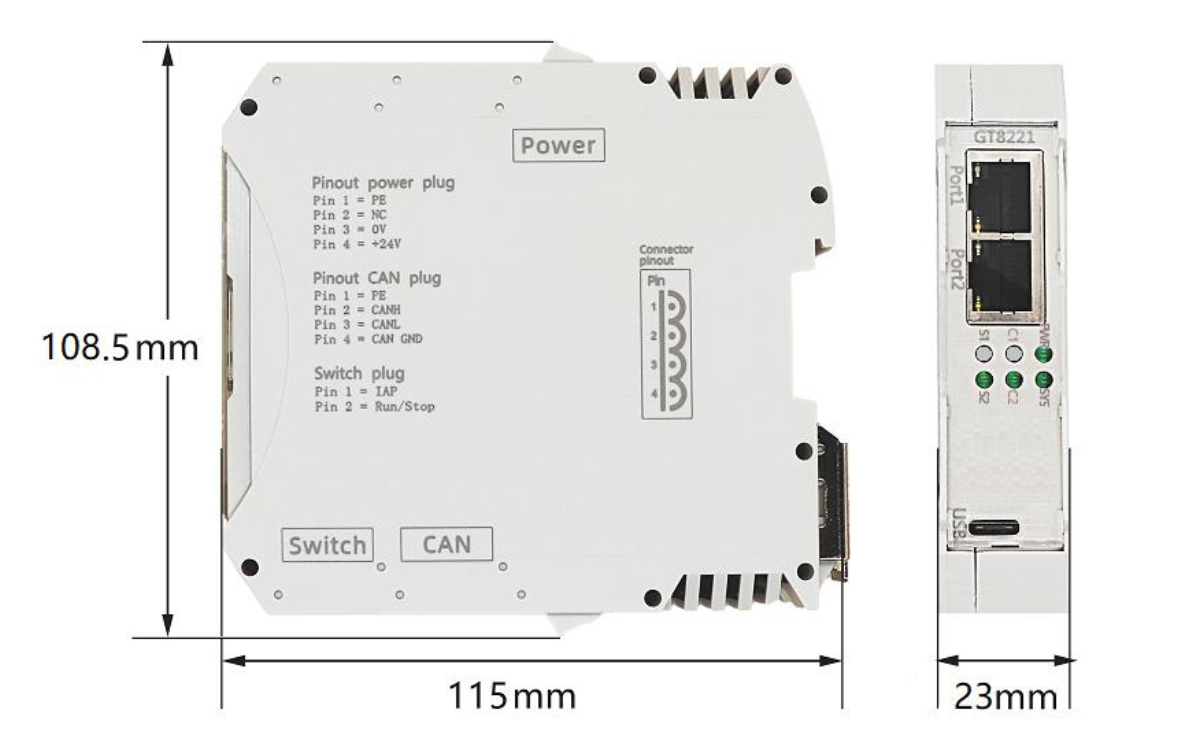
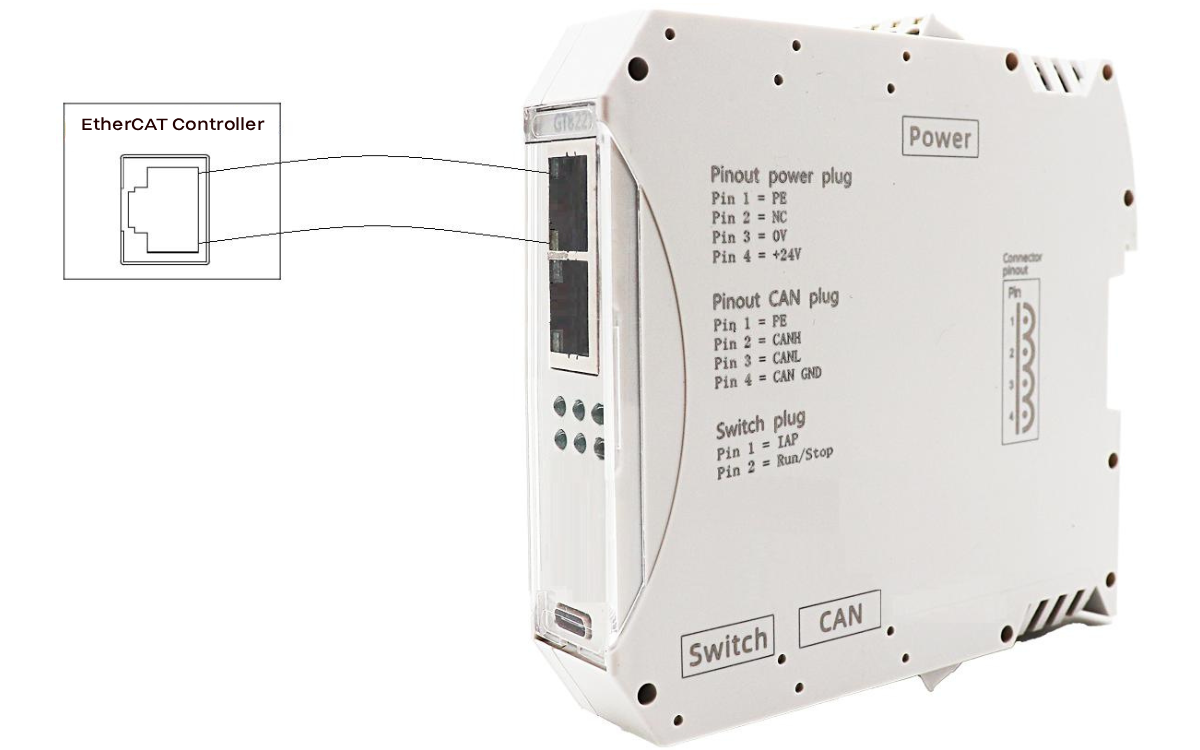
1 × GCAN-GT-8221-CAN EtherCAT to CAN Gateway
1 × EtherCAT Master PLC or Controller
CAN-based sensors or field controllers
Ethernet CAT5 cable
CAN bus twisted-pair cable
Related Topic: #GCAN-205
1 Related Articles
Interfaces & Protocols
- EtherCAT Master ↔ GCAN-GT-8221-CAN: EtherCAT · Slave
- GCAN-GT-8221-CAN ↔ CAN Devices: CAN Bus · CAN 2.0A/B
- Power Supply: 24 V DC
How Data Flows
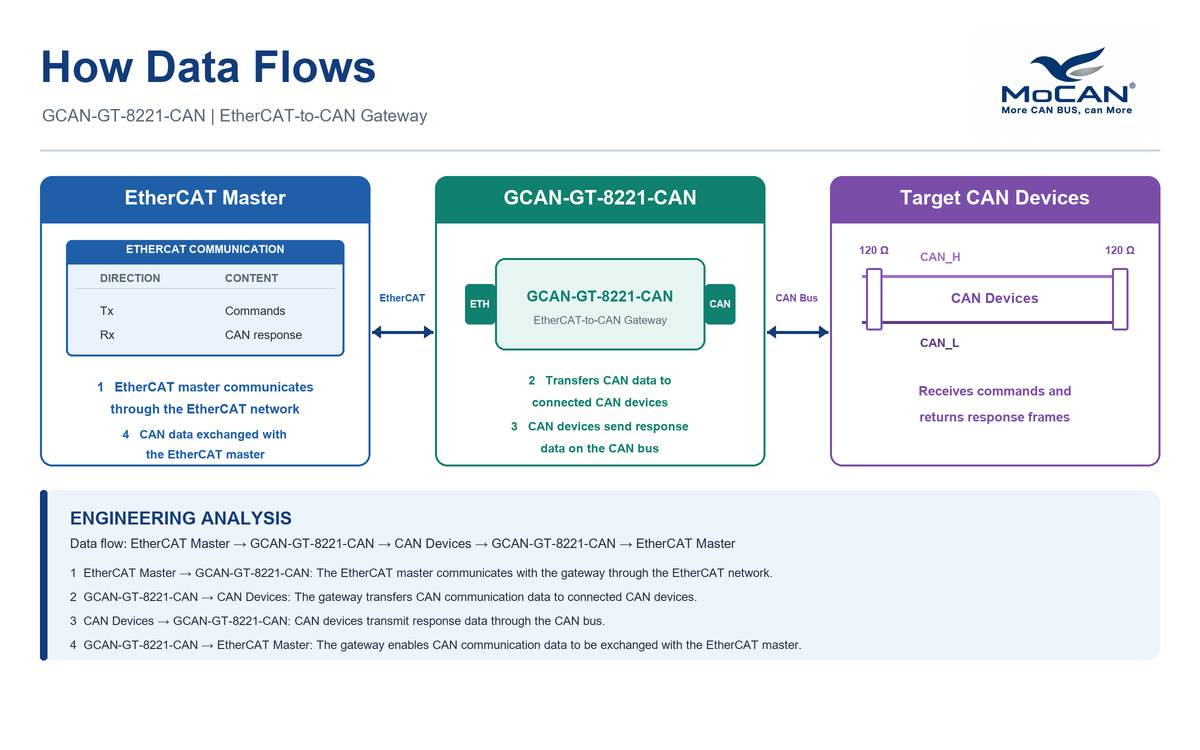
- EtherCAT Master → GCAN-GT-8221-CAN: The EtherCAT master communicates with the gateway through the EtherCAT network.
- GCAN-GT-8221-CAN → CAN Devices: The gateway transfers CAN communication data to connected CAN devices.
- CAN Devices → GCAN-GT-8221-CAN: CAN devices transmit response data through the CAN bus.
- GCAN-GT-8221-CAN → EtherCAT Master: The gateway enables CAN communication data to be exchanged with the EtherCAT master.
Result
The GCAN-GT-8221-CAN enables existing CAN-based equipment to communicate with an EtherCAT control system without replacing the connected CAN devices.
It provides a practical solution for integrating legacy CAN equipment into modern EtherCAT-based industrial automation systems.
Related Topic: #PLC to CAN Device Integration
2 Related Articles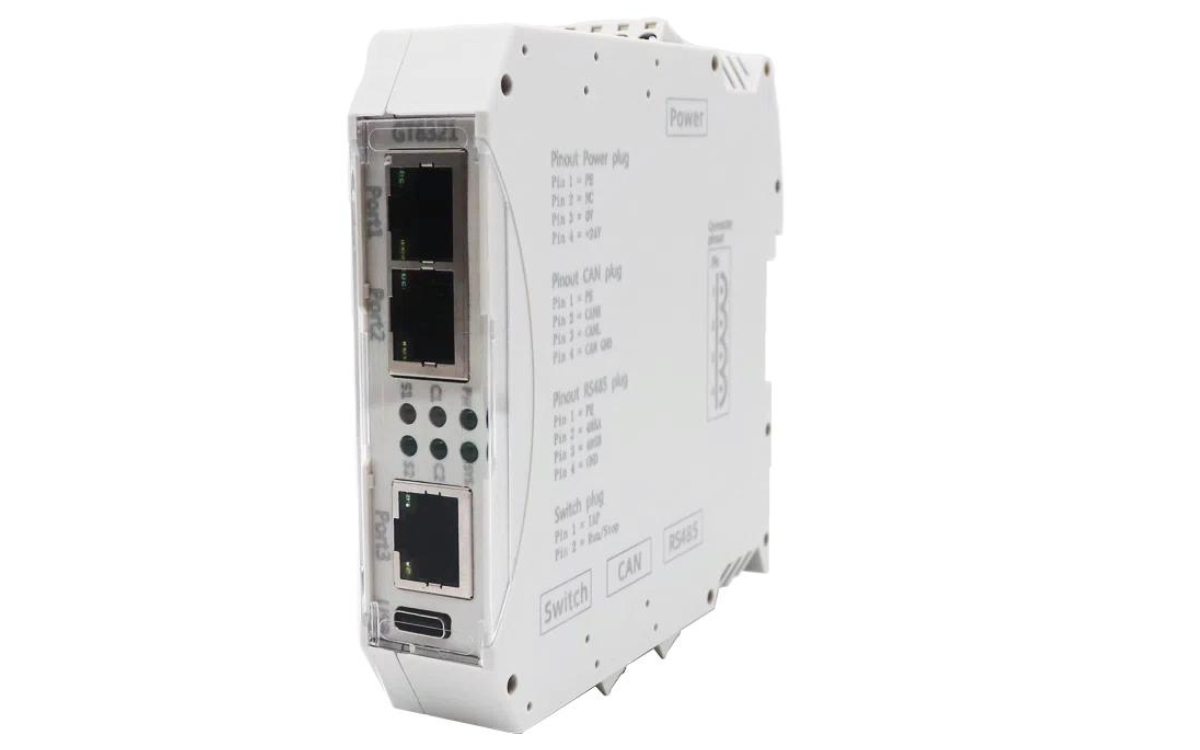
GCAN-GT-8321 Series:Profinet to CAN/CANopen/Modbus
Standard Models: Fixed Master/Slave Configuration for Plug & Play PROG Model: Fully Programmable Smart Gateway (CAN/RS485/Ethernet)
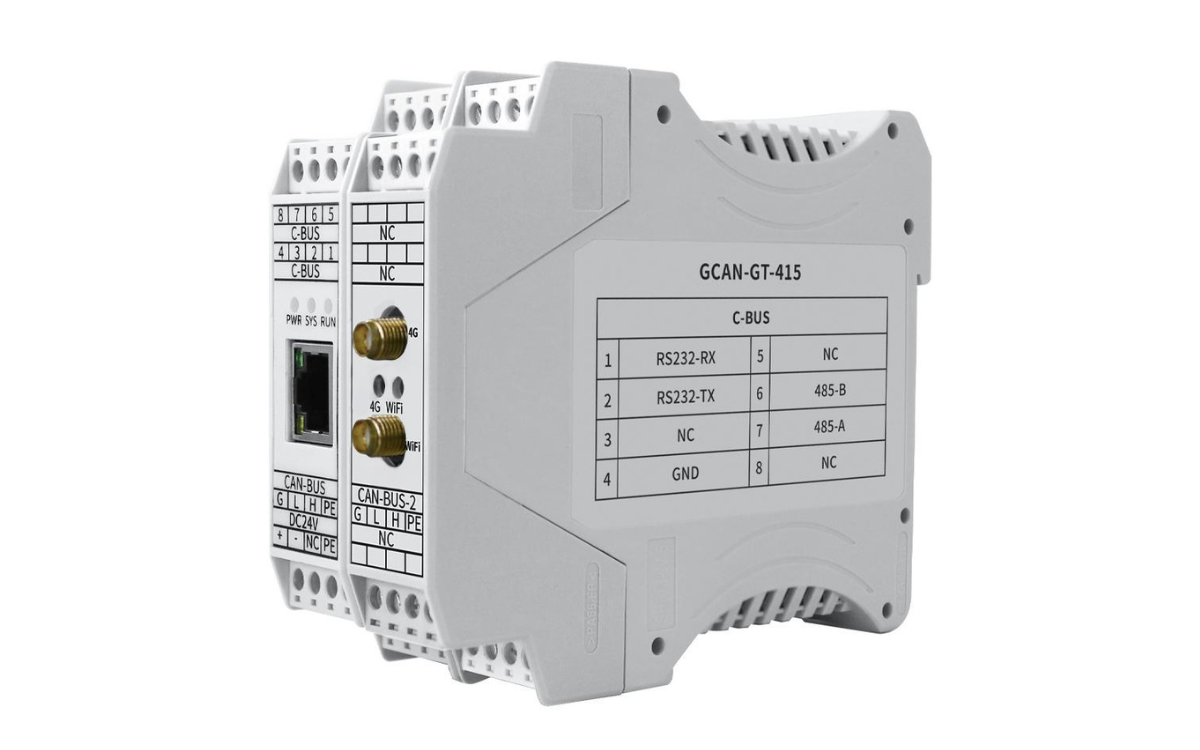
GCAN-GT-415 Programmable Multi-Protocol Gateway
CAN / CANopen / Modbus TCP / Modbus RTU / RS232 / RS485 / Ethernet / 4G / WiFi — programmable protocol conversion with OpenPCS
Related Topic: #CAN Bus & CAN FD
14 Related Articles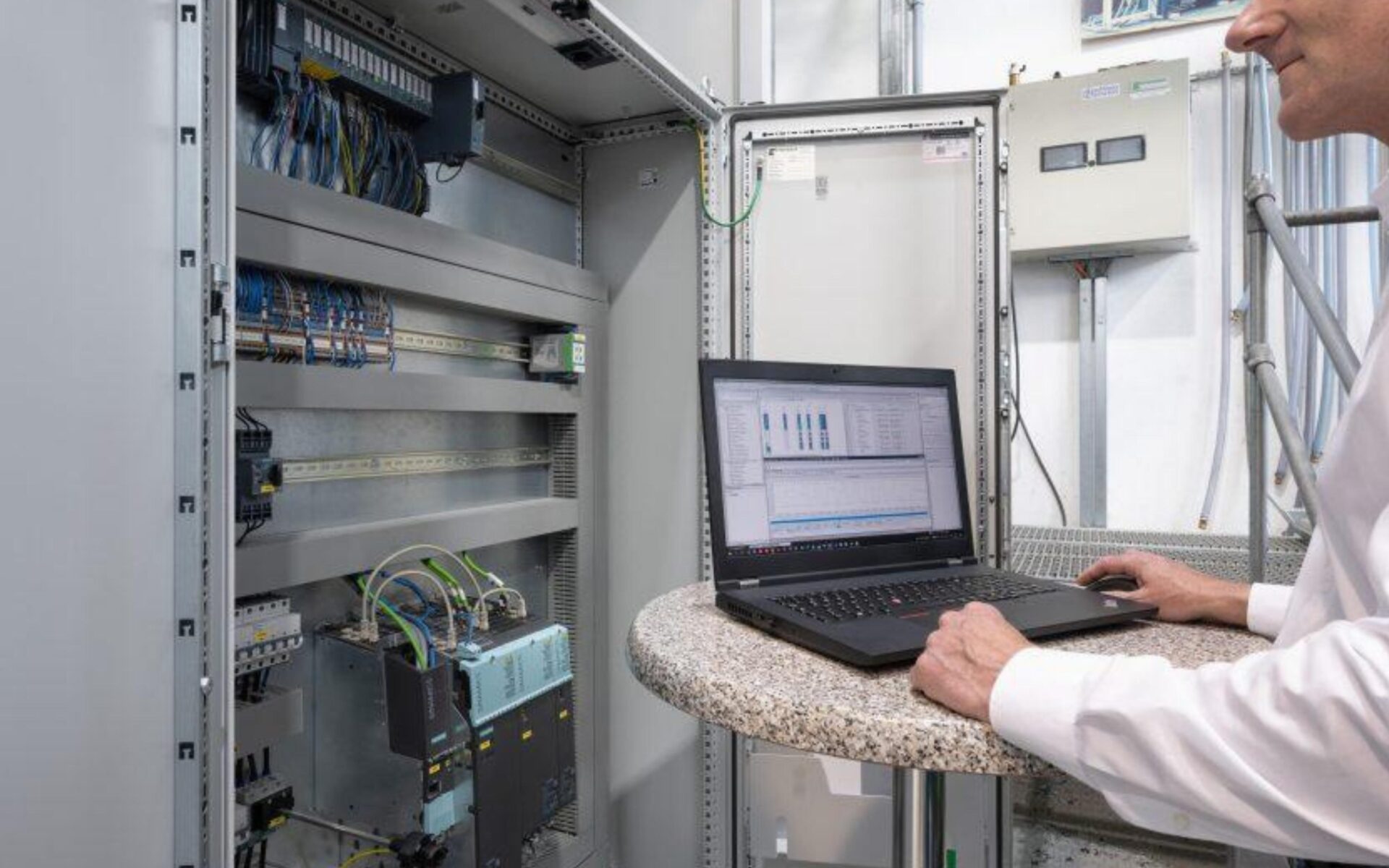
GCAN-212B Application: Ethernet-Based CAN Bus Diagnosis and Testing
Use the GCAN-212B to connect a PC-based diagnostic application to a CAN network over Ethernet. Monitor CAN traffic, transmit test messages, and analyze communication responses.
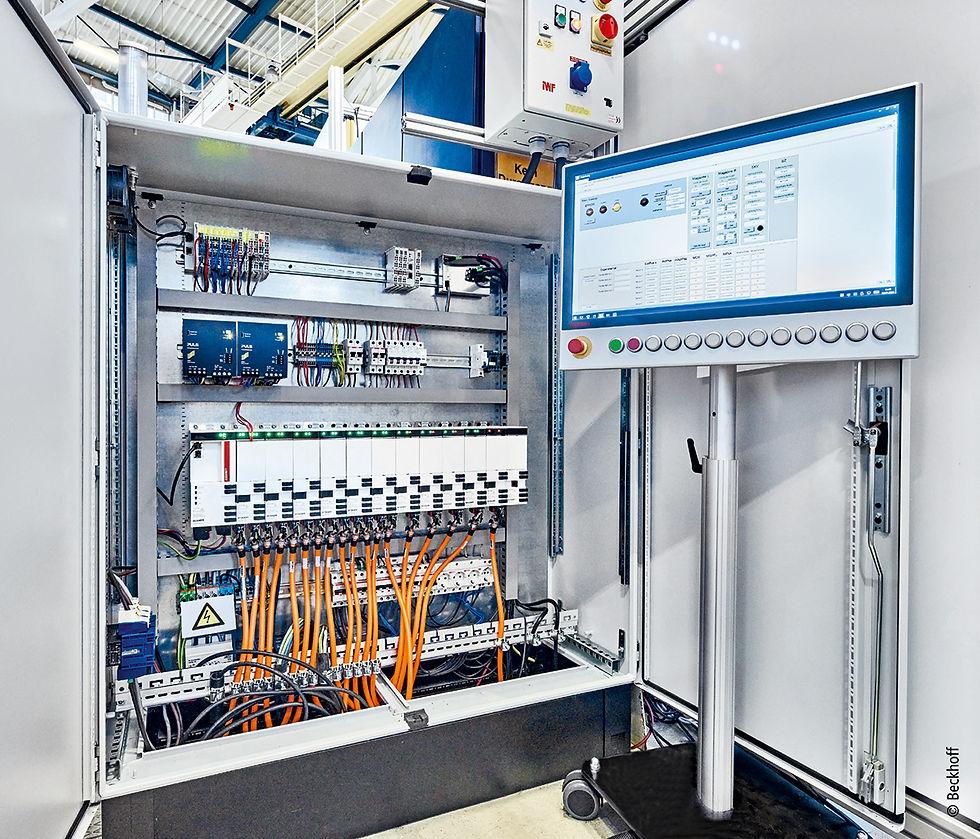
GCAN-212B Application: Ethernet-Based CAN Data Acquisition
Connect CAN field devices to an Ethernet-based PC using the GCAN-212B. Collect, monitor, and record CAN data through TCP or UDP Socket communication.
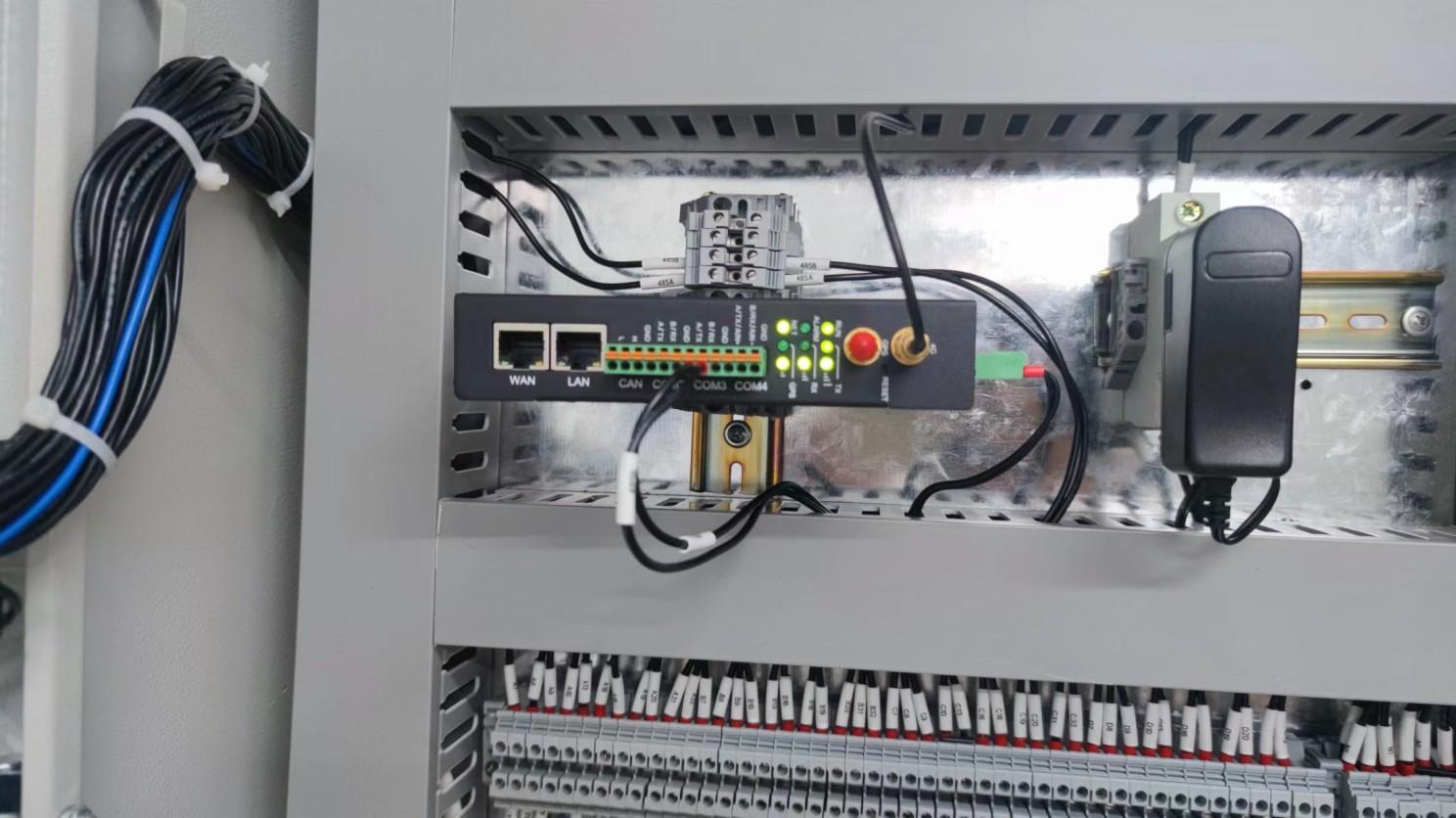
GCAN-211 Application: Wireless CAN Bus Monitoring & Data Acquisition
Wireless CAN Bus Monitoring · WiFi Connectivity · 2-Channel CAN · TCP/UDP Communication · Remote CAN Data Acquisition
GCAN-208 Application: Long-Distance CAN Communication
Long-Distance CAN Communication · GCAN-208-1 Fiber Optic Repeater · Up to 20 km · CAN 2.0A/B · Electrical Isolation · Industrial Applications
GCAN-205 Application: Modbus TCP to CAN Command Transmission
PLC-to-CAN Command Transmission · GCAN-205 Modbus TCP-to-CAN Gateway · Modbus TCP Slave · CAN 2.0A/B · Triggered and Cyclic Transmission
GCAN-205 Application: CAN Data Acquisition via Modbus TCP
CAN Data Acquisition via Modbus TCP · GCAN-205 Modbus TCP-to-CAN Gateway · PLC Integration · CAN 2.0A/B · Configurable Register Mapping
USBCAN-II FD Application: CAN FD Communication Testing
2-Channel CAN/CAN FD · CAN FD Frame Testing · Up to 64-Byte Payload · Data Rate up to 5 Mbps · 1 μs Timestamping · USBCAN-II FD
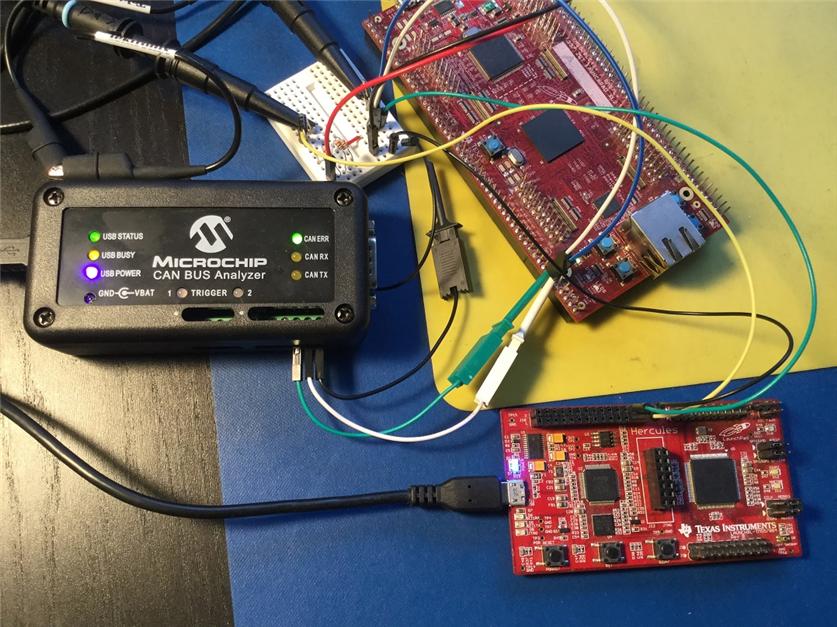
USBCAN-II C Application: CAN Device Development & Testing
CAN Frame Transmission & Reception · Embedded CAN Device Testing · Message Simulation · CAN 2.0A/B · USBCAN-II C
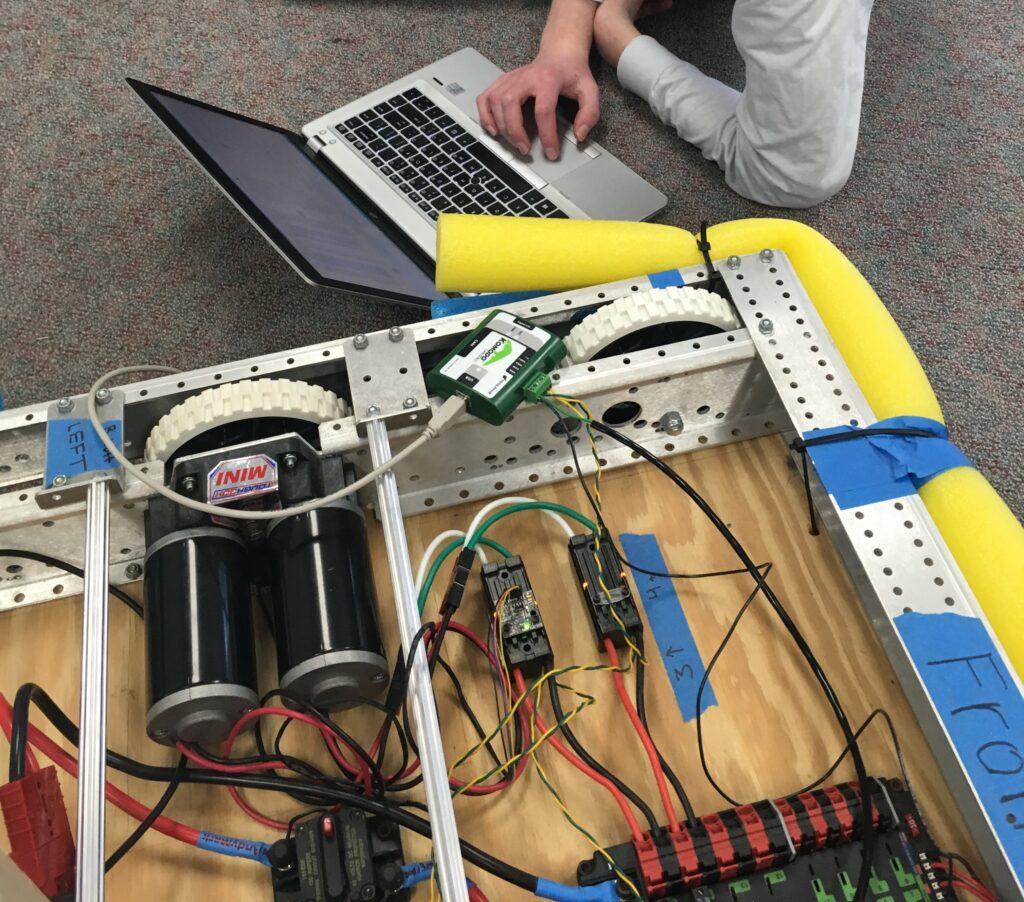
USBCAN-II C Application: Dual-Channel CAN Network Monitoring
2-Channel CAN Monitoring · Independent Bus Diagnostics · CAN 2.0A/B · Real-Time Frame Capture · USBCAN-II C
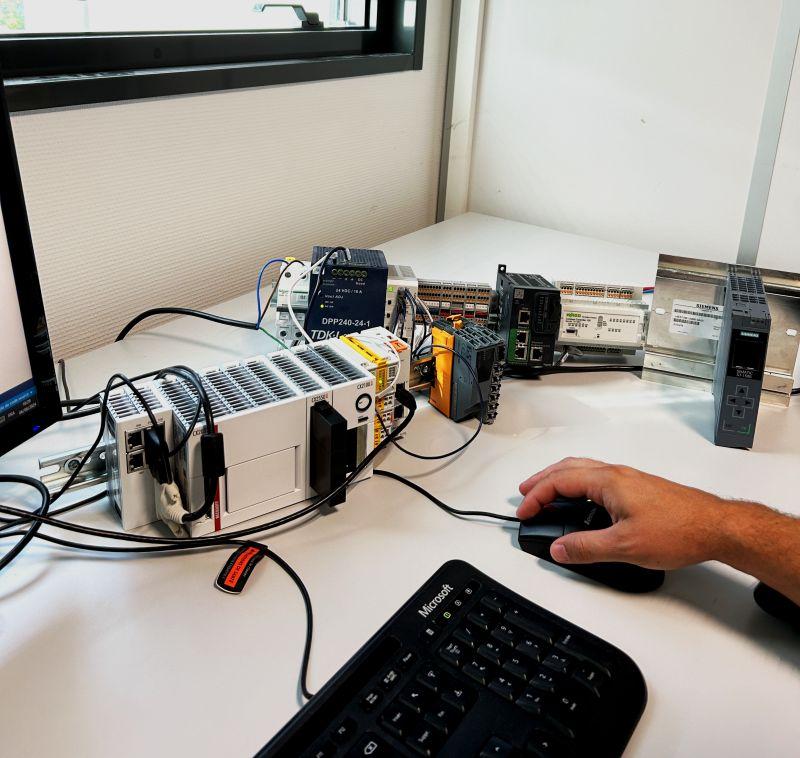
USBCAN-II PRO Application: CANopen Network Diagnostics
CANopen Network Diagnostics · Slave Node Scanning · SDO Parameter Access · PDO Monitoring · NMT & Emergency Status · USBCAN-II PRO
Choose the Right Industrial CAN Gateway
| Model | Processing Level | CAN-Side Role | Can it act as a Master? | Sub-models / Programmability | Interfaces | Application | |
| GCAN-204 | Register mapping (Not transparent) | Fixed Modbus RTU Slave | No. Modbus RTU Slave only. | Single fixed firmware. Free config software, zero programming. | 1× RS485, 1× CAN 2.0A/B |
PLC/HMI (Modbus master) reading CAN sensors; legacy retrofits. | |
| GCAN-205 | Register mapping (Not transparent). | Fixed Modbus TCP Slave | No. Modbus TCP Slave only. | Single fixed firmware. Free config software. | 1× Ethernet, 1× CAN 2.0A/B |
SCADA/HMI reading CAN devices over Ethernet. | |
| GCAN-208 | Pure physical-layer passthrough. | No protocol role | No. No protocol stack. | Sub-models: 208-1, 208-2, 208-2F. | 1–2× Fiber, 1–2× CAN 2.0A/B |
Long-distance CAN extension, high EMI isolation. | |
|
Socket-level transparent transmission. | No protocol role | No. Data pipe only. | Single unit. Can work in pairs as a wireless CAN repeater. | 2× CAN, 1× Ethernet, 1× WiFi |
Wireless CAN access, mobile debugging. | |
| GCAN-212B | Socket-level transparent transmission. | No protocol role | No. Data pipe only. | Single unit (DIN-rail). | 2× CAN, 1× Ethernet |
Dual-channel CAN to Ethernet inside cabinets. | |
| GCAN-GT-8221 | Splits by sub-model: | EtherCAT Slave → CAN: |
|
Sub-models: -CAN, -COM. Fixed firmware. | 2× EtherCAT (daisy-chain), 1× CAN |
EtherCAT PLC integrating existing CANopen slave devices. | |
| • -CAN: Raw passthrough. | • -CAN: Passthrough | ||||||
| • -COM: CANopen slave stack (Semantic parsing). | • -COM: CANopen Slave | ||||||
| GCAN-GT-8321 | Splits by sub-model (Most comprehensive): | Profinet Slave → CAN: | Profinet side: No. | Sub-models: -CAN, -COM, -COS, -MRTUM, -MRTUS, -MTCPS, -PROG. | 2× Profinet, 1× CAN, 1× RS485, 1× Ethernet (varies) |
Siemens PLC integrating CANopen drives; active CANopen network management. | |
| • -CAN: Raw passthrough. | • -CAN: Passthrough | CAN side: NO | |||||
| • -COM: CANopen Slave. | • -COM: CANopen Slave | CAN side: NO | |||||
| • -COS: CANopen Master (NMT, node monitoring). | • -COS: CANopen Master | CAN side: -COS YES | |||||
| • -PROG: Programmable. | User-defined (Master/Slave configurable) | Yes (Configurable via program) | |||||
| GCAN-GT-415 | Full programmable semantic processing. | Configurable via program | Yes, fully configurable. CANopen & Modbus Master/Slave. | No fixed sub-models. Programmable via OpenPCS (IEC 61131-3). | 2× CAN, Ethernet, RS485, RS232, 4G, WiFi | Multi-protocol mixing, non-standard logic, remote upload (acts as a mini-PLC). |